Start with a high-quality cardstock for your wrapping design. Opt for a weight of around 150-200gsm for durability. Heavier paper ensures your parcels will hold their shape and won’t tear easily during handling.
Choose a pattern or design that suits the recipient’s personality or interests. Classic motifs like snowflakes, geometric patterns, or personalized messages are a great starting point. Keep in mind that simple designs often have a more polished look, but you can go bold with colors and illustrations for a more festive touch.
When it comes to printing, use a high-resolution file to ensure sharp lines and vibrant colors. Avoid using cheap printer paper; instead, use matte or gloss-coated sheets that complement the design. Adjust your printer settings to the highest quality to get the best printout.
How to Create Stunning Wrapping for Your Presents
For a clean, professional look, choose a design that reflects both your style and the recipient’s preferences. Classic patterns, like plaid or stripes, never go out of fashion, but don’t shy away from contemporary motifs such as minimalistic dots or personalized text.
Before printing, select a high-quality material to work with. Opt for 160-200 gsm paper for a sturdier, more durable outcome. This weight will prevent the paper from tearing during wrapping and ensure a smooth, neat finish.
If you’re creating your own design, make sure to use a program that allows for high-resolution images. A minimum of 300 DPI (dots per inch) ensures the printout remains sharp and vibrant, even when printed on larger sheets.
For a more festive touch, consider incorporating metallic or foil accents in your design. This can be done by printing in metallic ink or adding foil sheets after printing. It adds a subtle shine that will elevate the presentation of your package.
Ensure you have the correct settings on your printer. Opt for the highest quality print option to avoid blurry lines or dull colors. This is especially important for designs with intricate details or fine text.
When printing, be mindful of the paper’s grain direction. Always run the paper through the printer with the grain parallel to the direction of the print. This helps avoid wrinkles or paper jams.
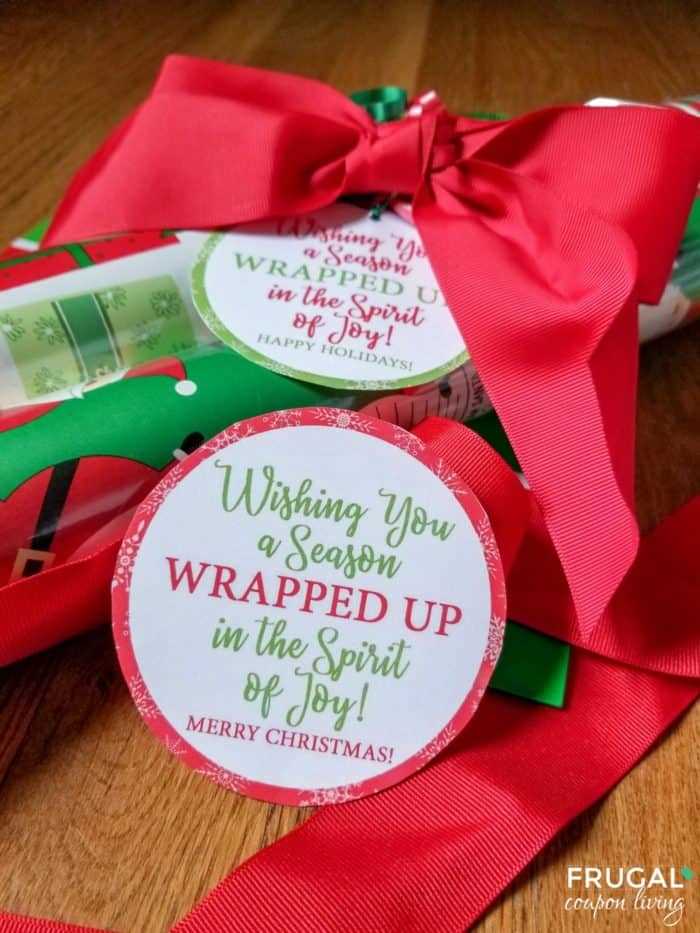
For a unique touch, consider creating a personalized label to match your design. You can print a small message or the recipient’s name directly on the wrapping, or use a separate piece to make it stand out more.
Once printed, carefully cut and fold your design around the item. Ensure the edges line up neatly, and use double-sided tape for a clean finish. Avoid using glue as it can create lumps that disrupt the smoothness of the wrap.
How to Create Custom Printable Gift Wrap Designs
Begin by choosing a theme for your design. Whether you want something elegant, playful, or modern, a clear theme helps guide your color palette, patterns, and overall style. For example, use pastel colors for a soft and minimalist look, or bold, contrasting hues for something more eye-catching.
Next, choose a design tool that allows for precise customization. Free programs like Canva or more advanced options like Adobe Illustrator provide templates and grid systems, making it easier to create well-aligned and visually appealing patterns. These platforms also allow you to add personalized text or images.
For a consistent and professional look, create a repeating pattern. This could be anything from stars and stripes to geometric shapes. Make sure to keep your design balanced, with enough spacing between elements to avoid visual clutter.
If you plan to incorporate photos or illustrations, ensure they are high-resolution images. Low-quality pictures may look pixelated or blurry when printed, so it’s worth investing in high-quality graphics for a polished finish.
Text-based designs can be highly effective, especially when incorporating the recipient’s name or a festive message. Choose a font that fits your theme and is easily readable, even at smaller sizes. Opt for fonts with clear lines, avoiding overly intricate or cursive styles.
To enhance your design further, consider adding small details like borders, shadows, or textures. A thin border around the edges can frame the wrap nicely, while a subtle texture can give the paper a more tactile, luxurious feel.
Once the design is finalized, test it by printing a sample on regular paper. This allows you to make adjustments for size, color, or layout before committing to your final print on higher-quality paper.
Lastly, remember that the design should complement the wrapping technique. A minimalist design works best with simple folding, while more intricate patterns may benefit from creative ribbon placements or embellishments to highlight the design’s features.