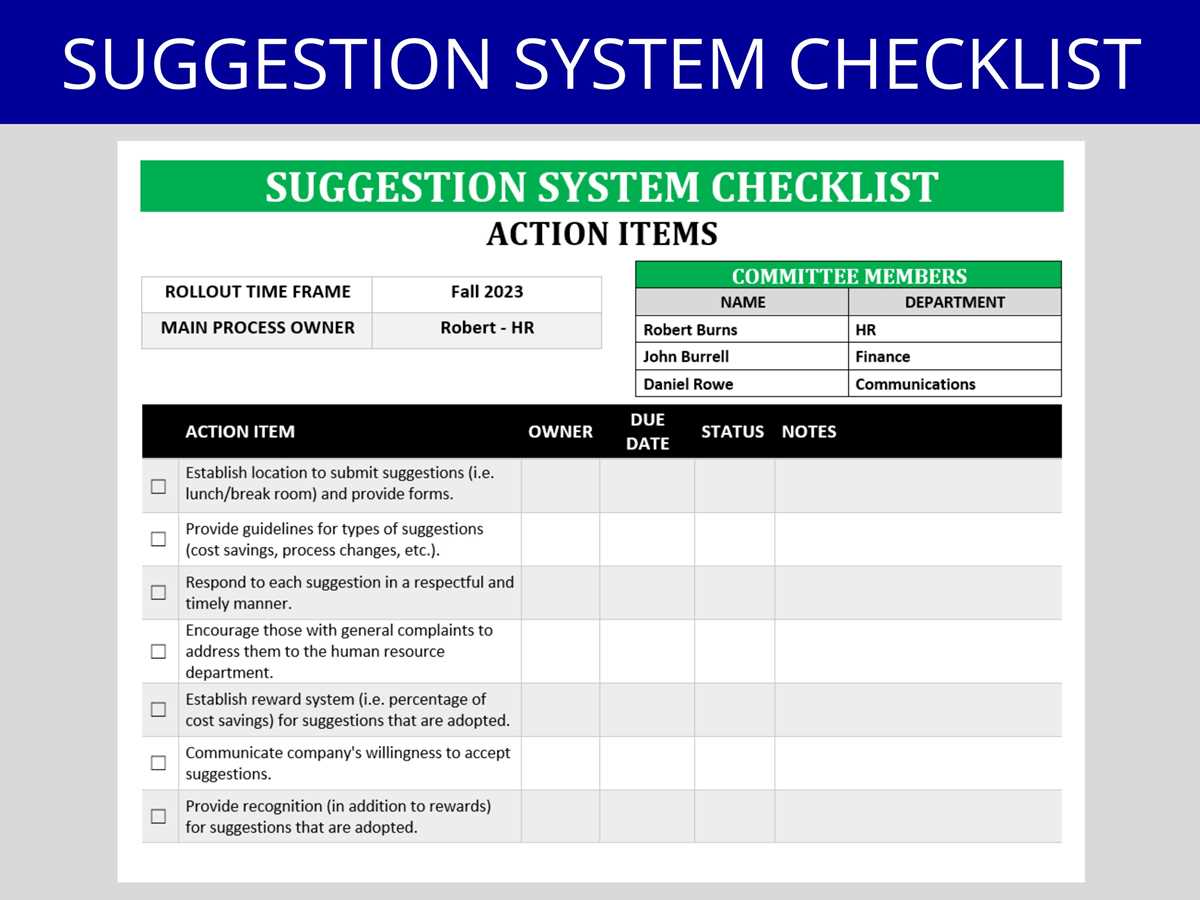
Use a one-page feedback form with clearly separated fields for category, detailed comment, and optional contact details to collect structured input. Allocate at least 60% of the page to a lined comment area (8–12 lines) and place checkboxes for topics such as service, facilities, or communication at the top to simplify sorting. Keep margins at 0.5 inches and use 12–14 pt sans-serif type for readability.
Print the forms on 80–100 gsm paper for easy folding and place them near a locked drop container with a narrow 0.5-inch slot to maintain privacy. Add a short instruction line in bold, limit the total length to one sheet, and include a date field to track recurring issues over time. Review submissions weekly and group responses by theme to identify repeated concerns and actionable ideas.
Printable Suggestion Box Template for Offices Schools and Events
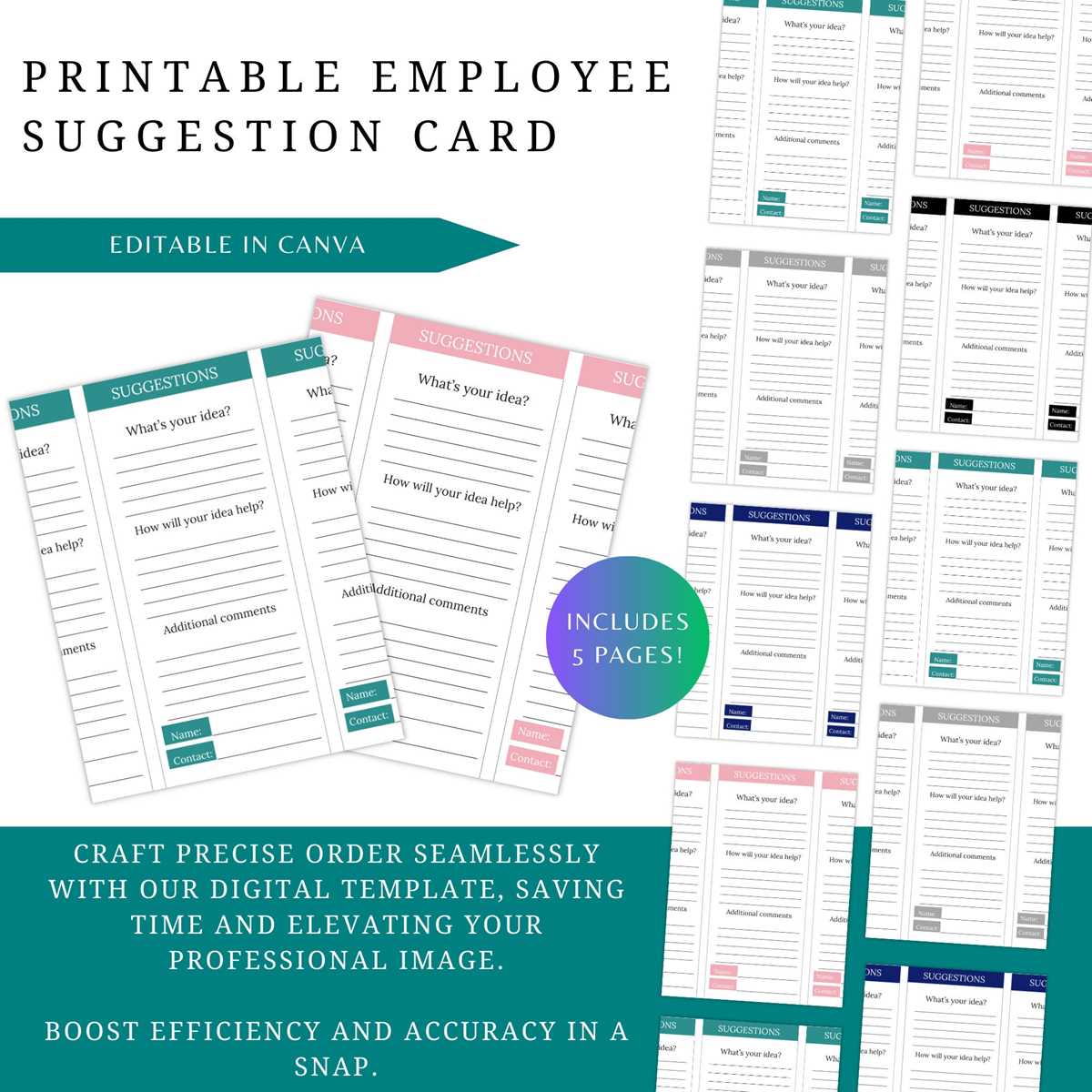
Design a one-page feedback slip with three fixed sections: topic checkboxes, a lined comment field covering at least half the page, and an optional contact area limited to name and email. Use 12 pt sans-serif text, 1.15 line spacing, and clear labels such as Issue Type, Your Comment, and Contact Information. Keep the layout in black and white to reduce printing costs and maintain legibility under fluorescent lighting.
For offices, add predefined categories like workflow, workplace safety, and customer service to simplify sorting during weekly reviews. In schools, include grade level or class period fields to identify patterns across groups. At public events, keep the form anonymous by default and provide a small checkbox for follow-up consent to meet privacy expectations.
Print on standard 80 gsm paper and trim to A6 size if space near the locked collection container is limited. Place a short instruction line above the slot and empty the container on a fixed schedule, logging entries by date and category in a shared spreadsheet to track recurring themes and response time.
How to Structure a Suggestion Form with Clear Fields and Response Options
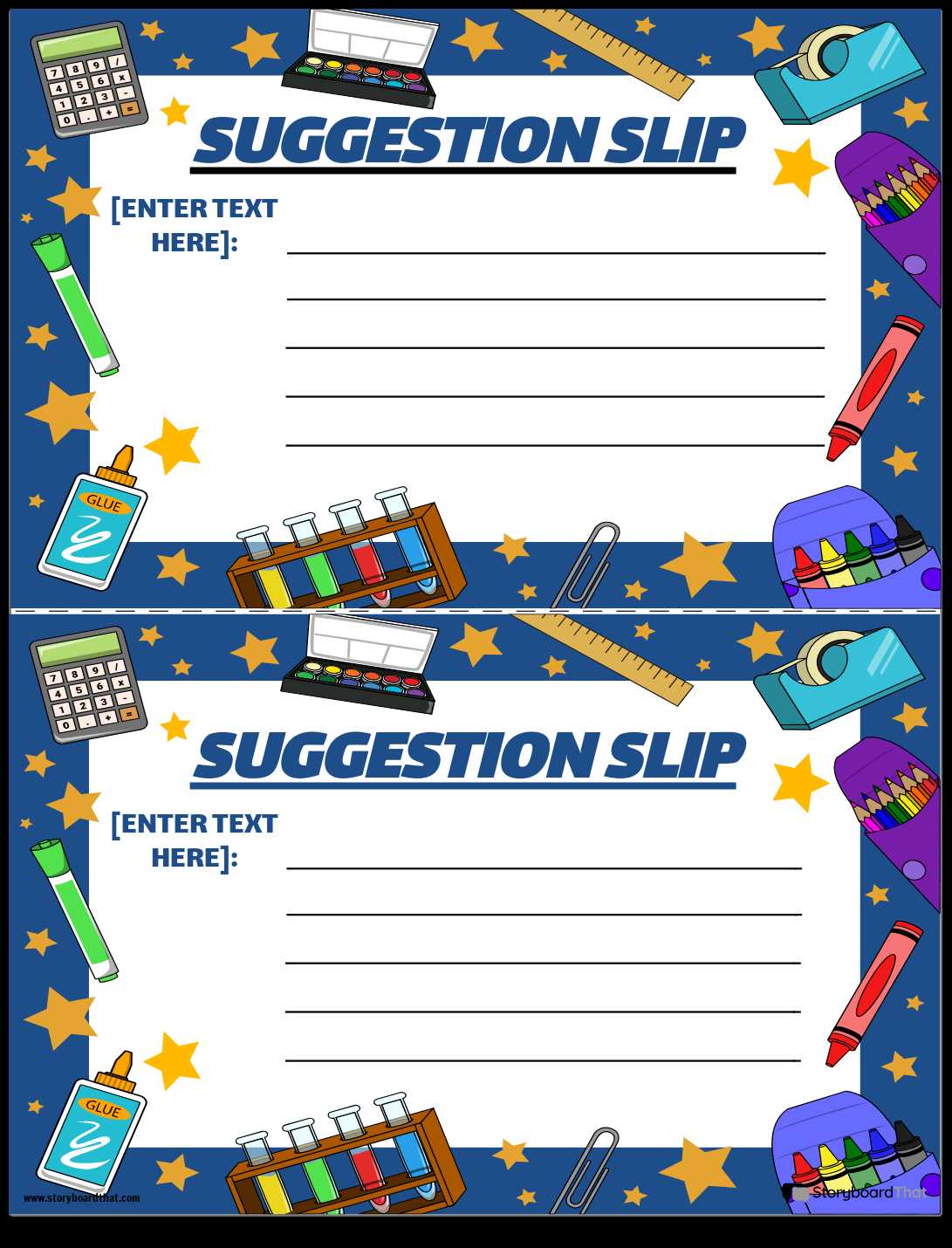
Divide the feedback sheet into clearly labeled blocks and limit it to one page to increase completion rates. Place the title at the top in 16–18 pt bold text, followed by concise instructions no longer than one sentence.
Organize the first section with predefined categories using checkboxes to simplify later sorting:
- Service quality
- Facilities or equipment
- Communication
- Safety concerns
- Other
Position the main comment area directly below the categories and allocate at least 8–12 ruled lines spanning 60% of the page height. Use 11–12 pt font with 1.2 line spacing and maintain 0.5-inch margins to keep handwriting legible after scanning or copying.
Add structured response prompts to guide detailed input:
- What is the issue or idea
- Where did it occur
- When did it happen
- What outcome would you like to see
Include an optional contact block at the bottom with small fields for name and email, clearly marked as voluntary. Provide a checkbox labeled I agree to be contacted to address privacy expectations.
Reserve a narrow right-hand column, about 2–3 cm wide, for internal use such as date received, reference number, and review status. This allows administrators to track progress without writing over participant comments.
Test the layout by printing a draft and filling it out by hand to check spacing, alignment, and clarity under typical lighting. Adjust line thickness and field spacing if handwriting overlaps or if checkboxes appear too small for quick marking.