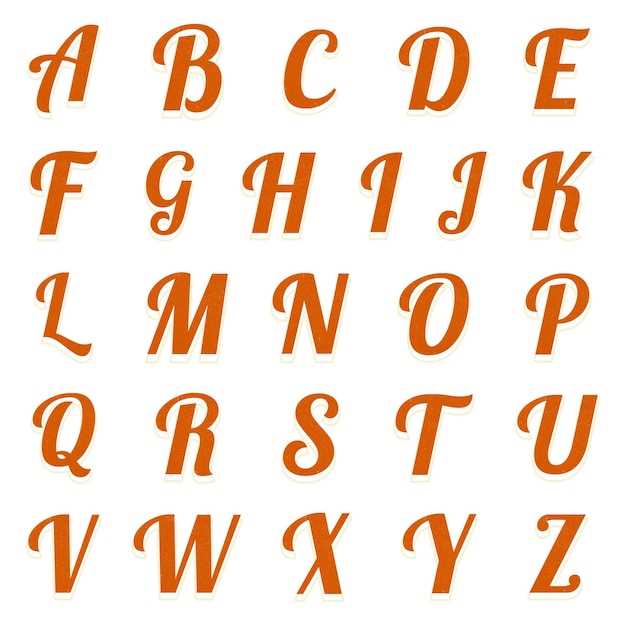
If you want to create eye-catching designs for posters or signage, consider using large, striking text that stands out. This style draws attention immediately and is perfect for promotional materials or DIY projects. You can easily print large typefaces at home using free online resources or word processing software.
For an optimal outcome, use high-quality paper and ensure that your printer is set to the highest resolution to capture the full impact of the type. This will help your creations look sharp and professional, even without advanced printing equipment.
Experiment with different fonts and weights to see which one works best for your specific needs. Some fonts may offer more legibility from a distance, while others provide a modern or artistic feel. Keep your design simple and avoid overcrowding the page with too many elements to let the printed text shine.
Using Large Typeface for Impactful Design
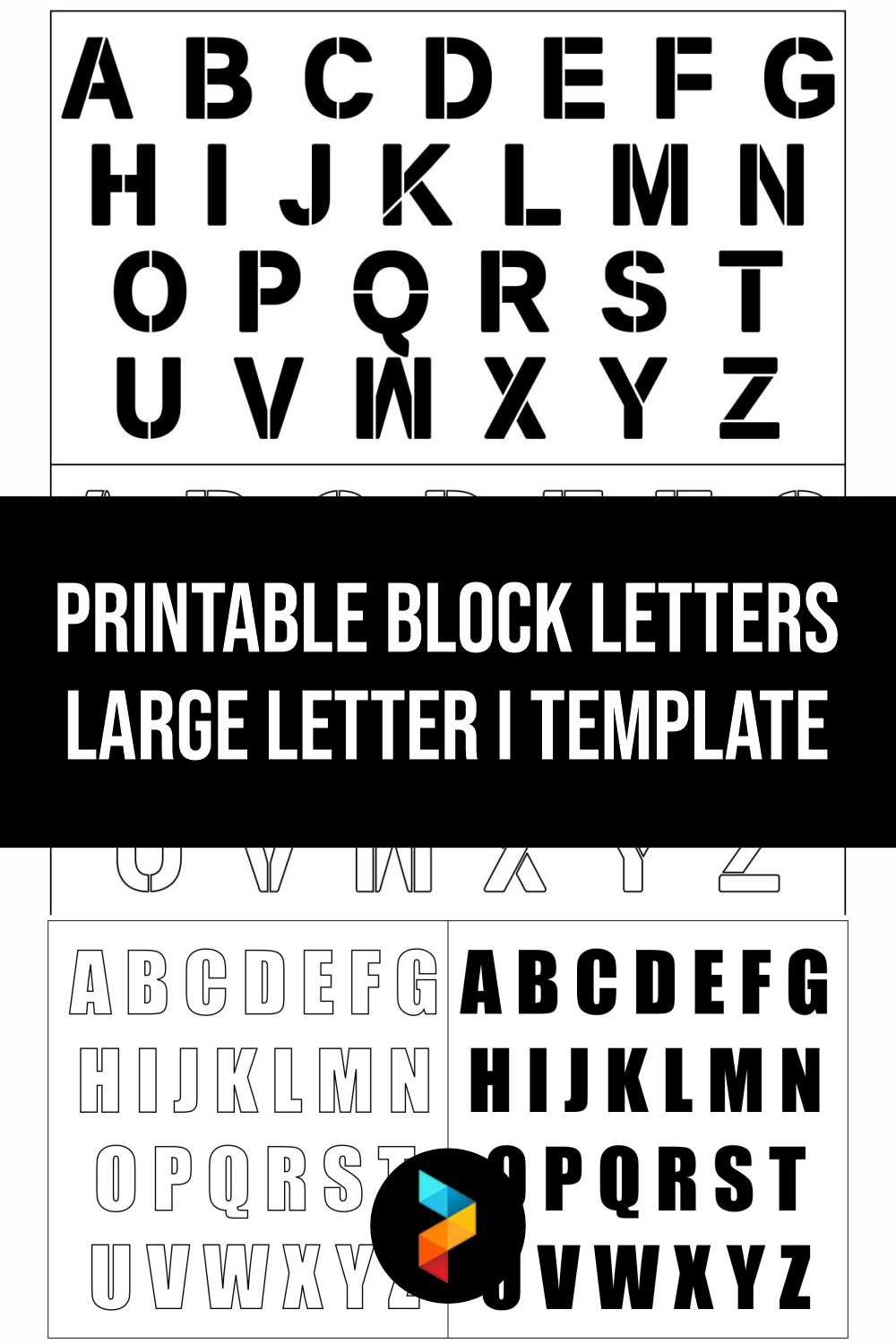
To make your text stand out in projects like flyers or banners, select a strong, thick typeface. Thick, heavy characters ensure visibility even from a distance, helping your message get noticed. You can use simple word processors or graphic design software to customize the size and weight to your liking.
It’s helpful to print a test page before committing to your final design. This allows you to see how the type looks on paper and make adjustments if necessary. Consider experimenting with spacing between each character for better readability, especially if your message includes multiple words or a catchy slogan.
When choosing the right font, focus on readability. Fonts that are too ornate or narrow can reduce the legibility of your design, making it harder to see from afar. Look for options that have clean, wide strokes but still offer a distinctive look.
For DIY projects, remember to use high-quality materials, like thick cardstock, to prevent the text from appearing distorted or blurred. Even with a standard home printer, these small adjustments can make a significant difference in the clarity and impact of your printed text.
How to Print Bold Letters for Posters and Flyers
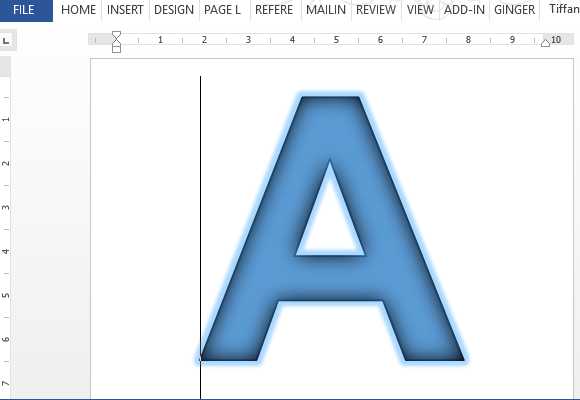
Start by choosing the right font that suits your design. For large, impactful text, select fonts with thick strokes that will remain clear even at larger sizes. Many word processors and design tools offer pre-made options, or you can download additional fonts from websites like Google Fonts or DaFont.
Next, ensure your printer settings are optimized for the job. Set the resolution to the highest possible quality to ensure crisp edges. Many printers offer an option to enhance text printing, which can help make the type clearer and more defined, especially when printing on textured or heavier paper.
When designing your project, use large font sizes that fit the scale of the materials you’re working with. If you’re printing a poster, fonts around 150-200 pt are usually a good starting point, but always check how the size translates when printed by doing a test print first.
For best results on posters and flyers, print on heavier paper. Glossy or matte cardstock provides a professional finish and prevents the paper from curling, which can distort the type. If you’re using standard printer paper, ensure it’s of a higher weight to avoid any unwanted transparency.
- Test print a small portion to make sure the text looks correct on your chosen material.
- Adjust margins if necessary to ensure the text fits well within the design area.
- Use contrasting colors for the background and type to make the text pop more.
Once printed, cut your posters or flyers carefully to avoid smudging or damaging the edges. If you’re handling a large batch, consider using a paper trimmer to ensure even cuts for a professional finish.