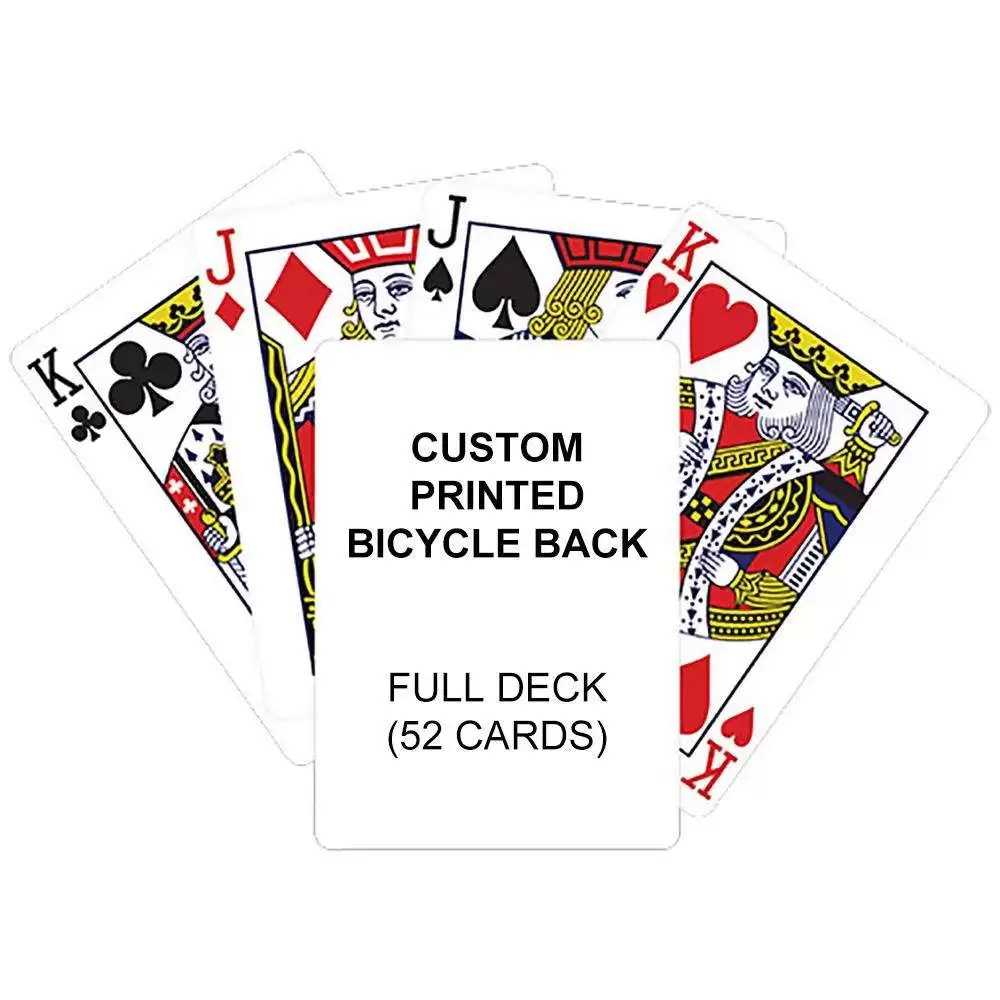
When you’re looking to craft a custom set for a card-based activity, printing a full collection of individual symbols and designs is a great way to go. Use high-quality templates that ensure accuracy when cutting out each piece to match your desired dimensions. If you have a design software like Adobe Illustrator, creating each element separately gives you flexibility for unique styles.
Choose a template that suits your needs–whether you’re designing for games or artistic purposes. Some designs feature intricate borders and others are more minimalist. Consider the weight and texture of the paper, as it impacts both durability and ease of handling once printed. For instance, thicker stock provides sturdier results, while lighter options are easier to shuffle.
If you prefer to avoid the hassle of handcrafting the design yourself, many online platforms offer downloadable templates. These resources often come in various file formats, including PDFs and vector files, that are simple to print. Just ensure the dimensions match your preferences, and check whether the files include guidelines for cutting each piece accurately.
To keep the designs sharp and clear, choose a high-resolution image setting when printing, especially if you plan on enlarging or reducing the size of the cards. Printing at 300 DPI (dots per inch) guarantees crisp detail for each visual element. Whether for personal use or for a unique gift, a custom card set allows you to incorporate your own flair and personality into the design.
How to Create Your Own Custom Card Set
For an easy DIY project, download and print a set of custom illustrations and symbols. Use high-quality card stock for durability, ensuring your images are sharp and clear. Opt for a design template that matches your intended style–whether you prefer minimalist, vintage, or modern art. Align the artwork on your sheets to avoid misprints, and make sure to test print on regular paper first before committing to card stock.
After printing, trim each piece with precision. Consider adding a protective coating to increase longevity. For a more professional finish, cut with a guillotine cutter rather than scissors. If you prefer extra personalization, you can even create custom suits or include personal touches such as family emblems or inside jokes for a unique touch.
HTML
How to Create Your Own Custom Set of Cards
Begin by selecting a design tool like Adobe Illustrator, Inkscape, or Affinity Designer. These programs offer precise control over shapes, colors, and elements. If you don’t have access to professional design software, use free online platforms like Canva or GIMP, which also support detailed customizations.
Decide on the size and shape of your set. A typical dimension is 2.5 inches by 3.5 inches, but this can be adjusted based on personal preferences or project requirements. Make sure the resolution is at least 300 DPI to guarantee high-quality prints. If you’re planning to create several sets with different styles or themes, organize each version into separate layers or artboards.
Design the front and back of your pieces. Choose a consistent theme or concept that ties everything together. Whether it’s minimalist, abstract, or illustrative, ensure the design elements are easy to read and aesthetically pleasing. Include clear borders for trimming, and leave enough space between elements to avoid overlap during printing.
- Use vector graphics to ensure scalability without loss of quality.
- Ensure there’s contrast between numbers/symbols and the background for legibility.
- Don’t overcrowd the design–simplicity often results in a more polished product.
Once your design is finalized, export the file in a high-resolution format such as PDF or PNG. Make sure each piece is aligned properly before printing. After printing, use a paper cutter for precise cuts, or opt for professional printing services to ensure your set looks clean and sharp.