
For your next craft project, consider using a mouse-shaped silhouette that can be easily downloaded and printed. Whether you’re planning a themed party or working on a DIY decoration, this simple template offers countless possibilities. You can use it as a stencil for wall art, greeting cards, or even for creating custom decorations like banners or cupcake toppers.
When printing the design, make sure to adjust the size to fit your needs. If you’re using a standard printer, it’s best to print the template on thicker paper or cardstock for better durability. To ensure crisp edges, use a sharp pair of scissors or a craft knife for cutting out the shape. For a more professional look, consider printing it on adhesive paper for easy application to various surfaces.
For those looking to add a personal touch, try customizing the template with colors, patterns, or even textures. You can fill the shape with unique designs like polka dots, stripes, or glitter for a festive look. Additionally, using colored pencils, markers, or paint can help enhance the finished product, making it stand out as a creative and fun project for all ages.
Using a Mouse-Shaped Template for Crafts
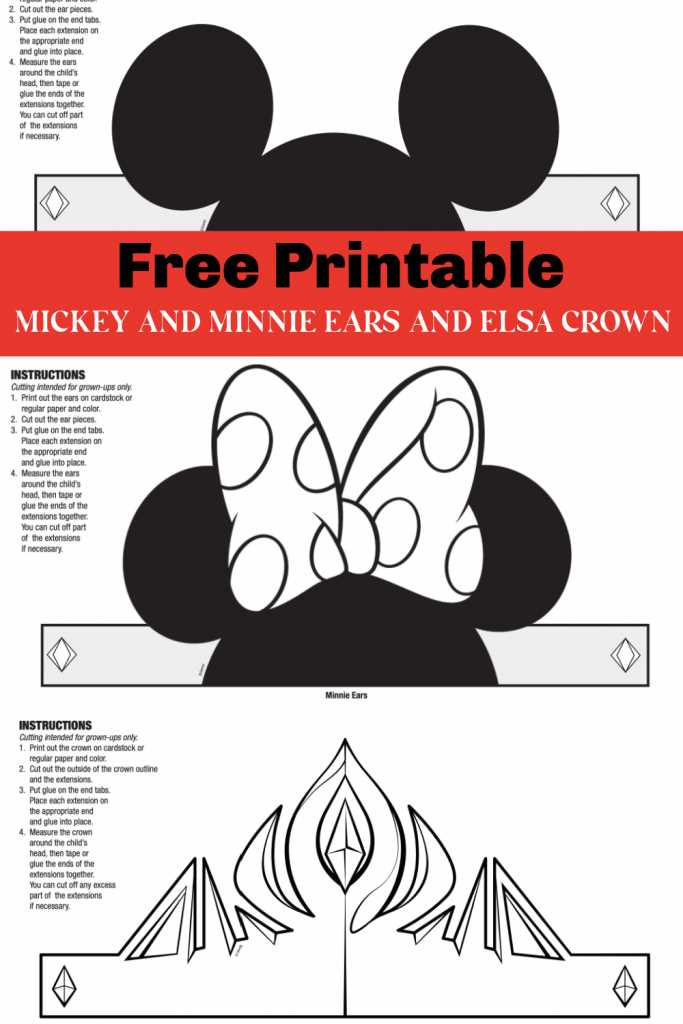
If you’re looking to create a fun DIY project, start by downloading a mouse face outline. This simple design can be printed directly from your home printer. Choose a thicker paper for better durability, especially if you’re planning to cut out the shape multiple times. Adjust the size before printing based on your needs; for small decorations, go with a smaller version, and for large party props or wall art, enlarge the template. Using a craft knife ensures precision when cutting along the edges for a clean finish.
Once printed, there are countless ways to use the shape creatively. Here are a few ideas:
- Create custom greeting cards by adding personalized messages and embellishments.
- Turn the template into fun party decorations, such as wall hangings, table centerpieces, or photo booth props.
- Cut out multiple shapes to create unique garlands or bunting for themed events.
- Use the outline as a stencil for painting or tracing the shape onto t-shirts or bags.
The possibilities are endless–let your imagination guide you!
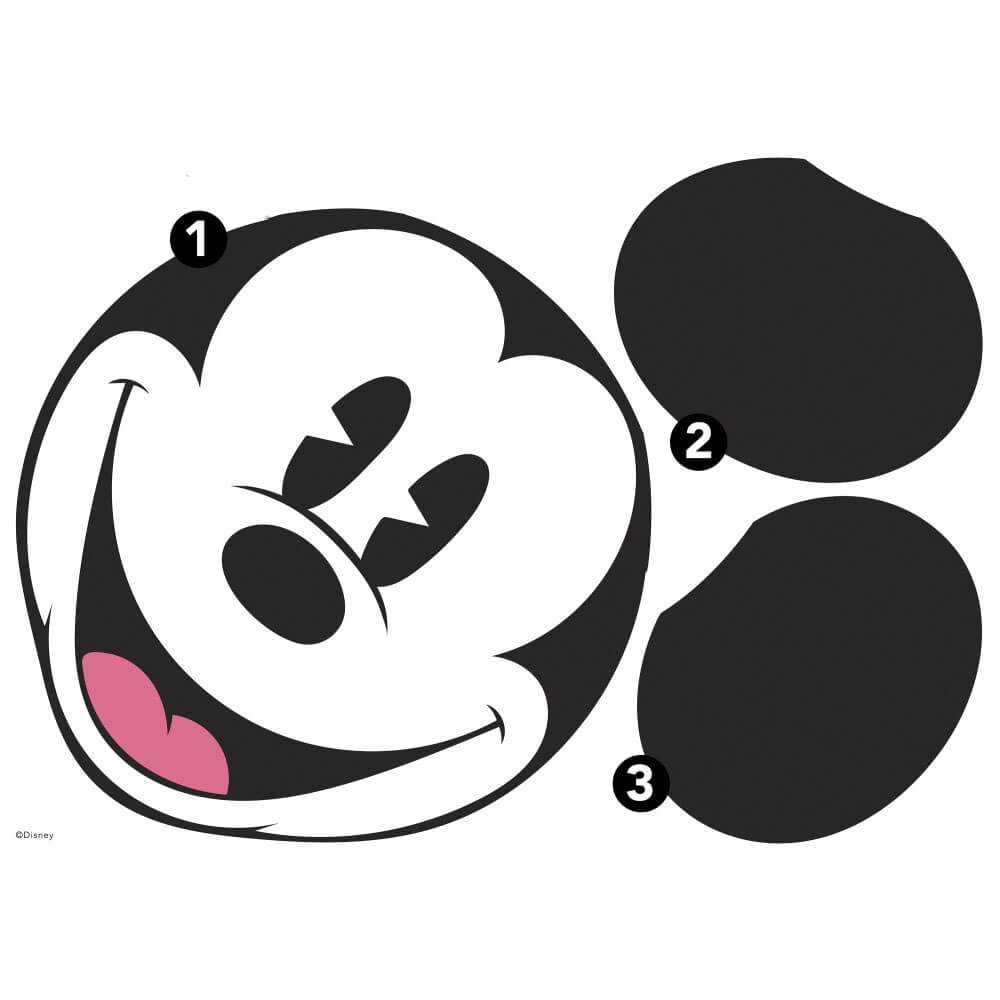
How to Print and Cut a Mouse Shape Template
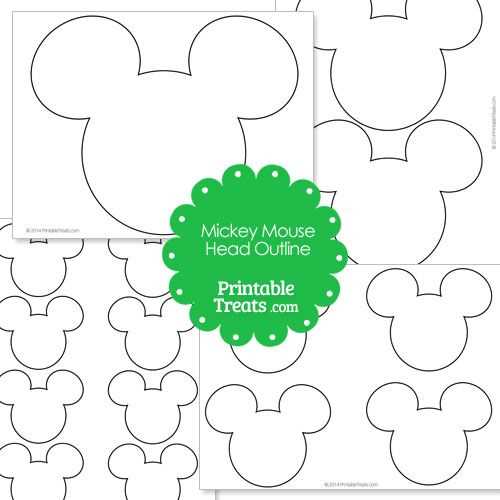
To print the template, first ensure your printer settings are correct for your desired paper size. If you want a large decoration, select the “Fit to Page” option on your printer settings. Use high-quality cardstock or thick paper for a sturdy result. Once you have your design ready, press print and wait for it to dry if you’re using inkjet printers. This step helps avoid smudging when cutting.
After printing, carefully cut along the outline using sharp scissors or a craft knife for more precision. If you need smaller, intricate details, use a craft knife and a cutting mat to prevent damage to your work surface. For a smooth finish, avoid jagged edges by taking your time and making clean cuts. If you plan to use multiple templates, consider using a paper trimmer to speed up the process and maintain consistent cuts.