Finding High-Quality Monochrome Images
To get the best results, look for well-defined illustrations or sketches with clear contrasts. Websites like Unsplash, Pexels, and Pixabay offer free access to high-resolution files suitable for printing. Filter your search for “black-and-white” or “monochrome” designs. Always check the image quality by zooming in before downloading to ensure sharp details.
Creative Applications for Monochrome Visuals
These designs work wonderfully for various projects, such as:
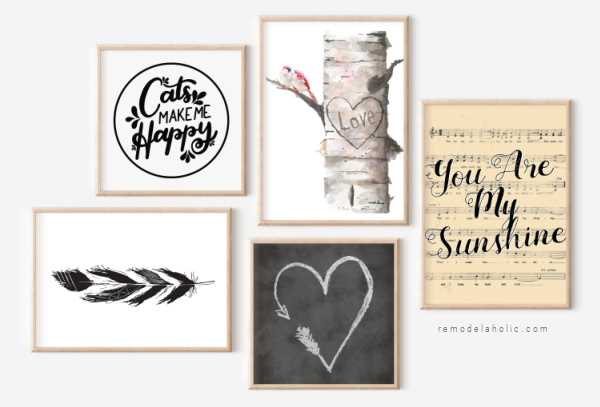
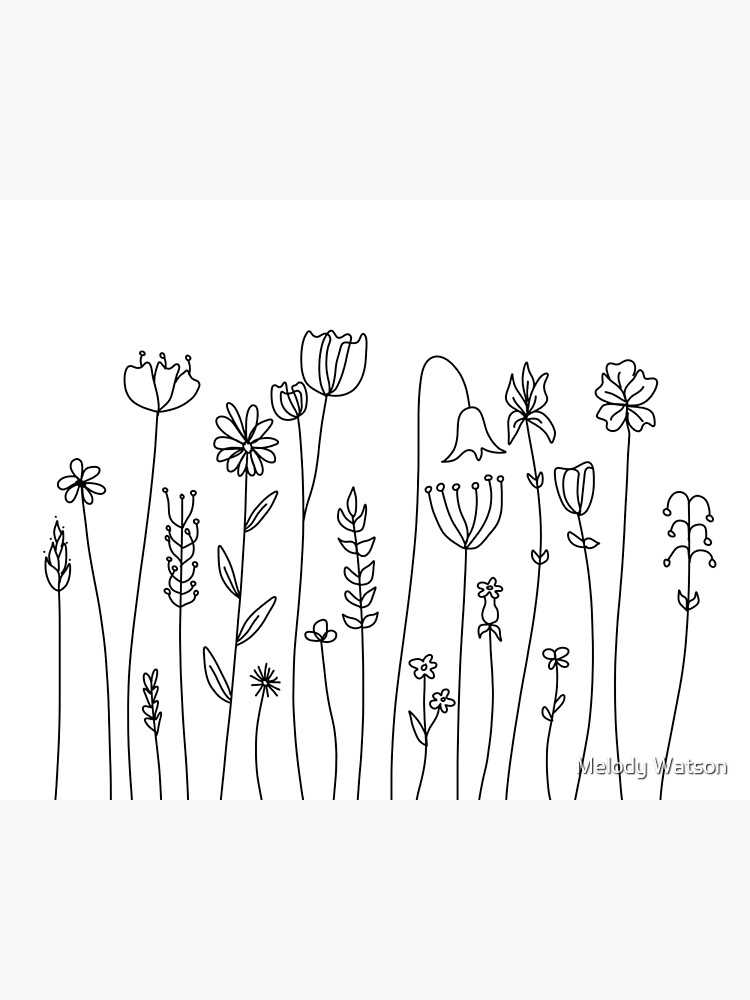
- Wall Art: Print out a selection of intricate line art or minimalist sketches to create personalized art pieces. A large floral sketch or geometric drawing can serve as a focal point in any room.
- Gift Wrapping: Transform simple designs into stylish wrapping paper. Use a variety of images, from abstract patterns to detailed portraits, for a unique touch.
- Stationery: Enhance invitations, greeting cards, or thank-you notes with monochrome art. A simple floral motif or elegant typography can make stationery stand out.
How to Edit for Customization
Sometimes, the image you find might not be perfectly suited for your needs. You can adjust the brightness or contrast to match the tone you desire. Tools like GIMP, Adobe Photoshop, and even Canva allow easy manipulation of images for print. Cropping or resizing can also help fit the design to your desired project size.
Enhancing the Print Quality
If you’re planning to print your design, always select the highest quality print settings on your printer. Use photo paper or card stock for the best results. When printing at home, remember that the quality of your printer’s ink and paper affects the final output, so always check the settings before printing your images.
Best Practices for Using Monochrome Illustrations
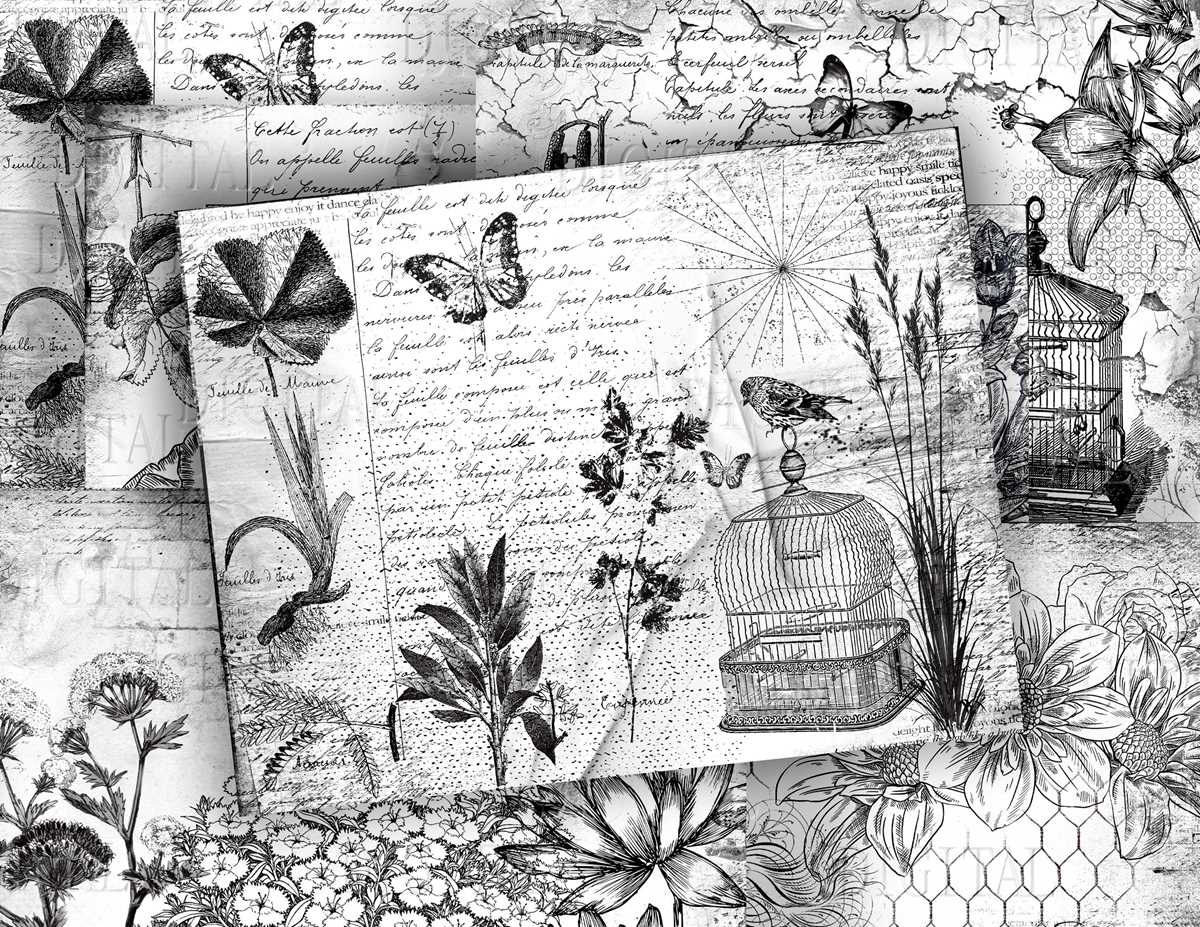
When selecting visuals for printing, choose high-contrast images with clear lines and sharp details. Look for illustrations or sketches that have strong definition, as this will help maintain clarity when scaled. Websites like Pixabay and Unsplash offer a variety of free resources, but always check the resolution to ensure the final result won’t be blurry. If the design is too detailed, reducing its complexity can make the image sharper and more suitable for printing at home or at a professional service.
For home printing, always adjust your settings for the highest resolution. Use matte or glossy photo paper for better results, depending on the effect you want. High-quality ink also makes a significant difference, as cheaper options tend to distort fine lines. If the print job is large, it’s worth checking for color accuracy beforehand by doing a test print. Editing software like Adobe Photoshop allows you to tweak contrast and sharpness, ensuring the final output is as vibrant as possible even without color.