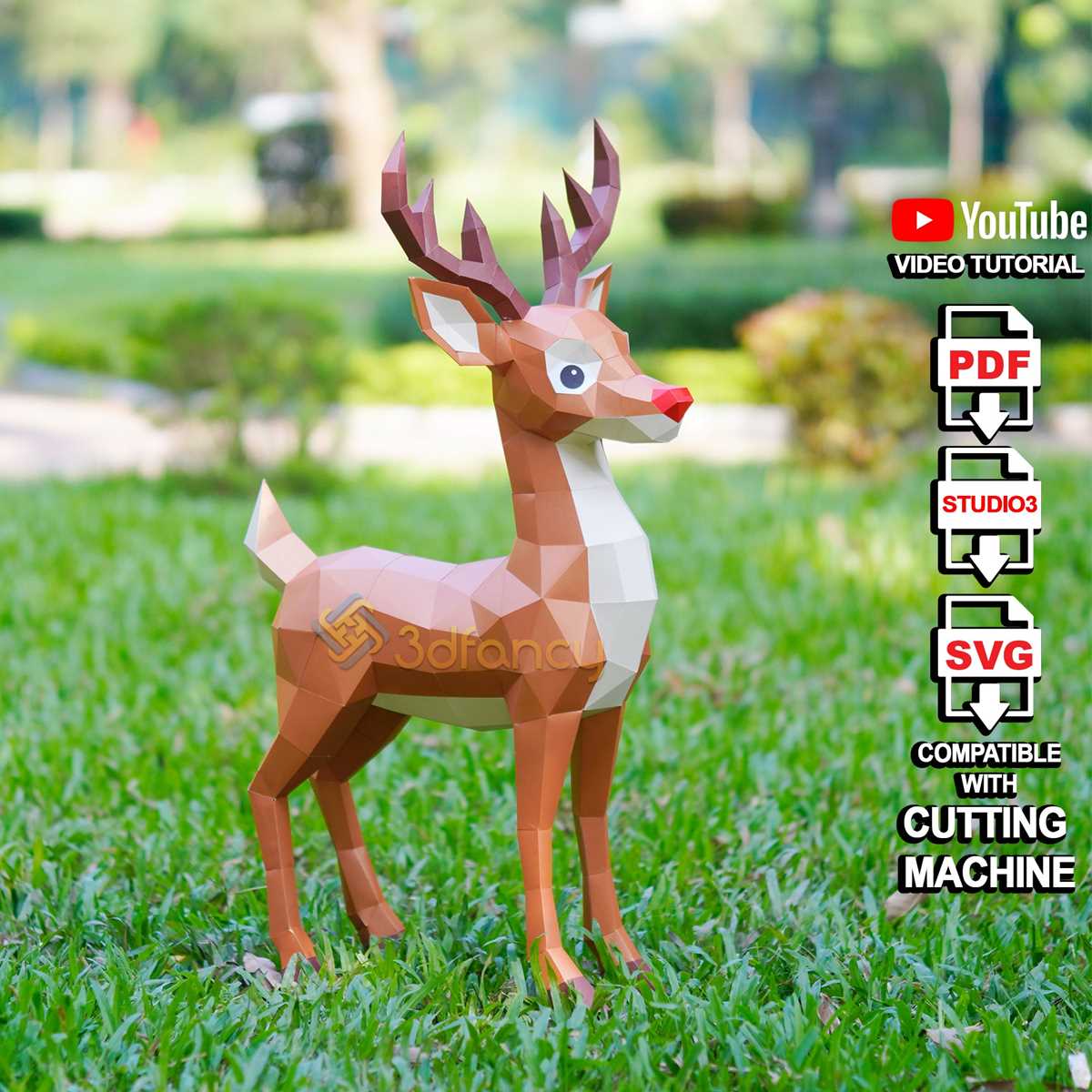
Choose 160–220 gsm cardstock for stable three-dimensional models that hold their shape without bending. Standard office sheets under 100 gsm tend to collapse along fold lines, especially in structures with multiple tabs and vertical walls.
Set the printer to 100% scale and disable page fitting to preserve alignment between cut lines and glue flaps. Use high-resolution settings of at least 300 dpi to keep edges sharp, particularly for small architectural models or detailed figurines with narrow tabs under 5 mm wide.
Score fold lines lightly with a blunt knife or empty ballpoint pen before bending. This creates clean edges and prevents cracking along printed surfaces. Apply adhesive in thin layers using a fine-tip applicator, pressing each tab for 10–15 seconds to secure joints without warping the material.
Select templates with clearly marked mountain and valley folds, numbered assembly order, and reinforced base panels for taller builds. Complex designs such as vehicles or buildings benefit from internal support ribs that increase rigidity and maintain accurate geometry during assembly.
3D Paper Craft Printables
Use 180–250 gsm cardstock for three-dimensional templates that require structural strength, especially for models taller than 15 cm. Lightweight sheets below 120 gsm bend at joints and fail to support multi-panel constructions such as houses, vehicles, or character figures.
Print at full scale with margins set to zero or minimum allowed by the printer to prevent trimming of glue tabs. Disable automatic resizing and confirm that test measurements on the template match the stated dimensions, particularly for interlocking slots that depend on millimeter accuracy.
Score fold lines before bending to achieve sharp edges and precise angles. A metal ruler combined with a blunt scoring tool reduces surface cracking and keeps printed textures intact. Mountain and valley folds should be marked clearly; misfolded tabs distort geometry and complicate assembly.
Apply adhesive sparingly along tab edges using a narrow nozzle bottle. Hold each joint under steady pressure for 10–20 seconds, allowing bonding without excess moisture that can warp the material. For larger builds, assemble internal supports first to stabilize walls and roofs before closing outer panels.
Select downloadable layouts that include numbered assembly order, reinforced bases, and alignment guides. Complex designs with curved surfaces benefit from segmented panels that approximate smooth contours while maintaining structural stability across multiple connection points.
How to Choose Paper Weight and Printer Settings for Sturdy Models

Select 180–250 gsm cardstock for most three-dimensional templates, especially for buildings, vehicles, and figures taller than 12–15 cm. Lighter sheets under 120 gsm bend along vertical walls and fail at glue joints under minimal pressure.
Match thickness to model size:
- 140–160 gsm for small figurines under 10 cm
- 180–200 gsm for medium architectural forms
- 220–250 gsm for load-bearing bases and large display pieces
Set the printer to 100% scale and disable “fit to page” or automatic resizing. Even a 2–3% reduction can misalign tabs and slots, causing gaps at seams and unstable edges.
Adjust print quality to at least 300 dpi and select a media type that matches cardstock settings in the printer driver. This ensures stronger ink adhesion and prevents smudging along fold lines.
Use manual feed trays for heavier stock to reduce curling. Automatic trays often struggle with sheets above 220 gsm, leading to skewed alignment and uneven margins.
Before full production, print a single test page and measure reference squares or calibration lines included in the template. Confirm dimensions with a ruler to verify millimeter accuracy.
Allow ink to dry fully before scoring and folding. Handling freshly printed surfaces increases the risk of cracks along creases and weakens structural joints during assembly.