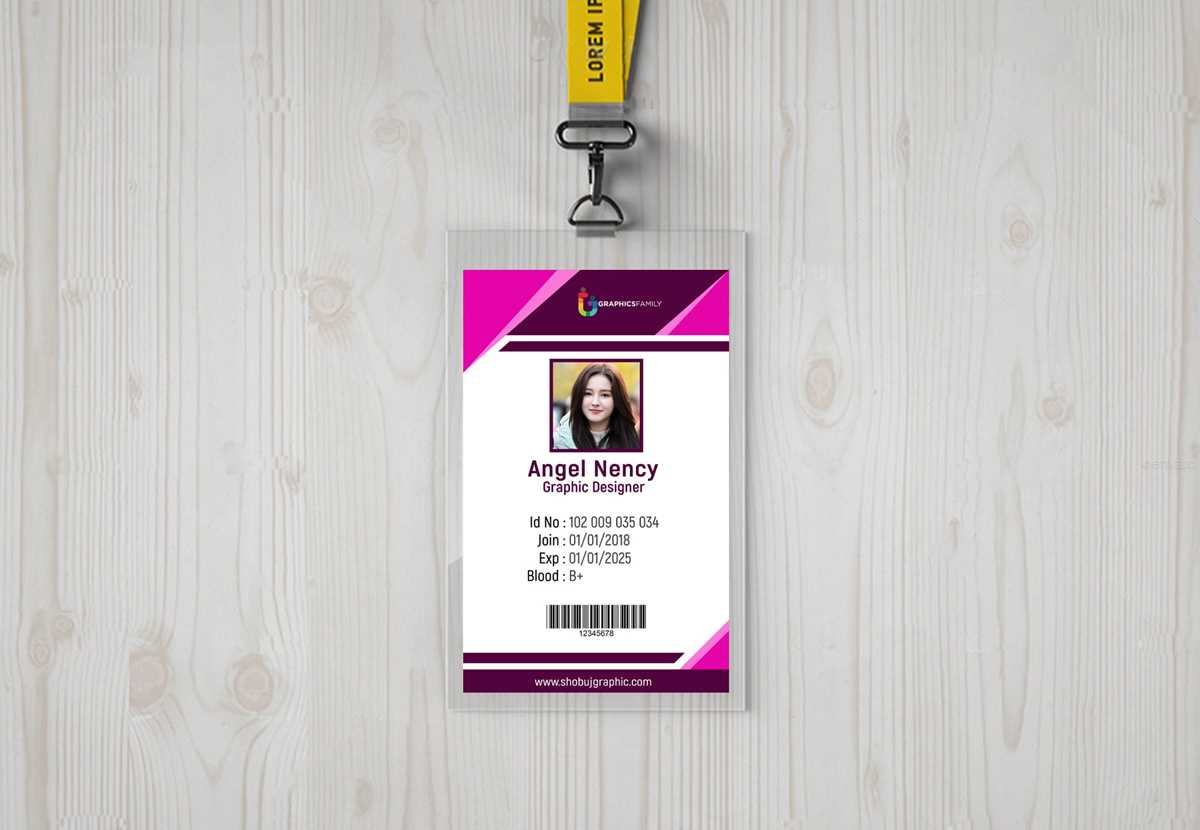
To streamline identity verification and enhance security, it’s important to incorporate advanced features into employee or membership identification systems. Start by utilizing high-quality materials that offer durability and resistance to wear and tear. For high-security applications, opt for tamper-proof technology such as holograms, UV printing, or embedded chips that cannot be replicated.
Next, choose a printing method that provides flexibility. Laser printing offers precise detail and a long-lasting finish, while inkjet technology allows for easier, faster customizations in low to medium volumes. If printing in bulk, automated solutions are available to minimize time and reduce costs.
Ensure your designs incorporate all the necessary information in a legible and organized manner. Include the individual’s name, photo, position, and access level in a clear layout. Additionally, implement color-coding or QR codes for quick scanning and authentication, making the process smoother for both staff and security teams.
Advanced Features for Secure Identification Solutions
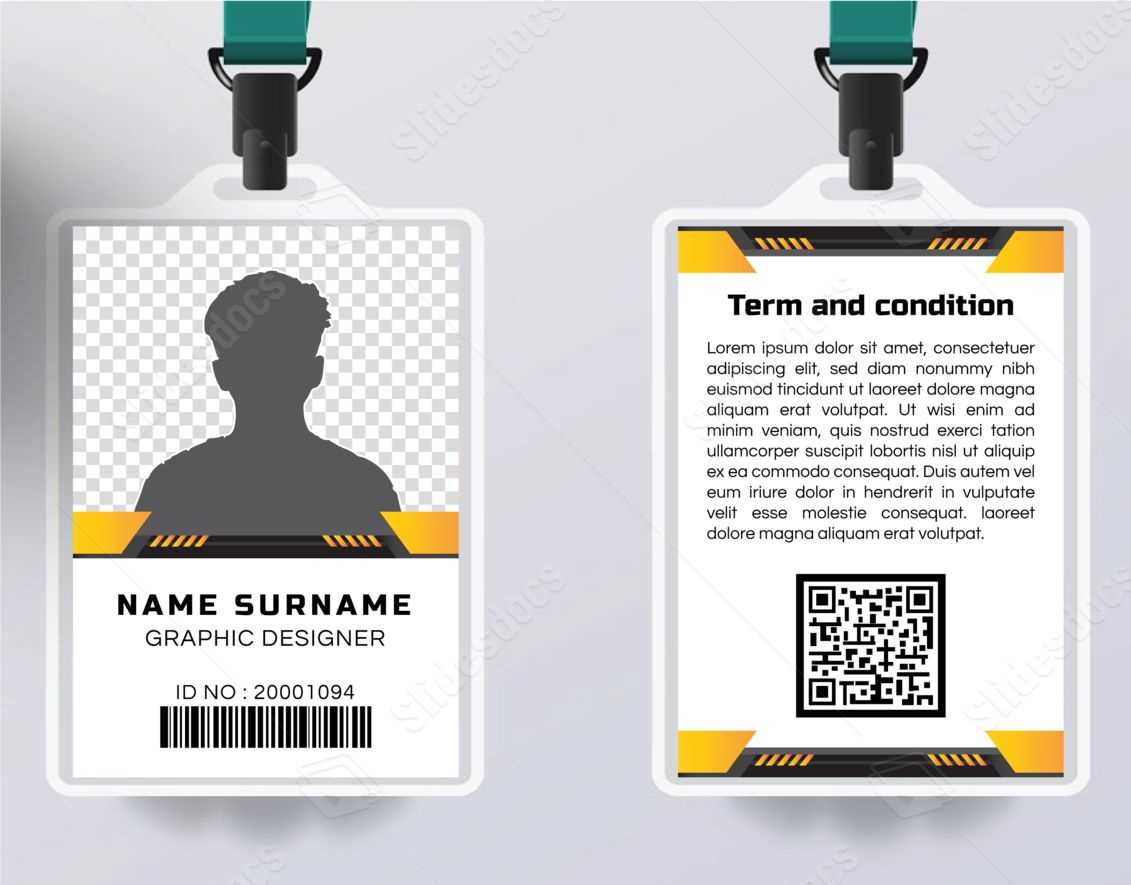
To increase the security of your identification system, incorporate anti-counterfeiting features like embedded microchips or magnetic stripes. These options allow for secure access control and help prevent fraudulent duplication. Consider integrating biometric data such as fingerprints or facial recognition to further enhance security in high-risk environments.
Designing a visually distinct ID system requires more than just a name and photo. Use a mix of color schemes, patterns, and high-resolution images to make each ID unique and harder to replicate. Add a barcode or QR code for quick and reliable scanning during entry or transaction processes. This approach ensures an effective and streamlined access system for both employees and visitors.
When it comes to material selection, opt for high-grade, flexible plastic or PVC to ensure longevity and durability. These materials can withstand frequent handling and environmental exposure, extending the lifespan of your IDs. Additionally, UV coating or lamination can provide an extra layer of protection against wear and fading, keeping the printed information clear and legible for longer periods.
How to Design and Print Custom ID Cards for Your Organization
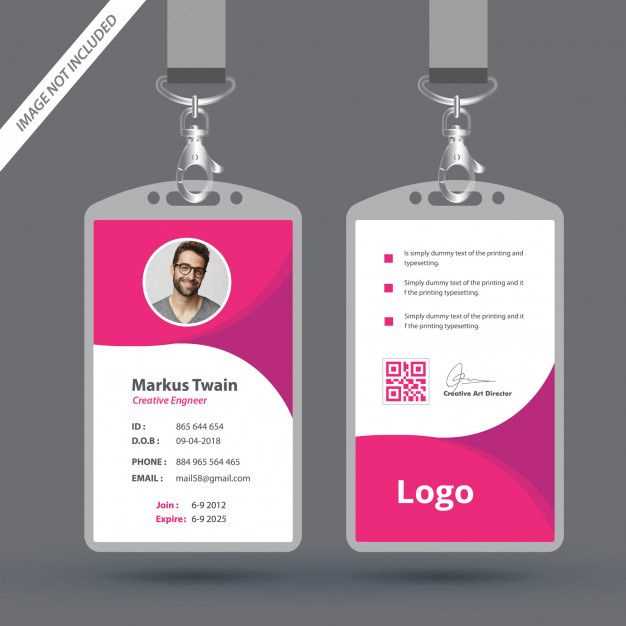
Begin by determining the key information that should appear on each identification document. This usually includes the individual’s name, position, department, and a recent photo. Make sure to leave space for additional details such as an employee ID number, QR code for quick scanning, or a signature for verification purposes. Keep the design clean to avoid clutter while ensuring all necessary details are clearly visible.
Choose an appropriate design layout for your cards. Typically, a portrait layout works well for employee IDs, while a landscape format may be better for access passes or membership cards. Design your card using software like Adobe Illustrator or specialized tools like ID card design software, which offer templates and built-in security options. Be sure to select a high-resolution format to maintain clarity during the printing process.
Next, select the material for your identification item. For durability, PVC or composite materials are ideal, as they can withstand everyday wear and tear. If you’re printing a large volume, opt for cards that have a standard size and thickness to make them compatible with common printers. Additionally, some advanced options include UV coating or lamination to add a protective layer against fading or scratching.
After finalizing your design, it’s time to choose the right printing technology. Laser printing offers high-quality results and is well-suited for large volumes. However, if you need to personalize each ID with unique data or designs, thermal printing is a great choice for its high detail and durability. Ensure your printer is equipped with the appropriate software for encoding magnetic stripes or chips if needed.
Before printing in bulk, conduct a test print on a sample card. Check for color accuracy, legibility, and alignment of text and images. If your IDs include a barcode or chip, ensure that scanning devices can read the data correctly. Testing prevents errors and ensures that your final product will meet security standards and organizational needs.
Once the design and testing phase is complete, print the IDs in batches to save time and costs. If you plan to print in-house, invest in a high-quality ID card printer and regularly maintain it for optimal performance. For larger quantities, consider outsourcing to a professional printing service that specializes in secure identification items. They can provide additional security features and help with bulk production, saving both time and effort.