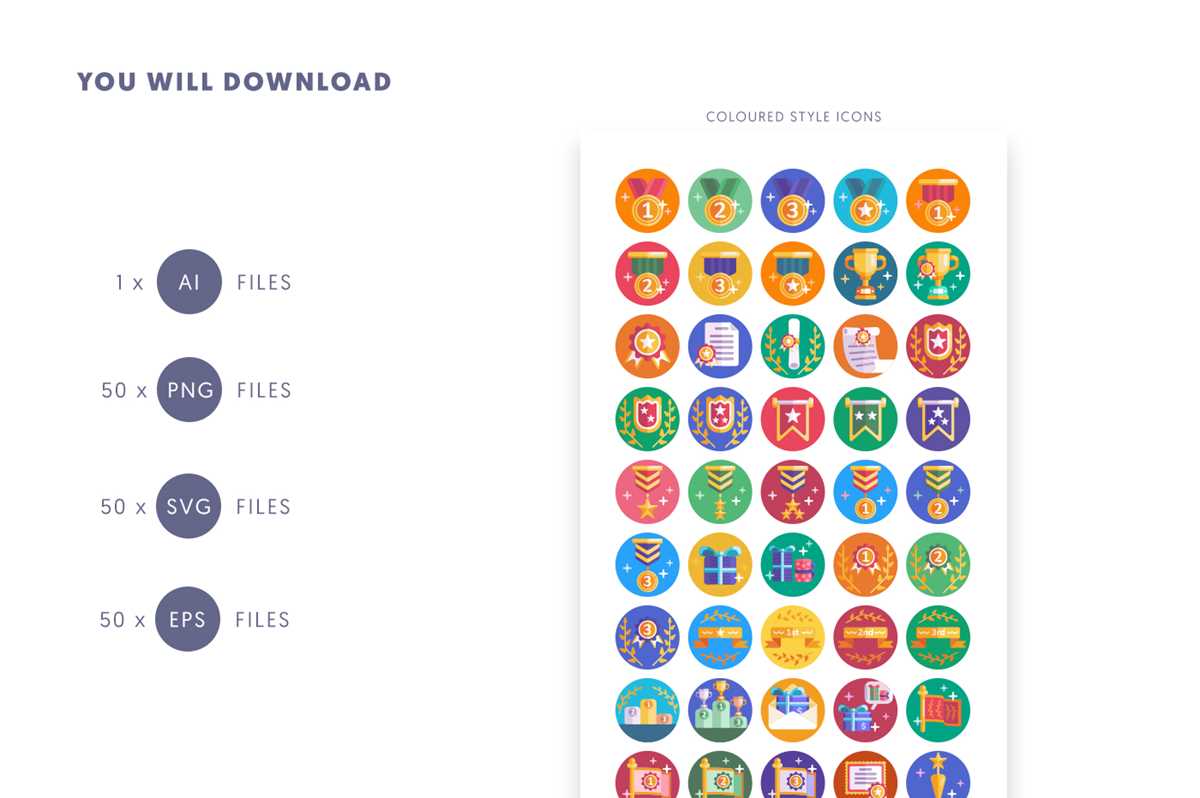
To create your own personalized symbols for events, start by selecting a high-quality paper, like glossy or matte photo paper. This ensures a crisp, clear image once printed. If you’re using a standard home printer, ensure the settings are adjusted to print at the highest resolution to capture all details of your design.
Next, use design software like Adobe Illustrator or free tools such as Canva to create your layout. Focus on simplicity and clarity–bold fonts and easy-to-recognize symbols work best for quick identification. Incorporating a few vibrant colors will also make the printouts stand out during gatherings or activities.
For best results, opt for a punch tool or scissors with a steady hand to cut out the designs. If you’re making a large batch, a professional cutting machine can save time and ensure uniformity across all pieces. If your design includes text, ensure it’s legible at the size you plan to print, adjusting the font size accordingly.
Designing and Creating Custom Event Emblems
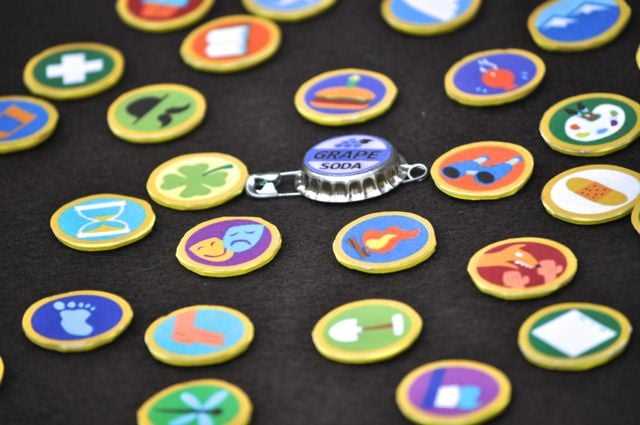
To begin crafting personalized emblems for events, start with high-quality materials. Use glossy or matte photo paper for a durable and professional finish. For home printers, set the resolution to the highest possible setting to ensure clarity in every detail.
Designing these items can be done with various tools. If you’re using software like Adobe Illustrator or free alternatives such as Canva, focus on creating bold, legible text paired with clear graphics. Simplicity is key when it comes to ensuring that your design is easily recognizable from a distance.
Incorporating color schemes that reflect the theme of the event will make the emblems more engaging. Choose contrasting colors for better visibility. For example, bright colors like red, blue, or yellow can make the symbols stand out, while softer hues may give a more refined touch for formal occasions.
Ensure the text is large enough to be readable, especially if the emblem will be worn from a distance. Test different font styles and sizes before finalizing the design. Keep in mind that sans-serif fonts, like Arial or Helvetica, are often clearer than serif fonts in small sizes.
Once the design is ready, print it on your selected material. If you have multiple designs to print, consider using a printer that handles thicker paper, like a laser printer, which offers sharp and precise prints. You can also opt for printing at a local print shop if high-volume production is needed.
After printing, carefully cut out each piece. A craft puncher or a precision knife will help maintain clean edges. If making multiple emblems, consider using a paper cutter for consistent size and shape. Double-check that the design remains centered and aligned as you cut.
- Use double-sided tape or adhesive dots to attach the printed emblems to clothing or accessories.
- If the emblems are intended for long-term use, consider laminating them for added durability.
- For added flair, use decorative pins or fasteners that match the event’s theme.
For large-scale events or group activities, creating these emblems in bulk can save time. Invest in a cutting machine that can handle multiple designs at once, ensuring uniformity across the entire batch. This method is particularly useful for conferences or large gatherings where participants wear their emblems throughout the day.
How to Create Custom Event Emblems
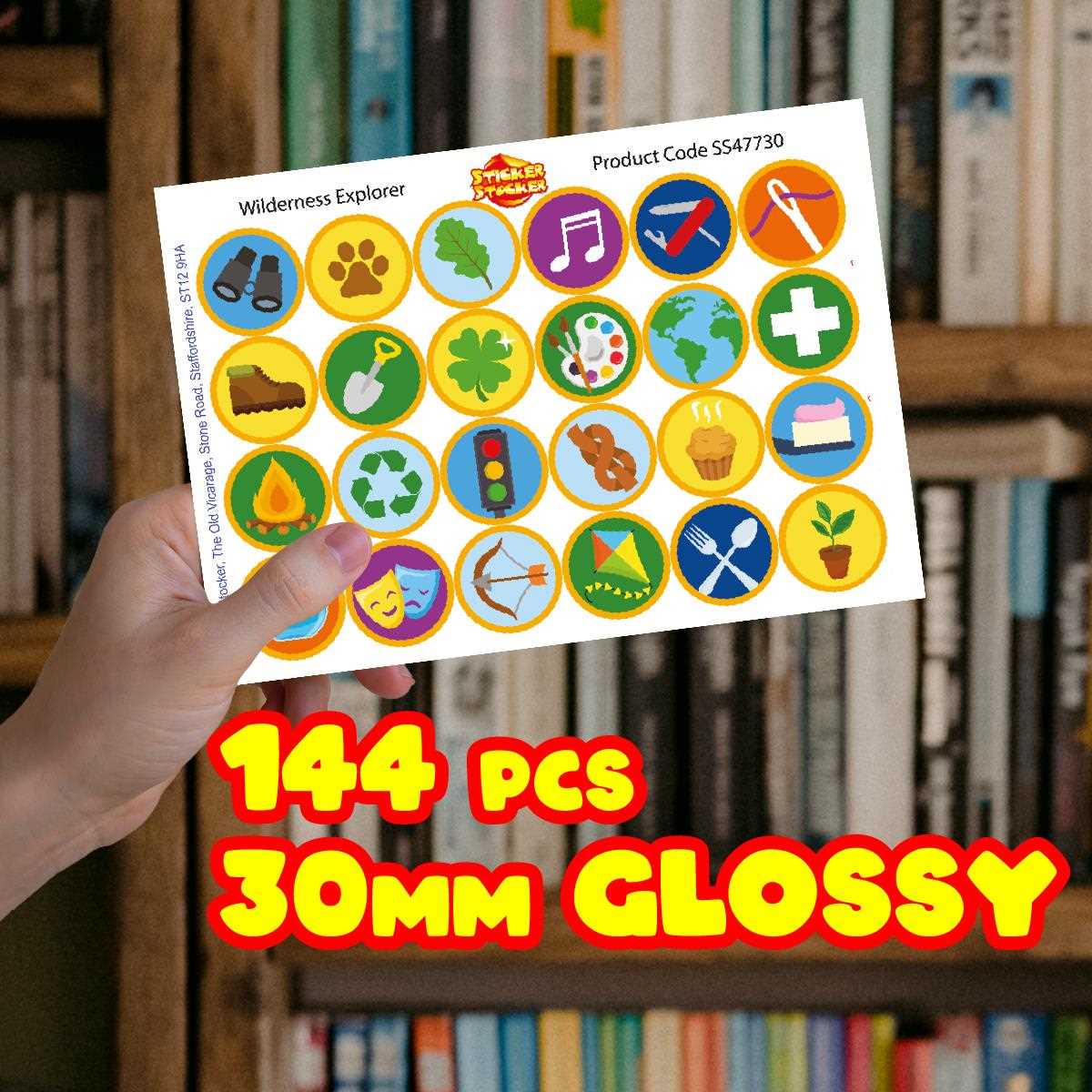
Begin by selecting a high-quality material to print your designs. For a professional look, choose glossy photo paper or thick cardstock. If you’re using a home printer, ensure the resolution is set to its highest setting to achieve a sharp and clear image.
Use design software like Adobe Illustrator, Photoshop, or free alternatives such as Canva. Keep the layout clean and simple–avoid cluttering your design with too many elements. Choose bold, readable fonts and select a strong color palette that reflects the theme of the event.
For the design itself, think about the purpose of the emblem. If it’s for an event like a conference or community gathering, the symbol should be easy to recognize and relate to the event. Use clear lines and simple shapes to ensure the emblem remains legible from a distance.
Make sure to test the text size and spacing. For legibility, the text should be large enough to be readable, even at a smaller scale. Avoid using ornate fonts for small designs, as they can become hard to read. Stick to sans-serif fonts like Arial or Helvetica for clarity.
After finalizing your design, print a test page first. This will help you confirm the colors, size, and alignment are correct. If you’re printing multiple emblems, adjust the layout to fit multiple designs per page to maximize paper usage and minimize waste.
When you’re ready to cut, use precision tools like a craft knife or a paper punch for smooth, clean edges. If you’re making a large batch, consider using a paper cutter for quick, consistent cuts. Ensure the emblem is centered and aligned as you cut each piece.
For mounting the emblems, consider using adhesive dots or double-sided tape for easy attachment to clothing or accessories. If the emblems are meant to last, laminating them will provide extra durability, especially if they’re worn frequently or exposed to weather conditions.
- For a polished finish, add a pin or clasp to the back, making it easy for participants to wear them.
- If you’re creating a lot of these, consider investing in a cutting machine to speed up production.
- Always store printed emblems flat in a cool, dry place to prevent warping or damage.