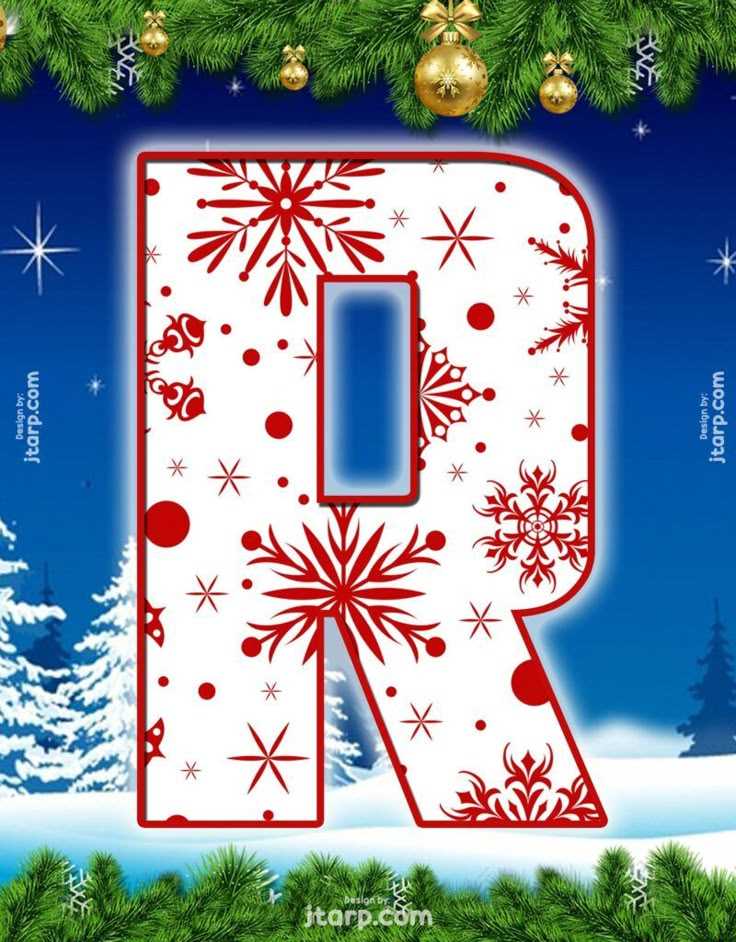
For adding a personal touch to your festive messages, consider crafting custom alphabet designs for your holiday greetings. This approach not only enhances the charm of your cards but also offers a fun, creative way to share your holiday spirit.
Step-by-Step Guide to Designing Festive Alphabets
To create a unique look for your seasonal messages, follow these steps:
- Choose the Right Style: Select fonts or letter designs that fit the festive mood. Think of classic serif fonts for elegance or whimsical styles for a playful feel.
- Add Seasonal Details: Decorate each letter with elements like snowflakes, holly, or twinkling lights to make them stand out. You can use design software or sketch by hand for a personal touch.
- Color Palette: Stick to traditional festive colors like red, green, gold, and silver for a cohesive look, or experiment with pastel tones for a more modern appearance.
- Digital or Handmade: Decide whether you want to create your designs digitally using tools like Adobe Illustrator or Photoshop, or go old-school with hand-drawn lettering.
- Size and Layout: Consider the size of each letter based on where you’ll use them–on cards, banners, or gift tags. Keep your layout consistent across different uses.
Where to Find Ready-Made Templates for Your Projects
If you’re looking to save time, you can find a wide variety of pre-designed templates online. Here are some reliable sources:
- Freepik: Offers a collection of downloadable festive alphabets that you can easily modify to suit your needs.
- Canva: Provides a selection of ready-made holiday-themed letter templates that can be customized for cards, signs, or social media posts.
- Creative Market: A great marketplace for high-quality fonts and templates, many of which feature seasonal designs.
- FontBundles: Features unique fonts and letter sets designed specifically for seasonal and holiday projects.
Whether you choose to create from scratch or customize a pre-made design, adding personalized typography to your holiday messages can make your greetings stand out and feel more meaningful.
How to Customize Holiday Greetings with Unique Typography
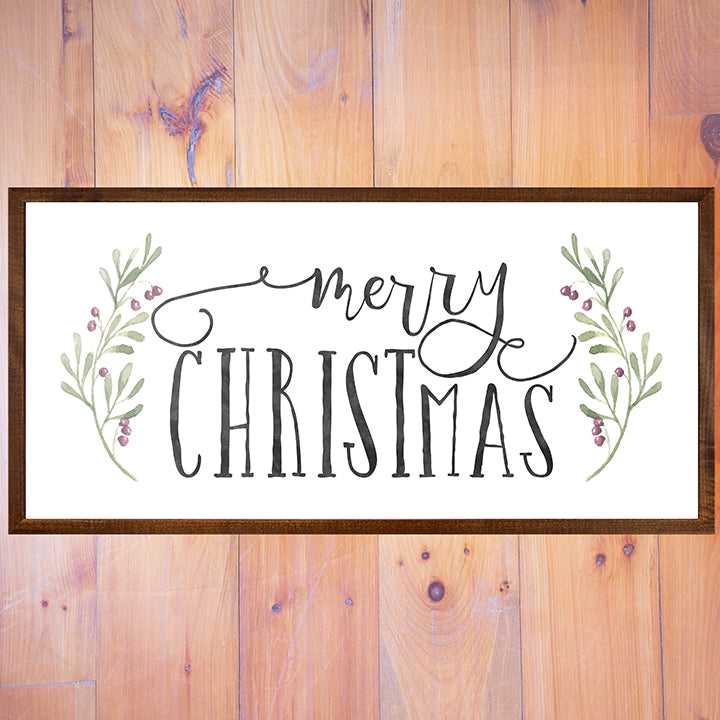
One of the easiest ways to make your seasonal cards stand out is by designing your own festive alphabet. By adding unique elements to each character, you can create an eye-catching look that captures the spirit of the season. Use digital tools or handcraft each design with patterns like snowflakes, candy canes, or wreaths, and consider adding a gradient or metallic finish for extra flair.
If you prefer using ready-made resources, several websites offer free or affordable options for seasonal fonts. These are perfect for adding decorative touches to your handwritten notes or printed cards. Some sites allow you to download these fonts for personal use, giving you access to numerous options for creating custom greetings that reflect your style.
Choosing the right colors is crucial for setting the tone. Stick to classic shades like red, green, white, or gold for traditional designs. If you prefer a more modern or minimalist approach, consider using pastel shades or a monochrome palette with metallic accents. This balance of simplicity and festivity will help your designs remain elegant while still celebrating the holiday atmosphere.
Digital tools like Adobe Illustrator or Photoshop are perfect for those who want to create intricate designs. These programs allow you to experiment with different textures, layer effects, and vector art to customize each character. You can easily adjust sizes, angles, and opacity to create depth and dimension, making your holiday designs more dynamic and engaging.
For those without access to design software, free online tools like Canva or PicMonkey are excellent alternatives. These platforms provide a variety of templates and design elements that you can mix and match to craft a personal greeting. Most importantly, these tools are user-friendly and require no advanced skills, making them ideal for beginners.
If you’re printing your designs at home, make sure to select high-quality paper that suits your design. Matte, textured, or even glossy paper can enhance the overall feel of the card and make your typography pop. Choosing the right paper type also ensures that your printouts will have a professional look without the need for expensive printing services.