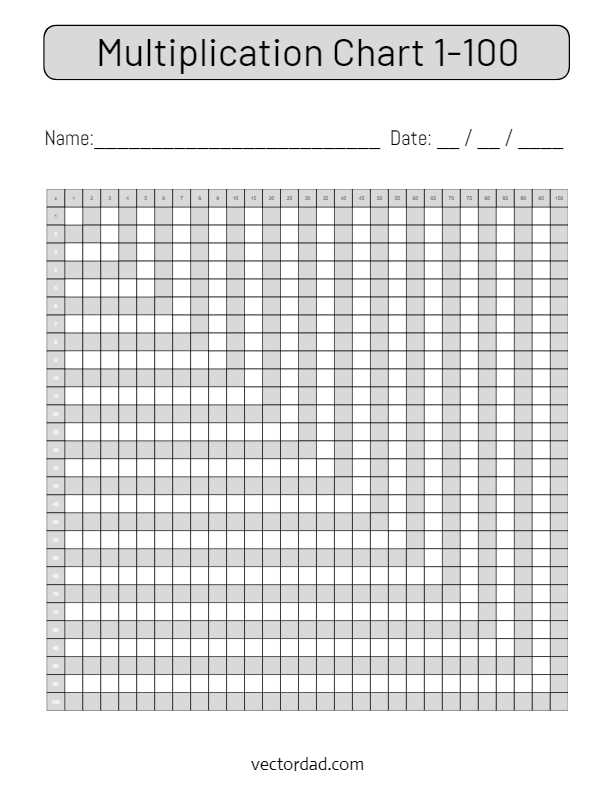
Use a full square grid from 1 through 10 on both axes to display products up to one hundred in a single view. Keep each cell at least 1.5 cm wide for clear reading at arm’s length, and choose a bold sans serif typeface at 18–22 pt for wall display or 12–14 pt for desk sheets. This layout allows quick cross-referencing between factors without crowding the page.
Set page margins to 10–15 mm and align rows and columns with thin 0.5 pt lines so intersections remain visible after home printing. For classroom posters, scale the table to A3 or US Tabloid and increase cell size to 3 cm; for notebooks, reduce to A4 or Letter while keeping proportional spacing. Consistent alignment helps learners trace horizontal and vertical patterns such as repeated addends and square values.
Include highlighted diagonals for perfect squares and subtle shading for every fifth row and column to make patterns easier to spot. A clean matrix showing products from single-digit pairs supports memorization drills, timed exercises, and error checking during written arithmetic tasks without switching between multiple pages.
Multiplication Chart 1 to 100 Printable Guide
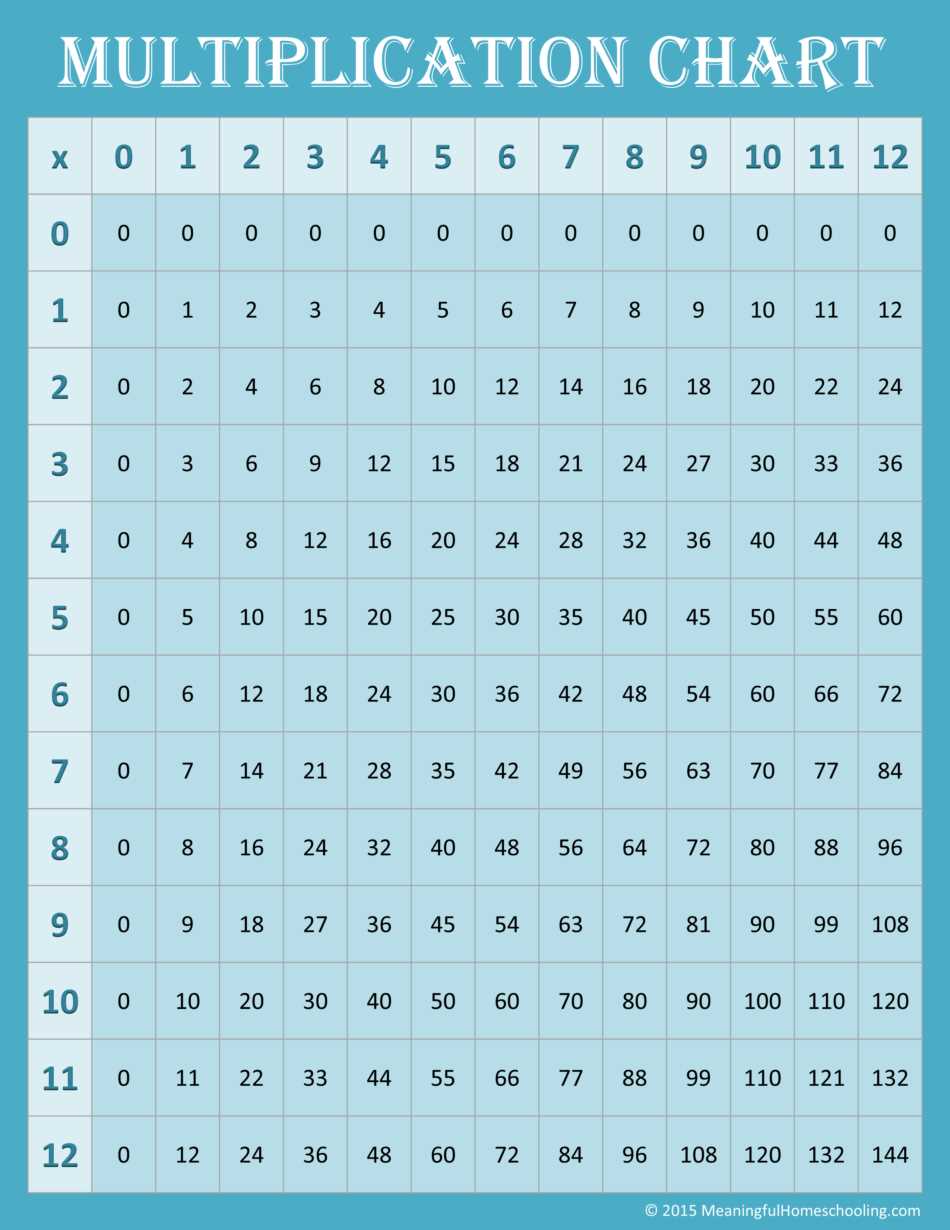
Use a 10×10 product grid with factors 1–10 along the top row and left column so all results up to three digits appear on one page. Keep each cell at least 2 cm wide for classroom display and no smaller than 1.2 cm for desk copies; smaller squares reduce legibility and slow scanning during drills.
Set up the layout with precise spacing and alignment:
- Apply equal column widths and row heights to maintain straight visual tracking.
- Use 0.5–0.75 pt grid lines to separate values without overpowering the digits.
- Select a clear sans serif font at 14 pt for student sheets and 24–36 pt for wall posters.
- Leave 12–15 mm margins to prevent clipping on home printers.
Highlight structural patterns to support memorization and self-checking. Shade the diagonal from 1×1 to 10×10 to mark square values, and apply a light tint to every fifth row and column so products of five and ten stand out. This visual coding helps learners detect repeated addition patterns and symmetric pairs such as 4×7 and 7×4 without verbal explanation.
Adjust paper size and orientation based on use case:
- Choose A4 or Letter portrait for individual practice sheets.
- Select A3 or Tabloid landscape for front-of-room display.
- Laminate thicker paper (200–250 gsm) for reusable marker-based drills.
- Test a single sample page before batch output to confirm scaling remains at 100% and no automatic fit-to-page reduction occurs.
Consistent proportions and controlled scaling prevent distortion of the grid and keep numeric columns aligned, allowing quick cross-referencing during timed arithmetic exercises.
How to Format a 1 to 100 Grid for Clear Reading and Accurate Fact Checking
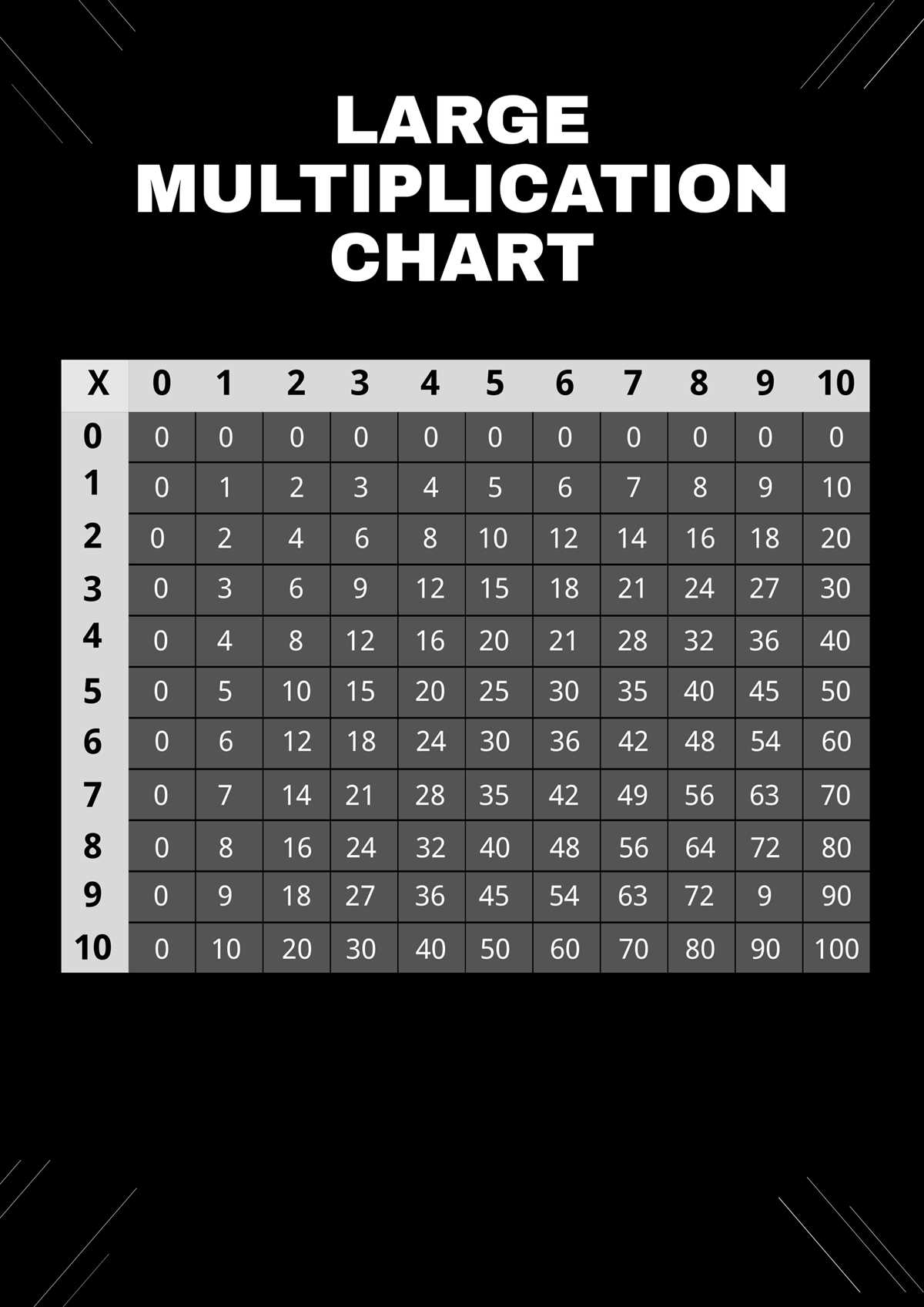
Set the grid to 10 rows by 10 columns with equal cell dimensions so each product aligns precisely under its corresponding factors. Keep horizontal and vertical measurements identical; a 15 mm by 15 mm square works well for desk sheets, while 30 mm squares suit wall displays.
Choose a clean sans serif typeface and apply consistent sizing across all entries. Use 14–16 pt for individual study pages and at least 28 pt for larger posters. Align digits centrally within each box both vertically and horizontally to prevent visual drift that can cause misreading during timed drills.
Control line weight carefully. Grid lines between 0.5 and 0.75 pt separate values without overpowering the figures. Increase the outer border thickness slightly to frame the table and guide the eye toward the structured layout.
Apply visual markers to support fact verification. Shade the main diagonal to highlight square results, and use a subtle tint on alternating rows or columns to help track across the table without skipping cells. Keep contrast low enough that the digits remain dominant.
Maintain uniform margins of at least 12 mm on all sides so no data is cut off during home printing. Disable automatic scaling features such as “fit to page” and confirm output is set to 100 percent size to preserve alignment accuracy.
Group related factor families visually by adding thin spacing bands after every fifth row and column. This separation allows learners to locate products of five and ten quickly and reduces counting errors during cross-referencing.
Test readability by covering row and column headers and asking a learner to verify selected products through intersection tracing. If scanning requires repeated finger tracking or results appear cramped, increase cell size or spacing before final distribution.