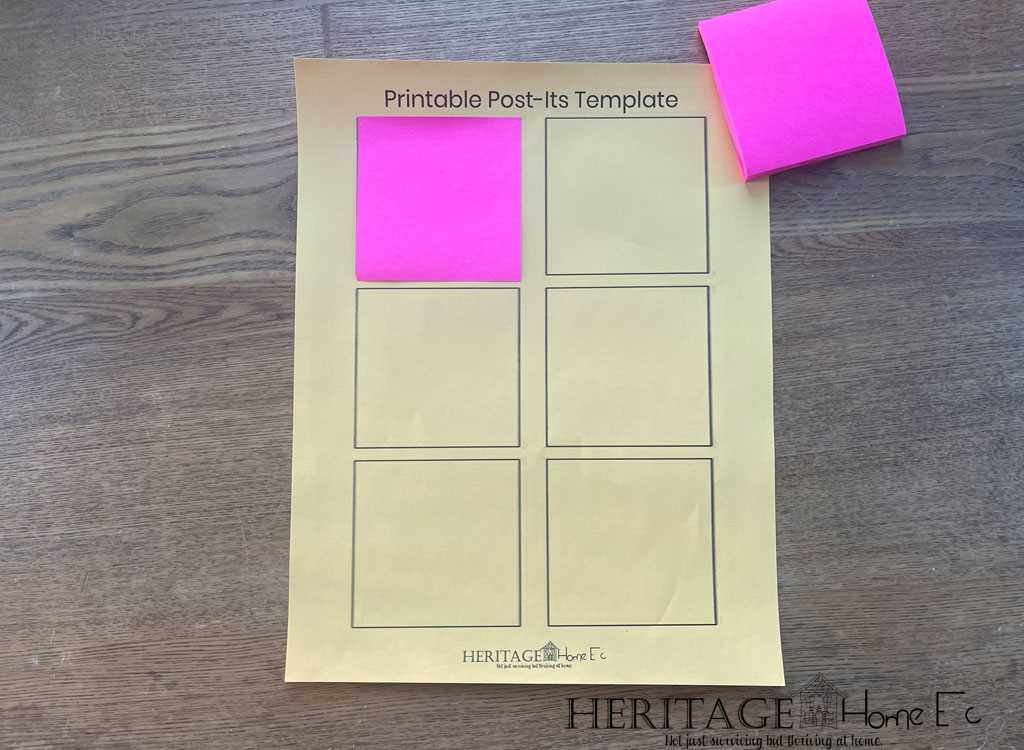
Start by choosing the right dimensions and design style for your sticky reminders. Whether you’re organizing tasks, creating to-do lists, or simply leaving quick notes, a well-designed sticky sheet can make a huge difference in efficiency. Adjust the size and layout to suit your needs, keeping them practical yet visually appealing.
For customization, select colors and fonts that are easy to read and match your workspace or home environment. Add personal touches, such as icons or decorative borders, to create a fun and engaging look. Customize for different uses like shopping lists, reminders, or motivational messages for an enjoyable experience.
Once the design is set, printing becomes the next step. Choose high-quality paper with a sticky backing for a durable result. Ensure your printer settings are optimized for the selected paper type and layout to achieve the best quality output. The result will be perfectly crafted sticky sheets for all your organizational needs.
How to Create Custom Sticky Sheets for Organizing
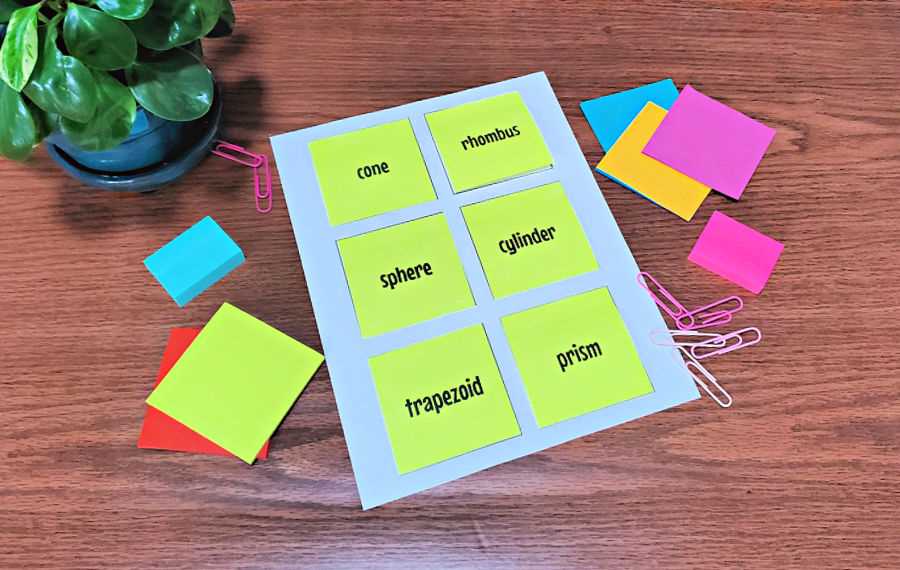
To design effective adhesive sheets, focus on simplicity and practicality. Choose a layout that offers ample space for short, clear text or icons. Standard sizes are ideal, but adjust them based on personal needs, such as adding larger areas for task lists or small sections for quick reminders. Use a grid design to ensure neat organization, allowing easy separation of items for clarity.
For customization, select vibrant, contrasting colors that make your reminders easy to spot. Keep the font legible, using bold and readable styles like Arial or Helvetica. Personalize them further by adding decorative elements or themed icons based on their purpose, whether it’s for work tasks, shopping, or personal notes. Once finalized, print on adhesive paper to enjoy durable, stickable reminders that suit all your organizational needs.
How to Customize Sticky Paper for Personal Use
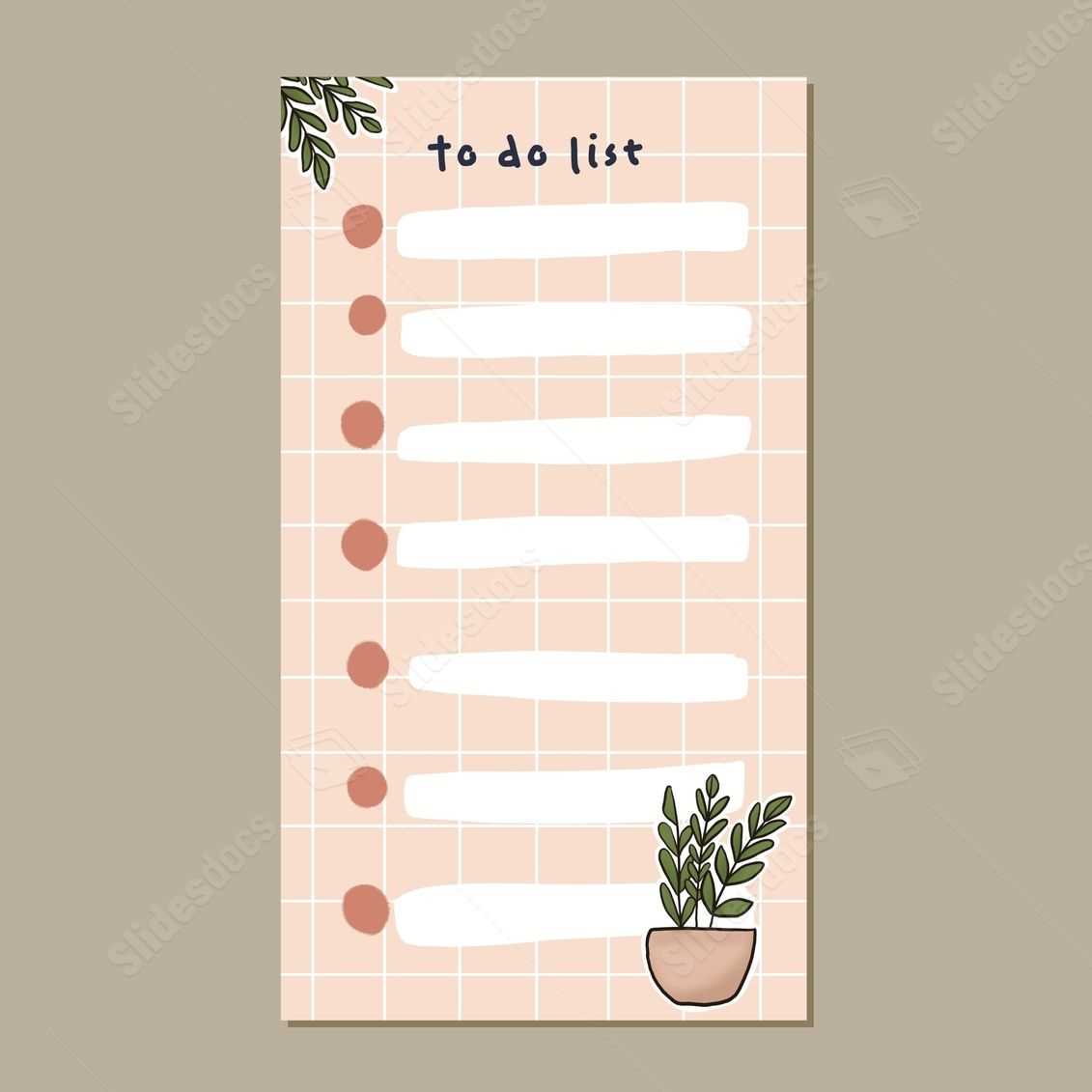
Begin by selecting a layout that fits your needs. A square or rectangular grid is practical for short reminders or to-do lists. You can also opt for blank spaces for drawing or more detailed writing. Adjust the dimensions to match the type of information you need to organize, whether it’s for quick memos or larger project notes.
Choose colors that are easy on the eyes but also distinct enough to catch your attention. Light pastels can be soothing for everyday tasks, while bright colors are great for urgent reminders. Pick shades that help differentiate categories, such as blue for work, yellow for personal errands, or red for urgent actions.
Incorporate simple icons or images to make your notes more functional. For example, use checkboxes for tasks, or a small shopping cart for grocery lists. These visual cues will help you identify the purpose of each sticky piece at a glance. Stick to basic and intuitive symbols to avoid confusion.
Use a clear and legible font style. Sans-serif fonts like Arial or Helvetica are easy to read, especially when your writing is small. Adjust the font size based on how much space you have on each sheet. Larger text is ideal for short, bold reminders, while smaller text is more suitable for detailed lists or contact information.
Consider adding a section for dates or deadlines. This feature is helpful when you need to track the timing of tasks. You can create a small area where you can write the date, which adds a layer of organization and time management to your notes. This method is useful for managing deadlines or time-sensitive reminders.
Incorporate personal touches to make your sticky papers more enjoyable to use. Add small decorations like borders, patterns, or motivational quotes to brighten your workspace. These personal elements not only make the notes more fun but also encourage productivity and positivity.
Once you’ve designed your layout, print your custom sticky sheets on adhesive paper. Ensure the adhesive is strong enough to hold up over time but easy to peel off without damaging surfaces. This will ensure that your sheets stay in place while being easy to remove when no longer needed.
After printing, cut out your notes and organize them for easy access. Use a holder or a small container to store them, so they are within reach whenever you need them. Whether you’re at home or at the office, customized sticky sheets will help keep you organized and on track.