Start by selecting thematic elements that align with the memories you’re capturing. For example, vintage florals or geometric shapes can enhance a page focused on a wedding or travel. Matching color schemes with these designs will make your layout feel cohesive and intentional.
Consider the type of paper and material you print your designs on. Using textured or thick paper gives your artwork a more professional look, while lighter paper can be more flexible for layering. Experiment with different textures to find what complements your design style best.
If you want to add depth and personality, try mixing in custom labels, quotes, or tags that fit your theme. These elements not only personalize your creation but also highlight the key moments or sentiments behind the images you’re showcasing.
Another practical tip is to adjust the scale of your designs. Printing large-scale items works well for focal points, while smaller accents can be used to fill in corners or create borders. Balancing size variation brings dynamism to the layout, making it visually appealing.
Lastly, don’t forget the power of digital tools. Use graphic editing software to modify or combine your printable assets. This can help you make small adjustments or even combine several elements into one, allowing you to customize everything to your liking before printing.
Ideas and Tips for Using Printable Designs in Memory Projects
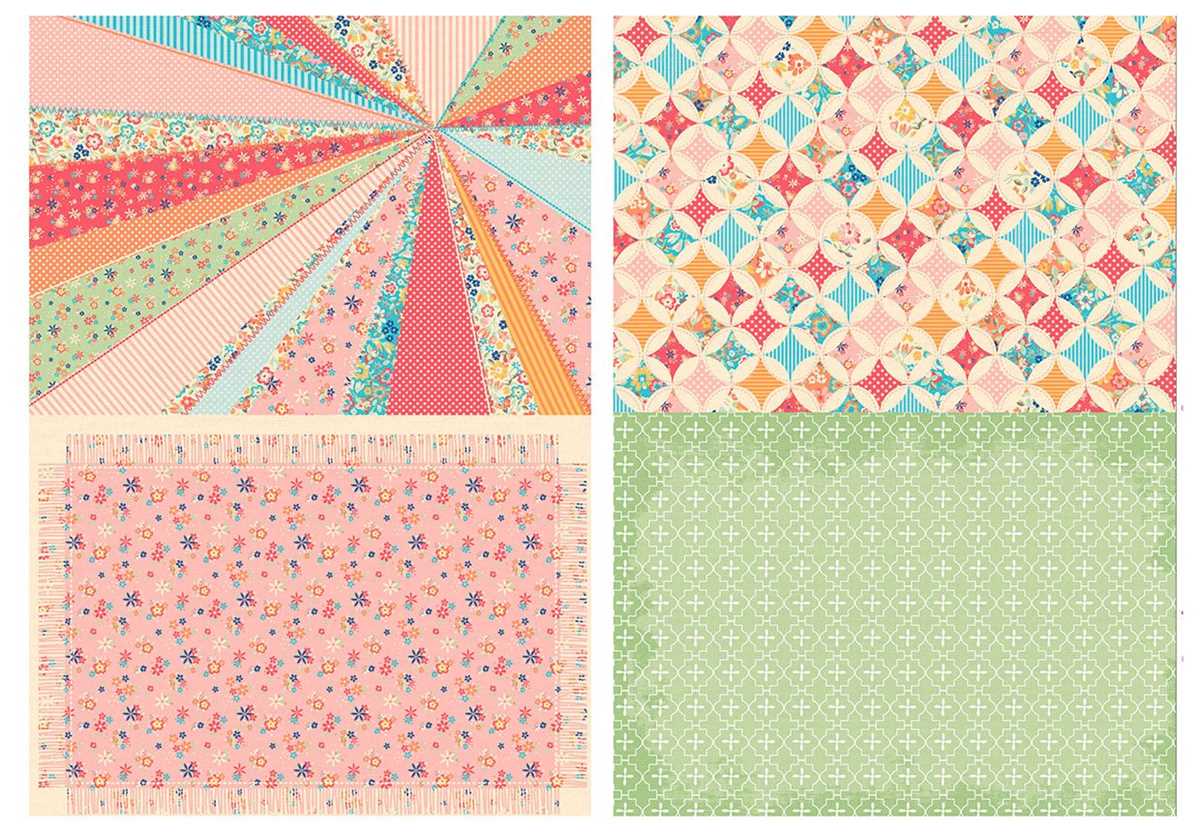
Start with theme-based elements that complement the photos and stories you’re capturing. Use items like patterned borders, tags, and decorative icons that tie into your central theme. For example, for a travel album, incorporate maps, luggage tags, or cultural symbols, which add a personalized touch to each page.
For added dimension and texture, consider layering printed designs over different materials such as fabric or textured paper. This not only creates visual interest but also gives your project a unique tactile quality. You can also print designs at varying sizes to create a more dynamic layout, where large pieces become focal points and smaller details fill in spaces seamlessly.
How to Choose the Right Designs for Your Project Themes
When selecting elements for a specific theme, make sure the images and symbols align with the overall story you want to tell. For a nature-based album, choose motifs like leaves, flowers, and animals to reinforce the theme of the outdoors. For a holiday theme, look for festive prints like pumpkins, snowflakes, or stars.
Consider color schemes that complement your photos. If you’re working with vintage or sepia-toned pictures, opt for softer, muted designs that won’t overpower the images. For brighter, modern photos, choose bold patterns and vibrant colors that make the pictures pop.
Match the tone of the designs to the feel of the event or memory. For example, if you’re documenting a wedding, go for elegant, simple motifs like lace or floral patterns. For a fun family gathering, you might prefer playful, whimsical designs that reflect the joyful atmosphere of the event.
Think about the scale and placement of the elements. Large, bold prints can dominate a page, while smaller accents work well for filling spaces or highlighting details. Mix and match different sizes to create a balanced and dynamic composition throughout your project.
Lastly, consider the texture and layering options. Printable elements with varying textures, such as faux wood or distressed finishes, can add depth and interest. You can also layer printed pieces with other materials like ribbons or buttons to give your project a more tactile, three-dimensional effect.