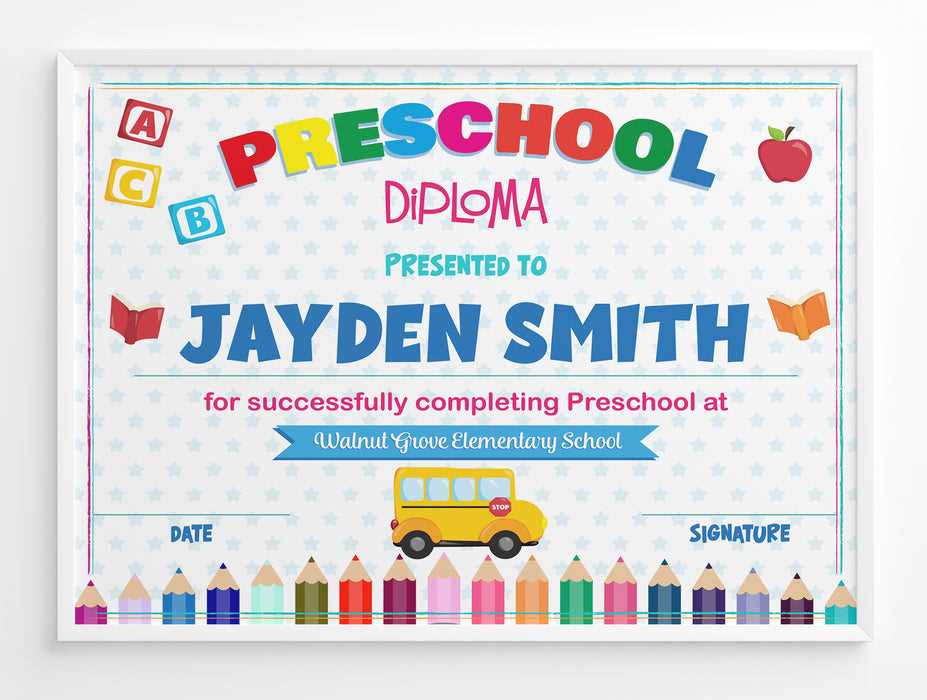
Use ready-made award templates in editable PDF or DOC format to recognize kindergarten graduates and classroom milestones without spending on design services. Choose layouts with clearly marked fields for child’s full name, academic year, teacher signature, and school name, and verify that text boxes support at least 24–32 pt font for readability from a 2–3 meter distance during ceremonies.
Select designs sized for standard US Letter (8.5×11 in) or A4 paper to avoid scaling issues. For durability, print on 200–250 gsm matte cardstock; this thickness prevents bending and works well with both inkjet and laser printers. Use high-contrast color schemes–dark navy or deep green headings with black body text–to maintain clarity. Add a small seal graphic (5–7 cm diameter) in the lower corner and leave a 1.5–2 cm margin on all sides for clean trimming or framing.
Personalize each diploma-style award by including specific achievements such as “Letter Recognition Mastery”, “Counting to 100”, or “Outstanding Classroom Participation”. Limit wording to 25–40 words to keep the layout balanced. Prepare a master spreadsheet with student names to automate text insertion through mail merge tools, reducing manual errors and saving preparation time before the graduation event.
Free Printable Preschool Certificates
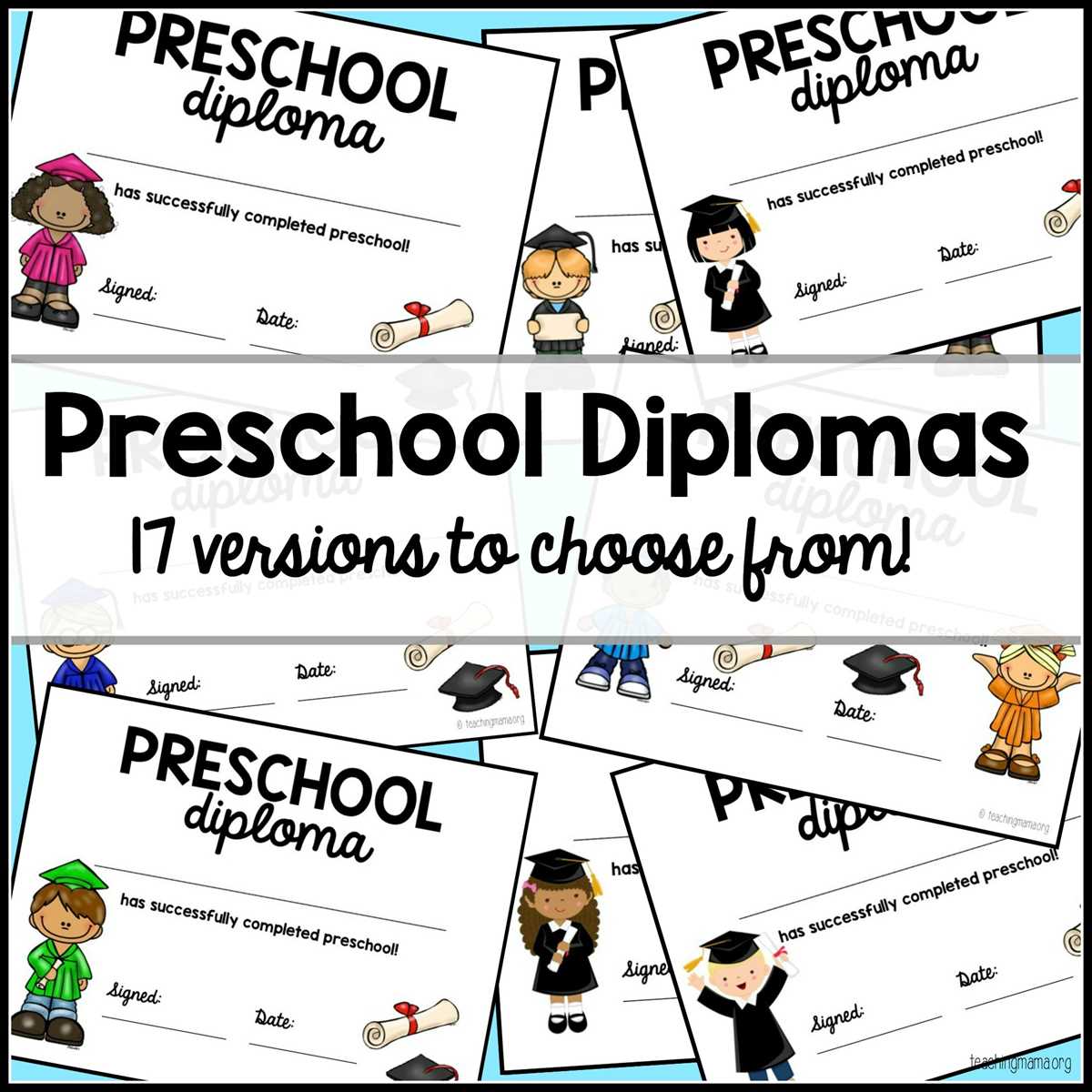
Download ready-to-edit award templates in PDF or DOC format and verify they include fields for child’s full name, program title, completion date, and educator signature. Choose layouts with 300 DPI resolution to avoid pixelation, and confirm page size matches US Letter (8.5×11 in) or A4 to prevent scaling errors during printing.
Select diploma-style designs with clear typography: headings at 28–36 pt, body text at 16–20 pt, and spacing of at least 1.2 line height for readability. Avoid decorative fonts for names; use clean serif or sans-serif typefaces that remain legible when viewed from 2–4 meters during a graduation event. Keep total wording under 40 words to maintain balanced composition and prevent crowding.
Print each achievement award on 200–250 gsm cardstock for durability. Matte paper reduces glare under stage lighting and photographs better than glossy finishes. Set printer quality to high resolution and disable automatic scaling; manually check margins of 1.5–2 cm on all sides to ensure clean trimming or framing.
Personalize recognition lines with measurable accomplishments such as “Completed Alphabet Mastery,” “Counts from 1 to 100 Independently,” or “Demonstrates Cooperative Play Skills.” Specific phrasing adds meaning and avoids generic praise.
Prepare a spreadsheet with student data and use mail merge in common word processors to insert names and dates automatically. This method reduces manual entry errors and allows batch production of 20–50 award sheets within minutes.
Add a small emblem or seal (5–7 cm diameter) in the lower corner to enhance visual structure. Position signature lines 3–4 cm above the bottom edge, leaving space for both teacher and director names. Use dark blue or charcoal ink for signatures to maintain contrast against light backgrounds.
Store finished documents flat in protective folders before the ceremony to prevent curling. For presentation, place each diploma-style sheet inside an inexpensive frame or colored folder that matches school branding, ensuring a polished appearance during distribution and in photographs.
How to Customize Preschool Graduation Certificates with Names and Dates
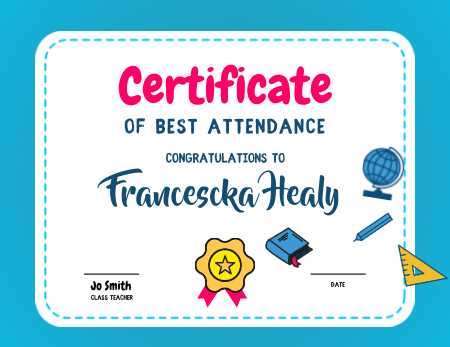
Open the graduation award template in an editor that supports layered text fields and replace placeholder text with the child’s full legal name exactly as provided by parents. Use 28–34 pt font for the name line and center it horizontally; keep at least 2 cm of empty space on both sides to prevent visual crowding.
Insert the completion date in a consistent format such as June 12, 2026 or 12 June 2026, and apply the same style across all documents. Avoid numeric-only formats (06/12/26) to reduce ambiguity. Set the date in 14–18 pt font and position it 1–1.5 cm below the main statement line for balanced spacing.
Use mail merge tools in word processors to automate personalization for groups of 15–60 students. Prepare a spreadsheet with separate columns for First Name, Last Name, Program Name, and Date. Before batch export, preview at least five random entries to check alignment, capitalization, and spacing errors.
Adjust kerning manually for longer names exceeding 18–20 characters. Reduce font size by 1–2 points rather than compressing letter spacing, which can affect legibility in printed form.
Add signature lines labeled with educator and director names in 12–14 pt font. Place them 3–4 cm from the bottom edge to allow room for handwritten signatures without overlapping text elements.
Maintain consistent margins of 1.5–2 cm on all sides. Lock background graphics before editing text fields to prevent accidental shifts that can misalign borders or decorative frames.
After customization, export each file as a high-resolution PDF at 300 DPI. Disable automatic scaling in printer settings and select “Actual Size” to preserve layout proportions during printing.
Conduct a final proofread by cross-checking each name against the enrollment list. Verify spelling, middle initials, and accent marks to avoid reprinting and ensure every child receives an accurately prepared graduation document.