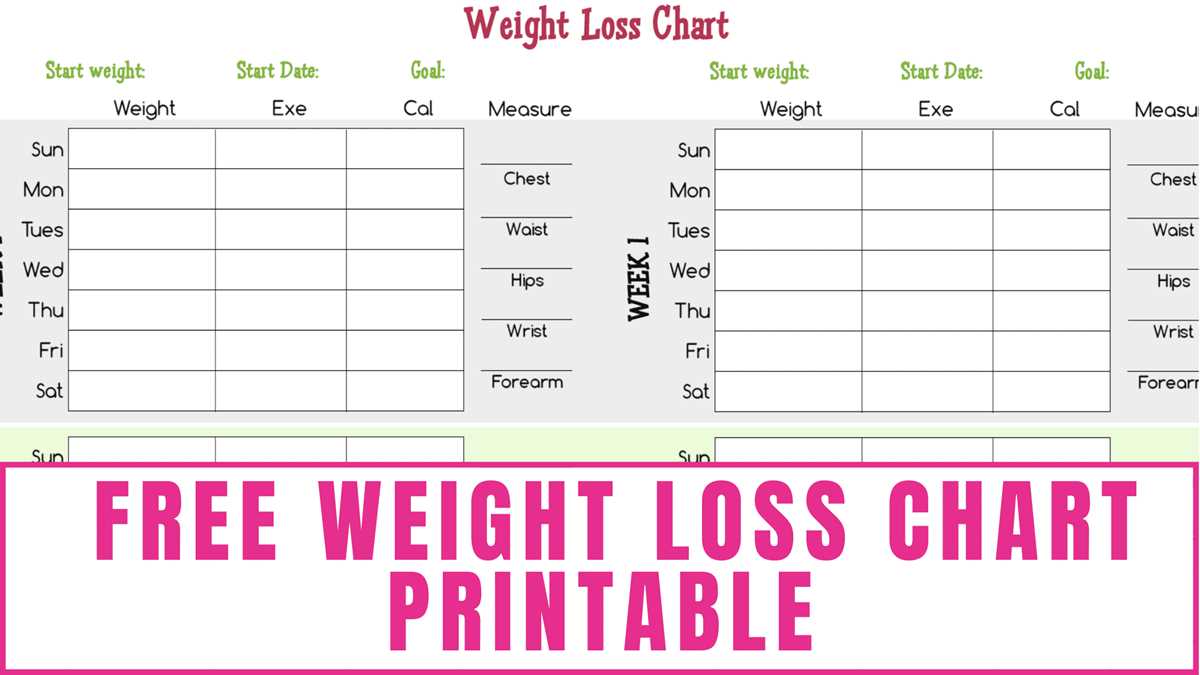
Use a structured progress tracker with weekly entries to monitor body mass changes and physical measurements with precision. Set a fixed weighing schedule, such as every Monday morning before breakfast, and record results to the nearest 0.1 kg or 0.2 lb for consistent data comparison.
Design a tracking sheet that includes columns for date, body mass, waist circumference, hip measurement, and notes on nutrition or training. Leave at least 1.5 cm row height for handwritten entries to keep records legible over several months. Include a target line indicating planned reduction of 0.25–1 kg per week to maintain realistic pacing.
Add a small progress graph area at the bottom of the page where values can be plotted manually. Visual trends over 8–12 weeks help identify plateaus or rapid drops that may require calorie adjustments. Keep each sheet limited to one month of data to avoid clutter and simplify long-term record storage in a binder.
Weight Loss Chart Printable
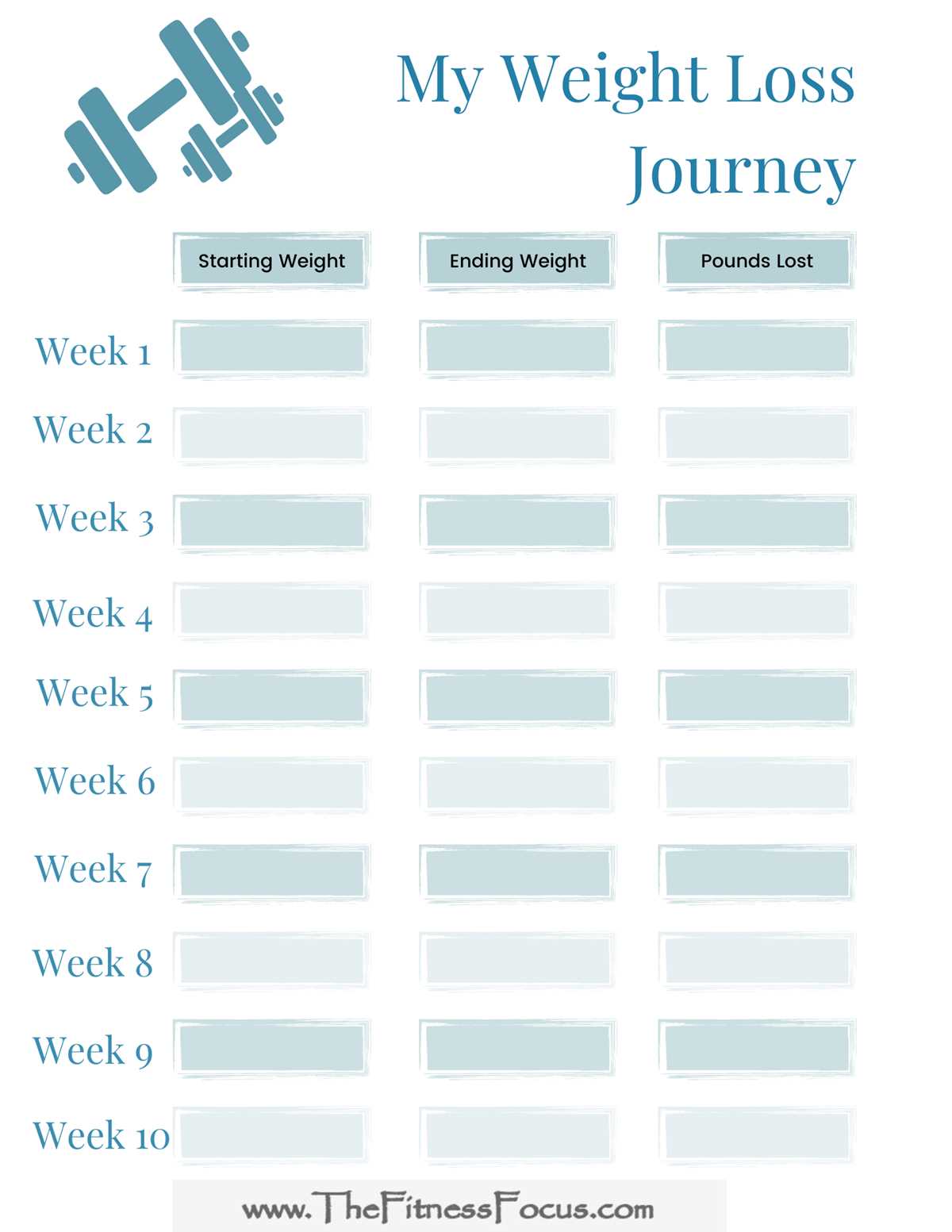
Download a structured body mass tracking sheet with weekly rows and monthly summary fields to monitor physical changes with accuracy. Record measurements at the same time each week, preferably утром before food intake, and log values to the nearest 0.1 kg or 0.2 lb to maintain consistent comparison.
Include columns for date, body mass, calorie intake average, training sessions per week, and waist circumference. Allocate at least 12–16 rows per page to cover one quarter, and reserve a notes section for comments on hydration, sleep duration, or dietary adjustments that may influence results.
Add a progress graph grid occupying 25–30% of the lower page area. Mark vertical axis values in 0.5 kg or 1 lb increments and horizontal axis by week numbers. Manual plotting helps identify plateaus lasting longer than two consecutive weeks, signaling the need to review calorie deficit or activity levels.
Print the tracking form on standard US Letter or A4 paper using high-resolution settings. Use black ink for clarity and keep margins at 1.5–2 cm to allow hole punching for binder storage without covering data fields.
Review entries every four weeks and calculate total reduction, average weekly change, and variance between highest and lowest recorded values. Consistent documentation across 8–12 weeks provides measurable feedback and supports disciplined goal management.
How to Set Up a Weekly Weight Tracking Chart with Realistic Goals
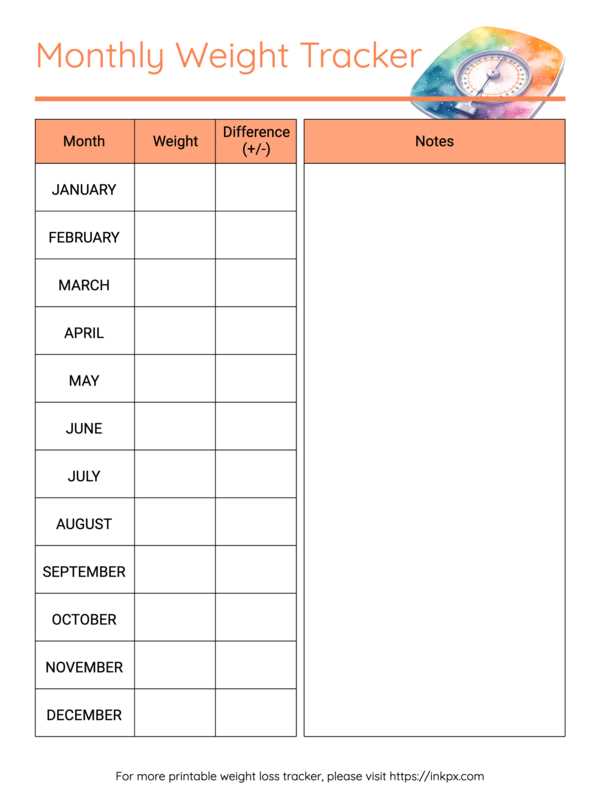
Define a fixed weekly measurement schedule and record body mass under identical conditions each time, such as Monday morning before eating or drinking. Consistency reduces data fluctuation caused by hydration, sodium intake, or late meals.
Create a tracking table with the following structure:
- Week number
- Date of measurement
- Body mass value (kg or lb)
- Waist circumference (cm or in)
- Average daily calories
- Physical activity sessions
Limit each sheet to 8–12 weeks to maintain clarity and allow periodic evaluation. Use 0.25–1 kg (0.5–2 lb) per week as a realistic reduction range. Larger weekly drops often reflect fluid changes rather than fat reduction and can distort expectations.
At the end of every fourth week, calculate:
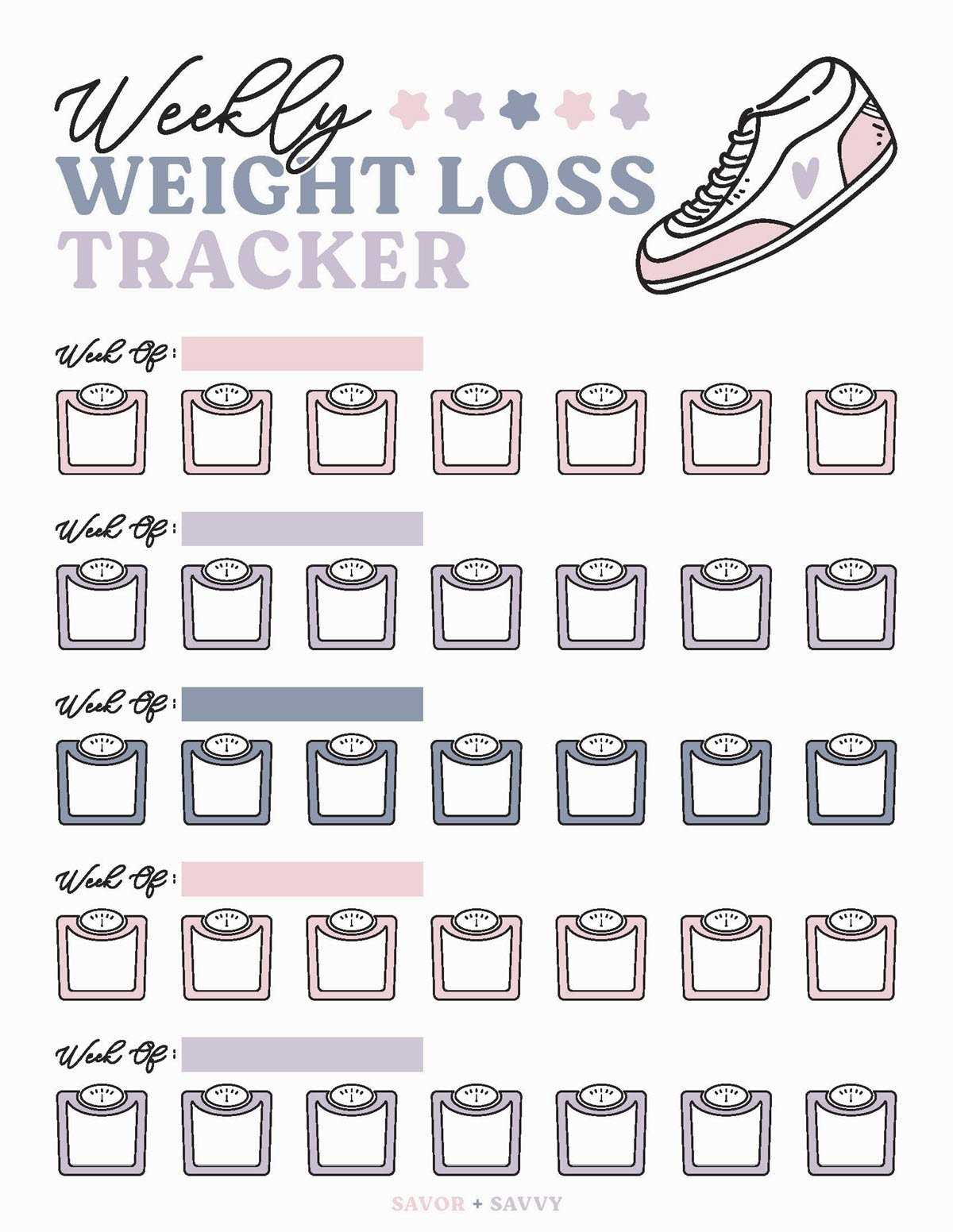
- Total reduction from baseline
- Average weekly change
- Highest and lowest recorded values
If progress stalls for two consecutive weeks, adjust calorie intake by 150–250 kcal per day or increase weekly activity duration by 60–90 minutes. Document adjustments directly in the tracking table to correlate strategy changes with measurable results.