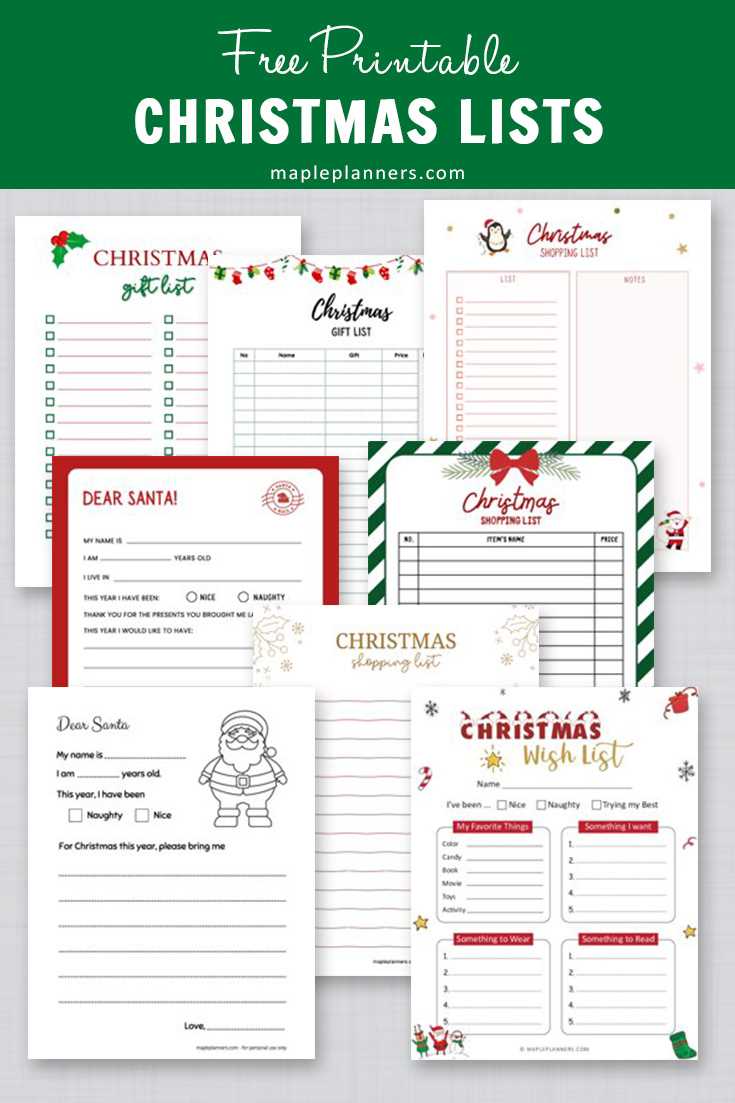
Start by creating a simple document where you can track all the people you want to gift, along with their specific preferences and needs. This method helps you stay organized and ensures that no one is forgotten during the busy season.
Use a clear structure to list out who is receiving what, the estimated cost of each item, and any notes about their preferences or interests. This will reduce stress as the holiday draws closer and allow you to plan your purchases ahead of time.
Consider adding a section to track the status of each gift. Is it already bought? Wrapped? Ready to go? Keeping tabs on your progress will keep you on track and prevent last-minute scrambling.
Finally, having everything in one place will make it easier to stick to your budget. You can quickly see how much you’ve spent and how much more you can allocate without overspending.
HTML
Organizing Your Holiday Gift Planning
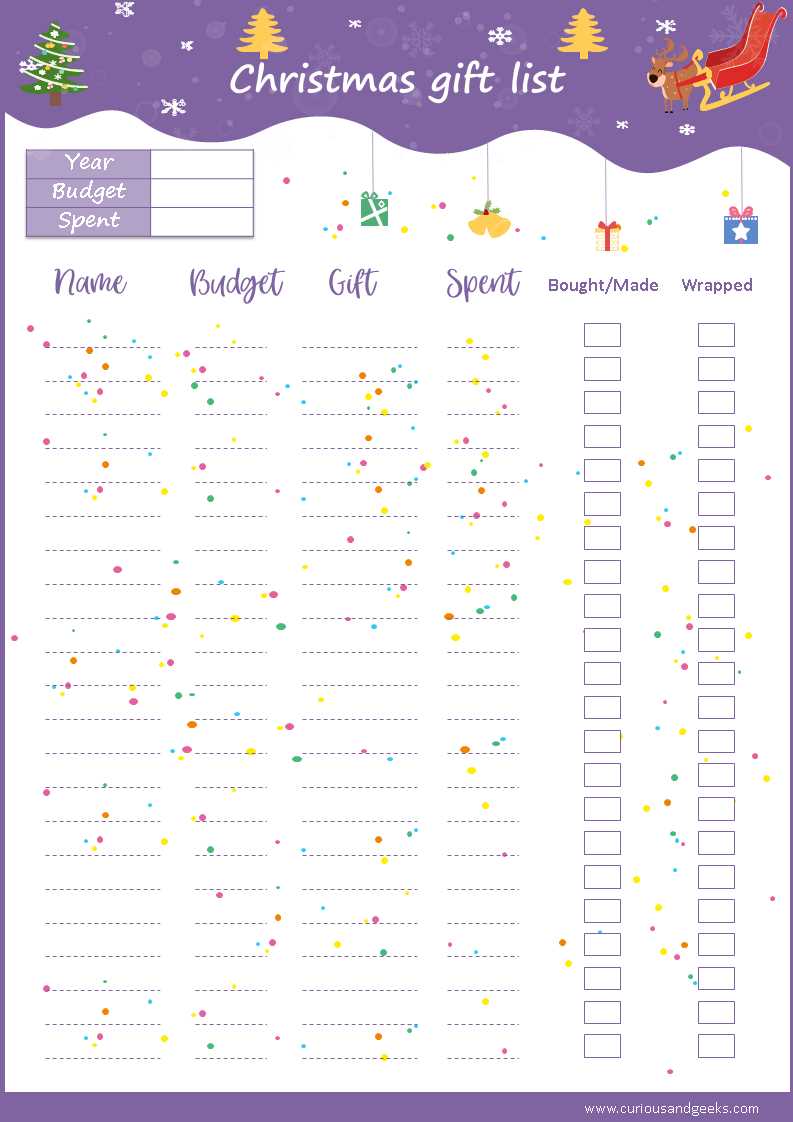
One of the easiest ways to ensure a smooth holiday season is to keep track of your giving ideas. Create a structured document to categorize recipients, budgets, and ideas. Start by listing down names, ages, or any specifics about the person, so you can tailor the options. This simple method avoids stress and guarantees nothing gets overlooked.
Make sure to include space for the actual gift idea next to each name. You can also note preferred stores or brands. Grouping by themes, such as experiences, DIY gifts, or tech gadgets, helps streamline the shopping process. By keeping everything in one file, you can easily update or modify ideas as new thoughts come to mind.
Additionally, consider budgeting per person. Instead of guessing how much you plan to spend, write down specific amounts next to each entry. This practice gives clarity and prevents overspending while still ensuring meaningful choices for everyone on your list. It also helps prevent scrambling for gifts last minute.
Finally, after shopping, don’t forget to track what you’ve already purchased. A simple checkbox system or notes section helps confirm when a gift has been bought, wrapped, and ready for the occasion. This final step adds a layer of reassurance and removes the guesswork, ensuring you’re fully prepared for the season.
HTML
How to Create a Customizable Gift Tracker Template
Begin by designing a template that allows you to tailor the categories and columns based on individual preferences. Create sections for the recipient’s name, budget, preferred items, and a checkbox for purchase completion. This format ensures you stay organized and avoid duplication.
Consider offering space for notes next to each entry. This allows you to add specific preferences, such as sizes, colors, or favorite brands, ensuring the gifts align with the recipient’s tastes. You can even use these sections to track delivery dates or additional information like wishlists.
Use a simple grid layout with clear headings for each section, like “Recipient,” “Budget,” “Gift Ideas,” and “Status.” This straightforward design makes it easier to track progress as you shop and helps to identify any missing items on the list.
Incorporate interactive features like drop-down menus or checkboxes to track whether the gift is purchased, wrapped, or delivered. This approach streamlines the process and gives you a visual representation of how far along you are with your shopping.
Finally, ensure the template is flexible for both physical and digital use. Consider keeping the format easy to update, whether you’re working from a smartphone, tablet, or computer. This ensures you can make changes on the go or print multiple copies when needed.