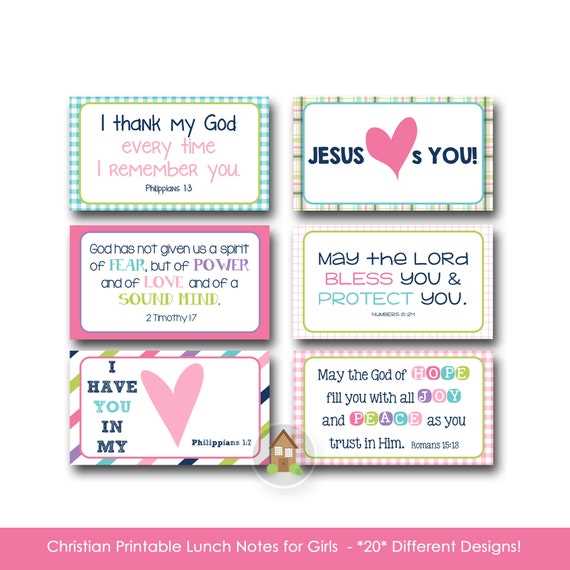
Use small 2×3 inch message slips printed on 200–250 gsm cardstock to prevent tearing inside a food container. Set your printer to 300 DPI and disable scaling so text remains sharp and properly aligned. Keep margins at least 0.2 inches to avoid cutting into words during trimming.
Limit each message to 12–20 words for younger children and up to 30 words for older students. Choose clear fonts such as Arial, Calibri, or Verdana at 11–14 pt for readability. Add one simple graphic or icon per slip to keep the design balanced without overcrowding the space.
Organize messages by theme–encouragement, humor, trivia, or weekly challenges–and rotate them every five school days to maintain interest. Store printed slips in labeled envelopes and laminate a portion of them for reuse. This method reduces daily preparation time while keeping each meal surprise fresh and personal.
Choosing the Right Size and Layout for Printable Lunch Box Notes
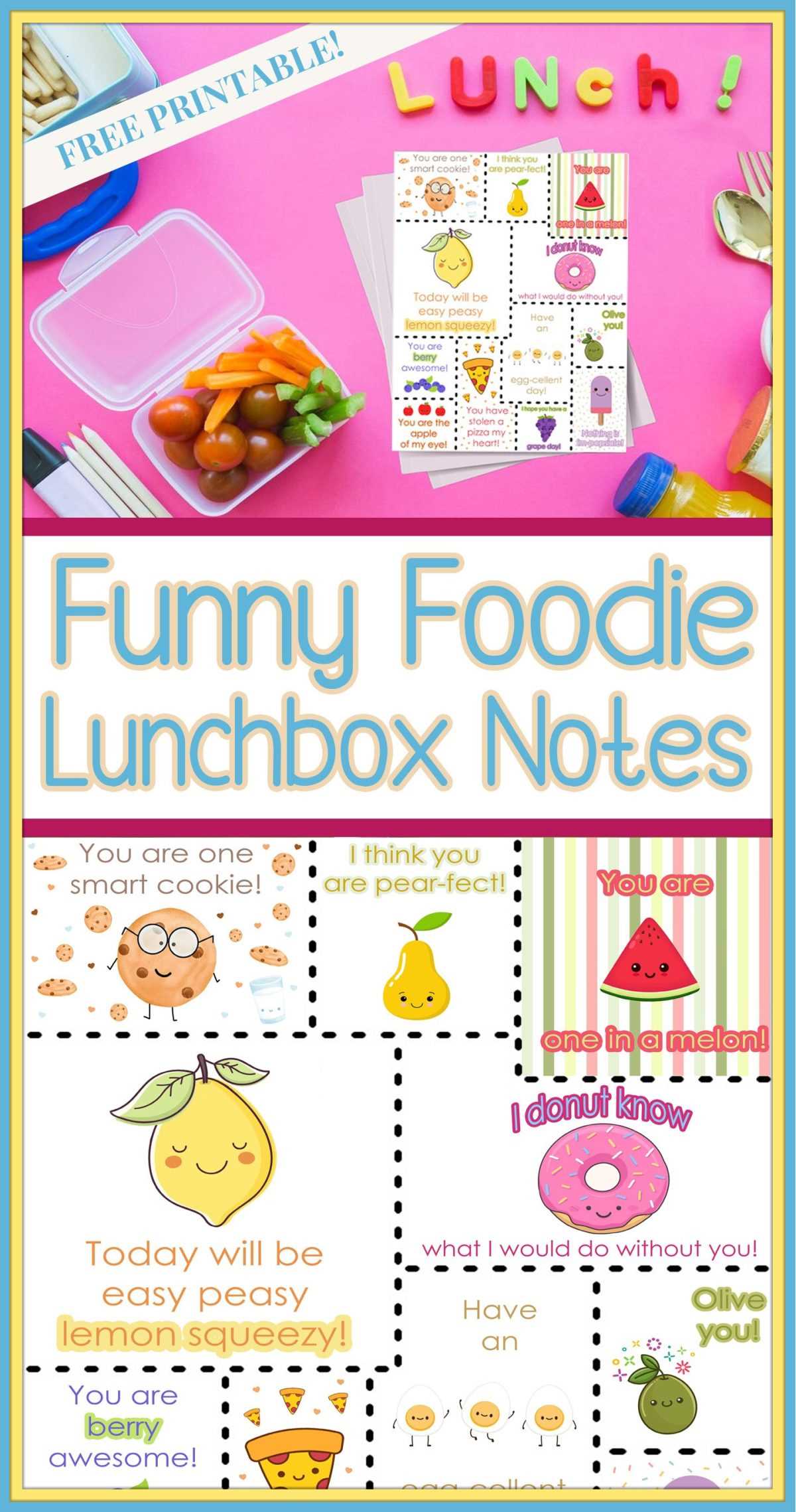
Select a compact format such as 2×3 inches for small food containers and 3×4 inches for larger insulated bags. Keep orientation vertical to maximize text space while fitting between containers. Set document margins to 0.2–0.3 inches and maintain a safe zone that prevents trimming errors.
- Use 11–13 pt sans serif fonts for body text to maintain clarity at reduced scale
- Limit each message slip to one headline and one short paragraph
- Allocate no more than 30 percent of space to graphics or icons
- Keep line spacing at 1.1–1.2 to avoid crowding
- Place cutting guides outside the design area for precise trimming
Arrange multiple message slips on a single A4 or Letter sheet using a grid with equal spacing of at least 0.25 inches between each piece. Align text blocks consistently and avoid full justification, which can create uneven gaps on narrow layouts. Test print on standard 80 gsm paper before using thicker stock to confirm proportions and readability.
Writing Short and Age Appropriate Messages for Daily School Meals
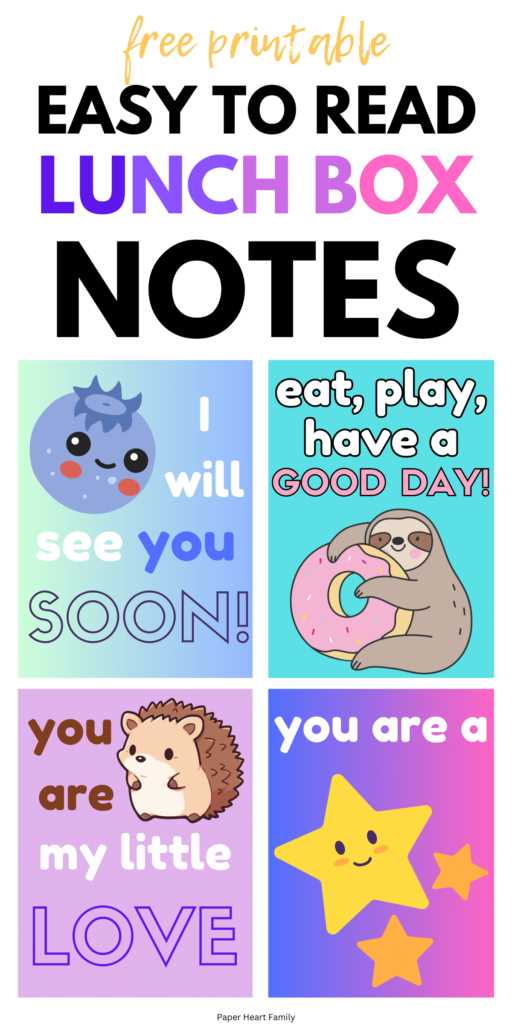
Limit messages for preschool and early elementary children to 8–15 words using simple vocabulary and direct encouragement. Focus on clear praise such as finishing homework, sharing toys, or trying new foods. Avoid abstract phrases and keep sentences short enough to read in under five seconds.
For grades 3–5, expand to 15–25 words and include light humor, short riddles, or quick challenges. Add one question that invites reflection, such as asking about a science topic or a class activity. Keep punctuation minimal and avoid complex clauses that reduce clarity on small message slips.
Middle school students respond better to concise recognition of effort rather than generic compliments. Use 20–30 words that reference a recent test, sports practice, or project. Replace decorative language with direct statements that acknowledge persistence, teamwork, or creativity.
| Age Group | Word Count | Message Type | Example Focus |
|---|---|---|---|
| Preschool–Grade 2 | 8–15 words | Simple praise | Sharing, reading practice |
| Grades 3–5 | 15–25 words | Humor or question | Trivia, small challenges |
| Middle School | 20–30 words | Recognition of effort | Projects, exams, teamwork |
Rotate themes weekly–encouragement on Mondays, humor midweek, reflection prompts on Fridays–to maintain variety without increasing preparation time. Track used messages in a simple spreadsheet to avoid repetition across the month.