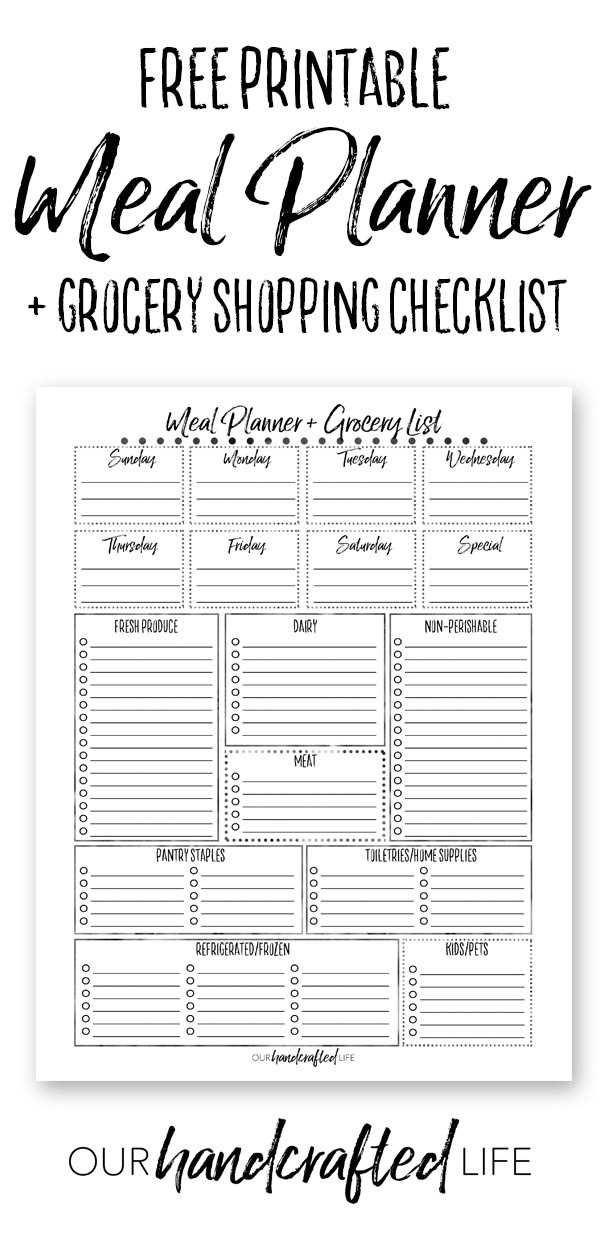
Use a one-page weekly menu worksheet with seven columns for days and three rows for breakfast, lunch, and dinner to map dishes before you shop. Add a side column for snacks and batch-cooking notes. Allocate portion sizes per person, such as 150–200 g of protein and 1 cup of vegetables per serving, to prevent overbuying.
Create a structured shopping checklist grouped by store sections like produce, dairy, meat, pantry, and frozen items. Leave a small checkbox next to each product and a blank line for quantity. Review cupboards and refrigerator first, cross out items already in stock, and note expiration dates to reduce waste.
Include a budget tracker at the bottom with estimated prices for each category and a target weekly spending cap. Plan two leftover nights to reuse cooked grains or roasted vegetables in new dishes. Print the worksheet in black ink on A4 or US Letter paper for clear readability and easy duplication.
Free Printable Meal Planner and Grocery List
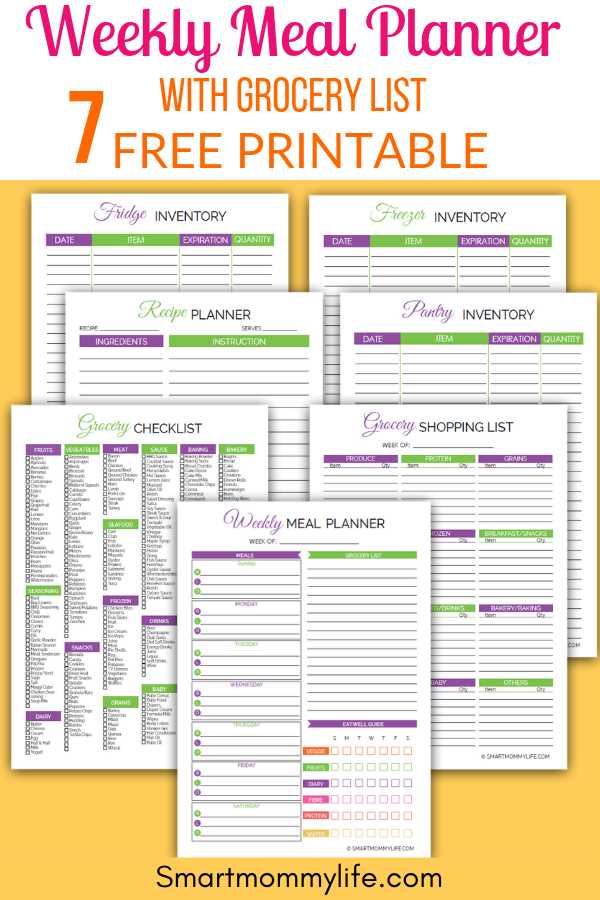
Download a weekly menu worksheet paired with a shopping checklist that fits on one US Letter sheet to keep kitchen tasks in one place. Choose a layout with seven daily columns, separate rows for breakfast, lunch, dinner, plus a notes area for prep tasks like soaking beans or marinating protein 12–24 hours ahead.
Select a market checklist organized by store zones such as produce, bakery, dairy, meat, frozen foods, canned goods, and household supplies. Add quantity fields next to each item and a small inventory box to confirm what is already in stock. This structure cuts impulse purchases and helps match purchases to planned dishes without extra trips.
Print the template in black ink for clarity, use 80–100 gsm paper for durability, and keep a clipboard in the kitchen for quick updates during the week.
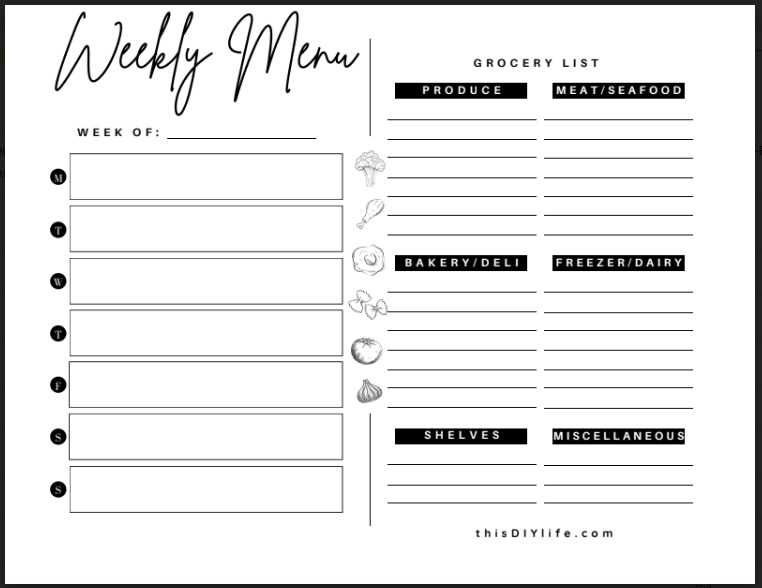
How to Structure a Weekly Menu Grid by Meals and Portions
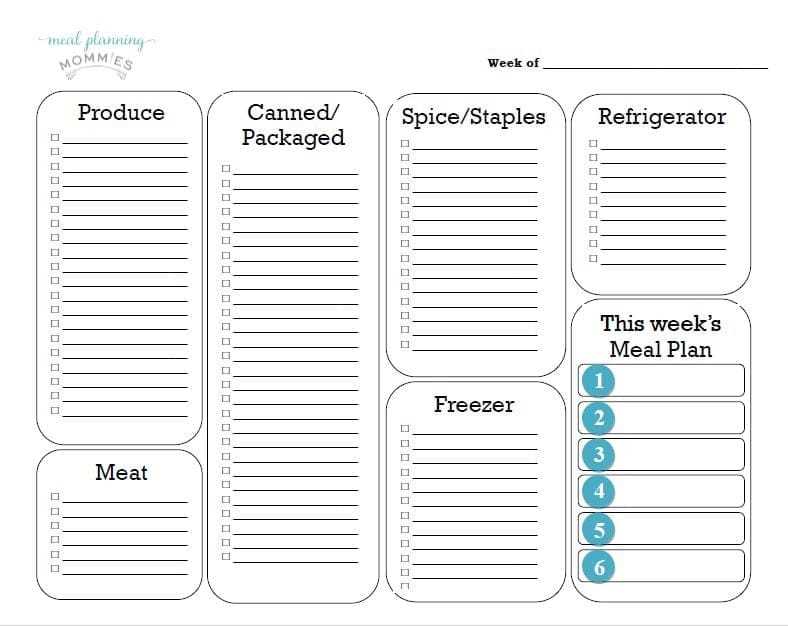
Create a seven-column table labeled Monday through Sunday with three primary rows for breakfast, lunch, dinner, plus two smaller rows for snacks. Allocate one cell per eating occasion to avoid crowding text and leave a narrow margin on the right for calorie totals or prep notes.
Assign portion targets directly inside each cell using clear measurements such as 150 g protein, 1 cup cooked grains, or 2 cups mixed vegetables. This prevents guessing during cooking and keeps servings consistent across the week.
Base quantities on household size. For two adults, multiply single serving amounts by two and add 10–15% for leftovers if lunches rely on previous night dinners. For families with children, reduce spice-heavy dishes in shared cells and mark adjusted serving sizes in parentheses.
Use a color-coding system to separate food groups. For example, highlight protein entries in light blue, plant-based sides in green, whole grains in beige. This visual cue helps balance nutrients across days without rewriting the entire chart.
Include a small checkbox beside each dinner entry to indicate prep steps completed, such as chopping vegetables or thawing fish 8 hours ahead. This reduces last-minute rush and keeps cooking timelines clear.
Add a dedicated row for batch-cooked items like soups, roasted vegetables, or grains prepared on Sunday. Note total yield, such as 6 servings, and distribute them into specific day cells to track remaining portions.
Review the grid before finalizing by counting total protein servings, vegetable cups, and starch portions per day. Adjust cells that exceed planned intake or lack balance so each column reflects realistic consumption for that household.