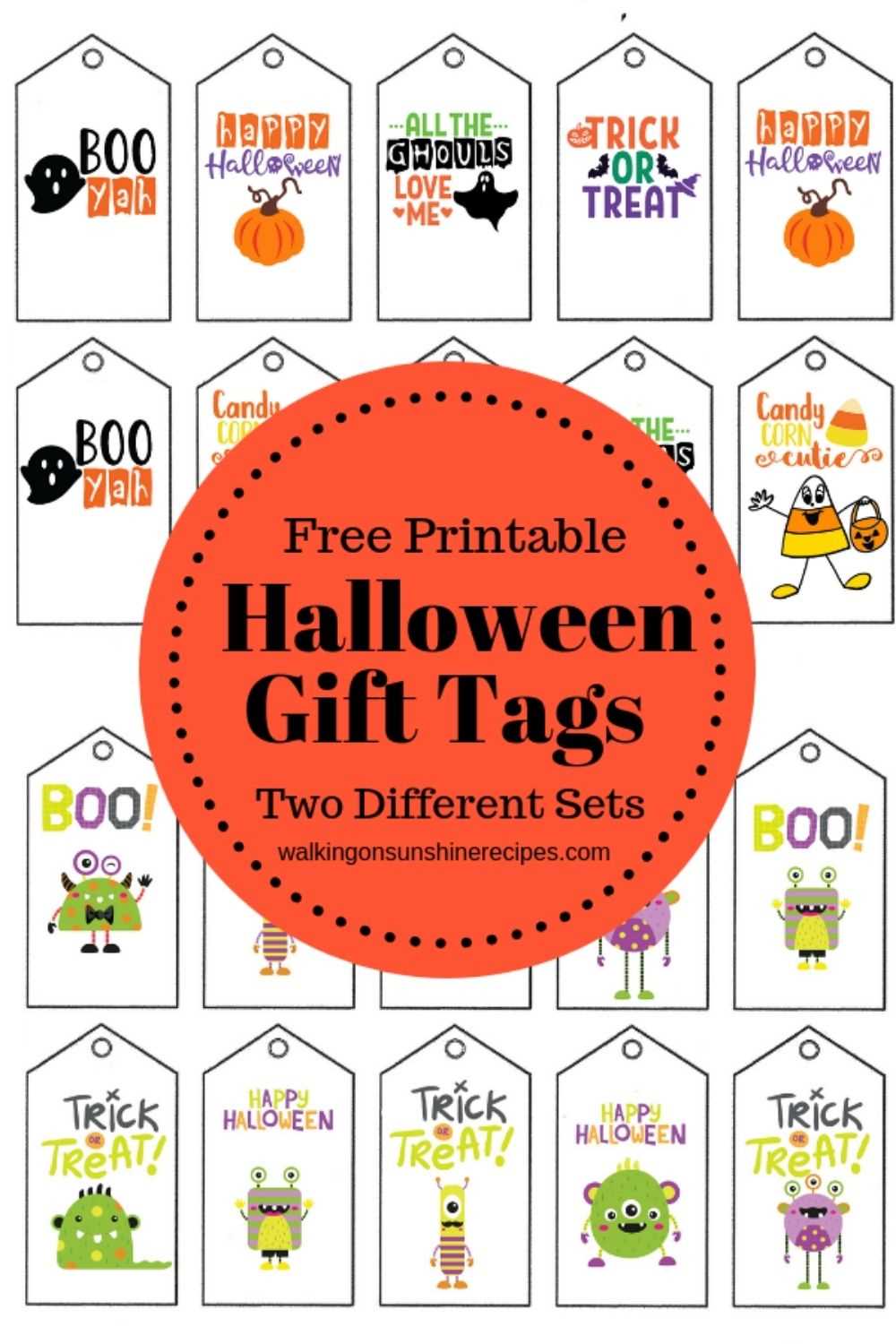
To create memorable touches for your seasonal presents, print decorative labels with themed designs. Choose bold colors and fun shapes to make each piece stand out. Ensure your materials are high-quality, like cardstock, for a professional look and feel.
When printing, select designs that align with your celebration’s theme. Simple yet creative accents, such as pumpkins, bats, or spooky characters, work well. You can personalize the labels with names or messages to add a unique, personal twist to every item.
If you’re printing in bulk, opt for designs with minimal ink coverage to save on printer costs. Many online resources offer free templates tailored to specific holidays or you can design your own in simple software like Microsoft Word or Canva.
Additionally, consider adding a finishing touch like twine, ribbon, or small embellishments to enhance the visual appeal. These small details elevate the gift presentation and make each recipient feel special.
How to Make Custom Seasonal Labels for Your Presents
Start by selecting a suitable design template from online resources or use graphic software like Canva or Adobe Spark to create your own. Opt for bold imagery such as spooky creatures or festive patterns to make your items stand out. You can personalize each label by adding names or short messages that reflect the spirit of the season.
When it comes to material selection, choose sturdy paper or cardstock for durability. This ensures the labels will hold up throughout the festivities. Consider using a higher-quality ink or toner to give the labels a sharper look that enhances the colors and details.
If you need to print multiple designs, use a high-quality printer with adjustable settings to avoid any ink bleeding or color fading. Print on a sheet that fits your printer’s paper tray, and remember to cut the labels carefully for clean edges. Add extra flair by pairing the printed labels with ribbons or strings in contrasting colors for a polished finish.
How to Design Custom Seasonal Labels for Any Occasion
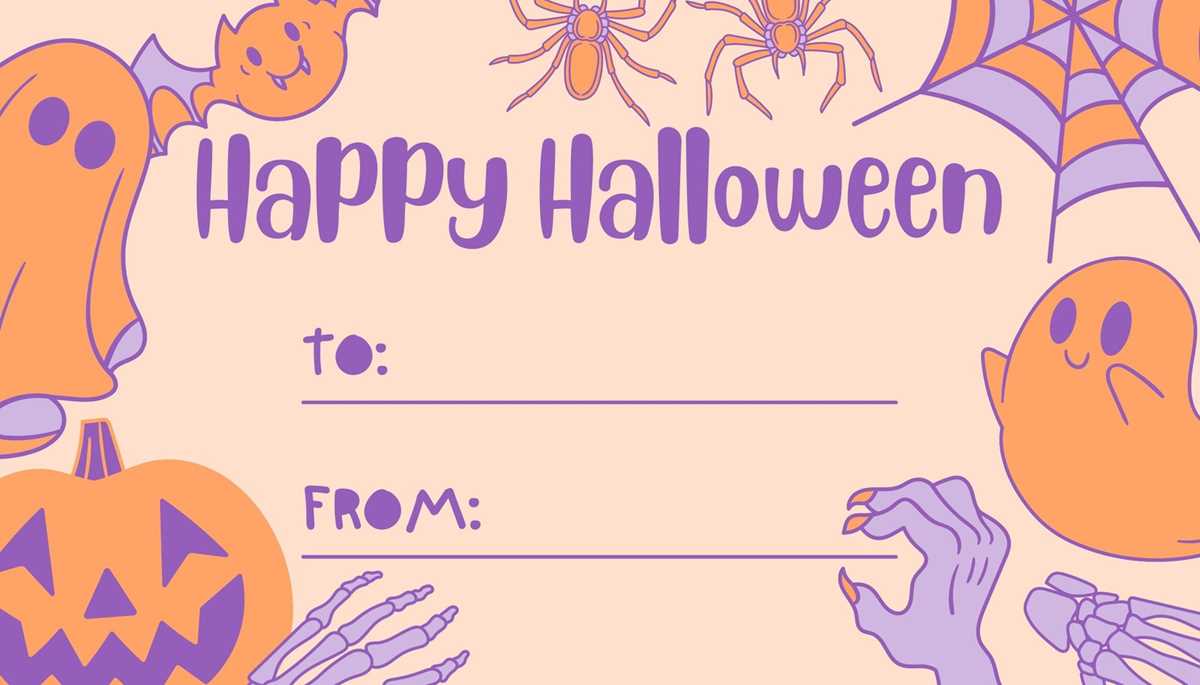
Choose a design that complements the theme of your celebration. For a spooky atmosphere, select dark colors like black and purple and incorporate classic symbols like pumpkins or cobwebs. If the theme is more whimsical, opt for bright colors and playful fonts. Use design tools such as Adobe Illustrator or free platforms like Canva to create the look you want, ensuring that the labels reflect the specific vibe of the occasion.
Incorporate personalization by adding the recipient’s name or a short, custom message. This makes each item feel special and thoughtful. You can also use different shapes for the design, such as circular or scalloped edges, to make the labels stand out even more. This small detail can have a big impact on the final look.
Select paper that matches the durability needed for your event. For casual gatherings, regular printing paper is fine, but for something more formal or long-lasting, use heavier cardstock. If you’re planning to hang the labels, make sure they are designed with enough space for a hole punch to easily attach a string or ribbon.
Test print a few labels before finalizing your design to ensure color accuracy and the proper fit. After printing, cut them neatly using a paper cutter or scissors for clean edges. For an added touch, embellish the labels with decorative accents like glitter, stickers, or even a wax seal to elevate their appearance.