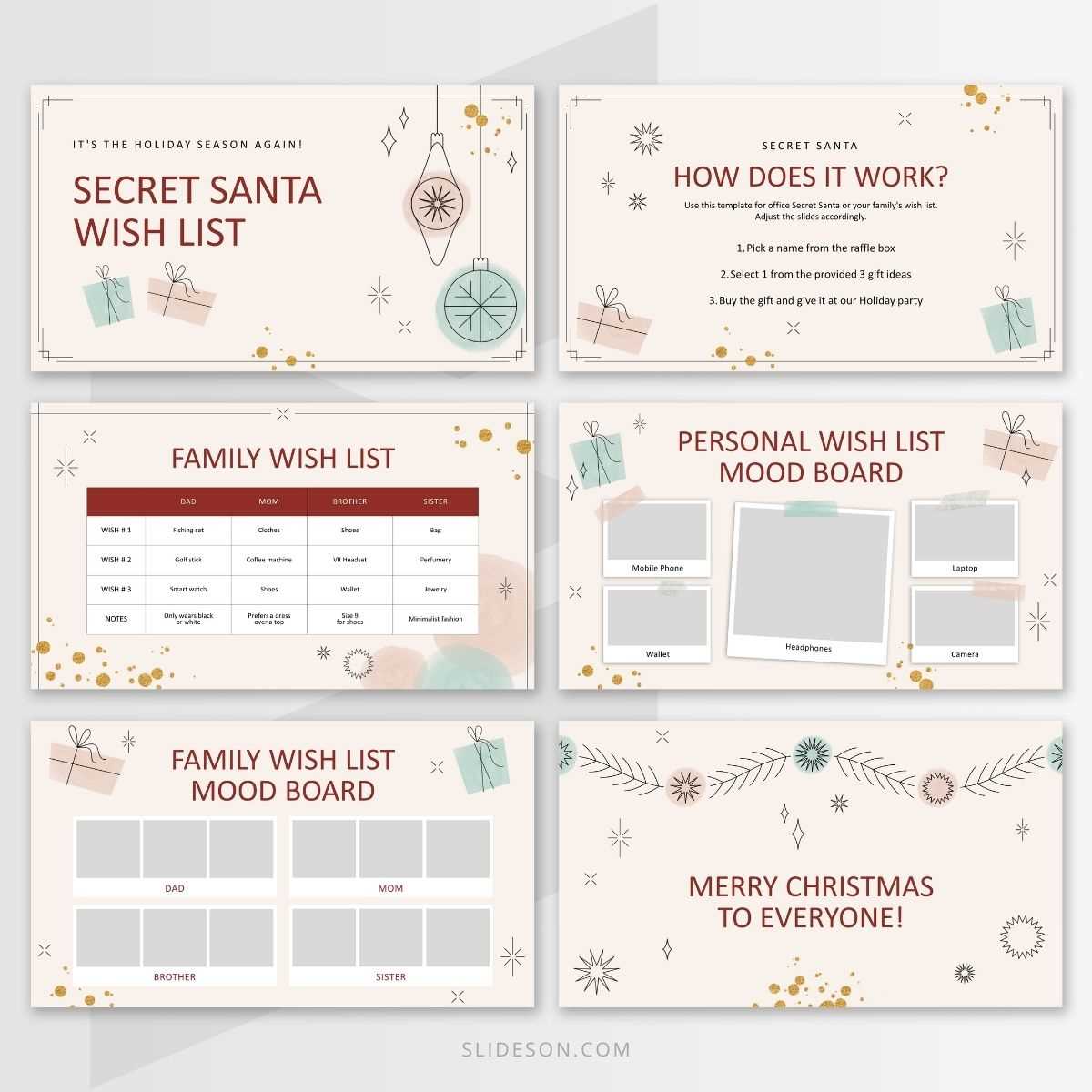
If you’re organizing a holiday gift exchange, a well-structured document for participants to share their preferences can simplify the process. Create a form where everyone can list their favorite items, hobbies, and any specific requests. This ensures gift-givers have clear guidance and can select presents that are thoughtful and tailored to each recipient.
Start by including fields for basic details such as the recipient’s name, interests, and preferred colors or styles. Allow space for any specific item suggestions, while also encouraging flexibility for the giver to add a surprise. This helps avoid generic gifts and adds an element of personal touch.
A key feature of your form should be clear instructions for both the person submitting the preferences and the one selecting the gift. Specify whether certain items are off-limits or whether there’s a price range limit. Providing these details reduces confusion and ensures everyone is on the same page.
How to Create a Customizable Secret Santa Printable Wish List
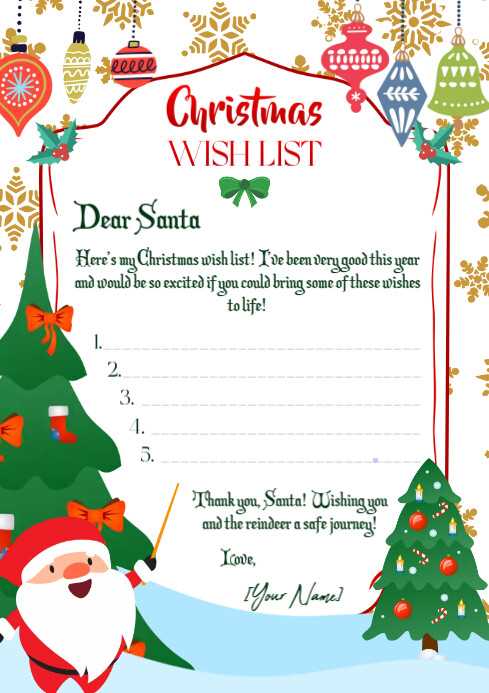
To create a flexible and easy-to-use gift suggestion template, start by using a word processor or design software. Choose a clean layout with space for the recipient’s name, favorite items, interests, and preferences. Keep it simple, but ensure there are enough fields for specific and general gift ideas. The form should include options for the recipient’s style, hobbies, or anything they would love to receive, allowing gift-givers to make thoughtful selections.
Consider adding a section for additional notes, where participants can mention any do’s or don’ts, like allergies, preferred stores, or budget limitations. You can also include a brief description of the gift exchange process to avoid confusion. To make the template visually appealing, use clear headings and lines to guide the user. Add a few design elements, such as icons or borders, but don’t overcrowd the page–simplicity ensures the form is user-friendly and easy to read.
Once the template is designed, offer the option for participants to print or share it digitally. Make sure the format is compatible with most devices, allowing for easy editing and sharing. You can also create multiple versions based on different themes or occasions, like birthdays or holidays, so participants have choices that best suit the event.
Tips for Effectively Sharing and Using Your Secret Santa Wish List
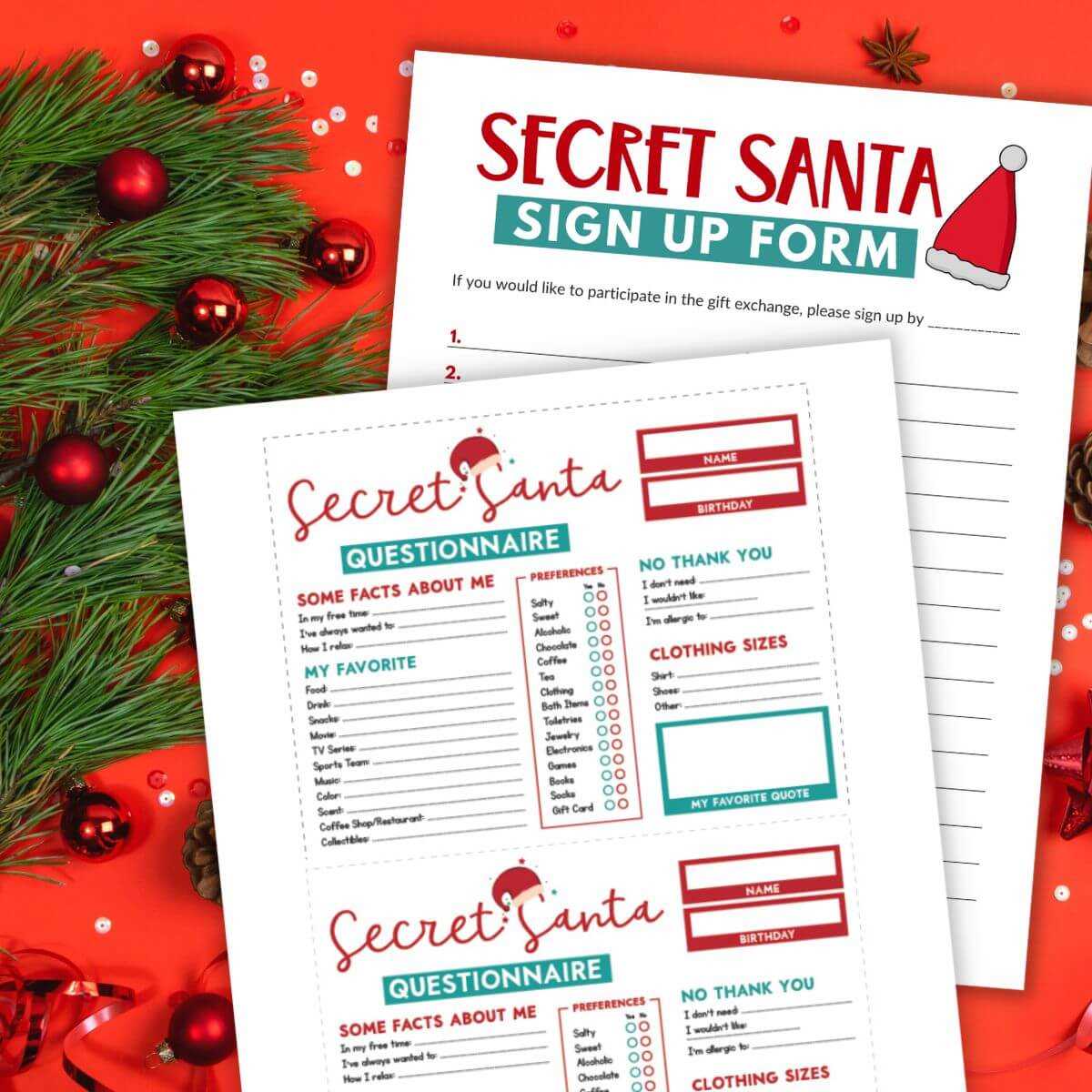
Distribute the gift request form well in advance to ensure everyone has time to fill it out thoughtfully. Use digital tools like email or messaging apps to share the document, making it accessible to everyone involved. This will also allow for quick updates if someone needs to make changes or additions to their suggestions before the exchange takes place.
To keep everything organized, set a deadline for submitting the forms and stick to it. This prevents any last-minute confusion and gives participants enough time to consider their choices. Additionally, remind participants to check the details before sending their preferences–clarify any specific requirements, like price ranges or store preferences, to avoid surprises.
If you’re running a larger exchange, consider using a randomizer or assigning participants digitally to ensure secrecy. Sharing the forms with the right people only will maintain the mystery and excitement of the event. You can also encourage participants to keep their preferences vague enough to leave room for surprises while still providing helpful suggestions.