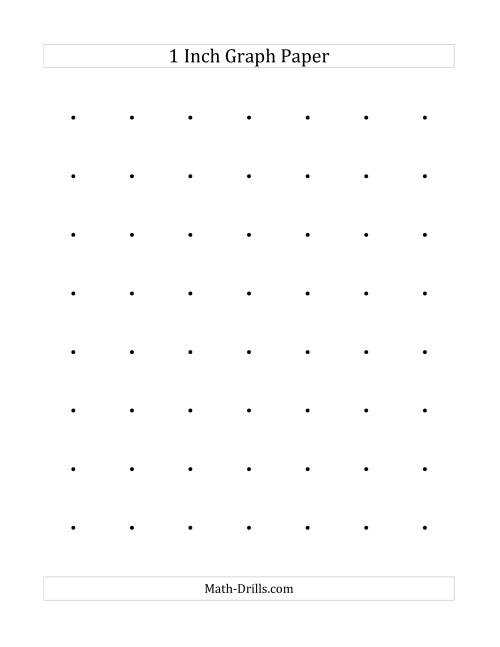
If you need a high-precision tool for drawing, sketching, or designing, a sheet with a 1×1 grid is the way to go. These grids are ideal for accurate measurements, making them useful for tasks such as architectural drafts, engineering designs, and even simple mathematical calculations. You can easily create one at home with a standard printer, saving you time and effort in sourcing ready-made templates.
Start by choosing the correct size and resolution for your project. Depending on your printer, you may want to adjust the print settings to ensure the grid aligns properly with the paper edges. A common mistake is printing at the wrong scale, which can distort the grid and compromise the accuracy of your work. Double-check the dimensions of each square before starting your project to avoid these issues.
Once you’ve printed your grid, it can serve various purposes. For example, artists often use them to create proportional drawings, while engineers may rely on them to scale blueprints. Depending on the material you print on, you can also reuse or modify these grids as needed, adding further versatility to your workspace.
How to Make Use of 1×1 Grid Sheets for Various Projects
If you need precise measurements for drawing or design work, using a grid with evenly spaced squares is the most reliable method. Each square should measure one unit by one unit for perfect alignment across your work. Whether you’re creating diagrams, blueprints, or plotting data, this tool can bring the clarity needed for detailed tasks.
To start, adjust your printer’s settings before printing to ensure that the grid is accurately scaled. Sometimes the default settings can distort the grid, so it’s important to manually check the scale in the print preview before hitting print. This ensures the grid remains consistent throughout the sheet, allowing for uniform measurements in all your calculations.
Artists frequently rely on these sheets for their sketches. The uniformity of each square aids in maintaining proportionality while transferring a drawing onto a different size canvas. To use this grid method, simply enlarge or reduce the grid squares based on the size of your final design, ensuring accurate scaling from the original to the final piece.
In engineering and architecture, a 1×1 square grid provides precise spacing for drafting plans and dimensions. These grids can also assist with scaling down complex designs for prototypes. By creating a uniform, standardized layout, these grids make it easier to calculate areas, lengths, and other key measurements that would otherwise be difficult to determine by eye.
For mathematical and statistical applications, a grid of equal-sized squares is ideal for plotting coordinates and drawing accurate charts. It helps simplify graphing by giving clear visual cues for where each point or line should fall, making complex calculations easier to manage. It also works well for educational purposes, as students can use it for solving equations or visualizing data.
- For precision, always measure your grid squares before use.
- Consider printing on thicker stock if you need the grid to hold up during heavy use.
- If the grid will be marked with writing, use erasable pens or pencils for better results.
Lastly, one of the benefits of this grid method is its versatility. Whether you’re working on a digital device, drawing by hand, or measuring dimensions for a 3D model, this tool adapts to a variety of projects. You can resize it or use multiple sheets to cover larger areas, making it a reliable solution for both small-scale and large-scale tasks.
How to Print 1×1 Grid Sheets at Home
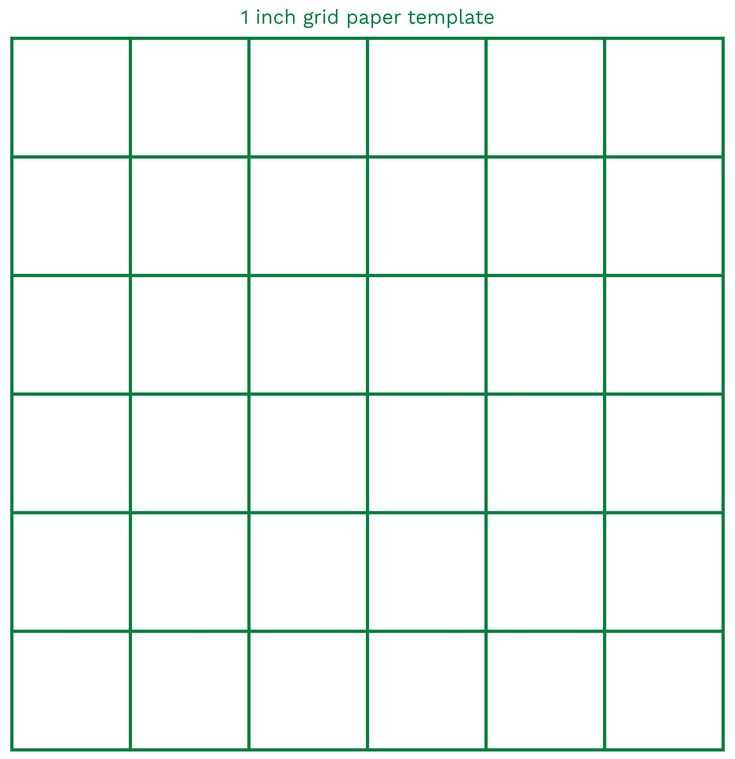
Begin by selecting the correct size for your project. Most printers allow you to customize page settings, so it’s important to choose the right paper size for your needs. For standard tasks, an 8.5 x 11 inch sheet works best, but larger formats can be selected for bigger drawings or designs.
Next, find a grid template. Many websites offer free downloads for grids with predefined measurements. Alternatively, you can create your own using a basic word processor or graphic software. If you choose to make one from scratch, be sure to set the spacing between the lines to match your desired unit of measurement for each cell.
Once the grid template is ready, check the scale settings on your printer. Some models automatically scale documents to fit the page, but this can distort the grid. It’s crucial to set the scaling option to 100% or “actual size” to maintain the grid’s precise dimensions. Verify this setting in the print preview before printing.
Before printing, review the margins. If the grid runs too close to the edge of the paper, part of it may be cut off. Most printers allow you to adjust margins in the print settings, ensuring the entire grid fits neatly on the page.
When printing, use a high-quality resolution setting. The higher the print quality, the crisper the grid lines will be, which is important for tasks requiring accuracy. A resolution of 300 dpi (dots per inch) is generally a good standard for clear results.
If you need multiple sheets, use your printer’s “multipage” or “poster” mode. This option will allow you to print a single grid across multiple sheets, which can be pieced together for larger projects. Make sure to select the proper paper alignment to avoid misalignment between the pages.
Finally, test your printed grid to ensure it matches your expectations. Measure the cells to confirm they align properly, and check for any inconsistencies in the print quality. If everything looks correct, you can begin using your grid for various tasks such as sketching, plotting, or design work.