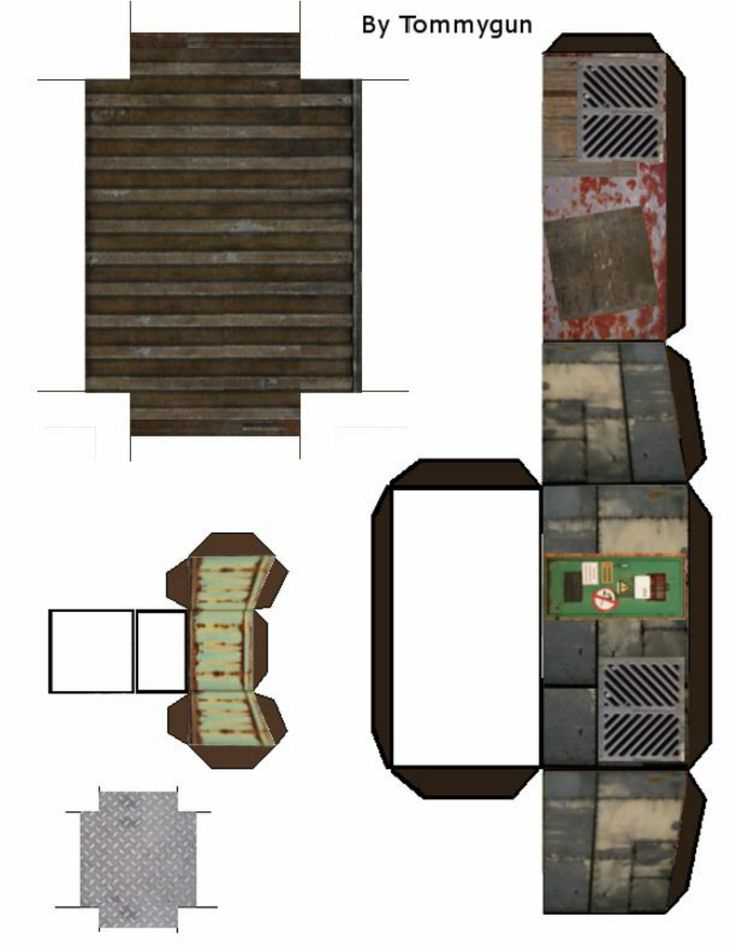
If you’re looking to enhance your tabletop game setup with detailed, easy-to-make scenery, start by exploring free resources online for downloadable 3D models and cutout designs. These files can be printed on regular paper or thicker cardstock to build everything from houses to fortresses. Choose designs that suit your game’s theme and fit your play space.
Before printing, ensure your printer is set to the correct paper size and resolution to capture all the fine details. It’s important to use a sturdy paper that won’t warp during assembly, as this will make the finished models more durable. After printing, carefully cut out each part, following the lines precisely to avoid mistakes when assembling your structure.
Customization can give your pieces a unique look. Consider adding texture, paint, or weathering effects to make your structures appear more realistic. If you want to make them even more versatile, you can modify certain sections or combine several designs to create larger, complex builds. The beauty of this method is the ability to repeatedly build new models with a minimal investment in materials.
How to Use 3D Model Cutouts for Custom Terrain
Start by selecting files that offer clear dimensions and scale for the structures you need. Make sure to download formats compatible with your printer settings. The precision of the initial design ensures that the final outcome will be easy to assemble without unnecessary adjustments.
To achieve realistic results, print on thicker cardstock or a textured paper to replicate the feel of real-world materials. This will help to create a stronger, more rigid structure once assembled. Standard printer paper might be too flimsy and prone to bending, which could cause misalignments when assembling the pieces.
Cut out all pieces carefully, using a sharp knife or scissors. A steady hand is necessary for ensuring clean edges and accuracy. If your design features intricate patterns or small windows, using a craft knife will give you more control and prevent jagged edges.
For coloring and texturing, you can use water-based paints or markers. To achieve a more authentic look, focus on details like stone cracks, brick patterns, and other subtle elements. Dry brushing with a lighter color on darker tones can highlight these features and make the model appear more detailed.
Adding layers of paint or even small, custom-made accessories will elevate the look of your model. For example, creating small rooftop shingles with textured paper or using fine sand to simulate dirt can significantly enhance realism. Don’t overlook adding small touches like door frames or window sills to complete the design.
When assembling, pay attention to the order of the layers. Start with the largest base piece and work upwards to ensure that smaller pieces fit into place properly. The glue should be applied sparingly to avoid excess that could seep out from the sides, leaving unwanted marks on the model.
If you plan to create multiple copies of the same design, consider using reusable adhesive or magnets. This allows you to change up the pieces and reorganize your terrain without damaging the paper or cardstock. For more permanent installations, consider laminating the pieces for added durability.
After completing your project, it’s a good idea to test fit the structures within your game setup. Ensure that the model fits your play area and interacts well with miniatures. Adjustments, such as resizing or adding extra features, can be done to create a more dynamic and engaging environment for your gameplay.
How to Choose the Right Printable 28mm Building Template for Your Game
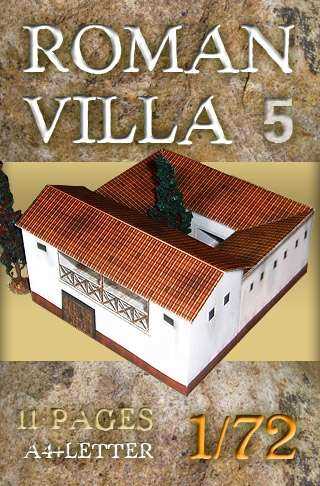
Focus on the specific environment you want to create. Whether it’s a medieval town, a futuristic city, or a fantasy village, your choice of design should match the theme of your game. Look for models that fit the visual style of your miniatures and complement the overall atmosphere you’re aiming for.
Consider the complexity of assembly. Some designs feature intricate details that can take more time and effort to cut out and assemble. If you’re looking for quick results, choose simpler structures with fewer pieces. For more experienced modelers, complex designs can add a unique touch to the play area.
- Simple models: Ideal for beginners or those looking for quick setups.
- Advanced models: Great for experienced hobbyists who want intricate details.
Check the scale and size of the pieces. Not all printable designs are uniform in their dimensions, and it’s important that your structures fit within the gaming area. Ensure the pieces align well with your miniatures by checking scale guides, or measure the printed structures against your figures before assembling.
Materials matter. Choose designs that can be printed on sturdy paper or cardstock. Thinner papers may cause the structure to collapse or not hold shape properly. Heavier materials such as kraft paper or textured sheets will give your terrain more realism and durability for long-term use.
Lastly, consider whether you need customization. Some designs allow you to tweak features like roof types, windows, and doors, while others come as fixed units. If you want flexibility for future projects, opt for templates that can be easily modified to create variations for different scenarios or settings.