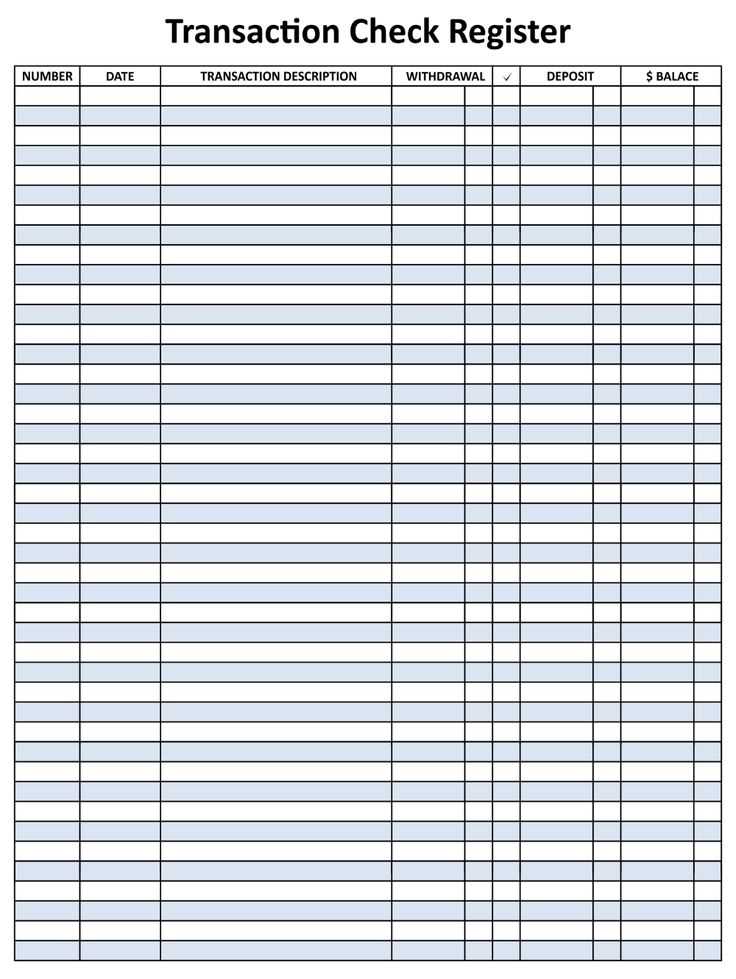
To keep your finances organized, it’s helpful to use a detailed log for tracking deposits, withdrawals, and transfers. A well-structured template will allow you to monitor each transaction, providing you with a clear overview of your account balance at any time.
Start by downloading a template that suits your needs. Choose one with enough space for all necessary details, such as the date, amount, payee, and purpose. This will help you keep a clear record of all activities, ensuring you don’t miss any important information.
After printing the template, make sure to update it regularly. Recording each transaction as it happens will help you avoid any errors and keep your balance accurate. A well-maintained record is also useful for budgeting, saving, and even tax preparation.
Using a Transaction Log Template for Accurate Tracking
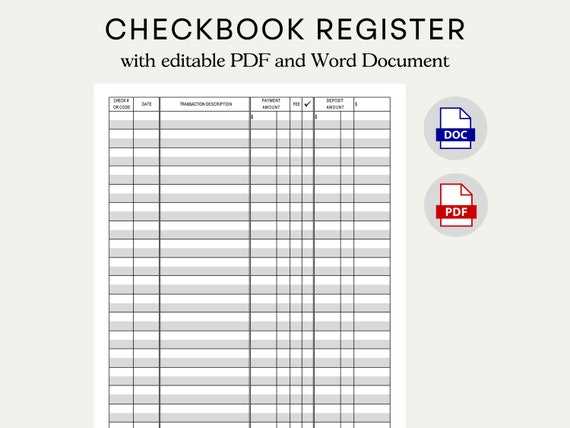
Choose a layout that includes columns for key details like transaction dates, amounts, payees, and the purpose of the transactions. A simple and organized design will help you easily input each transaction as it occurs. Make sure the format aligns with your financial habits and preferences, whether you track weekly, monthly, or on-demand.
Once printed, keep your tracker in a safe and accessible place. Regularly updating it after each deposit or withdrawal will help you avoid errors and prevent discrepancies in your account balance. This method also makes it easier to spot any unusual transactions, giving you greater control over your financial activities.
How to Download and Customize Your Transaction Log Template
Start by selecting a template that suits your needs. There are many free resources available online offering templates in PDF or Excel format. Look for one that provides enough space for recording details like dates, transaction amounts, and descriptions.
Once you’ve downloaded the template, you can customize it to fit your tracking style. If you’re using Excel or Google Sheets, modify the columns to include specific categories such as “payee,” “purpose,” or “transaction type.” This allows you to personalize the tracker and ensure it captures the information that matters most to you.
If you prefer a printed version, adjust the font size and layout to ensure that everything fits properly on your paper. You may want to add or remove sections based on your tracking preferences, such as space for notes or additional columns for budget tracking.
After customization, save the template and print a copy for your use. Make sure to update the tracker regularly, especially after each transaction, to keep your records accurate. A personalized template tailored to your specific financial habits will make managing your accounts much simpler.