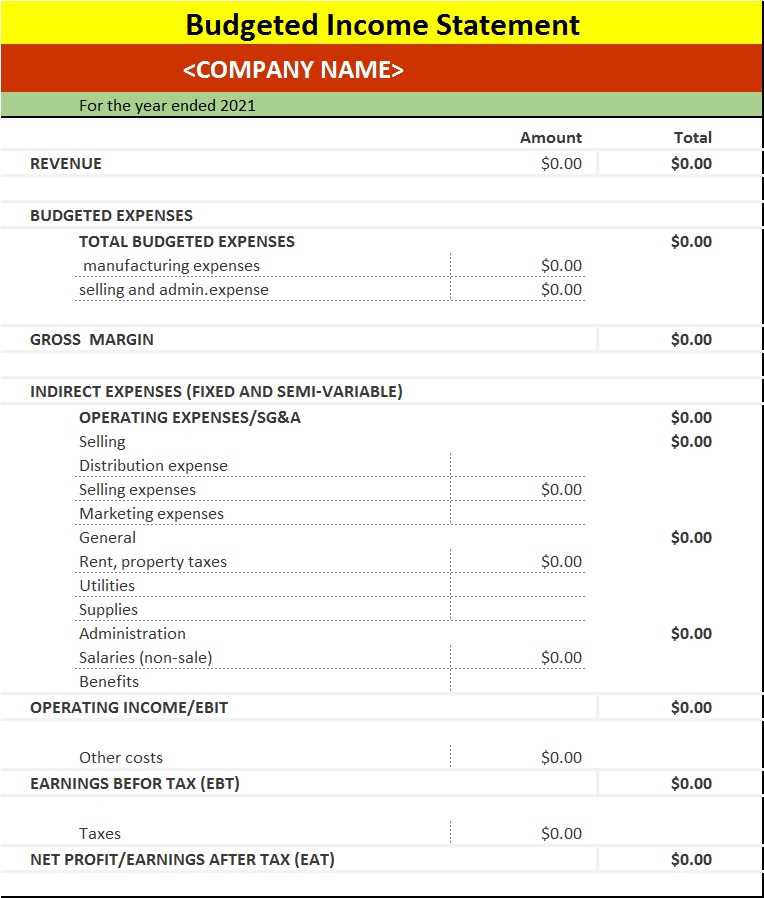
To get started with creating a financial overview for your business, begin by selecting a simple structure to track revenue and expenses. This allows you to organize key figures and gain insights into your profitability. Having a structured layout saves time and ensures accuracy when documenting financial performance.
By using a clear, straightforward framework, you can easily monitor your company’s financial health. Each section should clearly list categories such as sales, operating expenses, and other costs. Ensuring these categories are well defined makes it easier to identify areas where costs can be reduced and where growth is occurring.
It’s important to regularly update this record to maintain a real-time view of your financial standing. For small businesses or startups, this approach allows you to evaluate whether your operations are sustainable and if any adjustments are necessary. The process can be done manually or with accounting software, depending on your preference and business scale.
How to Create a Detailed Financial Overview Document
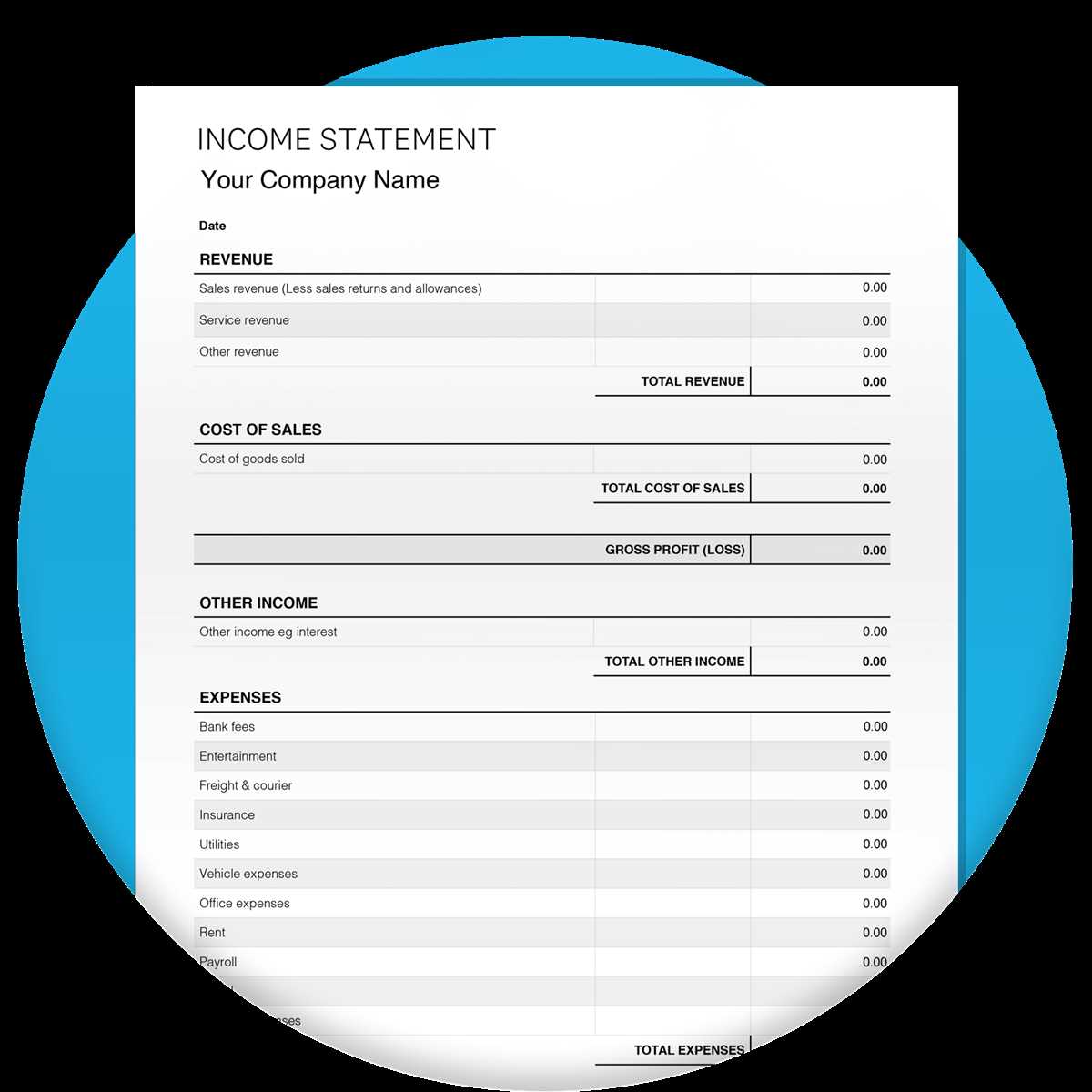
Start by organizing your revenue and expenses in separate categories. This will allow you to track where your income comes from and how your money is being spent. Make sure to list all significant income sources, including sales, investments, and any other incoming funds. On the expense side, break down costs like rent, utilities, and payroll.
It’s important to follow a clear and logical order when arranging each section. Begin with total earnings, followed by operating costs, and then non-operating expenses. At the end of the document, provide a line for net profit, which should reflect the difference between your earnings and costs. This simple structure provides clarity and ease of use when reviewing financial health.
If you’re managing a small business or doing personal financial analysis, consider updating this document on a regular basis. Monthly updates help you stay on top of trends and identify any red flags early. The more frequently you update your data, the better you’ll be at making informed decisions about budgeting and growth.
Using a consistent format every time ensures that you don’t miss important details. Whether you’re using accounting software or just working with a spreadsheet, consistency in how you track figures makes it easier to compare results over time. Remember, a well-organized financial overview is key to making strategic decisions for your business or personal finances.
How to Customize a Blank Income Statement Template for Your Business
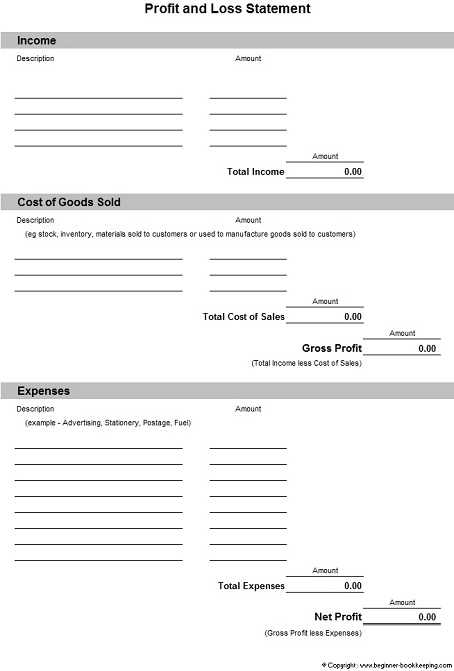
Start by identifying your revenue streams. If you run a service-based business, you may only have one type of income. However, if you sell physical products or offer multiple services, list each revenue source separately. This breakdown will give you a clearer view of your financial performance and help you identify your most profitable areas.
Next, adjust your expense categories. Common costs for businesses include rent, utilities, salaries, and marketing expenses. Customize your expense categories to fit your operations. If you outsource work, include “contractor fees” as a separate category. If you sell physical products, don’t forget to list inventory costs and shipping fees.
After categorizing revenue and expenses, calculate your gross profit. Subtract the cost of goods sold from your total revenue to determine this figure. For businesses with direct sales, it’s a critical metric that reflects your ability to generate profits after accounting for production costs.
Ensure that your document includes a section for other non-operating revenues and expenses. These might include gains or losses from asset sales, interest earned, or one-time charges. Accurately capturing these figures will give you a full picture of your financial standing.
Consider adding a section for taxes, as business owners often need to account for them separately. Include both income tax and any other applicable local taxes. It is important to calculate these correctly to avoid future tax complications.
As you update your financial data regularly, remember to keep your format consistent. This makes it easier to compare figures from month to month or year to year. Whether you’re working with a spreadsheet or accounting software, maintaining the same structure is key for analysis and future planning.
Finally, always leave room for comments or notes. As your business grows and you adjust your strategy, adding notes about significant changes or plans for improvements can help contextualize the data. These details will make your financial document more useful as a long-term tool for business growth.