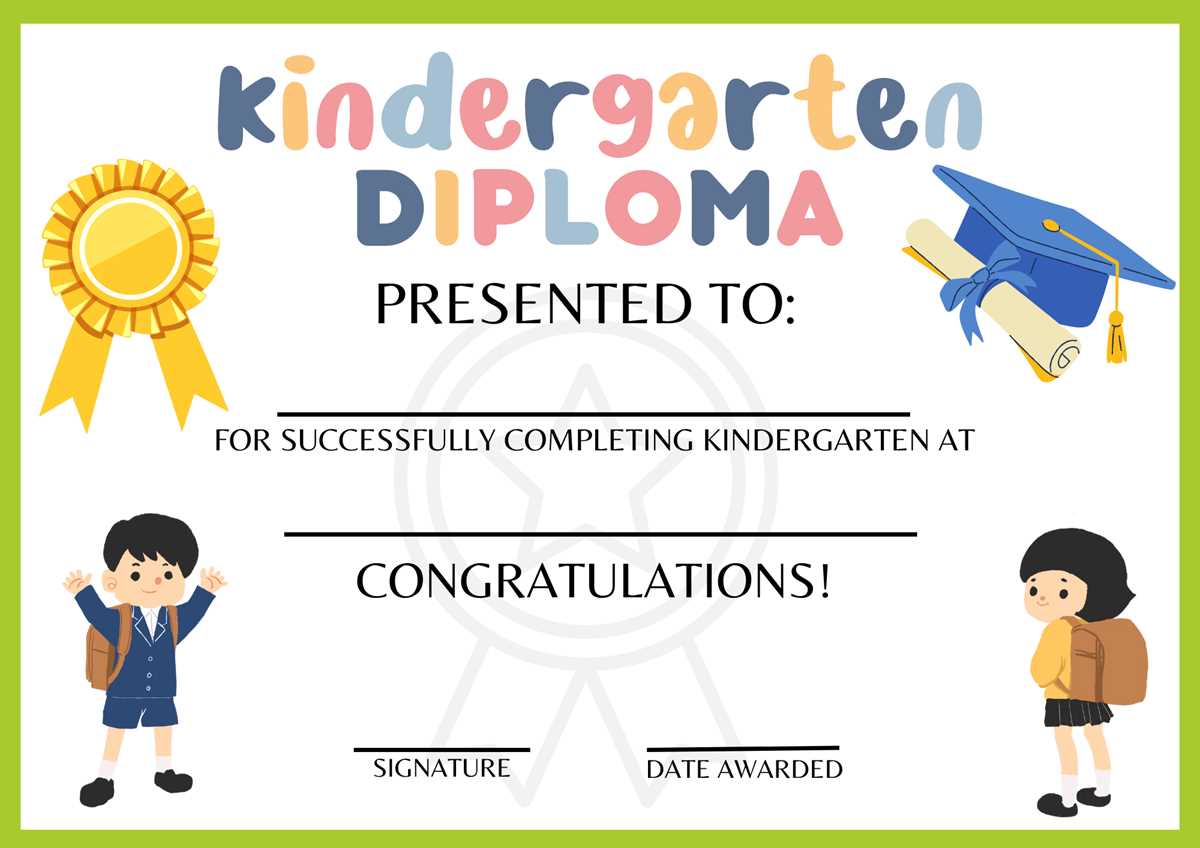
For teachers and parents looking to celebrate the achievements of young children, a personalized award can make a big impact. These certificates can be designed to mark milestones such as the completion of early education activities, social development, or even a fun themed event. Crafting an award with custom details will make the recognition feel special and meaningful.
Start with simple templates that focus on bright colors and playful fonts to catch the eye of children. A design featuring stars, animals, or nature elements can make the certificate feel more engaging. Choose a layout that leaves space for specific information such as the child’s name, date, and the accomplishment being celebrated.
Consider making the design interactive by adding areas for stickers or stamps, which can further personalize the certificate. Incorporating elements of the child’s favorite themes, such as cartoon characters or hobbies, will increase the emotional connection and make the award something to remember.
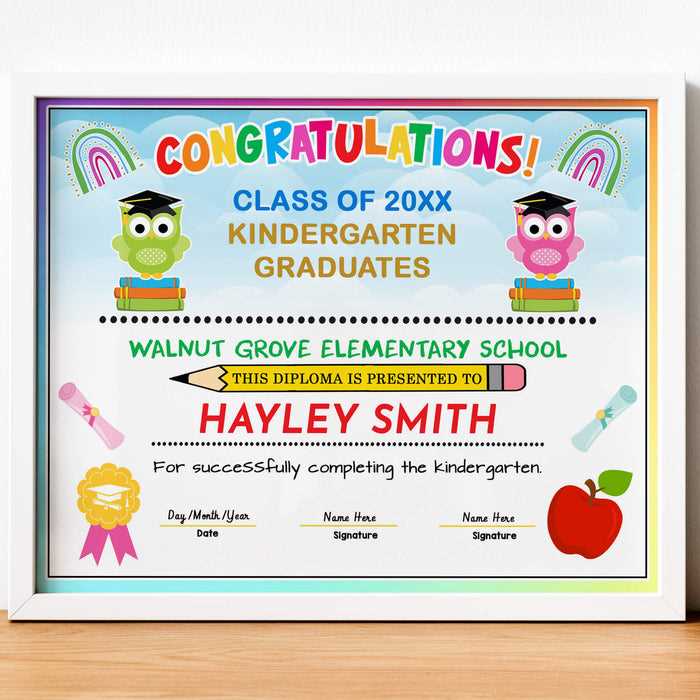
Incorporating these tips into your templates will ensure a memorable keepsake that celebrates each individual’s growth. Whether printed at home or professionally done, these small gestures can leave a lasting impression.
HTML
Personalized Recognition Certificates for Young Learners
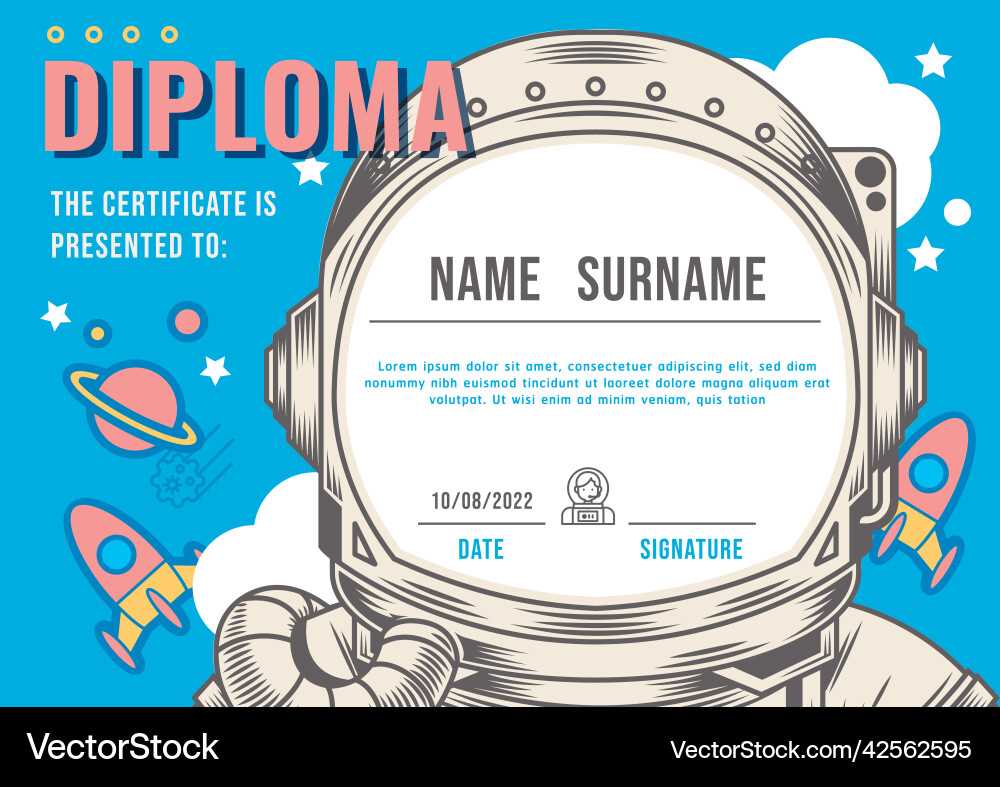
Creating a unique certificate to honor the achievements of young learners is a meaningful way to celebrate their progress. These recognition awards can be customized with a child’s name, date, and a description of their accomplishment. Tailoring the certificate adds a personal touch that enhances its value and significance.
To design an ideal award, choose a format that suits the occasion. Whether it’s for completing a year of education or mastering a specific skill, a clear, simple design works best. Add a border or themed decoration to make it more attractive. If you plan to print a series of them, ensure the template is easy to duplicate and adjust for each child.
For a polished look, use legible fonts. Opt for classic typefaces like Arial or Times New Roman for clarity. If you wish to make it more fun, you could incorporate playful fonts, but avoid making them too ornate as it can interfere with readability.
- Ensure the child’s name is prominently displayed at the top.
- Include a space to add the date and the specific achievement.
- Use a few lines of text to briefly describe the achievement or effort that is being recognized.
Incorporating small graphics, such as stars or illustrations, can make the award feel more celebratory. However, avoid overcrowding the certificate with too many images. Simple symbols like a pencil, a book, or a globe can tie in with educational themes without being overwhelming.
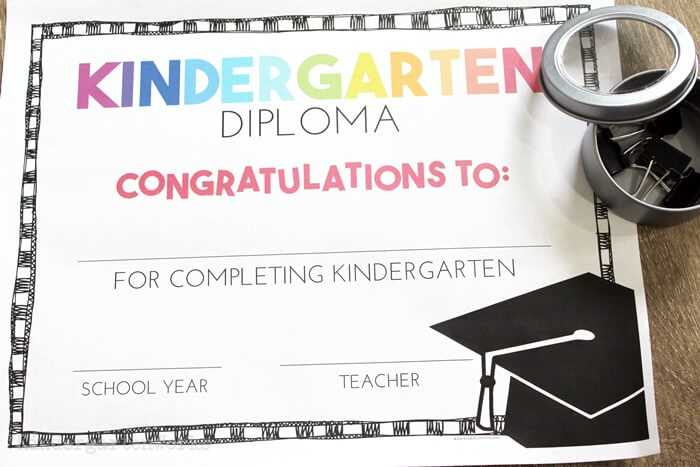
Another key aspect is the use of high-quality paper. Opt for a heavier cardstock that feels substantial to hold. A glossy finish can enhance the visual appeal and make the certificate feel more official and valuable, but it is not necessary for every situation.
Lastly, consider adding a signature from the educator or a stamped logo. This adds an official touch and further personalizes the award. It’s a great way to make each learner feel truly recognized and appreciated for their hard work.
HTML
How to Create a Customizable Template for Graduation Certificates
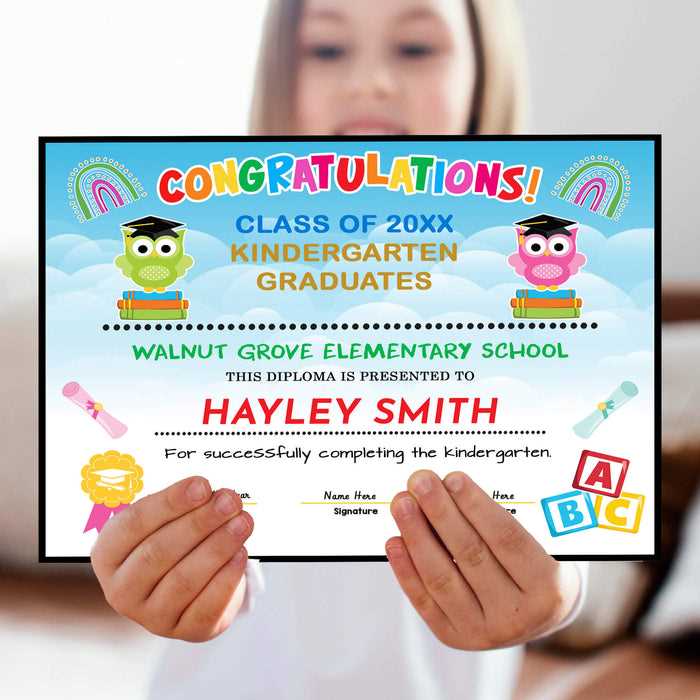
Begin by choosing an editing platform that allows flexibility in design, such as Adobe Illustrator or Canva. Select a blank canvas and set the dimensions according to the size of the certificate you intend to print. Standard sizes include 8.5 x 11 inches or A4. Use guides to ensure elements like text, borders, and illustrations are properly aligned and leave enough space for customization.
Incorporate placeholders for text like names, dates, and achievements. Create text boxes with clear, easy-to-read fonts such as Arial or Times New Roman. Leave areas open where you can insert personalized information, ensuring that the design can adapt to individual needs without overwhelming the page. For added flexibility, consider including multiple font styles to emphasize key parts of the document, like titles or names.
Include decorative elements like borders or background graphics, but keep them simple to avoid distraction from the main content. For example, soft patterns or subtle icons related to the theme can add a creative touch without cluttering the design. Test the template by filling in mock information to confirm that everything fits neatly within the designated spaces. Finally, save the document in a format that allows easy future edits, such as PDF or an editable template file.