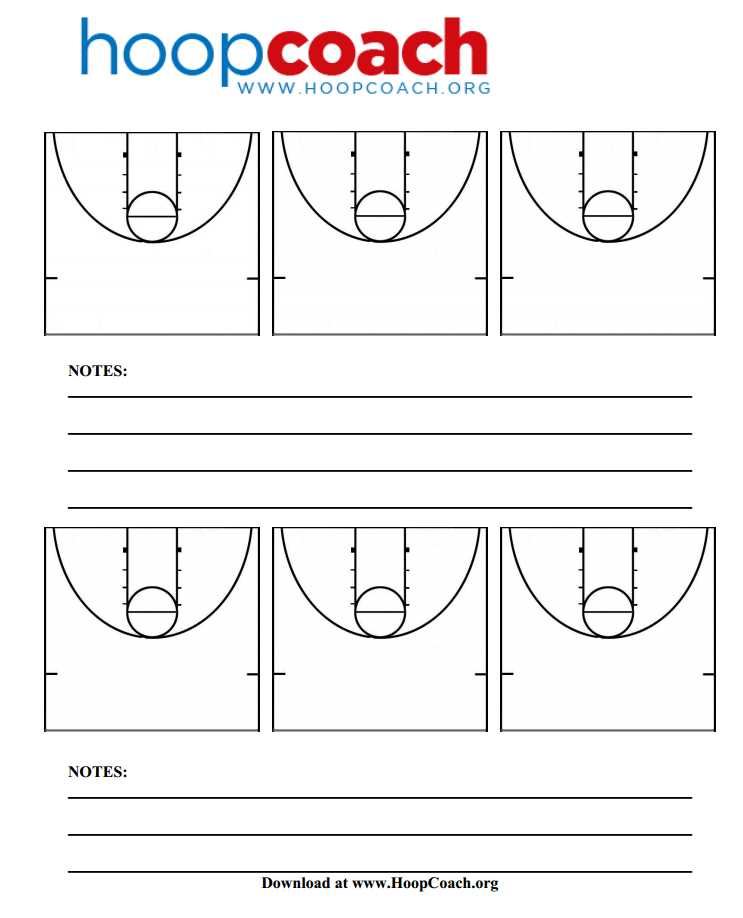
Use a scaled 94 by 50 feet layout reduced proportionally to fit on a single Letter or A4 sheet while keeping all markings readable. Mark the free throw lane at 16 feet wide, place the free throw line 15 feet from the backboard, and draw the three point arc at 23.75 feet from the rim for NBA dimensions or 22.15 feet for FIBA standards.
Keep boundary and key lines at 1–1.5 pt thickness so they remain visible after copying, and leave open space inside the playing area for sketching plays. Avoid heavy shading; thin black outlines provide clarity without consuming excess ink.
Set the document resolution to 300 dpi and export as a PDF with embedded fonts to prevent scaling shifts during printing. Choose landscape orientation to maximize drawing space and maintain margins of at least 1.5 cm to prevent clipping on office printers.
Print on 90–120 gsm paper for durability during practice sessions and attach sheets to clipboards for quick note taking. For repeated use, insert copies into transparent sleeves and draw plays with dry erase markers to reduce paper waste.
How to Design a Half Court Basketball Diagram for Drawing Plays
Set the scale first: reduce a 94 by 50 feet playing surface proportionally so one offensive end fits clearly on Letter or A4 paper in landscape orientation. Keep the rim centered 5 feet from the baseline, place the free throw line 15 feet from the backboard, and draw the lane 16 feet wide to match NBA standards or 4.9 meters by 5.8 meters for FIBA formats.
Use vector software such as Adobe Illustrator or free tools like Inkscape to build clean, editable lines. Apply 1 pt strokes for boundary markings and 0.75 pt strokes for interior arcs so the three point line at 23.75 feet from the hoop remains sharp without overpowering the layout.
Leave at least 60 percent of the interior area blank for sketching actions. Avoid heavy fills; a simple outline of the key, restricted area arc at 4 feet from the rim, and backboard at 6 feet wide provides enough structure for play design.
Align all elements using exact coordinates rather than manual placement. Anchor the center of the hoop on a fixed grid, then construct arcs with precise radius values to prevent distortion during resizing or copying.
Export the file as a 300 dpi PDF with locked proportions and 1.5 cm margins to prevent printer clipping. Test print one copy, verify that measurement ratios remain consistent with official dimensions, and adjust line weight if details fade on standard office printers.
Printing Settings and Paper Layout for Clear Court Sheets
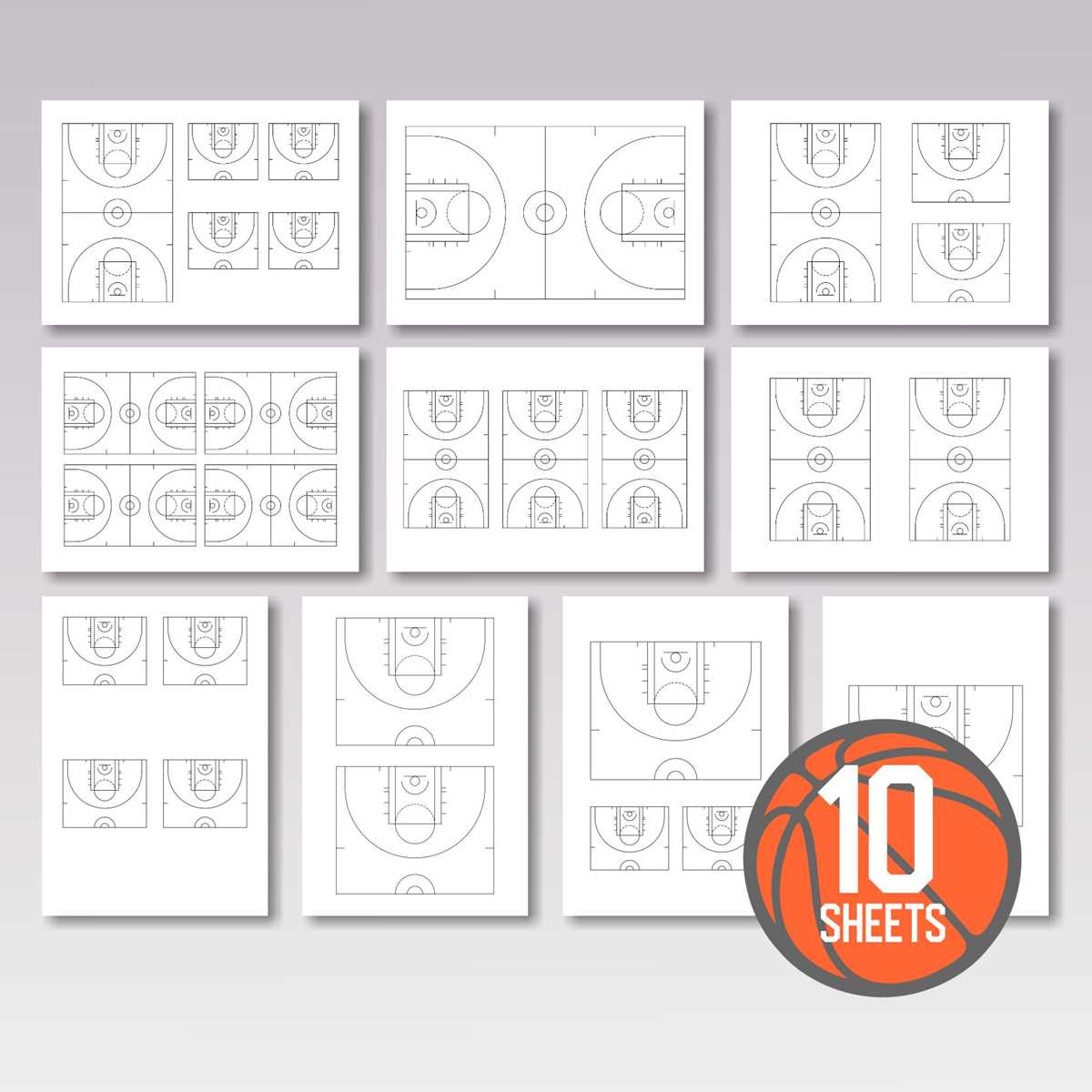
Select 300 dpi output resolution and disable automatic scaling in the print dialog to preserve accurate proportions of the playing surface diagram. Activate “Actual Size” or set scaling to 100 percent so lane width, three point arc, and baseline spacing remain consistent with regulation measurements.
Choose landscape orientation for Letter (8.5 × 11 inches) or A4 (210 × 297 mm) to maximize horizontal drawing space. Set margins manually to 0.5 inches or 12–15 mm to prevent clipping of sidelines and baselines on standard office printers.
Use standard 90–120 gsm paper for routine practice planning. For repeated handling during training sessions, switch to 120–160 gsm stock to reduce curling and ink bleed, especially when using felt tip markers.
Disable toner saving or draft mode; thin boundary lines at 0.75–1 pt can fade in low ink settings. Select high quality or text and graphics mode to maintain sharp arcs and straight edges.
Embed fonts and flatten vector layers before exporting to PDF to avoid line shifts between devices. Save files in PDF/X format when available to lock proportions and prevent resizing anomalies.
Align the diagram centrally on the page grid and keep at least 10 mm spacing between the outer boundary and paper edge. This buffer reduces the risk of hardware trimming discrepancies in older printers.
Test one copy and measure a reference segment, such as the 15 foot free throw distance scaled to the chosen format, using a ruler. If deviation exceeds 1–2 mm, recalibrate scaling rather than adjusting artwork.
For reusable sheets, insert pages into transparent sleeves and use dry erase markers. Store flat in binders to prevent curvature that can distort drawn plays during coaching sessions.