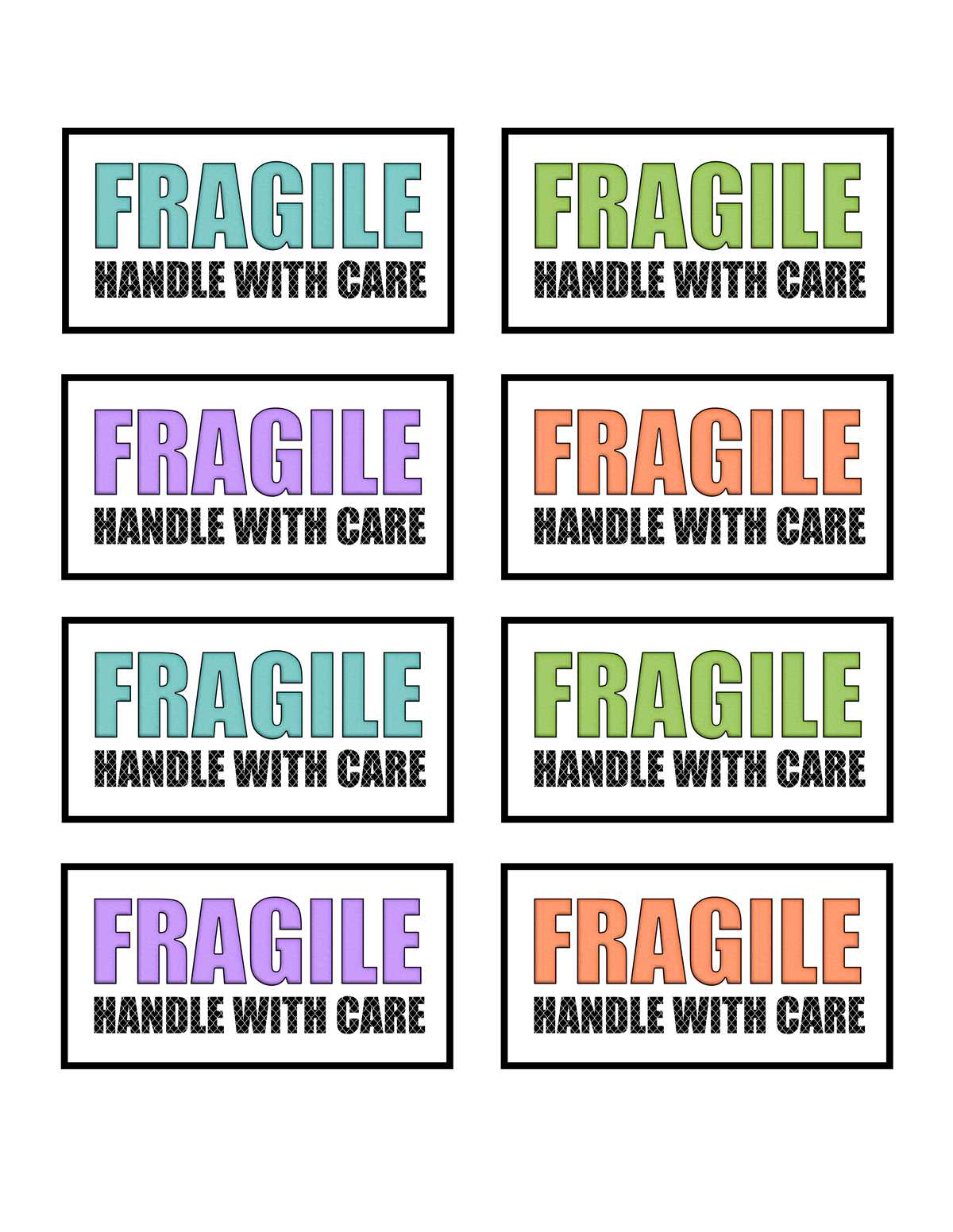
Start by finding a clear, easy-to-read design for your labels. Look for templates that feature bold, legible text, and use red or bright colors to make them stand out. These labels should be instantly recognizable, ensuring that anyone handling the package knows to take extra care.
Where to Find High-Quality Templates
Many websites offer free downloadable templates for creating warning labels. Focus on platforms that allow you to choose between different sizes and formats. PDFs are a reliable option because they preserve the layout and ensure high-quality printing. Once downloaded, these templates can be printed on standard paper or adhesive sheets, depending on your preference.
For additional customization, consider websites that let you change the text or add your own designs. Some allow you to choose from various icons or symbols that complement the warning message, making the label more effective in catching attention.
How to Print and Apply the Labels
After downloading and customizing your design, print it on high-quality adhesive paper or a durable label sheet. Ensure that the print settings are set to the highest resolution to maintain clarity. If you’re printing on regular paper, use a strong adhesive to make sure the labels stay in place during handling or shipping.
Once printed, carefully cut out each label and affix it to the surface of the package. It’s best to place the label where it’s easily visible, such as the top or side of the box. If the items inside are particularly fragile, consider using multiple labels on different sides of the package to ensure visibility from all angles.
For large shipments, consider investing in a label maker that can quickly produce multiple labels with minimal effort. This is especially useful if you need to label a high volume of packages regularly.
How to Create Warning Labels for Delicate Items
Begin by downloading a template designed for clear labeling. Look for options that offer large, bold fonts with contrasting colors, such as red or yellow, to make the message noticeable. The text should be straightforward, like “Handle with Care” or “This Side Up,” accompanied by recognizable symbols indicating sensitivity. Choose a printable format that suits your needs, whether it’s a full page of labels or individual units that can be printed and cut easily.
Once you’ve selected your design, print it on high-quality adhesive paper to ensure durability. If you’re handling larger shipments, consider printing on thicker labels or shipping tape for added strength. Make sure to adjust the print settings for the best resolution to maintain sharp edges and clarity. After printing, apply the labels to the top or sides of the package, ensuring they are visible from multiple angles to communicate the need for careful handling effectively.