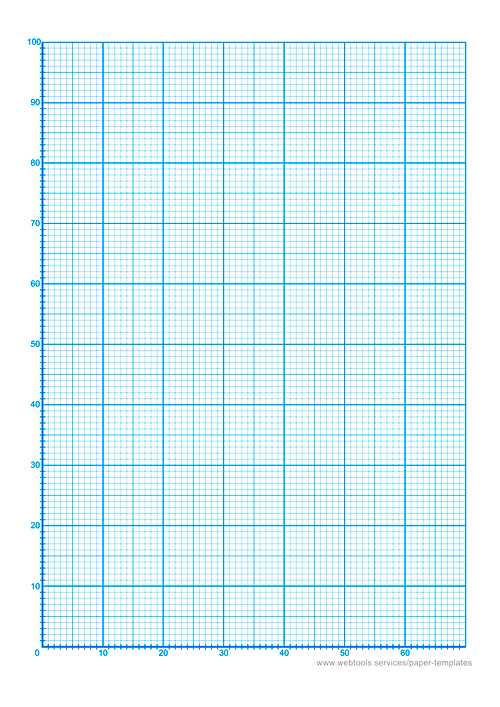
For those who need precise measurements for their work, creating a grid with 1cm intervals can significantly enhance the accuracy of your designs, sketches, or layouts. Here’s how to generate this kind of tool, perfect for various uses like drawing, engineering calculations, or planning projects.
Steps to Print Your Own Grid Sheet
Start by opening any word processing software or design program. Set the margins to zero or a minimal value to ensure you have maximum space on the page. Then, adjust the page size to standard letter dimensions (8.5 x 11 inches) or A4, depending on your region.
To create the grid itself, you’ll need to insert lines or shapes spaced exactly 1 centimeter apart. If using a drawing tool like Adobe Illustrator or Microsoft Word, create horizontal and vertical lines with consistent spacing. Set each line’s distance from the next to 1cm. You can use the “Snap to Grid” feature, which ensures even spacing.
Additional Tips
- For higher precision, consider using a ruler or a digital measuring tool to check the distance between lines as you work.
- If you want to create a printable that is easily scalable, design it in vector format so it can be resized without losing clarity.
- If you prefer a quick method, download a free grid sheet from trusted online resources, and print it at home.
Using Your Custom Grid
Once the grid is set up, you can begin using it for your projects. Whether you are working on geometry, creating architectural blueprints, or even designing game maps, this simple grid sheet can guide your measurements. You can also use it as a background for drawing or other artistic projects.
For those who require high precision, using a digital device with a grid overlay tool might be a better option, especially when working on a screen. Many graphic design and CAD tools offer grids that can be adjusted to specific intervals, making them ideal for detailed work.
Where to Find Ready-Made Grids
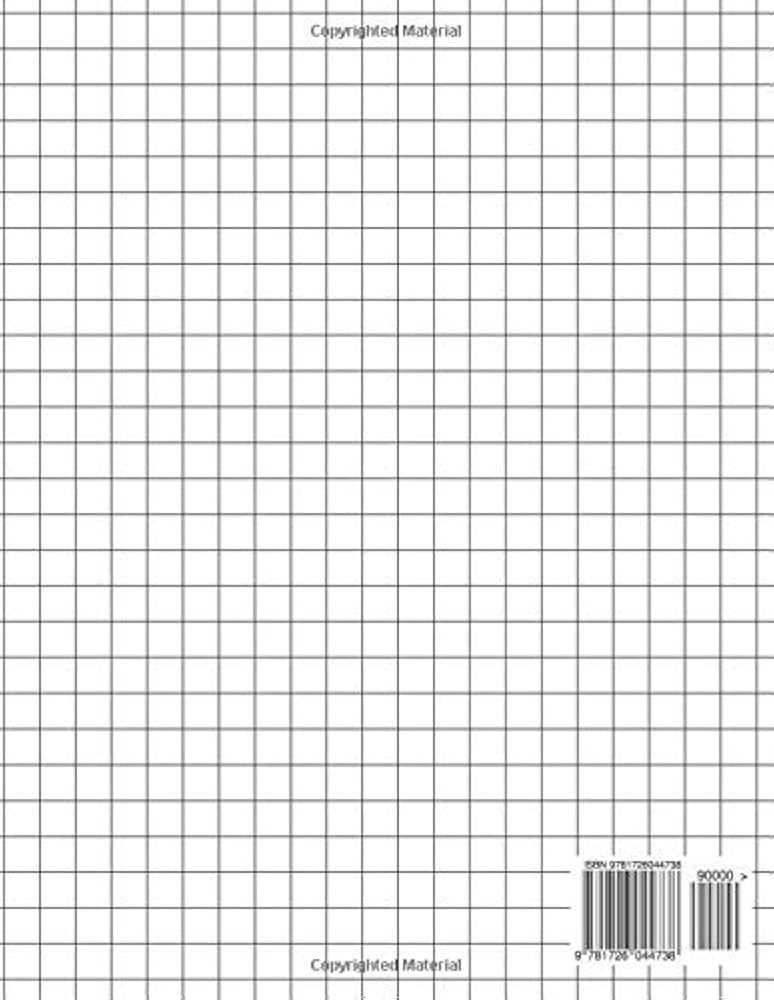
If creating a grid by hand seems too time-consuming, there are several resources where you can find pre-made templates. Websites dedicated to printables often have grids in various sizes, and you can simply download and print them for free or for a small fee. These can save you time while still offering high precision.
For those who use grids regularly, purchasing high-quality grid pads might be more convenient. These pads come in a variety of formats and are ideal for those who need a physical copy for hand-drawn work.
Choosing the Right Grid for Your Projects
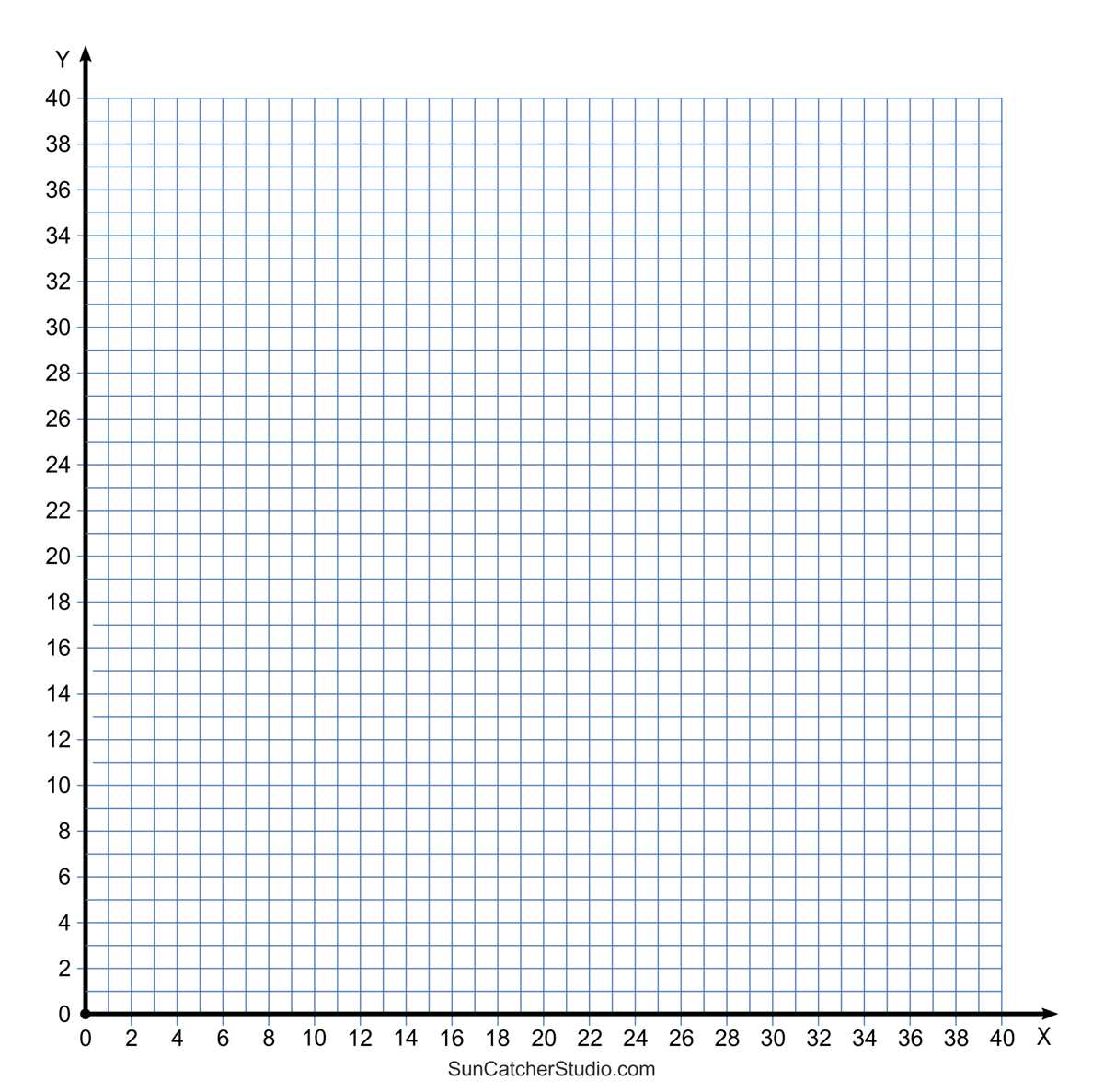
If you’re planning to create precise diagrams or organize your sketches, a sheet with evenly spaced squares can be an excellent choice. These grids make it easier to align designs and keep proportions consistent, whether you’re drawing, drafting, or mapping out architectural plans.
The spacing of each unit plays a key role in the accuracy of your work. With units spaced at 1 cm intervals, you’ll find the right balance between clarity and detail, allowing for more intricate work without overwhelming your page.
Printing from home allows flexibility, and the dimensions of the grid can be tailored to your needs. By selecting the right template, you can quickly get the exact format you require, saving time and enhancing productivity for tasks like technical sketches, educational exercises, or detailed drawings.
Various sites provide ready-to-use options that can be printed with ease. Simply download a template that fits your needs, adjust your printer settings if necessary, and you’re ready to go. There’s no need for complex software or design skills.
The clean, consistent gridlines are especially helpful for projects that demand precision. Artists can use it to ensure symmetry in their work, while engineers can rely on it for accurate measurements during drafting tasks. Having a physical reference allows for faster corrections and more controlled designs.
With clear, evenly spaced lines, your work will stand out, maintaining order throughout the design process. Whether it’s for personal use or professional projects, this tool helps keep everything in line, quite literally.