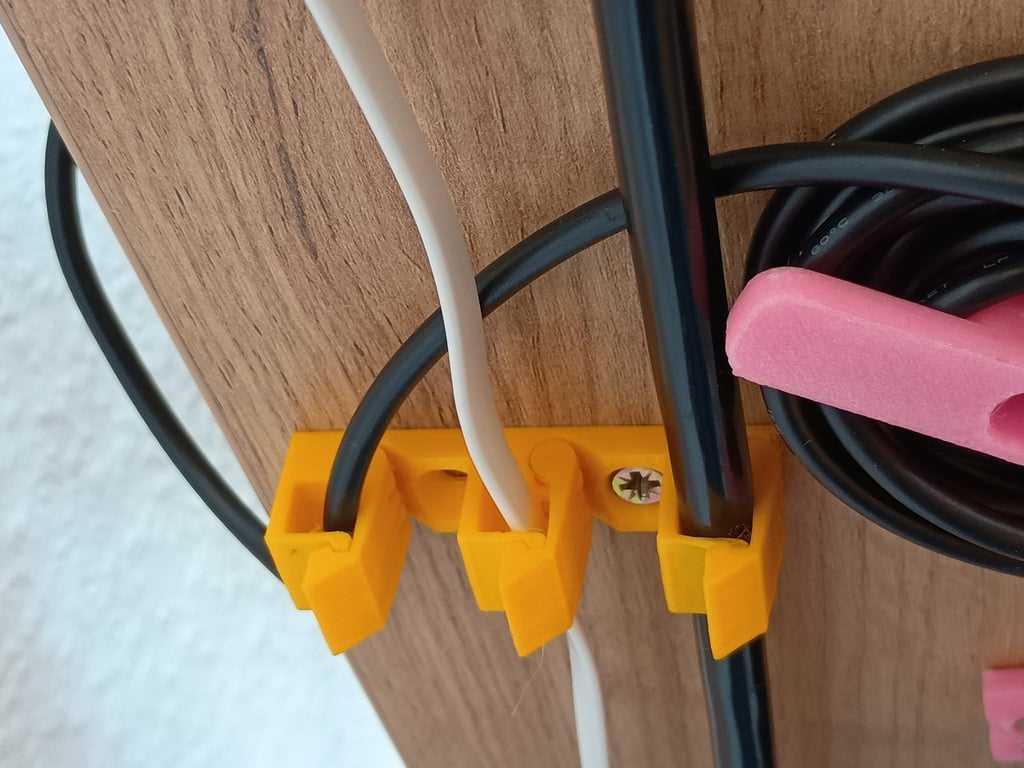
To keep your wires organized and untangled, consider designing custom holders using your 3D printer. This approach allows you to create unique solutions tailored to your space and needs. Start by choosing a design that fits your setup – whether it’s for a desk, entertainment center, or office. The right design ensures your cords remain in place, reducing clutter and preventing damage.
For best results, ensure your 3D printer is capable of producing objects that are sturdy enough to hold various types of cables. Materials like PLA or ABS are often preferred for their strength and ease of use. Once you’ve selected the right material, focus on the dimensions of your cable holders. They should be snug enough to keep wires secure but flexible enough to fit a variety of sizes.
When creating these holders, consider adding features like adjustable clips or hooks for a more dynamic solution. This allows for quick modifications, ensuring that the system can adapt to future changes, such as new devices or cables. With a little experimentation, you can print various styles of organizers to match the aesthetic of your room or workspace while keeping everything neatly stored.
3D Printable Solutions for Organizing Wires
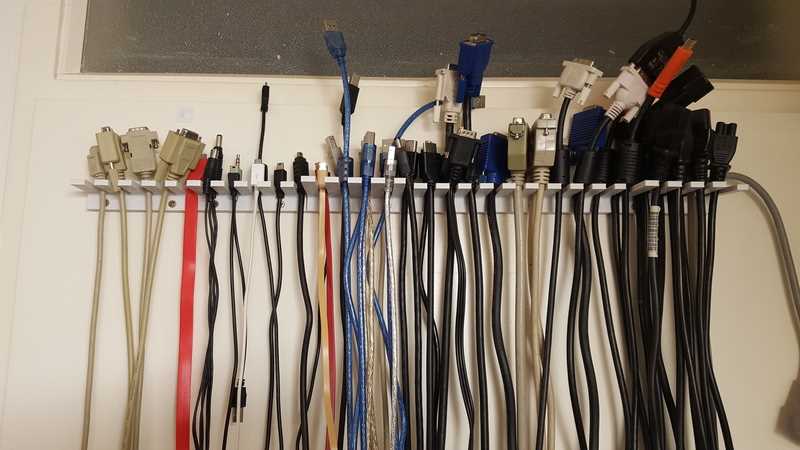
Design custom holders and organizers to secure your wires and prevent tangling. Start by measuring the length and width of your cords to ensure the holders fit snugly around them. Choose a robust material, like PLA, for strength, or TPU for added flexibility if you need to create adjustable designs.
For desktop use, consider printing a set of small, stackable organizers that can be attached to the side of your desk. This method allows you to adjust the setup as your needs evolve and keep everything within easy reach. Additionally, it’s possible to customize the size of each holder to accommodate a specific number of wires without taking up too much space.
If you have a complex setup with multiple devices and cables running in different directions, opt for larger modular solutions. These can include cable trays that are designed to be mounted along the walls or under the desk. You can also create angled supports that allow cables to run in neat, parallel lines, preventing them from crossing over each other.
When designing these solutions, make sure to consider accessibility. If you need to frequently add or remove wires, create slots or clips that allow you to easily detach and attach cables without much effort. This approach ensures a more practical, user-friendly system that works for both temporary and permanent setups.
For more specialized setups, 3D print covers and boxes to hide excess lengths of cords or power strips. These enclosures can be customized with ventilation holes to ensure proper airflow, especially if they’re storing power strips that may generate heat. Adding slots for easy opening and closing will also make maintenance easier.
Finally, remember to regularly test the setup to ensure it’s functioning as expected. With regular use, some parts may need to be adjusted, or new designs may be required to fit additional equipment. Keep experimenting with different shapes and layouts until you achieve a system that not only looks clean but also remains practical over time.
How to Design Holders for Home and Office Use
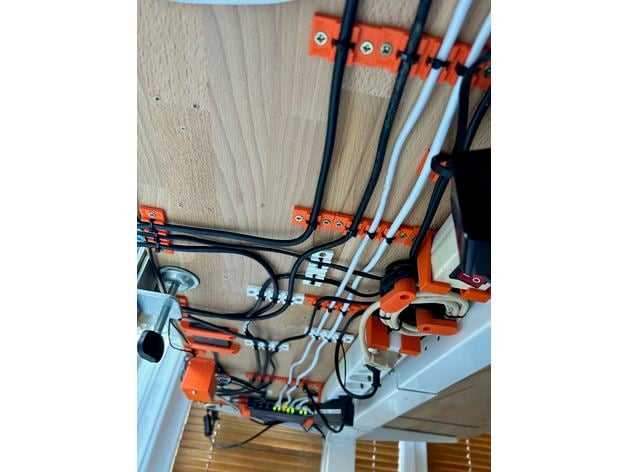
Start by measuring the length and diameter of your wires to determine the size of the holders. This step is crucial for ensuring the fit is snug and prevents any excess slack. If your cords come in various sizes, designing adjustable solutions is highly recommended to accommodate different thicknesses.
For a minimalist home office, consider creating compact clips that can easily be attached to the edges of desks or tables. These clips should securely grip the wires without being too tight, allowing for easy access when needed. A flexible design will let you manage everything from small charging cables to larger power cords.
For desk organizers, build modular sections that can be easily combined or detached. These can be used to create a customized setup where cables are organized neatly and within arm’s reach. Each section should have slots or grooves to hold the cords without causing tension that might damage the wires over time.
If you have a more complex home setup with various devices, consider creating trays or boxes for organizing the wires underneath desks or around entertainment centers. These enclosures should be spacious enough to hold multiple cords but also include ventilation holes to prevent overheating. A hinged lid or removable cover will make it easier to access the cords for adjustments or maintenance.
Design holders with easy mounting options such as adhesive pads or screws for wall-mounted systems. This allows you to keep wires off the floor and organize them neatly along the walls. Use a design that provides enough space for easy installation and removal without causing damage to the wall surface.
For setups with multiple devices in tight spaces, create holders that can organize cords in parallel or stacked formations. By utilizing vertical or angled designs, you can prevent wires from overlapping and make them more accessible when you need to plug or unplug items. Ensure that the spacing between each wire holder is enough to allow free movement without squeezing or pinching the cords.
Incorporating custom features, such as clips or hooks, into the design will increase the functionality of your holders. These small additions can hold adapters, chargers, or small gadgets that often get tangled with your wires. Make sure to adjust the design for easy accessibility, especially if you need to swap or replace accessories frequently.
Finally, ensure that your designs are compatible with your 3D printer’s capabilities. Test the holders with smaller-scale prototypes to make sure they meet your needs before printing the full versions. Once satisfied, you can create a setup that keeps your space neat and efficient while prolonging the lifespan of your equipment.