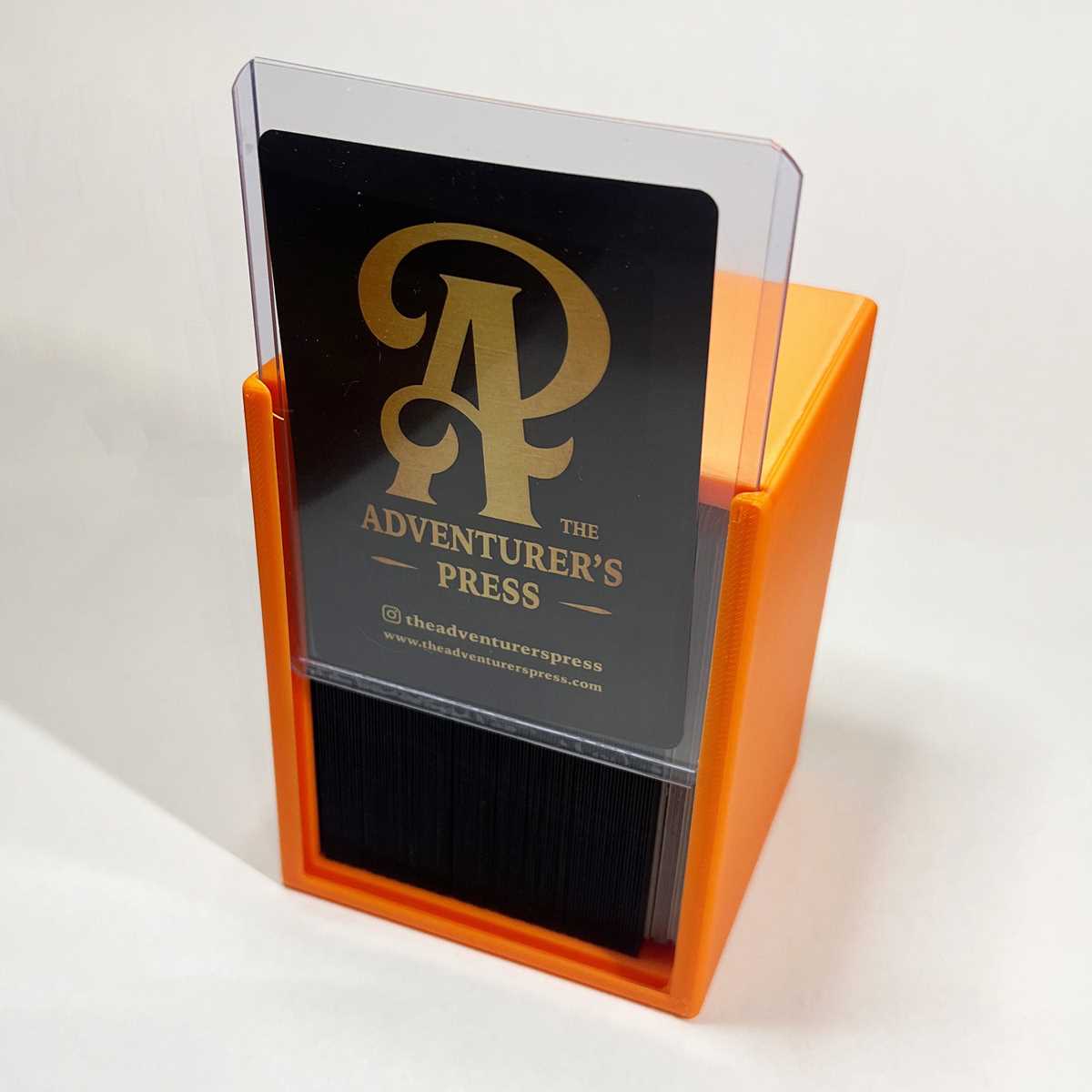
Start by selecting a 3D modeling software that allows for precise customization. Tools like Tinkercad or Fusion 360 are ideal for creating accurate designs. Ensure your model is tailored to the specific size and shape needed for your collection, whether it’s cards, small parts, or accessories.
Steps for Creating a 3D Model
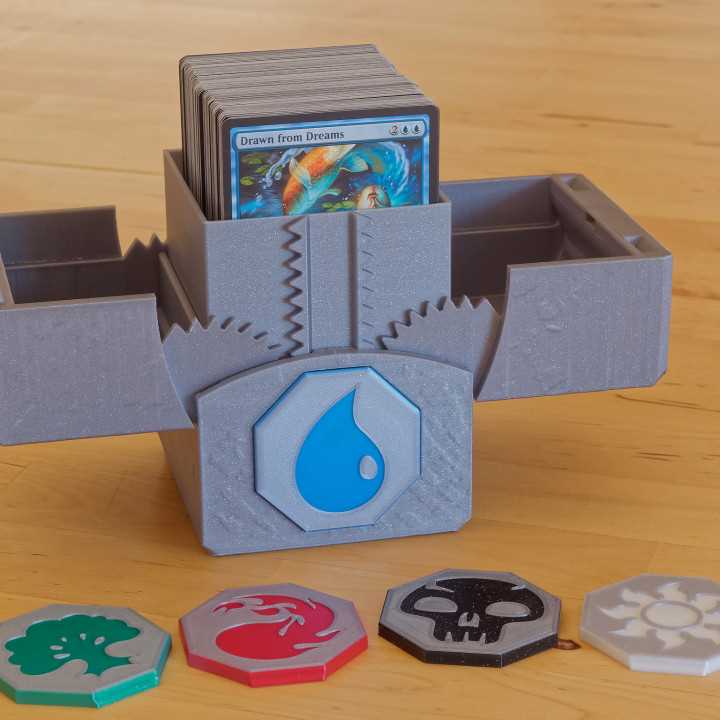
Once you’ve chosen the software, begin by designing the container’s structure. Focus on the internal compartments, ensuring enough space for your items. Add small ridges or dividers inside the design to keep objects organized. Pay attention to wall thickness to ensure durability, as thinner walls may not withstand frequent use.
Next, consider the closure mechanism. Many designs feature a simple sliding lid, but you could also incorporate snap-fit features or hinges if you want a more secure, reusable closure. Make sure that the lid fits snugly and can easily be removed without too much effort.
3D Printing Settings and Material Selection
When you’re ready to print, choose a durable filament such as PLA or PETG. PLA is easy to work with and provides good rigidity, while PETG offers more flexibility and resilience to wear. Ensure that the printer’s layer height is set to a fine resolution (around 0.1mm) for the best detail and smooth finish.
Before printing, double-check your design for any issues, such as unsupported overhangs or thin parts that could break during the printing process. Use support structures in the slicer software if necessary. It’s also a good idea to run a small test print to verify that the components fit together as expected.
After printing, remove the parts carefully from the build plate, and clean up any excess filament or rough edges. You can enhance the appearance with sanding, painting, or adding decorative elements to make your storage container uniquely yours.
3D Printable Storage Container Guide
To create a custom storage unit for your items, start by selecting a 3D design software that offers flexibility. Tinkercad and Fusion 360 are great options for beginners and advanced users alike. These tools allow for easy customization to match your desired dimensions, compartment sizes, and overall structure.
Begin by designing the outer dimensions based on the specific contents you want to store. Consider adding compartments inside the unit, each tailored to fit cards, tokens, or any other small items. It’s important to leave a little extra space in each section to prevent tight fits that might make access difficult.
When creating the lid, think about the type of closure you need. A snap-fit design is a common choice for easy opening and closing, while a sliding lid may be more secure but can take a bit more time to create. Test your lid design to ensure it’s both functional and easy to use, particularly for frequently accessed items.
Next, pay attention to the wall thickness in your design. The walls should be sturdy enough to protect your contents, but not so thick that they waste material or add unnecessary weight. A wall thickness of 3-5mm is typically sufficient for most uses, but this can vary depending on the size of your container.
Once your design is ready, export the file in a format compatible with your 3D printer, such as STL. Before printing, choose the right material–PLA is a popular choice due to its ease of use, but PETG offers greater durability and flexibility if needed. Select the appropriate print settings, with a layer height of 0.1-0.2mm for optimal results.
After printing, carefully remove the piece from the print bed. If necessary, smooth out any rough edges with sandpaper, or use a finishing technique to improve the surface. Consider painting or adding custom touches to make your storage unit not only functional but also visually appealing.