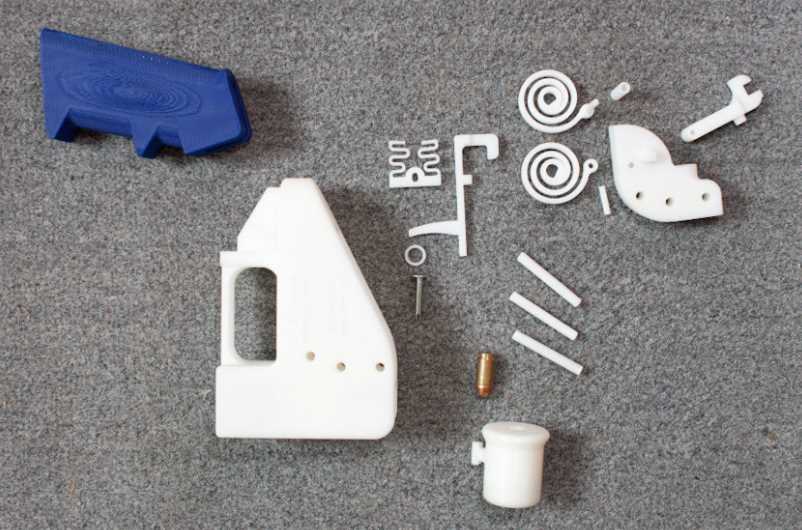
If you’re looking to manufacture specific components for firearms, 3D printing technology can help. By using a 3D model and specialized materials, it’s possible to produce various components with a high degree of precision. It’s important to start with the right design files, as they need to match exact measurements and functionality for safety and effectiveness.
To get started, consider the type of material you’ll be using. Common choices for creating durable and functional pieces include ABS plastic and nylon, which are strong yet flexible enough for many components. Some advanced printers allow for metal parts, which can provide greater strength, especially for load-bearing components.
Once you’ve selected the right materials, make sure the 3D printer you use has the necessary resolution and print volume for your needs. Higher-resolution printers will allow for more intricate details and better functionality, especially for smaller components or more precise parts.
Additionally, always ensure that your designs are compatible with local regulations. Many countries have strict rules about creating firearm-related parts, and producing such items without proper licensing can lead to legal issues. Be sure to research your area’s specific laws regarding the manufacture of components through 3D printing before proceeding.
Creating Functional Components with 3D Technology
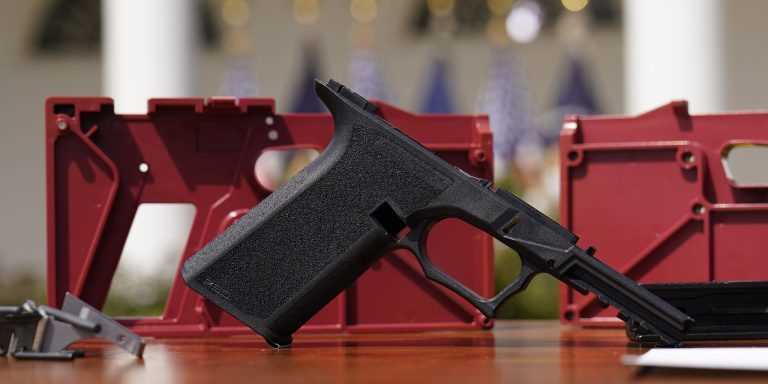
When designing parts for firearms, focus on the durability and strength of the materials. Materials like ABS plastic, carbon fiber-infused filaments, or even metal composites are often used for creating functional components. Ensure that the material you choose is compatible with the stresses it will endure, especially if the item is responsible for load-bearing or high-impact functions. For high-stress components, consider using industrial-grade materials or parts created with a metal 3D printer to maintain safety and performance.
Designing for 3D printing requires attention to detail, particularly with dimensions and tolerances. Small inaccuracies in the design file can lead to poor fitting or even failure in functionality. Always verify the model’s measurements against real-world specifications. Utilize CAD software that allows for precise adjustments and testing of the design before printing. Additionally, consider whether the components will need to undergo post-processing, such as sanding, polishing, or additional strengthening, after they are printed to enhance their reliability and safety for use.
How to Design and Print Components Using 3D Technology
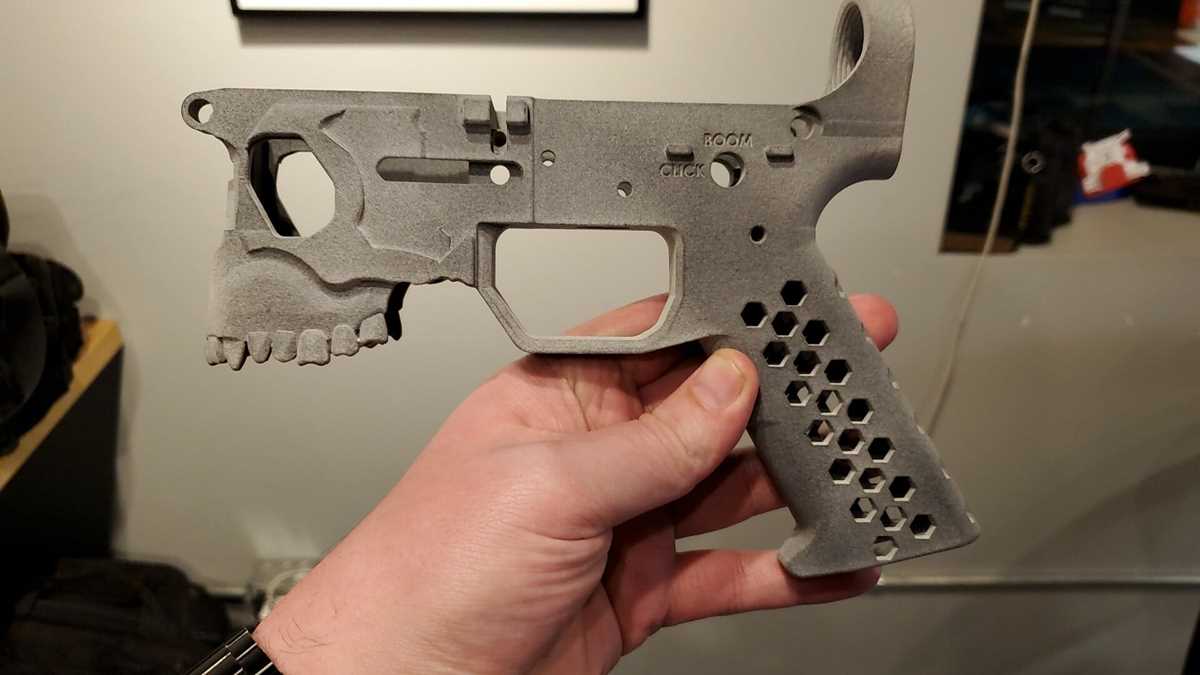
Start by selecting the correct software for designing your component. CAD programs like SolidWorks, Fusion 360, or TinkerCAD allow you to create accurate 3D models. Ensure that your design is within the print volume of your 3D printer and meets all specifications for strength and functionality. Consider any constraints your printer may have, such as resolution limits or material compatibility, before starting the design process.
Once you’ve finalized your design, export the model as an STL or OBJ file. This file format is commonly used for 3D printing and is compatible with most slicing software. In slicing software, you’ll adjust settings like layer height, infill density, and support structures. These settings significantly affect the strength and finish of your print. If the component requires high strength, increase the infill density and use thicker layers for durability.
After slicing your file, double-check the print settings and material choice. Use materials like ABS, Nylon, or metal-infused filaments for stronger components. If you’re using a standard FDM printer, make sure the print bed is calibrated to prevent warping or uneven prints. Once the print is complete, inspect it for any defects and perform any necessary post-processing, such as sanding or painting, to improve the fit and finish. This step ensures that the component works as intended and meets your functional needs.