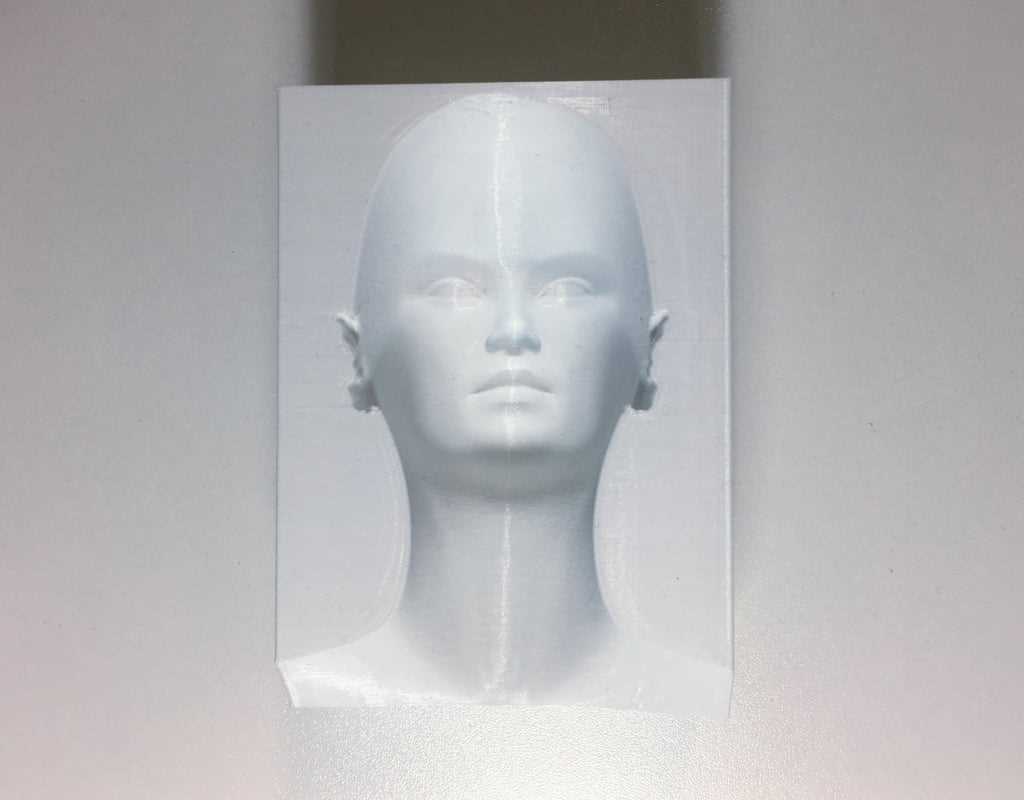
Set layer height to 0.12–0.2 mm and nozzle diameter to 0.4 mm to preserve fine edge transitions that create convincing visual distortions on geometric objects.
Use matte filament such as PLA with 5–10% infill and disable glossy coatings, because reflections flatten perspective cues and reduce the perceived depth of stepped surfaces and spiral structures.
Orient designs diagonally on the build plate at 30–45 degrees so slanted ridges and false shadows remain sharp, while vertical placement often blurs layered contours and weakens the intended visual effect.
Choose STL files with wall thickness above 1.2 mm and minimum feature size no smaller than 0.6 mm to prevent fragile edges and maintain stable geometry during long print sessions exceeding four hours.
3D Depth Perception Trick Models
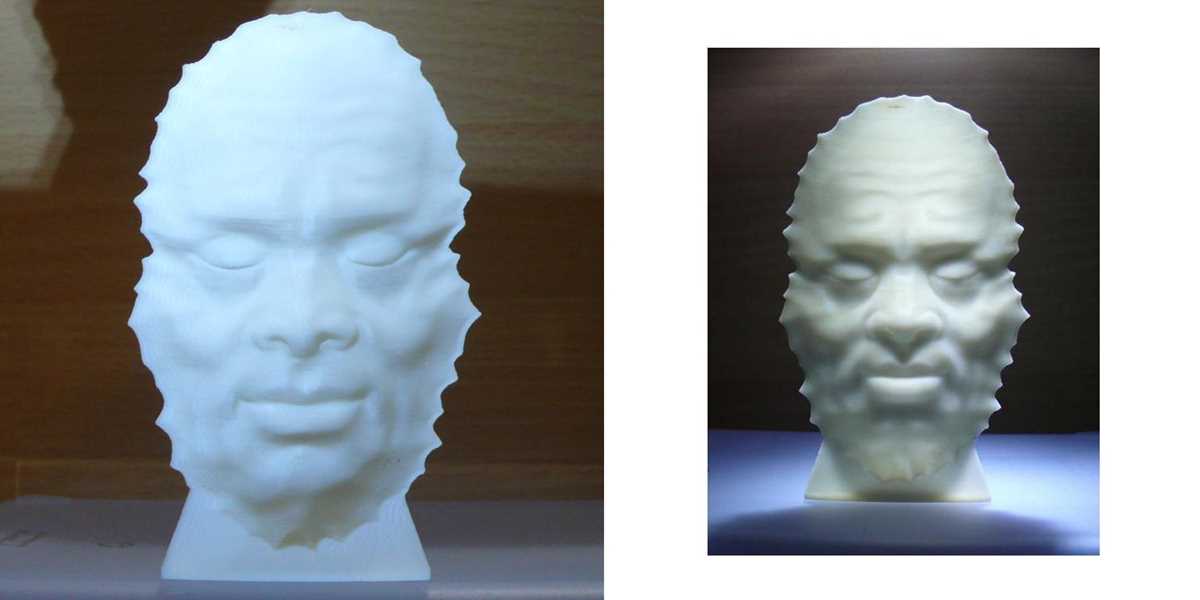
Set layer height between 0.1 and 0.16 mm and keep print speed under 50 mm/s so stepped gradients and micro-ridges remain sharp enough to produce convincing visual distortion.
Use matte PLA or PETG instead of glossy filaments, because reflective surfaces blur shadow lines that create fake curvature and floating edge effects; neutral colors such as gray or beige provide stronger contrast under desk lighting.
Model orientation should be angled at 30–40 degrees on the build plate to maintain slanted grooves that generate false depth, while vertical alignment often smooths transitions and weakens perspective tricks on spirals, impossible staircases, and twisted frames.
Choose STL files with wall thickness above 1.2 mm, minimum feature size near 0.6 mm, and total height below 120 mm to reduce vibration artifacts during long fabrication sessions exceeding three hours.
Where to Download Accurate STL Files for Illusion Models
Choose repositories that display polygon count, wall thickness, and real print photos so geometry accuracy can be checked before downloading.
Prefer platforms that allow sorting by file resolution and user ratings above 4.5 stars, since low-detail meshes often create warped edges and broken depth tricks.
Look for STL packages that include both mesh and preview renders showing multiple viewing angles, not only front images.
- Triangle count above 150k for complex spirals
- Minimum wall size 1.2 mm
- Layer preview screenshots
- Clear license information
Download files that include orientation guides or G-code examples, because angled placement directly affects perceived depth and shadow alignment.
- Check comment sections for failed print reports
- Verify slicer compatibility notes
- Inspect mesh integrity using repair tools
Avoid archives compressed below 300 KB, since aggressive compression usually removes fine grooves responsible for visual distortion effects.
Use sites that provide version history and update logs so revised meshes with corrected normals and fixed intersections can be accessed without searching elsewhere.
Store selected designs in categorized folders such as “spirals,” “impossible shapes,” and “twisted grids” to speed up future retrieval and comparison.