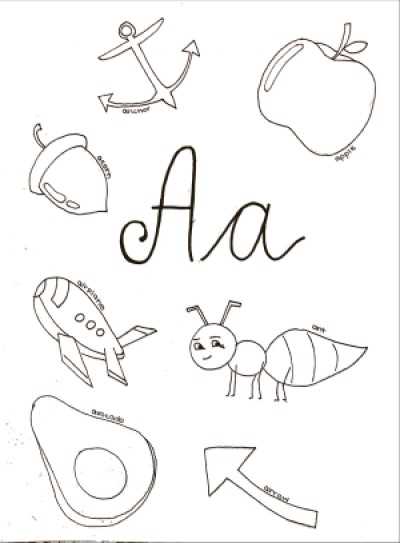
For a fun and engaging way to teach kids the letters of the alphabet, try using themed worksheets that combine learning with creativity. These resources allow children to trace or color each letter, helping them connect visual symbols with sounds and shapes. You can easily download and print these activities for use at home or in the classroom.
These sheets often include large, bold letters that are easy for young children to recognize and interact with. Many also feature cute illustrations that correspond to each letter, like animals or objects, making the learning process more exciting. It’s a simple yet effective way to reinforce letter recognition and early reading skills.
To enhance the learning experience, pair these activities with storytelling or phonics games. This combination of visual and auditory learning will ensure that children engage with the content on multiple levels, reinforcing both their creative and academic skills.
Alphabet Learning Through Fun Printables
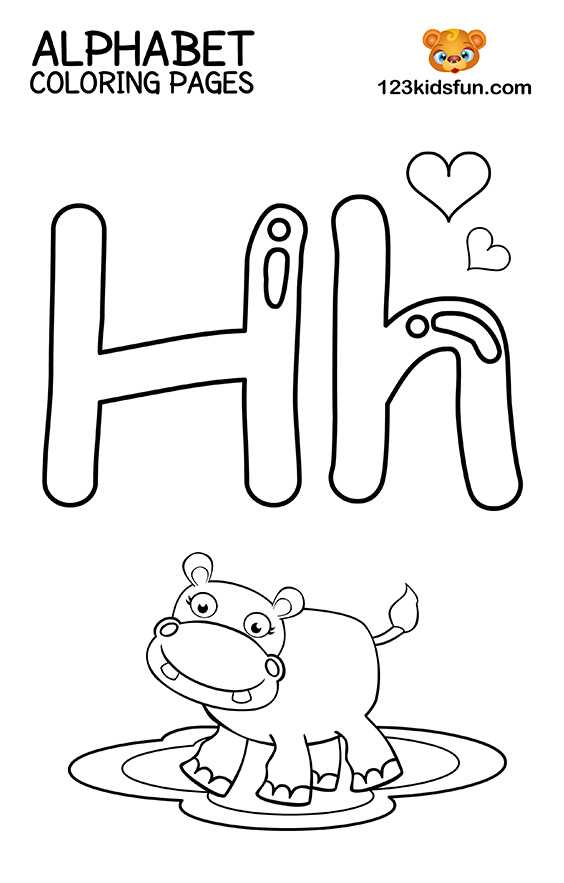
To start, print large letter templates with bold outlines that are easy for kids to trace. Choose designs that offer a variety of simple shapes and clear lines. This allows children to focus on the shapes of the letters, improving their hand-eye coordination and motor skills.
Incorporate fun visuals that correspond to each letter. For example, use pictures like an apple for “A” or a ball for “B.” This method ties the letter with an object they are already familiar with, strengthening both their memory and recognition skills.
Offer different coloring tools like crayons, markers, and colored pencils. This not only makes the activity more enjoyable but also encourages creative expression. By letting children choose their own colors, you also allow them to feel more invested in the learning process.
Provide worksheets with both uppercase and lowercase letters on each page. This way, children can learn to differentiate between the two and recognize both forms of each letter. These printables can be structured with the letter at the top, followed by a picture, and space for the child to practice writing the letter themselves.
Introduce activities that combine letter tracing with simple words. For example, under the letter “C,” include the word “cat” with a corresponding image. This approach helps kids see how letters come together to form words and enhances their early reading skills.
If you are using these printables in a classroom or group setting, consider creating a reward system. Children can earn stickers or small prizes for completing each worksheet. This incentivizes learning and adds an element of fun to the process.
Make the learning process more interactive by pairing these exercises with songs or rhymes that reinforce the letters being studied. Music and rhythm help with retention and make it easier for young learners to remember the letter sounds and their corresponding shapes.
Finally, after the printables are complete, encourage children to display their work on a wall or bulletin board. Seeing their progress displayed helps build confidence and motivates them to continue practicing with enthusiasm.
How to Download and Print Alphabet Learning Pages
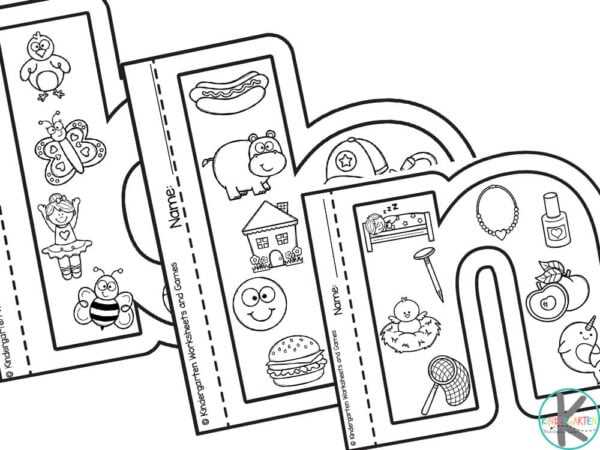
First, visit a trusted website offering free downloads of educational worksheets. Browse through the available options and select the ones you’d like to use. Most websites will have a download button clearly visible on each page. Once clicked, the file will automatically begin downloading in PDF format.
Next, open the downloaded file using a PDF reader. Review the pages to ensure the content looks correct and fits your preferences. If you’re ready to print, select the “Print” option from your reader’s menu. You can print individual pages or the entire document, depending on your needs.
Ensure your printer settings are adjusted for quality and paper size. Standard 8.5” x 11” paper works well for most activities, but you can customize settings if needed. After confirming the print preview looks good, click “Print,” and your pages will be ready for use. If you’re printing multiple copies, adjust the number of copies in the print settings.