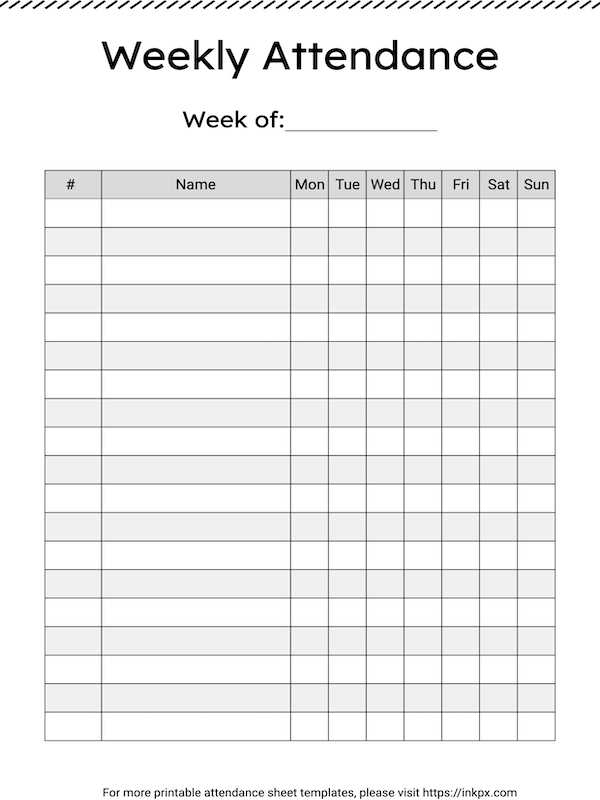
Use a paper-based presence log with clear rows for names and columns for dates to record participation without delays or guesswork. Choose a format that fits the group size, leaving space for marks such as present, late, or absent.
Key Elements of a Paper Presence Log
A well-structured record page reduces errors during roll calls and reviews. Each line should represent one participant, while columns follow a consistent time frame such as daily or weekly.
- Header fields for group name, period, and supervisor
- Name column wide enough for full legal names
- Date columns limited to one page to avoid clutter
- Legend explaining symbols or abbreviations
Practical Use in Different Settings
Schools benefit from term-based layouts, while offices often rely on monthly tables. Adjust spacing based on how often presence is checked.
Classroom Records
Teachers can mark status during roll call, then transfer totals to grade books. Keeping one page per week simplifies audits.
Meetings and Training Sessions
Facilitators should pass the form at the start, then verify entries at the end to confirm full participation.
Archiving and Review
Store completed pages in labeled folders by date range. This allows quick retrieval during reviews or compliance checks.
Paper Presence Logs for Daily and Period Tracking
Choose a paper presence log with fixed date columns for a full week to record participation during roll call without pauses. A grid with one name per row and seven to ten date fields prevents crowding and keeps marks legible.
For daily checks, use simple symbols such as ✔ for present and ○ for absent, then add a short code like L for late. Keep the legend at the top of the page so substitutes or supervisors apply the same marks.
For period tracking across a month or term, select a form with grouped date blocks and a final total column. Counting marks at the end of each week reduces mistakes compared to calculating everything at once.
Store completed records by date range in labeled folders and review totals regularly. This habit supports quick reporting, verifies participation trends, and reduces disputes about missed sessions.