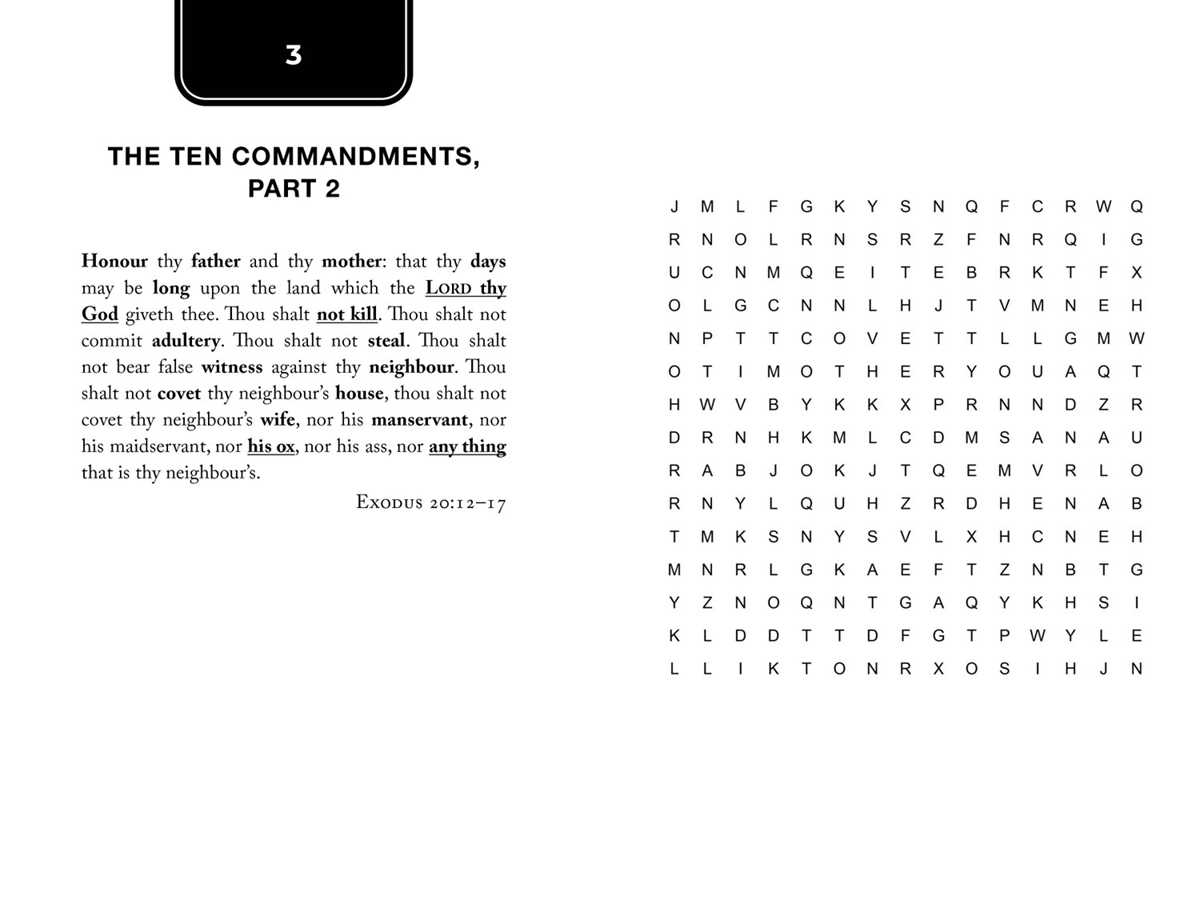
Choose a 15×15 grid with 12–18 hidden terms and export the file to PDF at 300 DPI; this setup keeps letters sharp and prevents smudging on inkjet and laser devices.
Grid Structure and Difficulty Selection
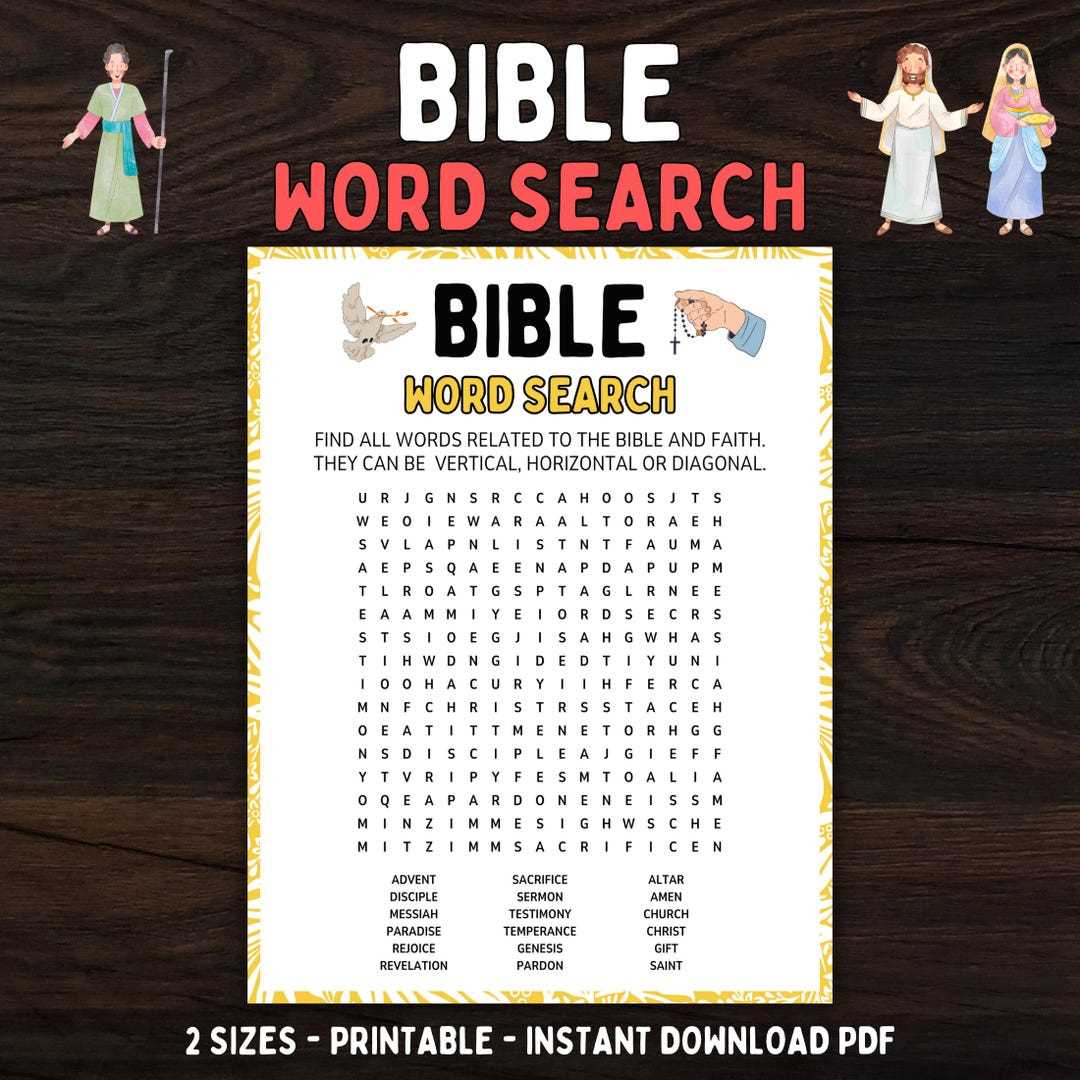
- Children 6–8 years: 10×10 cells, horizontal and vertical directions only, 6–8 short terms with 4–6 letters.
- Preteens: 12×12 cells, add diagonal placement, 10–12 medium terms with 6–8 letters.
- Teens and adults: 15×15 or 18×18 cells, all directions including reverse, 15–25 longer terms.
- Font size: 18–22 pt for young learners, 12–14 pt for advanced levels.
Theme and Vocabulary Planning
Use categories such as prophets, parables, locations, virtues, and festivals; keep each sheet limited to one topic and 12–20 terms to avoid clutter and confusion.
File Preparation and Output Settings
- Vector PDF or SVG keeps characters clear at any zoom level.
- Margins 10–15 mm prevent edge clipping on common printers.
- Black and white mode reduces toner use while keeping contrast strong.
- Letter or A4 formats cover most household devices.
Classroom and Group Activities
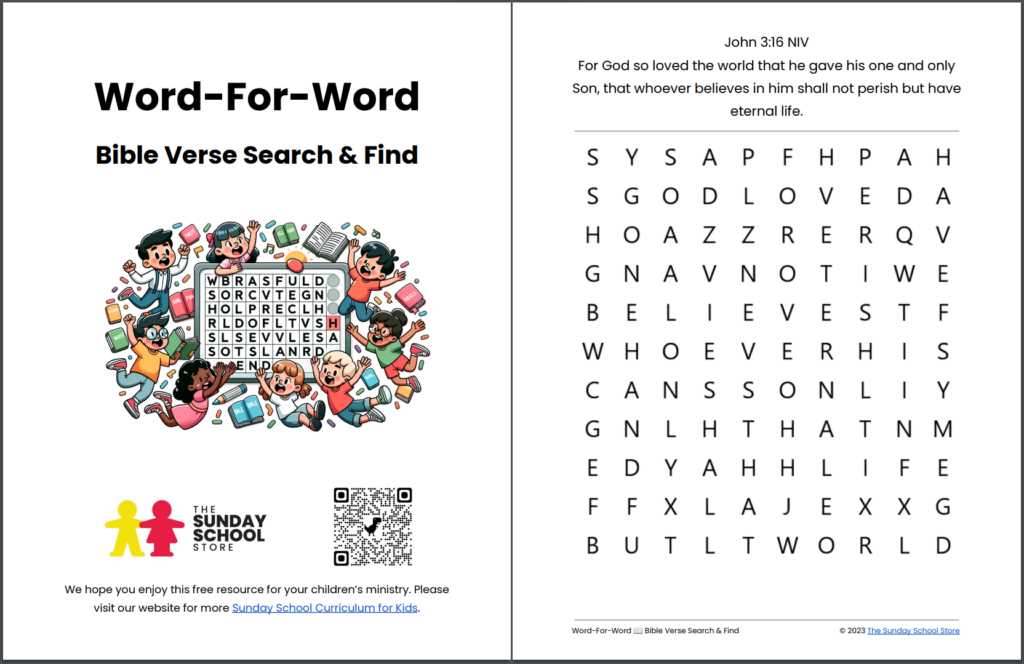
Time challenges: 5–10 minutes per sheet builds focus and recognition speed. Team play: pairs circle terms with colored pencils to track progress. Review sessions: mix easy and advanced grids within one lesson.
Common Design Mistakes
- Too many terms in small grids causing overlaps.
- Low contrast fonts that blend with the background.
- Raster images at 72 DPI leading to blurry characters.
- No answer key, which complicates checking.
Store master files with editable text layers; this allows quick updates of themes, difficulty, and language without rebuilding each sheet.
Scripture Letter Search Grids and Activity Sheets
Use a 15×15 letter grid with 14–20 hidden terms and export the file as vector PDF at 300–600 DPI; this keeps characters sharp on both inkjet and laser devices and prevents blurred edges after scaling.
For children aged 6–8 select a 10×10 layout with horizontal and vertical placement only, font size 20 pt, and 6–8 short terms such as names of places or virtues; limit session time to 7 minutes to maintain attention.
Teen groups handle 15×15 or 18×18 matrices with diagonal and reverse directions, 18–25 longer terms, and 12–14 pt fonts; add an answer key on a separate page to speed up checking.
Topic planning works best with single-theme sheets such as prophets, festivals, geographic locations, or moral qualities; mixing themes on one grid reduces recall accuracy and increases solving time by 20–30 percent.
Set page margins to 12–15 mm and enable borderless mode only when the device supports it; most home printers cut 3–5 mm near edges, which can remove letters from outer rows.
Black text on white background saves toner and improves contrast for scanning; grayscale backgrounds above 15 percent opacity often hide characters during photocopying.
Store editable masters in SVG or layered PDF; this allows quick replacement of term lists, language switching, and grid resizing without rebuilding the entire activity sheet.