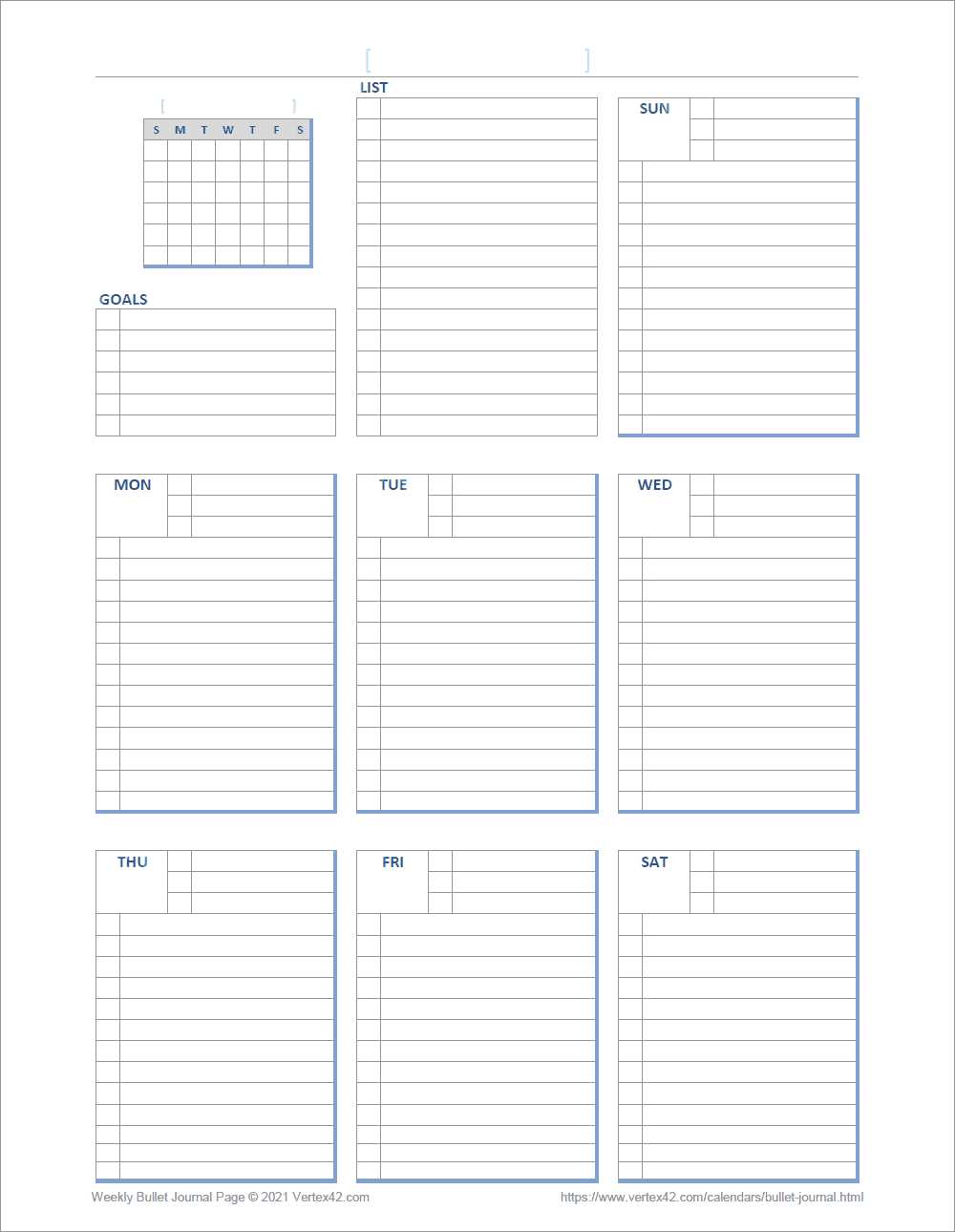
Download ready-made planner sheets in PDF format, print them on 90–120 gsm paper, and trim to A5 size (148 x 210 mm) for a clean fit inside your notebook.
Where to Get Planner Templates at No Charge
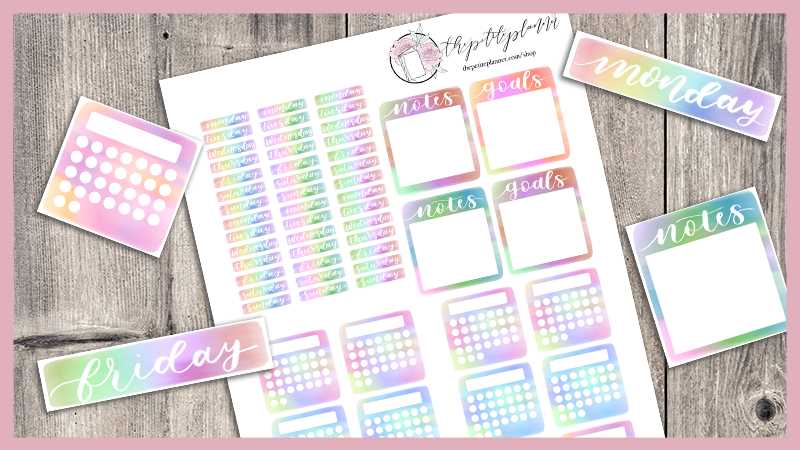
Search reputable stationery blogs and productivity websites that offer instant PDF files without registration. Look for files formatted for US Letter (8.5 x 11 in) and A4 to avoid scaling issues. Confirm that the download includes 300 DPI resolution for sharp lines and clear grids.
Choose layouts such as monthly calendars with Monday or Sunday start, weekly spreads with vertical columns, habit trackers with 31-day grids, and goal planning sheets divided into quarterly sections. Verify margin spacing of at least 10 mm to allow hole punching without cutting into content.
Recommended Page Types
- Monthly overview with dated boxes sized at least 3 x 3 cm
- Weekly layout with hourly slots from 6 AM to 10 PM
- Habit tracker featuring 28–31 check fields
- Expense log with columns for date, category, amount, and notes
- Project planner divided into tasks, deadlines, and status
How to Print and Resize Pages for Different Notebook Sizes
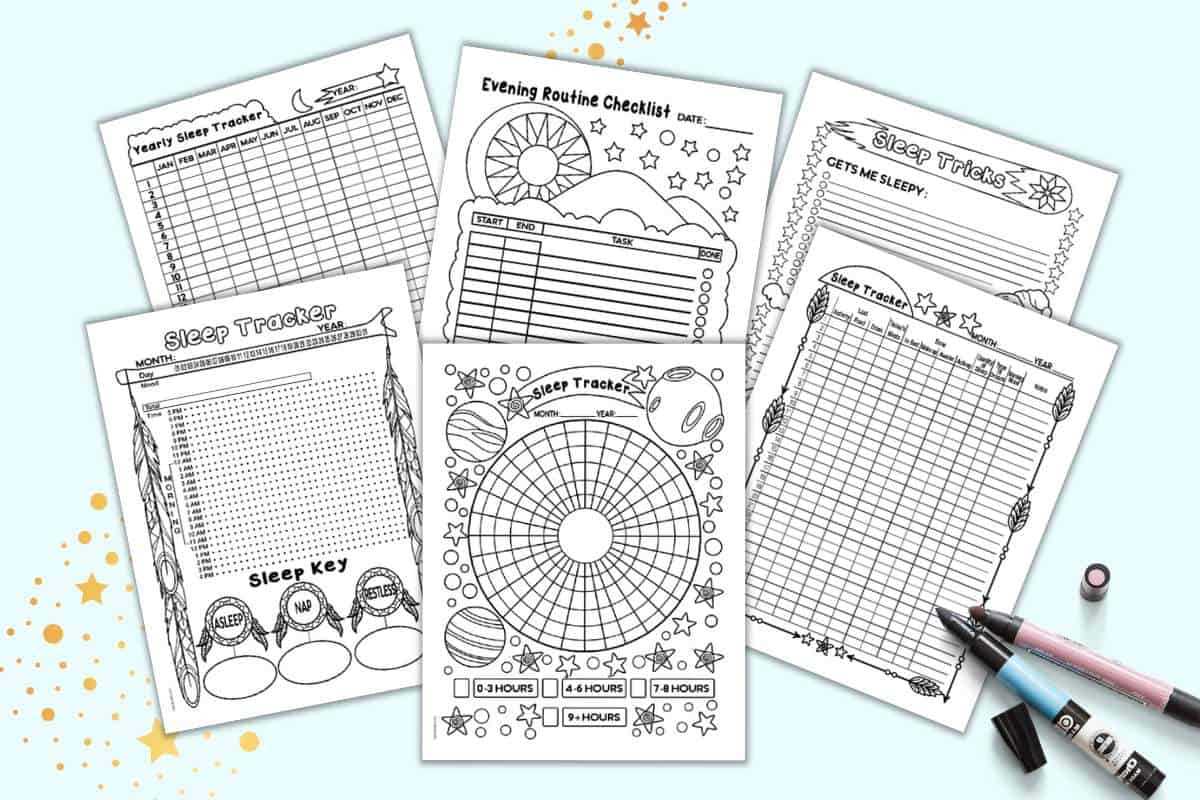
For A5 planners, set printer scaling to 70–75% when printing from US Letter files. Test on plain paper before using thicker stock. Align pages using the “booklet” setting if you plan to fold sheets in half.
Paper and Printer Settings
- Select “Actual Size” if the PDF already matches your paper format.
- Use black ink only to reduce cost and prevent smudging.
- Choose double-sided printing with short-edge binding for folded inserts.
- Allow ink to dry for at least 30 seconds before stacking pages.
Store extra copies in a folder and reprint individual sheets as needed instead of replacing the entire notebook.
Free Bullet Journal Printables for Custom Planning Pages
Download ready-made planner templates in PDF format with 300 DPI resolution and print them on A4 or US Letter paper using “Actual Size” to keep grid spacing accurate.
Select layouts that match your planning style: monthly calendars with 5–6 rows, weekly spreads divided into seven equal columns, and dotted grid sheets with 5 mm spacing for flexible page design. Check that margins are at least 12 mm wide to allow trimming or hole punching.
For A5 notebooks, reduce scaling to 71% when printing from US Letter files. Test one page first and measure the final size; it should be 148 x 210 mm after trimming. Use a paper cutter instead of scissors to keep edges straight and aligned.
Choose paper between 100 and 120 gsm to prevent ghosting from gel pens or fineliners. If you use markers, insert a backing sheet to protect the next page. Matte paper reduces glare under desk lighting.
Include habit trackers with 31 checkboxes per row for monthly monitoring, savings logs with columns for target and balance, and project planners divided into tasks, deadlines, and progress status. Keep each page focused on one function to avoid clutter.
Print double-sided only after confirming alignment. Use short-edge binding for folded inserts and long-edge binding for flat sheets stored in a ring planner. Allow ink to dry for at least 20–30 seconds before stacking pages.
Store extra template files in labeled folders by category such as weekly, monthly, finance, and goals so you can reprint single sheets without redesigning your planner structure.