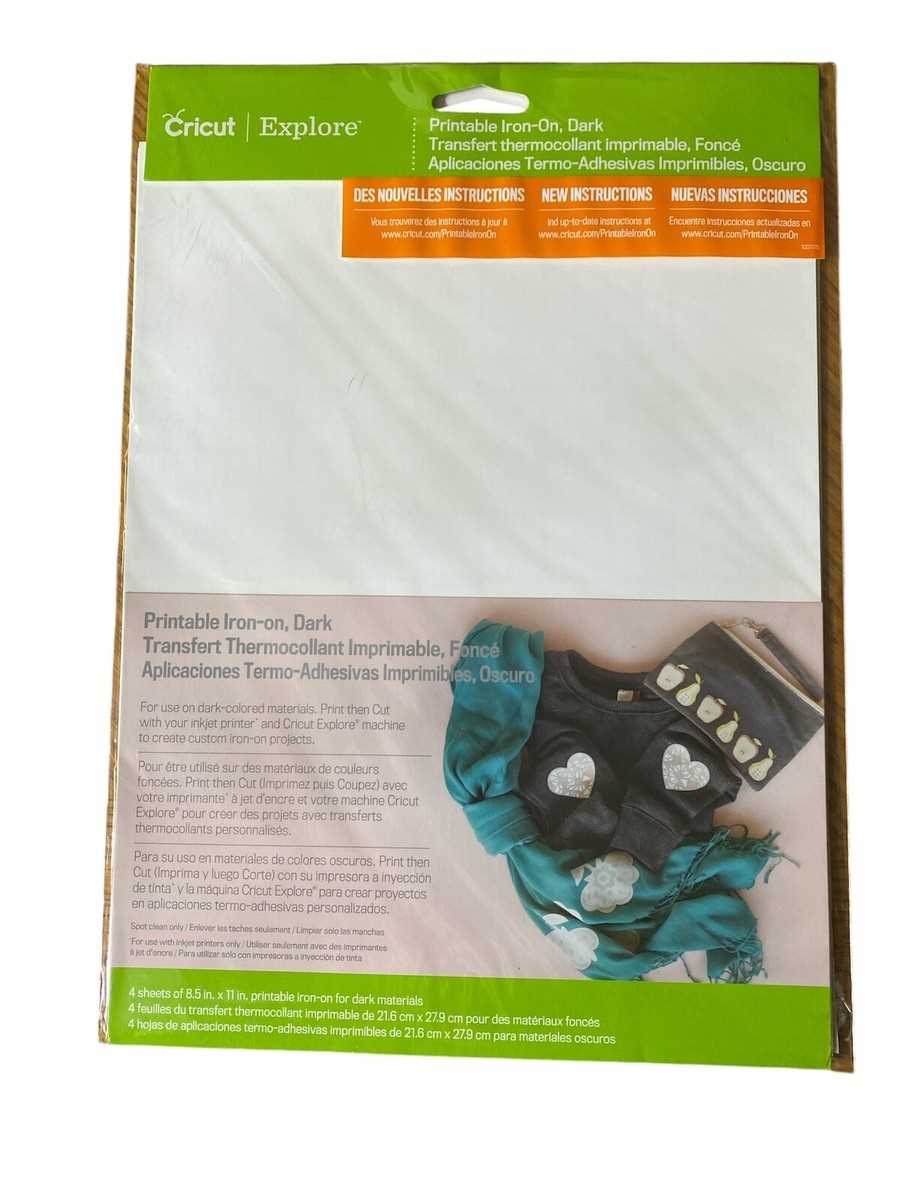
How to Use Heat Transfer Printable Sheets for DIY Projects
If you’re looking to create customized designs on fabrics, using printable heat transfer material is the go-to solution. This versatile product allows you to print any design, and then transfer it onto fabric using heat. Here’s a step-by-step guide on how to get the best results:
- Choose the Right Sheet: Select a heat transfer sheet that’s compatible with your printer (inkjet or laser). Be sure to check if it’s intended for light or dark fabric, as the process differs.
- Prepare Your Design: Create or download your design using design software. Ensure your image is mirrored before printing. This step is vital to avoid backward text or images when transferred.
- Print on the Material: Load the sheet into your printer, ensuring the correct side faces up. Use the highest print quality for crisp results.
- Heat Press or Iron: Preheat your fabric to remove moisture. Place your printed sheet on the fabric, and apply heat. For best results, use a heat press at around 350°F for 15 seconds. If using an iron, press firmly and evenly for 30-40 seconds on medium heat, avoiding steam.
- Peel and Reveal: Once cooled, gently peel off the backing paper. Your design should be firmly transferred onto the fabric.
Tips for Best Results
- Use High-Quality Ink: The type of ink used can affect how well the design transfers. Make sure to use inkjet printer ink or toner that provides high durability and vivid colors.
- Test First: Before starting on your final project, test the material on a scrap piece of fabric to ensure the transfer is smooth and accurate.
- Proper Heat Settings: If using an iron, make sure the steam function is turned off and apply consistent pressure. Irons without steam give better results on heat transfer material.
- Consider Fabric Type: Different fabric materials (cotton, polyester, blends) react differently to heat. Make sure your heat transfer material is suitable for the type of fabric you are working with.
Advantages of Printable Heat Transfer Materials
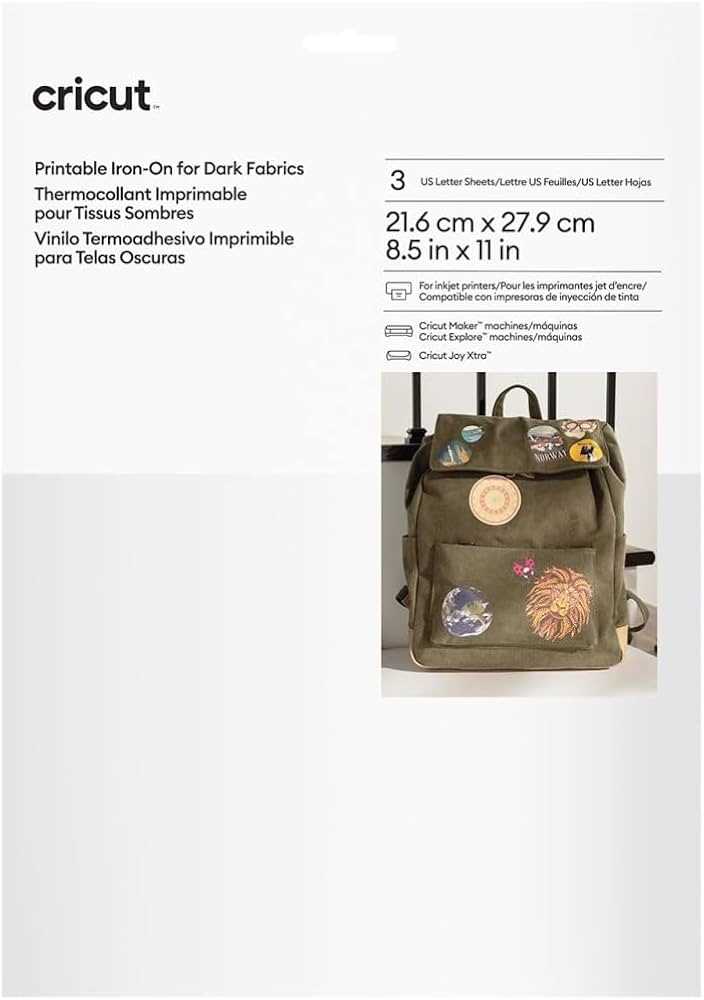
Printable heat transfer sheets offer a unique advantage for crafters and DIY enthusiasts by enabling them to print and transfer complex designs, including photos, detailed illustrations, and text, directly onto fabric. These sheets come in both light and dark fabric varieties, making them suitable for a wide range of applications, from t-shirts and hoodies to bags and home textiles.
Common Uses
- Custom Apparel: Perfect for creating personalized clothing items, including t-shirts, jackets, and hats.
- Home Décor: Create one-of-a-kind pillowcases, tablecloths, and fabric wall hangings.
- Gift Items: Custom mugs, aprons, and tote bags make great personalized gifts.
Maintenance of Transfers
To ensure your transfers last longer, wash the fabric inside out in cold water. Avoid using bleach or fabric softeners, as these can degrade the design. For drying, air drying is preferable, but if using a machine dryer, ensure it’s on a low heat setting.
Cricut Printable Vinyl Iron On
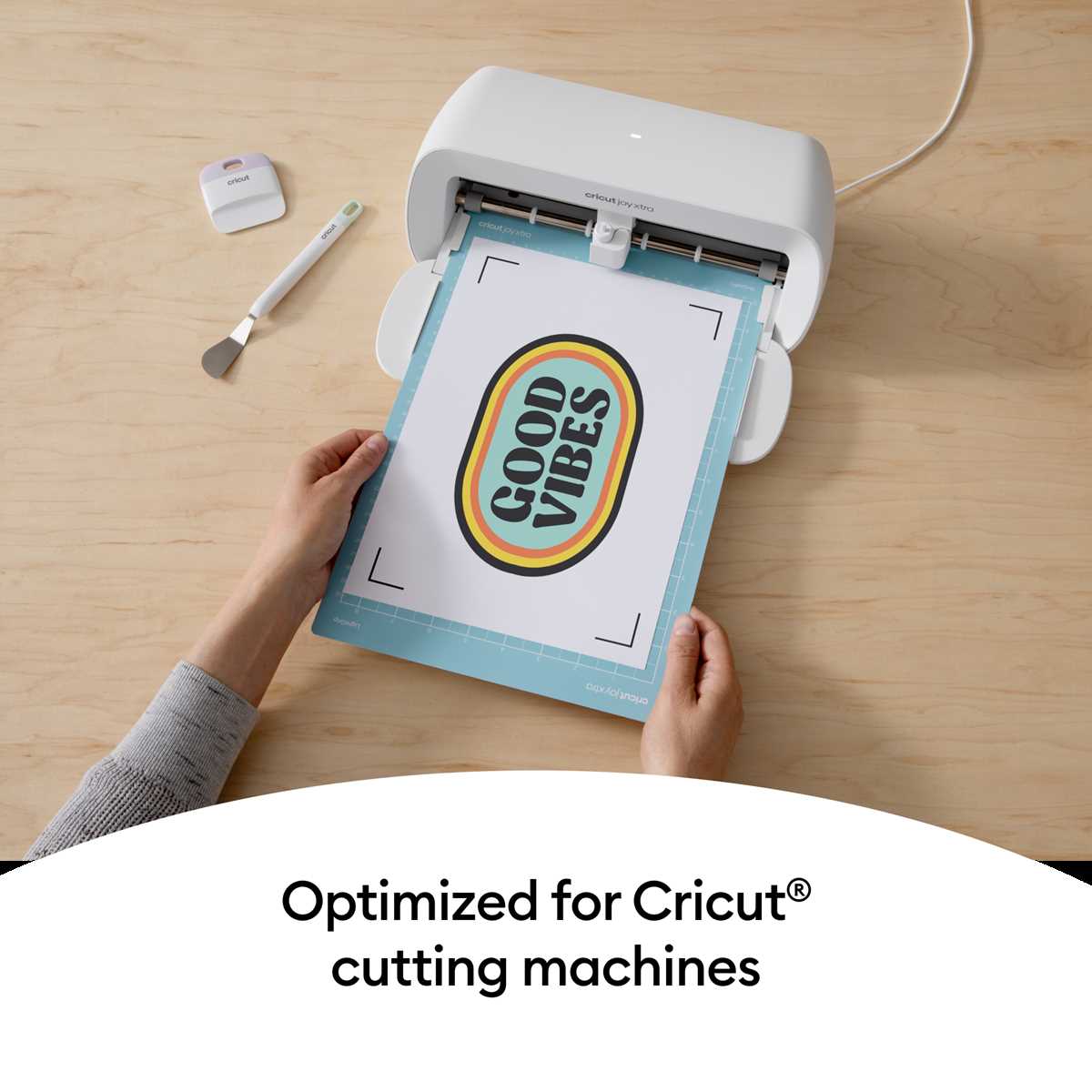
To achieve optimal results with this type of material, always ensure that your cutting machine is set to the right settings for the material. Use a setting that accommodates thicker sheets for a smooth cut and minimal waste. If you are applying this material to fabrics, pre-heat the surface to avoid wrinkles and ensure better adhesion.
Before you begin the transfer process, print your design on the material using a compatible inkjet printer. After printing, trim around the edges of the design to remove any unnecessary space. Once the image is printed, use a heat press or a hand iron to apply pressure evenly across the design. This step is vital to ensuring that the material bonds effectively with the fabric.
For long-lasting results, always test a small section of your fabric before proceeding with the entire design. This way, you can check how well the transfer holds up under different conditions, such as washing or stretching. After application, let the fabric cool completely before handling it to avoid disturbing the design.