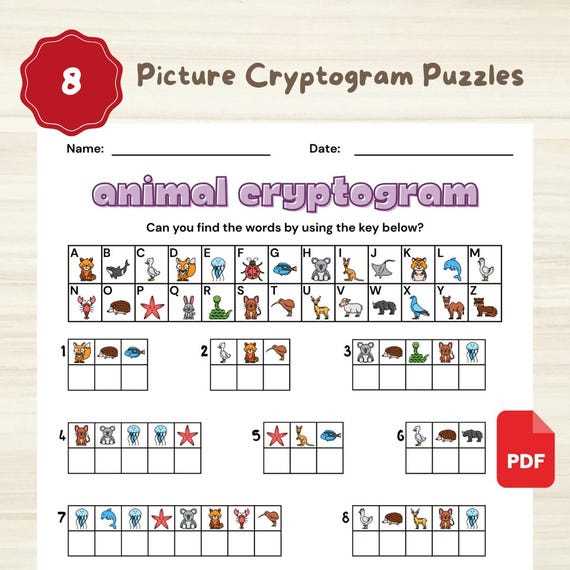
Download letter substitution code worksheets in PDF format with a clear answer key placed on a separate page to simplify checking. Choose files with large, readable cipher text at 12–14 pt font and wide spacing between lines to allow handwritten guesses above each encoded letter.
Select quote-based challenges limited to 80–150 characters for moderate difficulty or 200+ characters for advanced students and adults. Ensure that each sheet uses a single consistent substitution alphabet and provides a blank decoding chart from A to Z for tracking letter matches. Black-and-white layouts reduce ink use and keep focus on the encoded message.
Print at 100% scale on standard US Letter paper and disable automatic resizing to prevent distorted character alignment, then store completed sheets in labeled folders organized by difficulty level.
Letter Substitution Code Worksheets in PDF Format
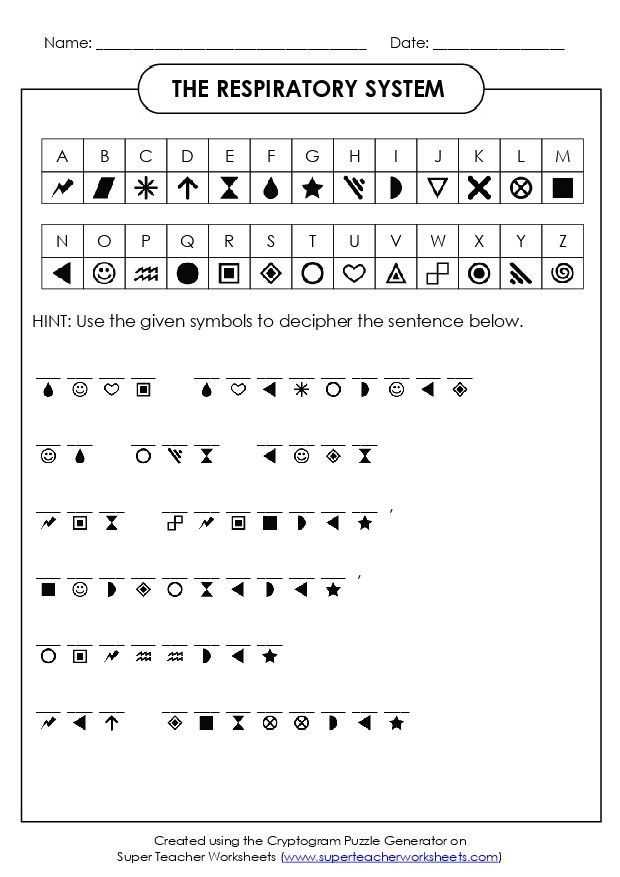
Download substitution cipher worksheets in PDF format with one encoded quote per page and a separate solution sheet placed at the end of the file. Choose layouts that include a decoding table from A to Z and wide spacing above each cipher letter for handwritten guesses.
Organize sets by difficulty based on character count and vocabulary level. Short quotes of 80–120 characters suit middle school students, while 180–250 character passages challenge adults.
- Beginner level with common proverbs and repeated short words
- Intermediate level with mixed punctuation and varied sentence length
- Advanced level with rare letters such as Q, X, and Z
Print sheets at 100% scale on 8.5×11 inch paper and disable fit-to-page options to keep alignment consistent. Use 24 lb paper to prevent ink bleed when writing letter substitutions above each symbol.
Encourage systematic solving by identifying single-letter words first, then mapping frequent characters that may represent vowels. Track progress in a side margin chart instead of rewriting the entire alphabet repeatedly.
- Circle repeated three-letter patterns.
- Test likely vowel placements in short words.
- Confirm substitutions before filling the entire grid.
- Review punctuation for sentence structure clues.
Store completed cipher sheets in labeled folders sorted by grade level or complexity for reuse in classroom activities or logic practice sessions.
How to Generate Letter Substitution Quote Sheets in PDF Format
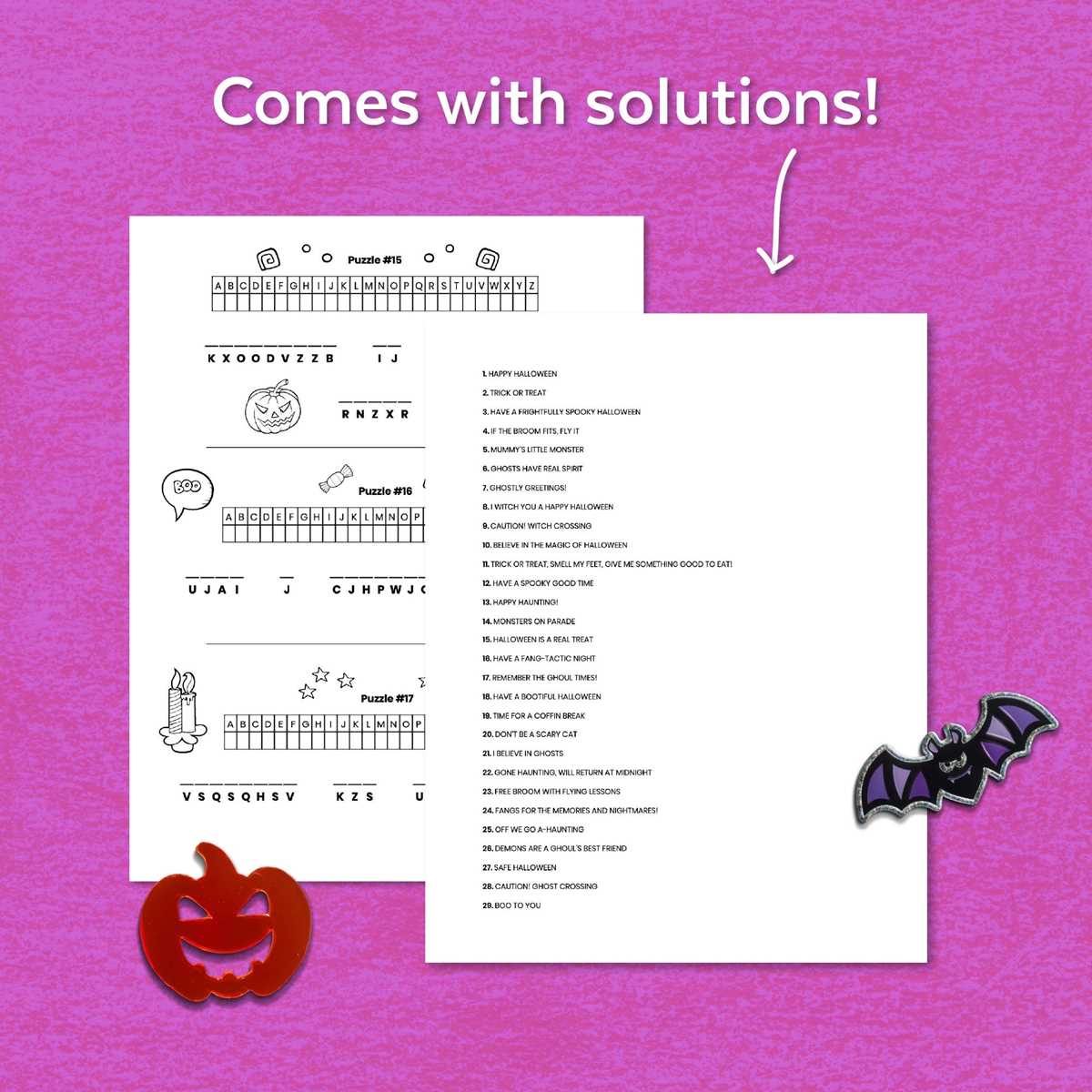
Select a quote between 120 and 220 characters and remove line breaks before encoding it with a random monoalphabetic substitution where no letter maps to itself. Use a spreadsheet or scripting tool to shuffle the alphabet and verify that all 26 letters appear only once in the key.
Convert the original text to uppercase and preserve punctuation marks such as commas, apostrophes, and periods to maintain sentence structure clues. Replace each letter according to the generated key while keeping spaces intact; this preserves word boundaries and improves solvability.
Design the layout in a document editor with a monospaced font such as Courier New at 18–22 pt for the encoded text. Add a blank line of 0.5–0.7 inches above each row so solvers can write guessed letters directly over the cipher characters without crowding.
Insert a decoding chart below the text consisting of two aligned rows labeled A–Z and empty boxes beneath each letter. This allows users to track substitutions without rewriting the alphabet repeatedly. Place the answer key on a separate page to prevent accidental viewing during practice sessions.
Export the file as PDF using standard US Letter (8.5 x 11 inches) or A4 size with 1-inch margins. Disable automatic scaling and confirm that character spacing remains fixed after export by reviewing the document at 100% zoom.
Test the generated sheet by solving at least 20% of the text yourself to confirm logical letter distribution, balanced frequency patterns, and absence of encoding errors before sharing or distributing the file.