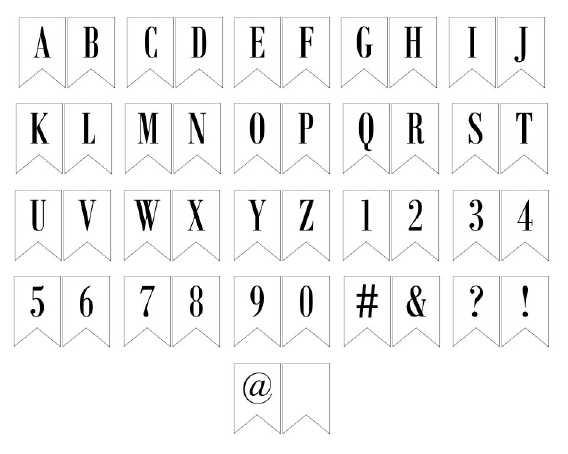
For an eye-catching and personalized decoration, use large, bold alphabets that can be easily assembled for signs or celebrations. Choose fonts that reflect the tone of your event. Opt for styles that are both clear and visually appealing, as these will stand out more when displayed at a distance.
When preparing the characters for cutting, make sure to scale them to the desired size before printing. Using a high-quality paper or cardstock will ensure the shapes remain sturdy after trimming. Also, ensure the printer settings match the paper size to avoid distortion.
To cut the shapes accurately, use a sharp tool such as a craft knife or scissors with a fine tip. Take your time to follow the edges precisely, as uneven cuts can detract from the final result. If needed, use a ruler or template to keep the letters uniform and straight.
Creating Custom Letter Shapes for Decorations
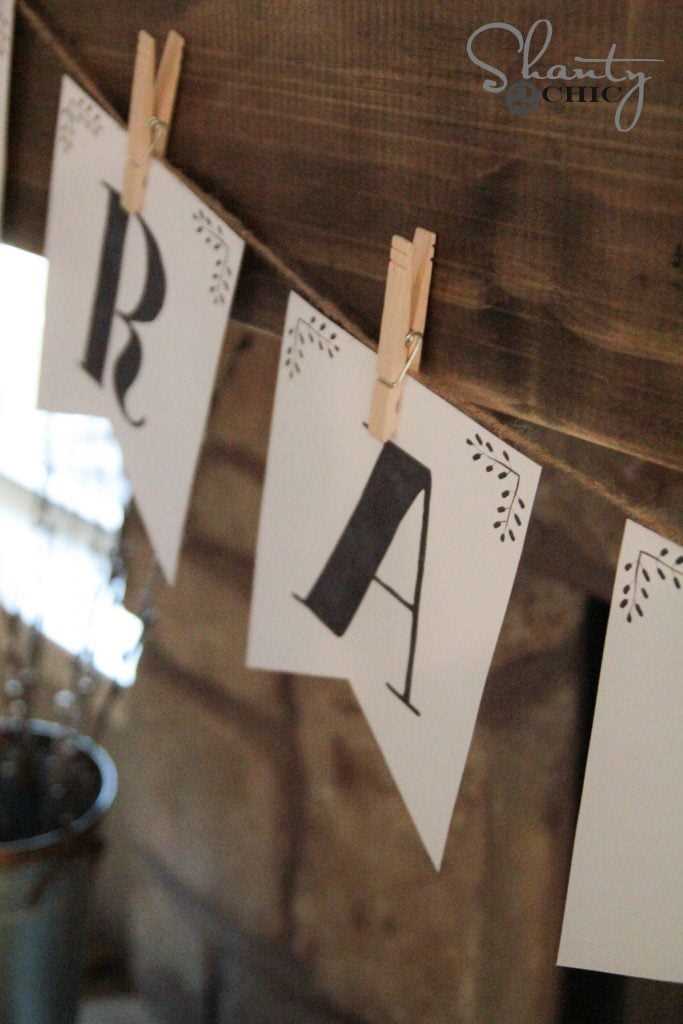
To design custom characters for your decorations, choose a bold and simple font. Opt for a style that remains legible even when enlarged. Avoid overly intricate fonts, as they can be difficult to cut and may lose clarity at larger sizes.
Once the font is selected, adjust the size based on your space. For a standard poster or wall display, letters that are 6-8 inches tall work well. For smaller spaces or table settings, 3-4 inch letters are more appropriate.
Before starting, ensure that your paper or cardstock is of good quality. Heavier paper prevents the shapes from becoming flimsy, especially if the decorations will be hung or moved around. If you’re planning to glue them to another surface, use adhesive that is strong enough to keep them in place without damaging the material.
Using a ruler and craft knife can give you more precise cuts compared to regular scissors. For curved or intricate shapes, a sharp tool like a craft blade is crucial to avoid jagged edges. Always cut slowly and carefully, especially when following the lines of each design.
If you need multiple copies of the same design, consider printing more than one sheet at once. This method allows you to save time and ensures uniformity across your decorations. Be sure to align the pages properly before printing to avoid any misalignment.
For an extra touch, consider adding patterns or designs within the characters. This can be done before cutting by adding color or texture with markers, paint, or even stickers. Customizing each letter can give your display a unique and personal flair.
Finally, once the characters are cut and decorated, arrange them according to your design. Whether you’re spelling out a name or a message, plan their placement on the surface beforehand. This step ensures that your layout is balanced and visually appealing before securing each letter in place.
Choosing the Right Font Style for Your Decorations
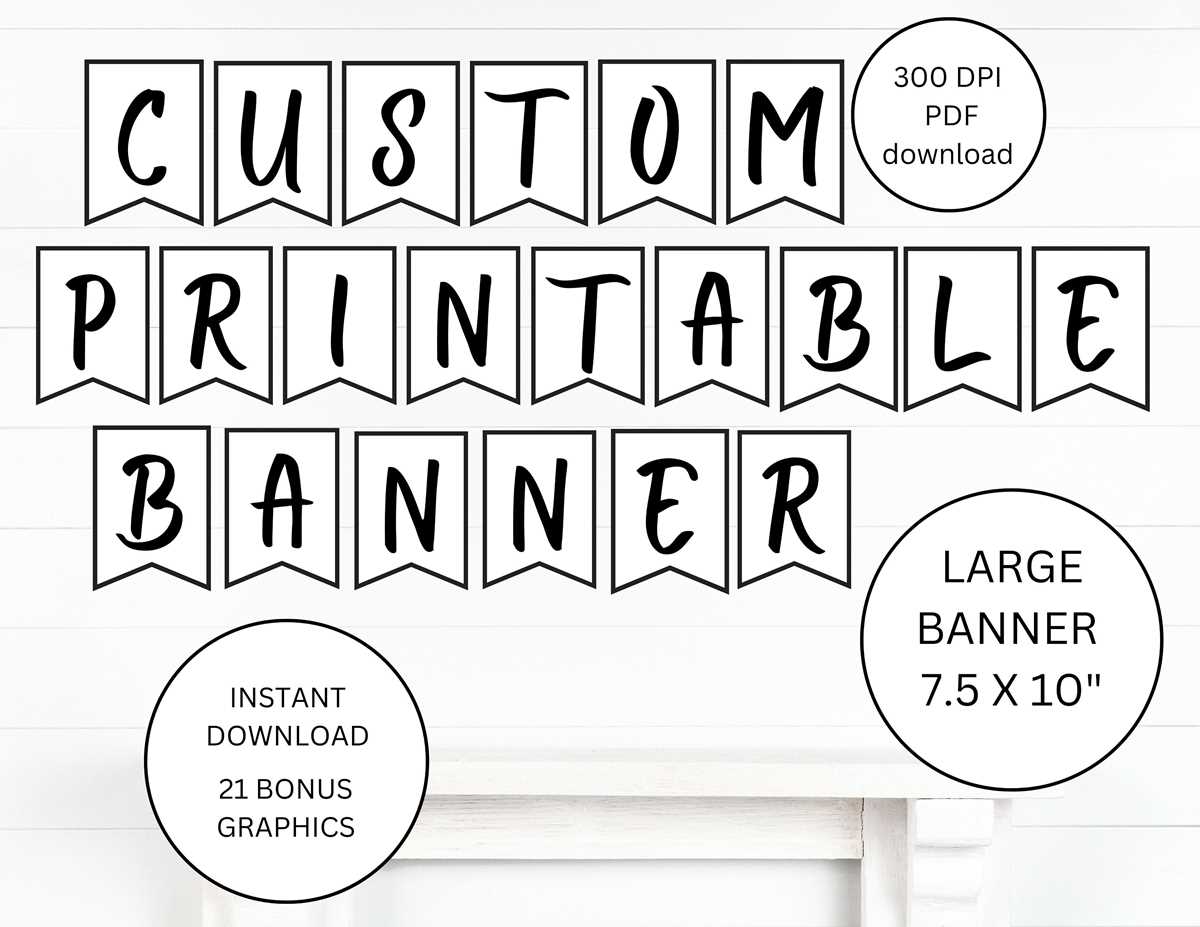
Start by selecting a font that aligns with the mood or theme of the event. For a casual or festive look, choose bold, rounded fonts that give off a fun vibe. For formal occasions, a serif typeface will create a more sophisticated and elegant feel.
If the letters will be viewed from a distance, prioritize clarity. Simple, thick fonts are easier to read from afar. Thin or overly decorative typefaces can become harder to decipher, especially when enlarged.
Consider the space where the design will be displayed. For smaller areas like tables or small rooms, opt for narrower fonts that fit neatly. For large walls or outdoor settings, use wider fonts with more spacing between each character for better visibility.
Look for fonts that have distinct edges. A typeface with clean, straight lines ensures easier cutting and gives your design a crisp and neat appearance. Avoid overly intricate fonts with tiny details that could be hard to cut accurately.
For added creativity, combine two or more styles. Mix a script font with a bold sans-serif for an eye-catching contrast. Just make sure the combination doesn’t make the design too busy or difficult to read.
Lastly, experiment with the size and weight of the font. Adjusting these features can help balance your design. Heavier, larger characters are great for titles or focal points, while lighter, smaller fonts can be used for additional text or details.