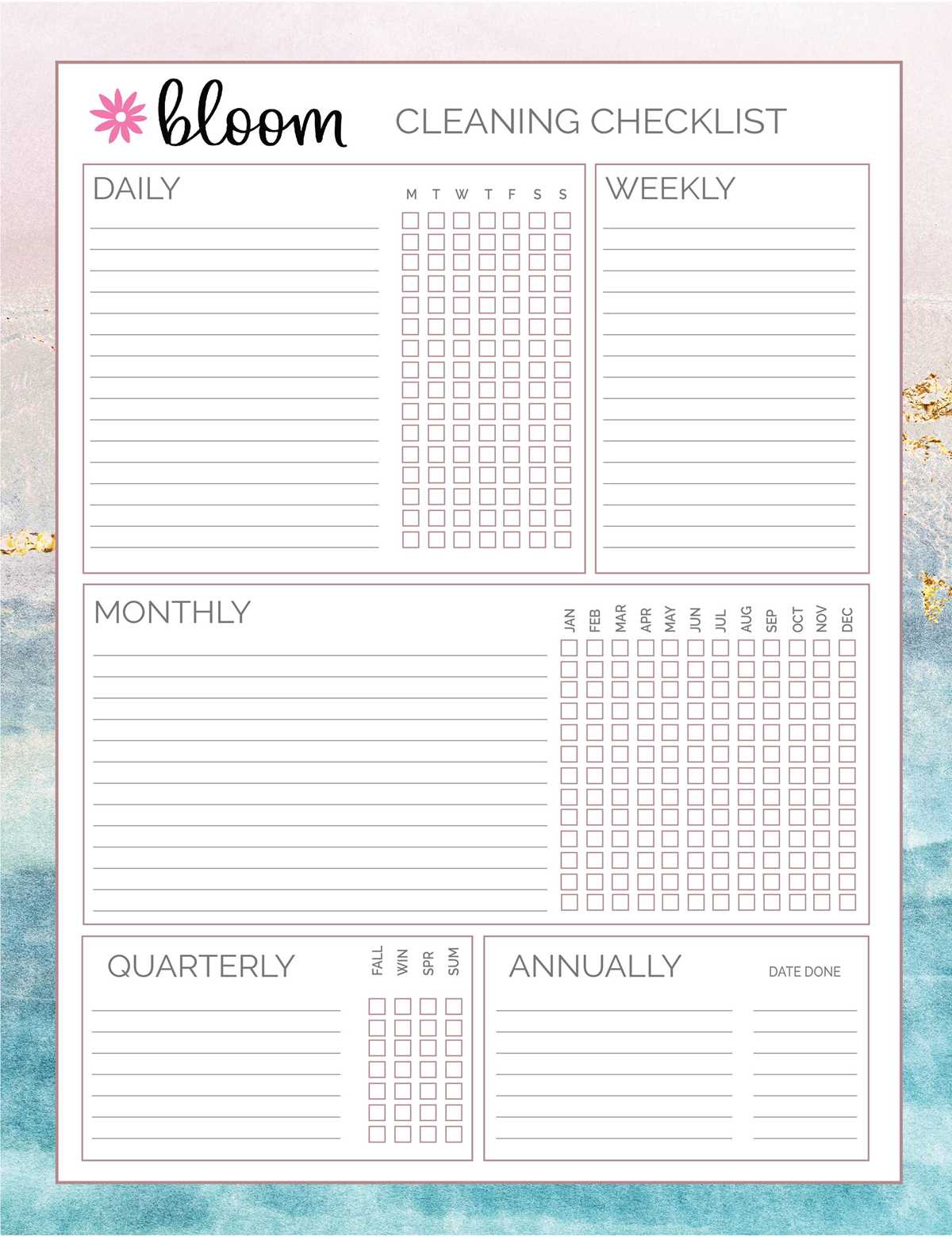
Start by identifying your primary goals. A personal organizer can be tailored for various purposes–whether for work, school, or personal life–so consider what you need most. If you want a way to track tasks, use weekly or daily layouts. If budgeting is a focus, design sections for expenses and savings. Choose a format that fits your needs, whether it’s a simple grid or something with more interactive elements.
Choose the Right Layout for Your Tasks
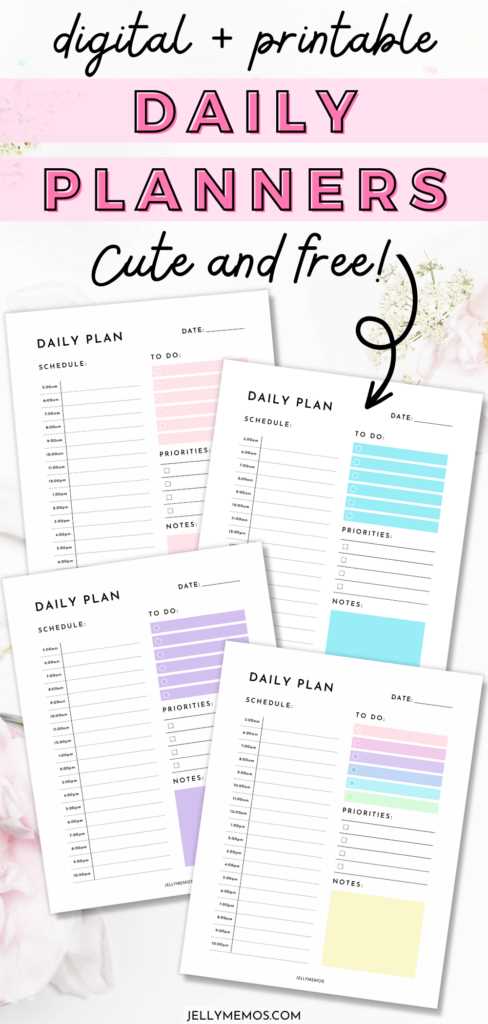
There are several layout styles to consider for your daily schedules:
- Hourly Breakdowns: This layout is perfect for those who need a detailed view of their day, with time slots to manage appointments or specific tasks.
- Task Lists: Use simple checkboxes for each task. This layout is great for those who prefer to see a list of tasks without worrying about specific time slots.
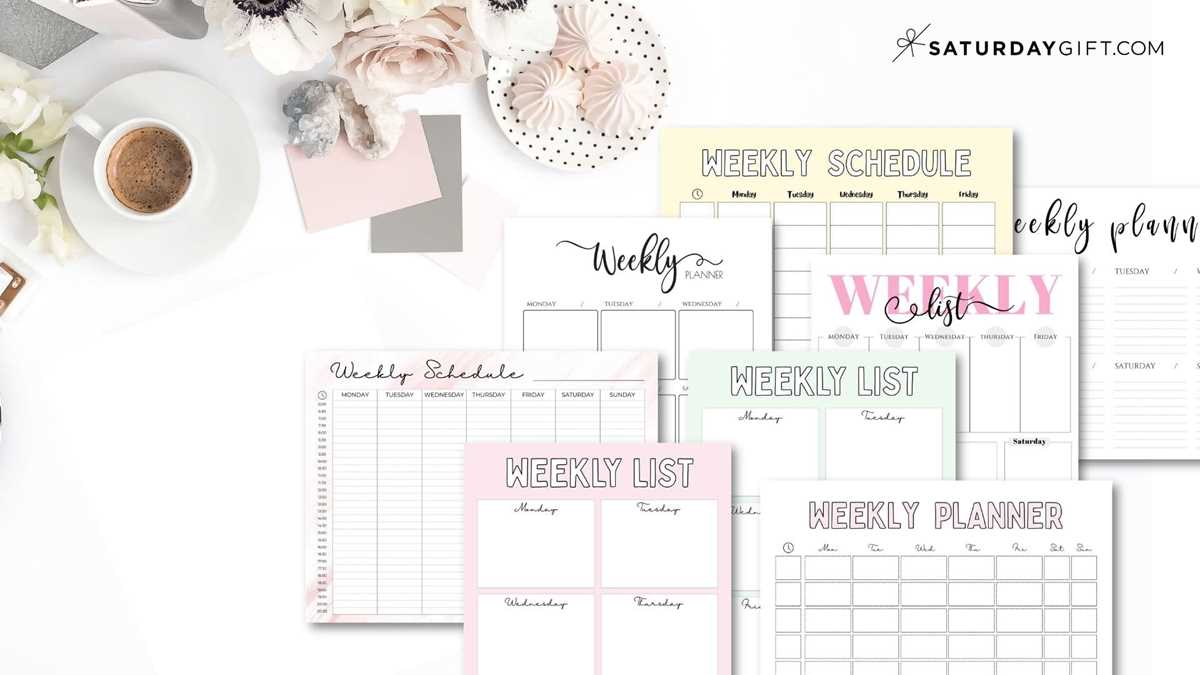
- Weekly Views: A larger, weekly spread allows for an overview of appointments and personal activities. It can be divided into sections to show both long-term goals and daily to-dos.
Incorporating Design Elements
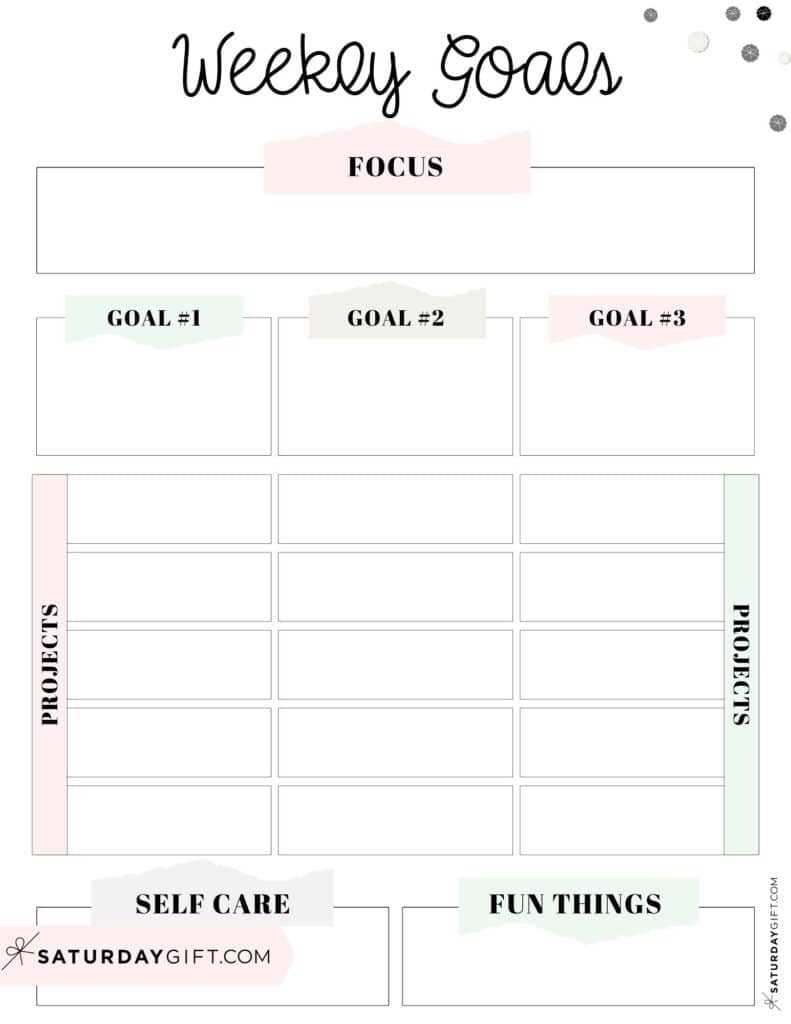
While functionality is key, design adds motivation to keep using your planner. Opt for minimalistic styles with clear spaces or add some color to visually separate different sections. Hand-drawn borders or geometric patterns can be a good way to make your organizer visually appealing without overwhelming the user. Incorporate custom sections like habit trackers or goal-setting sheets to make your setup unique.
How to Print and Assemble Your Custom Organizer
Once you’ve designed the layout, it’s time to print it. You can print your pages on any standard A4 or letter-sized paper. For a more durable option, use thicker paper or card stock. If you’re creating a binder system, punch holes in the pages to fit standard ring binders. For a compact version, print and staple the pages to create a booklet.
Materials You Will Need
- Printer and ink (ensure your printer supports the page size you plan to use)
- Paper (thick paper gives a more professional feel)
- Hole puncher or stapler (for binding)
- Binder (optional, if using the ring binder method)
If you’re looking for extra flair, consider using stickers or washi tape to mark key dates or important sections. This can add a personal touch to your organization system, making it not only functional but visually attractive.
Final Thoughts
With the right setup, a personalized organizer becomes more than just a tool–it transforms into a motivational piece that enhances your productivity and daily flow. By choosing a layout that suits your life and adding design elements that you enjoy, you’re more likely to stick with your system. The best part? You can easily modify it whenever your needs change.
How to Customize Your Daily Organizer for Maximum Use
If you want to create a system that works for you, start by choosing the right format. A daily agenda with clear time slots will help you manage appointments and tasks in a detailed manner. For someone focused on productivity, a simple list layout may be more effective. Use a clean design to avoid distractions, and leave room for flexible sections like notes or reminders.
Adding colors or decorative elements makes the organizer visually appealing without compromising functionality. Stickers or borders can highlight important dates and make your setup feel personal. When deciding on your color scheme, choose tones that you find motivating or calming, as this will keep you engaged with the system. A well-organized and aesthetically pleasing setup encourages consistent use.
Finally, remember to update and adapt your system as needed. Your needs may change, so it’s important to regularly assess how well your current structure is working. If you feel certain sections are not being used, remove them or replace them with something more relevant. Regular adjustments ensure that the layout continues to serve its purpose without overwhelming you.