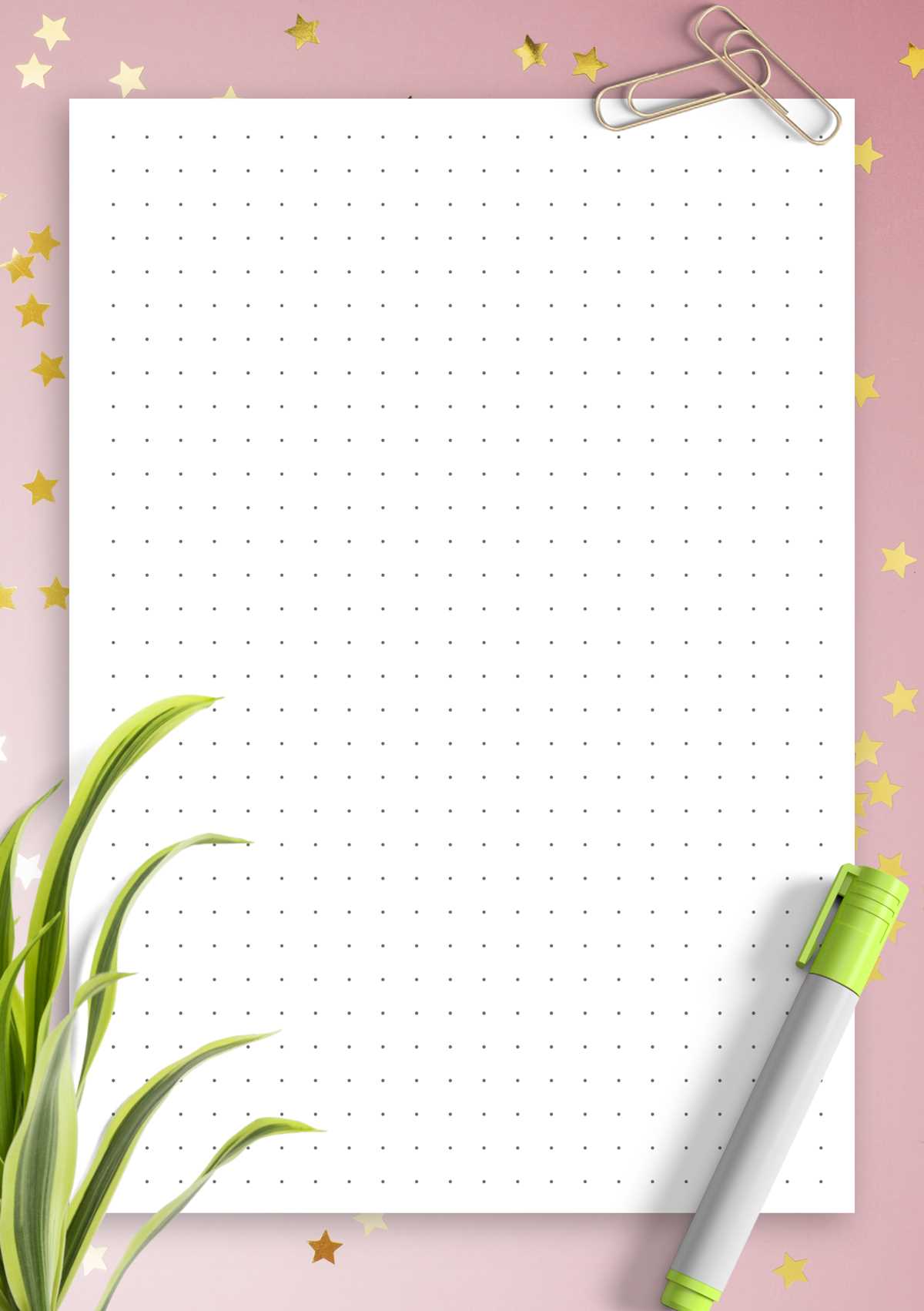
Choose A4 or Letter format with 5 mm spacing for notes and planners, 8 mm for sketches, and 3 mm for compact writing; export to PDF at 300 DPI to avoid blurry marks.
How to Select Grid Parameters for Specific Tasks
- Writing and study: 4–5 mm interval, light gray marks (#CFCFCF) reduce eye strain and keep lines visible after scanning.
- Technical drawing: 2–3 mm interval, darker tone (#9E9E9E) helps align diagrams and tables.
- Sketching: 7–10 mm interval, low opacity 15–20% keeps the background subtle.
- Planner layouts: margins 12–15 mm on the left for binding, header space 20–25 mm for dates.
File and Print Settings
- Resolution 300–600 DPI for sharp points and clean exports.
- PDF vector format keeps marks crisp at any scale.
- Margins set to 0 or “borderless” mode to fill the page.
- Black and white mode saves toner; grayscale for softer visuals.
Practical Uses in Daily Work and Study

Bullet journals: align trackers, habit charts, and weekly spreads without rigid lines. Math and science: build graphs and coordinate systems with consistent spacing. Design drafts: map UI blocks, logos, and wireframes with proportional balance. Meeting notes: combine text and quick diagrams on one sheet. Calligraphy practice: maintain letter height using 6–8 mm intervals and 10–12° slant guides.
Customization Tips
Color: switch to blue or sepia marks for long sessions. Opacity: 10–25% for sketching, 30–40% for data tables. Orientation: landscape for timelines, portrait for lists. Binding: add 5 mm extra inner margin for spiral notebooks.
Common Mistakes to Avoid
- Using 72 DPI images that blur after scaling.
- Too dark marks that dominate handwriting.
- No margin allowance, causing clipped edges.
- Mixed units; keep millimeters consistent across templates.
Store master files in vector PDF and keep alternate versions with 3 mm, 5 mm, and 8 mm spacing for quick switching between writing, drawing, and planning.
Dot Grid Sheets and Ready-Made Layout Files
Choose A4 or US Letter with 5 mm spacing and export to vector PDF at 300–600 DPI; this combination keeps points sharp on home inkjet and laser devices and avoids jagged circles after scaling.
For compact handwriting use 3–4 mm intervals with light gray tone #D0D0D0 at 25% opacity; this level stays visible during writing yet disappears after scanning or photocopying.
Sketching benefits from 7–10 mm spacing and 15% opacity; larger gaps allow free strokes while still providing alignment for proportions, margins, and perspective guides.
Technical diagrams and tables work best with 2–3 mm spacing, darker tone #9A9A9A, and page margins set to 10–12 mm; these values help maintain column accuracy and prevent edge clipping during duplex output.
Use vector formats such as PDF or SVG rather than PNG or JPG; vectors keep circles crisp at any zoom level and reduce file size for multi-page packs, typically 50–150 KB per sheet.
Prepare several presets: portrait with 20 mm top header for planners, landscape with 15 mm side margin for timelines, and square layout for graph tasks; storing three variants covers most study and office scenarios.
Avoid 72 DPI raster files, pure black marks, and zero margins; these settings lead to blurred points, heavy toner consumption, and trimmed edges on common printers with 3–5 mm non-printable borders.