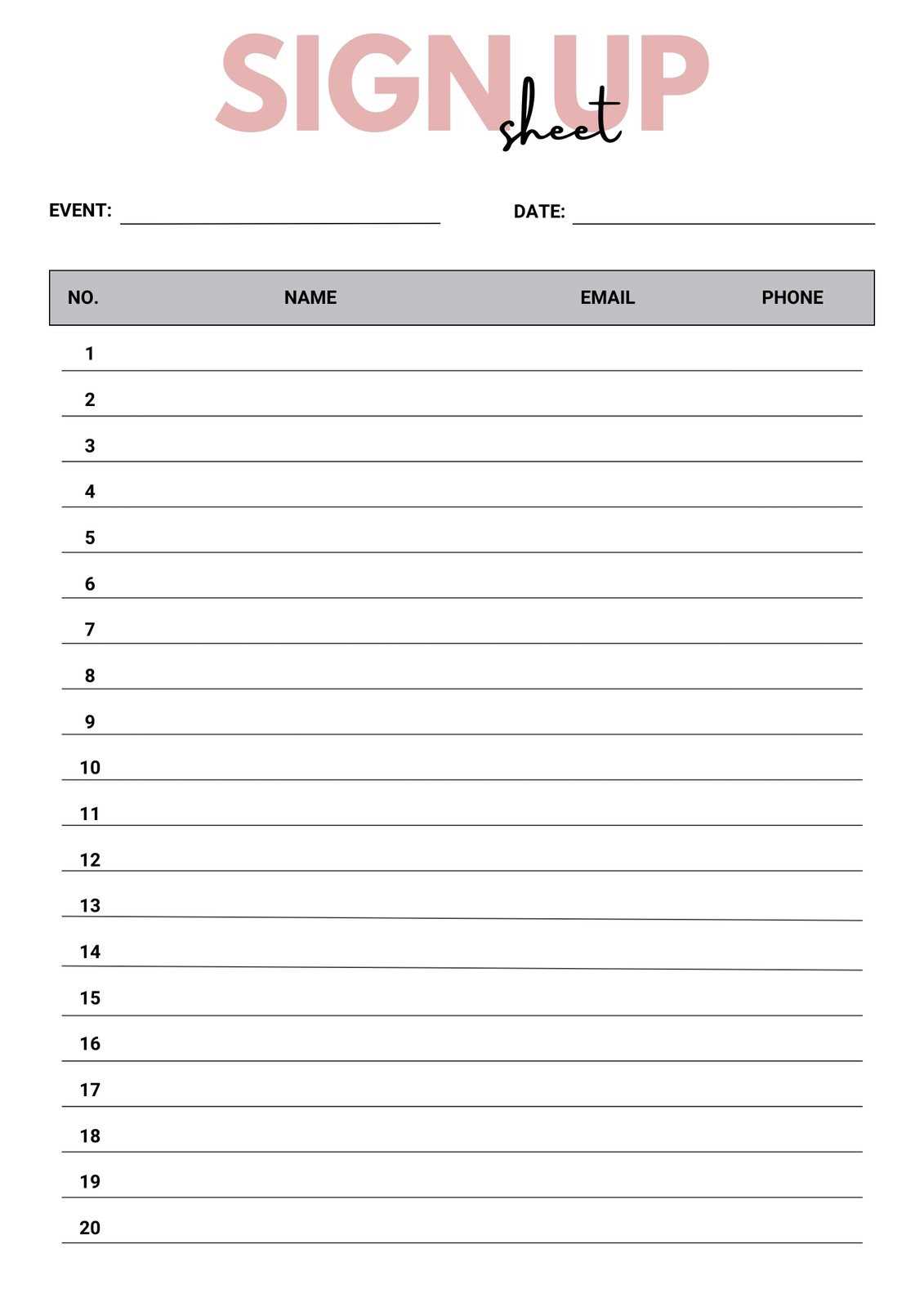
To easily organize events or gather participants, create a customizable form where people can add their details. This method allows quick modifications to fit various needs. You can adjust fields, headings, and layout to ensure clarity and simplicity in your form design.
Choosing a template that aligns with your needs can save time. Templates are available for different events, whether you’re collecting RSVPs, organizing volunteer sign-ups, or setting up workshops. You can choose from a wide variety of pre-made designs that are ready to customize, ensuring a professional look and ease of use.
After creating your form, share it effortlessly. Many tools enable you to convert your file into a format suitable for printing or sending digitally. For digital use, ensure that your participants can easily fill out and submit their information online, streamlining the collection process.
Editable Printable Sign Up Sheet
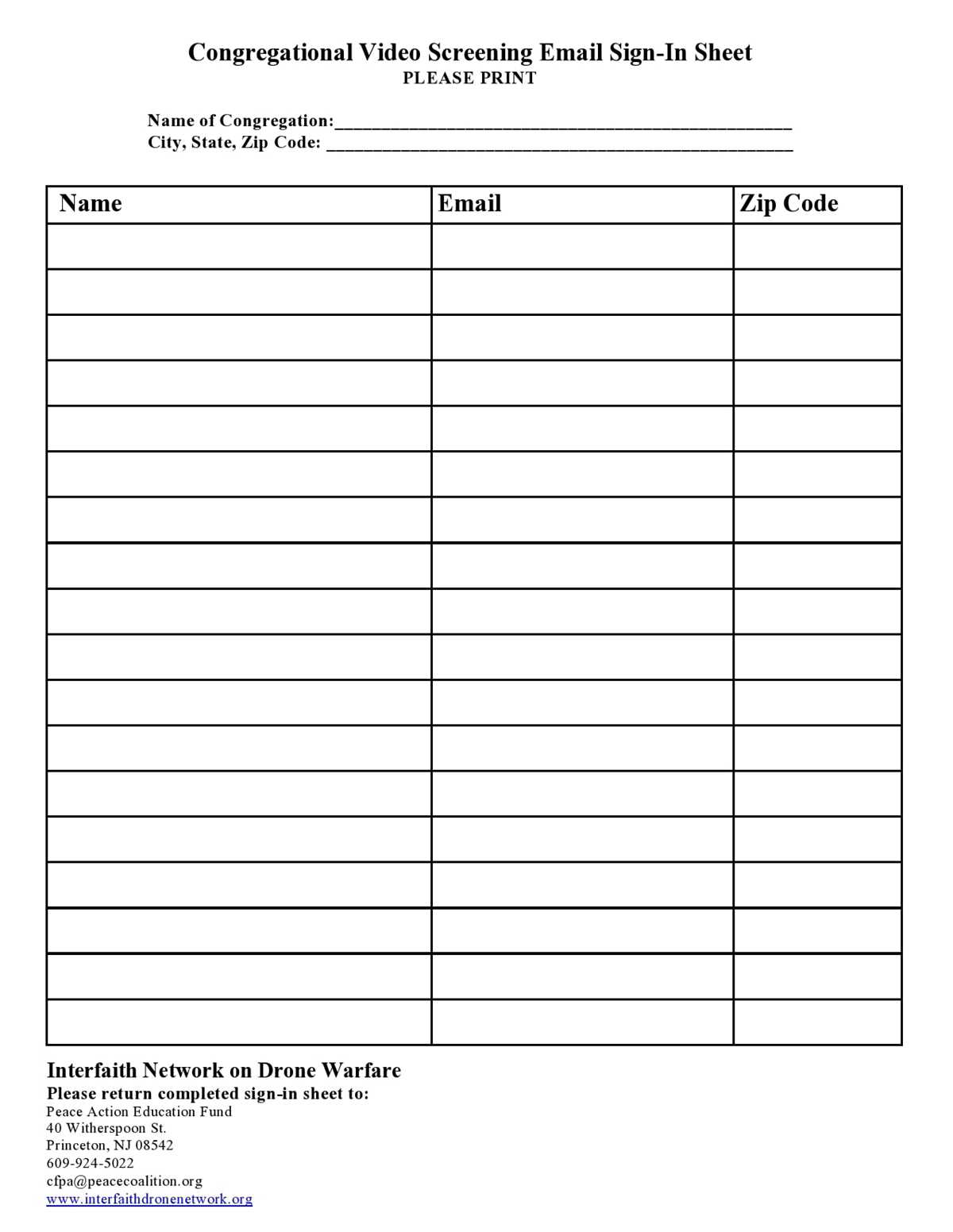
When organizing an event or gathering participants, choose a customizable form that allows you to modify the information fields easily. Ensure the layout is clear and simple, making it easy for people to understand what details they need to provide. This flexibility ensures that the form can be tailored to different occasions, whether it’s for volunteer sign-ups, event registrations, or any other purpose.
To streamline the process, select a format that’s compatible with both print and digital distribution. This way, you can either hand out physical copies or send the form via email, allowing participants to fill it out in the most convenient way. If you choose a digital option, ensure the fields are interactive for easy data input and submission.
How to Create a Customizable Sign Up Sheet Using Google Docs
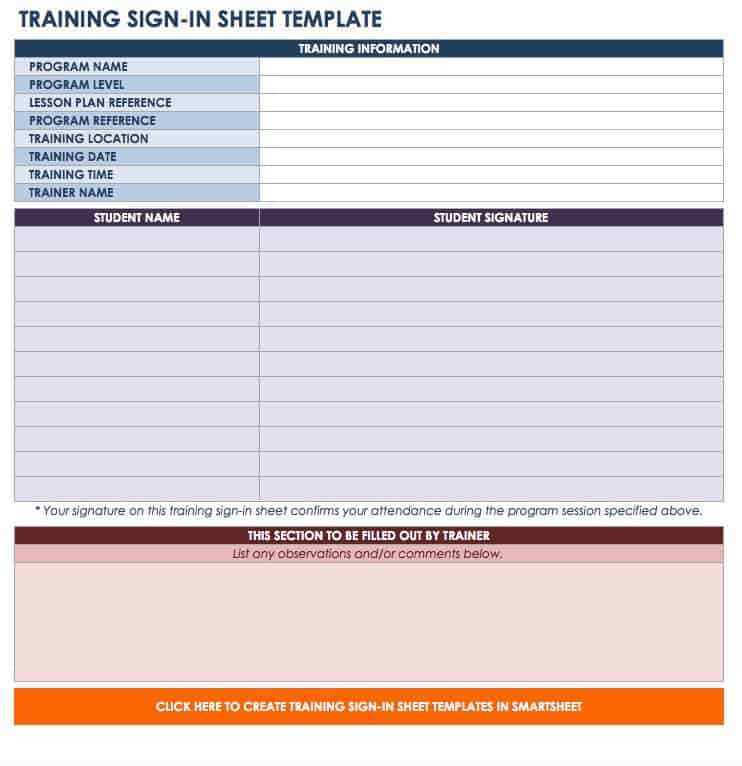
Start by opening Google Docs and creating a new document. You can do this by selecting “Blank” from the document options. This allows you to start fresh and design the structure of your form from scratch.
Next, create a table to organize the sections of your form. A basic table with columns and rows works best. Include columns for names, contact details, times, or other relevant information depending on your event or purpose. To add a table, click on the “Insert” menu, select “Table,” and choose the number of rows and columns that fit your needs.
Customize the columns by adjusting their width to make sure they fit the required information. You can also merge cells to create headers or wider sections where more detailed input is necessary. To merge cells, highlight the cells you want to combine, right-click, and select “Merge cells.”
For a clean and organized look, use the “Table properties” option. This allows you to adjust the border color, cell background color, and other formatting options. Consider using light shading for header rows to differentiate them from the data entry rows.
If you want participants to fill in their details online, you can use Google Docs’ “Comment” feature. This allows users to add information directly in the document without altering the layout. You can also suggest edits by selecting “Suggesting” mode under the editing options.
After designing the document, share it with participants. Click the “Share” button in the top right corner of Google Docs. Choose the “Anyone with the link” option to allow others to access the sheet. Make sure to set the permission to “Editor” if you want them to be able to fill out the fields.
Once your document is ready, you can download it as a PDF or Word file by selecting “File,” then “Download.” This gives you the option to distribute a hard copy of the form if needed. You can also email the link to participants for digital sign-ups.
Lastly, regularly monitor and update the document as needed. Google Docs allows for easy collaboration and real-time updates, so you can make changes to the form or adjust it as more people sign up.