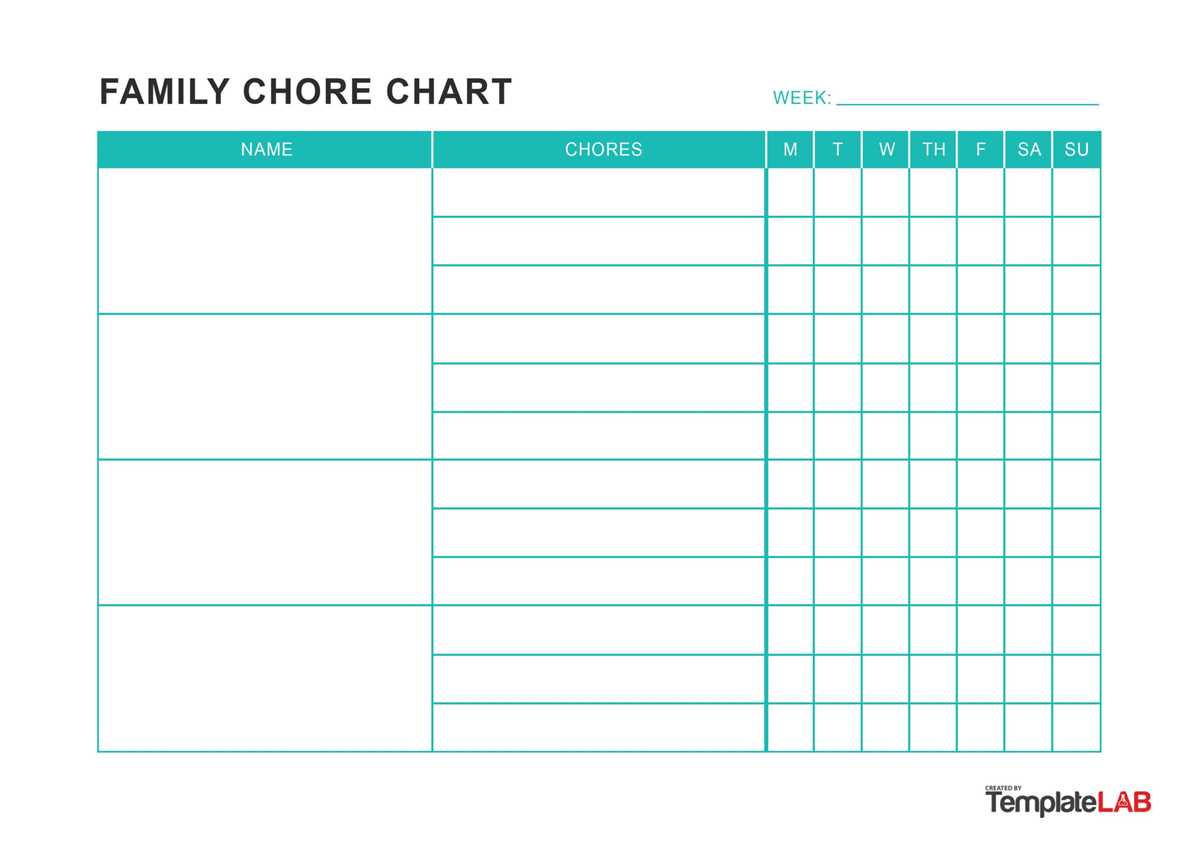
Choose a clear task tracker with daily and weekly grids that match your child’s age and reading level. For ages 3–5, use visual icons such as a bed, toy box, or toothbrush with no more than 4 duties per day. For ages 6–9, add short text labels and limit the list to 6–8 items. Preteens can handle a full-week table with checkboxes and space for notes.
Set measurable standards for each responsibility. Replace vague lines like clean room with specific actions such as “put laundry in basket,” “place books on shelf,” and “vacuum floor on Saturday.” Clear wording reduces arguments and helps children understand what completion looks like.
Add a reward section directly on the page. Use a simple points column where each completed duty equals 1–2 points, and define exchange rates such as 20 points for a movie night or 30 points for choosing dinner. Keep the scale visible to avoid renegotiation later.
Prepare the sheet for reuse by printing on thick paper or placing it in a plastic sleeve. Dry-erase markers allow daily resets without reprinting. Position the tracker in a high-traffic area like the kitchen wall at eye level for children so progress stays visible throughout the week.
Free Chore Charts Printable Templates for Home Use
Select a household task planner with clearly divided rows for each family member and columns for days of the week. Limit daily duties to 5–7 items for school-aged children and 3–4 for preschoolers. Keep font size above 14 pt so younger readers can scan tasks without assistance.
Use separate layouts for recurring and rotating responsibilities. A weekly grid works well for routine jobs such as dishwashing or pet feeding, while a monthly tracker suits deeper cleaning like organizing closets or washing windows. This separation prevents overcrowding and keeps expectations visible.
Add a signature or initials column to confirm completion. For older children, include a short notes field to record issues such as “trash taken out late” or “bathroom cleaned without reminder.” Written feedback reduces repeated verbal corrections.
Prepare the template for repeated use by printing on 120–160 gsm paper or inserting it into a transparent sleeve. Pair it with dry-erase markers and mount it on a central wall, preferably near the kitchen or entryway where daily traffic guarantees visibility.
Integrate a point or token system directly into the layout. Assign fixed values, such as 1 point for basic tasks and 3 points for larger responsibilities. Display a reward list beside the tracker with clear exchange rates to prevent negotiation and maintain structure.
How to Choose Daily or Weekly Chore Chart Layouts for Different Age Groups
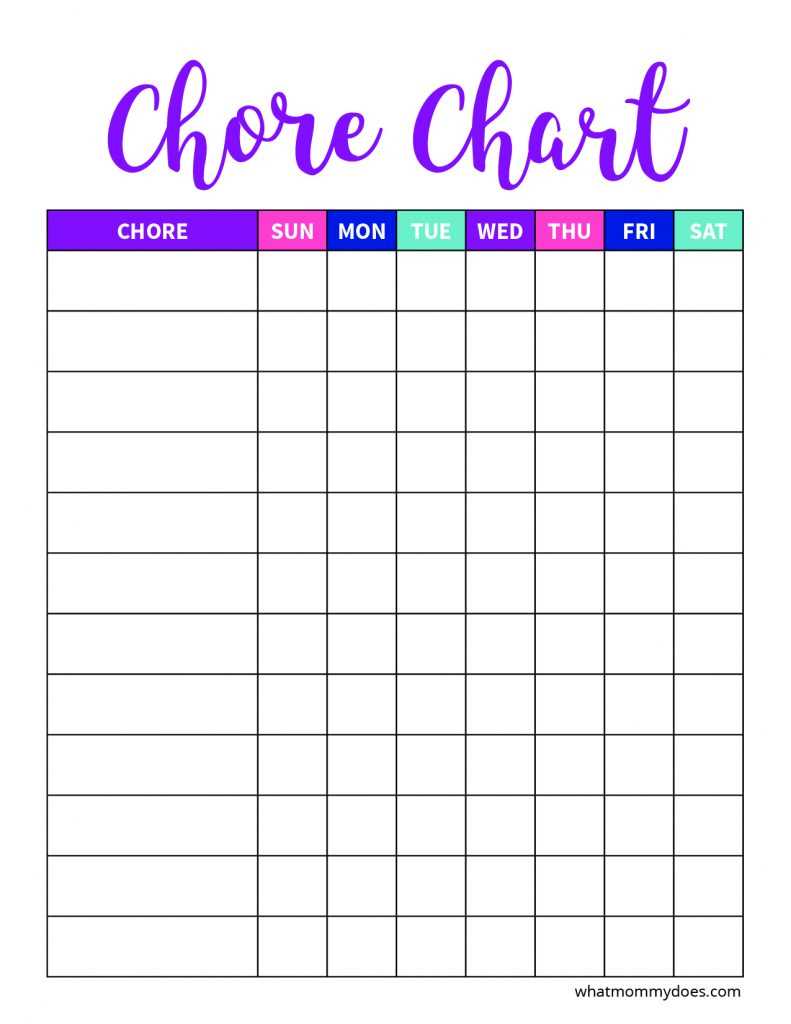
Pick a one-day grid for children under six and a seven-day planner for ages seven and up. Younger kids process short time frames better, so limit the layout to a single row of tasks with large checkboxes at least 2 cm wide.
For preschoolers, use a visual task board with icons instead of text-heavy lists. Include no more than four duties such as:
- Put toys in bin
- Place clothes in hamper
- Wipe table with cloth
- Feed pet with supervision
Each item should have a picture cue and a simple checkbox to mark completion.
For early elementary students, switch to a weekly responsibility tracker divided into columns Monday through Sunday. Allow 5–7 assignments per day and add a small comments field. This age group can handle rotating duties such as setting the table on alternating days.
Preteens benefit from a matrix format with categories such as personal care, shared spaces, and outdoor duties. Arrange tasks in rows and days in columns. Add a points column at the end of each row so totals can be calculated every Friday.
Teens require fewer reminders but clearer accountability. Use a compact weekly planner with deadline fields rather than simple checkboxes. Include due dates and space for signatures to confirm completion without prompting.
Adjust spacing and text size based on reading level. Ages 4–6 need 16–18 pt fonts with wide margins; ages 7–10 manage 12–14 pt; older children can use standard 11–12 pt. Clear structure prevents confusion and reduces repeated instructions.