If you’re looking to add precision to your drawings or mathematical diagrams, using a 1/2 inch grid can be a simple yet effective solution. This format is perfect for tasks that require clear alignment, like creating scale models or plotting coordinates in geometry. To get started, simply download a 1/2 inch grid and start using it for anything from designing layouts to calculating proportions for architecture.
To print your grid at home, ensure that your printer is set to standard letter size (8.5 x 11 inches) for the most accurate results. You can find various templates online that offer grids with uniform spacing for both horizontal and vertical lines, allowing you to work on projects that require detailed and precise measurements. If you have a high-quality printer, the lines will appear crisp and legible, perfect for any type of technical sketching.
This kind of squared template is particularly useful in educational settings. It helps students understand mathematical concepts like scaling, graphing, and symmetry. It’s also ideal for artists or designers who need to create proportionate drawings and need a reliable base for their work. A 1/2 inch grid offers a balance between clarity and flexibility, accommodating both small sketches and larger, more complex layouts.
How to Access 1/2 Inch Square Templates for Your Projects
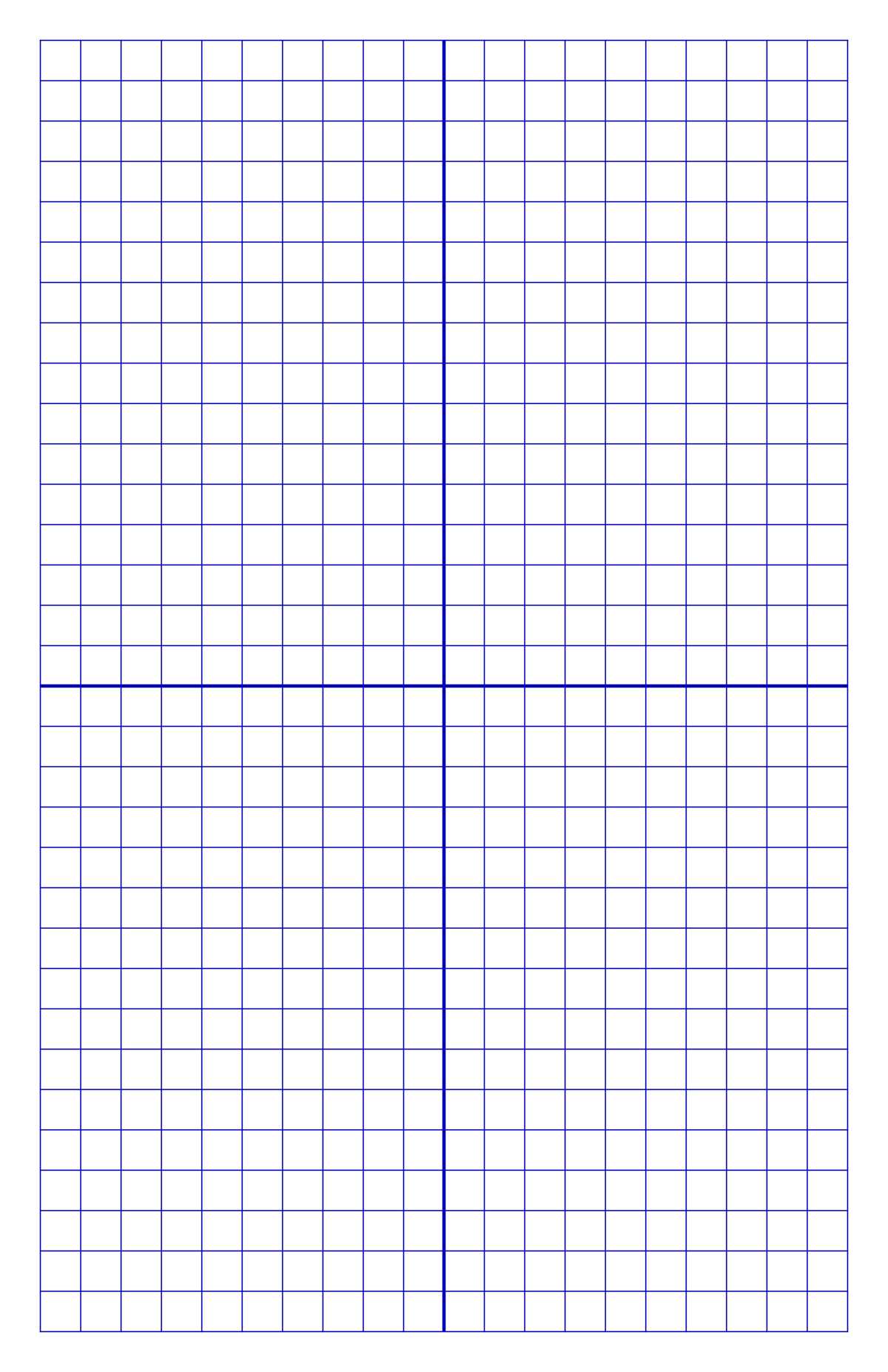
For those who need detailed square layouts, you can easily find templates with 1/2 inch spacing online. Many websites offer these for download at no cost. Just make sure to select the correct size format based on your project requirements. Most templates are available in standard letter format (8.5 x 11 inches), making it easy to print directly from home or school.
If you’re working on larger projects, it’s a good idea to check for options that provide larger templates, such as 11×17-inch sheets. These provide more space for your designs, which is particularly useful for architecture or design tasks. For small-scale use, regular letter-sized grids are perfect for quick sketches or mathematical calculations.
Once you’ve downloaded the correct template, you can adjust the print settings to ensure the grid lines are printed accurately. Make sure your printer settings are configured for the best quality print. If you’re using a laser printer, the result will be sharper, but an inkjet printer will work just as well if calibrated properly.
Using this type of template allows for precise measurements when working with proportions, design drafts, and even simple note-taking. Many people find that creating visual layouts with grids improves their workflow, whether they’re drawing technical diagrams or working on creative projects like comic strips or architectural drawings.
For educational purposes, this type of squared layout is frequently used in schools. It helps students understand concepts like coordinate plotting, ratios, and even geometry. Teachers often provide these templates for their students to practice graphing and visualizing equations or constructing geometric shapes accurately.
If you’re searching for specialized grid designs, there are plenty of resources online to find custom-sized templates. Some sites even offer templates with additional features, like darker grid lines for higher visibility or lighter lines for more intricate designs. Experiment with different types until you find the one that works best for your needs.
How to Print 1/2 Inch Square Templates at Home

To print a 1/2 inch square template, begin by finding a reliable website that offers templates for download. Choose a template that suits your needs, such as one with evenly spaced lines that fit your project. Most templates are available in PDF format, making them easy to open and print directly from your computer.
Before printing, ensure your printer settings are configured correctly. Select the appropriate paper size, typically 8.5 x 11 inches, and adjust the print quality to high for the best results. This ensures that the grid lines are crisp and visible. You can also preview the template on your screen to make sure it fits the page before printing.
If your printer allows, you may want to use heavier weight stock to print on for a sturdier sheet. This is particularly useful if you’re planning to use the grid for tracing, sketching, or other hands-on tasks that require a more durable material. For general use, regular printer paper works well enough.
Once printed, check the layout for any misalignment or scale issues. If the grid lines don’t match up as expected, try printing again using the “Actual Size” setting on your printer to ensure it prints at the correct scale.