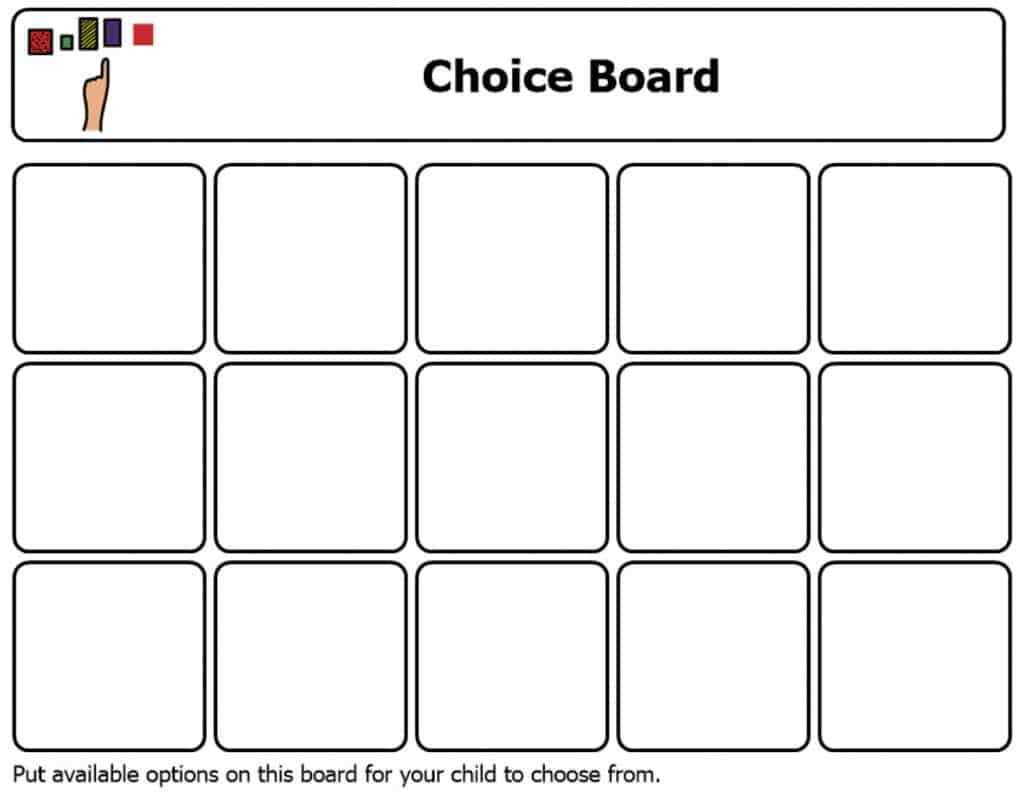
Using a visual aid to assist individuals with limited verbal skills can significantly improve their ability to make decisions. This method helps by offering clear and structured options for selecting activities, tasks, or responses. A simple, organized layout with images or icons is ideal for presenting choices to those who may struggle with processing complex verbal instructions.
To make this approach work, start by designing an organized layout with a few simple categories. For instance, you can divide the options into sections like “Activities,” “Foods,” or “Feelings.” Each section would have pictures or symbols that represent the choice, making it easier for the person to identify their preferences. The design should be minimal to avoid overwhelming them, and it should be easy to understand at a glance.
How to Create Visual Tools for Communication
Start by identifying the most common needs or decisions the individual faces daily. For example, if it’s a student in a classroom setting, include options like “Take a Break,” “Ask for Help,” or “Choose a Task.” For children at home, consider choices related to meals, entertainment, or daily routines.
Use simple, clear images that are easy to recognize. Photos, symbols, or drawings that match the context of each choice work best. For example, for “Eat,” use a photo of a snack or a simple fruit icon. Keep the visuals consistent and labeled if needed. You can print these materials at home or use online tools to create customized images that best suit the individual’s preferences.
Where to Find Resources and Customize Options
Many websites offer pre-designed templates for creating these visual supports. These resources often allow customization, so you can add specific options that are relevant to the individual’s environment or interests. Additionally, you can search for specific visual tools designed for classroom, therapy, or home use.
Once you have a collection of images or icons, arrange them in a grid or linear format. This setup allows for easy navigation and quick access to the available choices. Be sure to place frequently used options in prominent spots to minimize the time spent looking for them. You can also laminate the materials for durability and reuse.
Once printed, these visual aids can be laminated for durability, or placed in a frame for easy switching of options. If you prefer digital versions, many apps are available that allow for interactive selections, perfect for tablets or other touchscreen devices.
Using Visual Tools to Aid Decision Making and Communication
Creating a visual tool with clear and simple choices can significantly improve the ability of individuals to express their preferences and make decisions. Organize options into categories like “Activities,” “Meals,” or “Feelings” with easy-to-understand images or symbols. This structure helps reduce anxiety and confusion when it’s time to choose, allowing the person to confidently point to their selection. For example, include common daily choices like “Go outside,” “Eat lunch,” or “Play with toys” to make daily routines easier to navigate.
To create these tools, select images that clearly represent the choices being offered. Use high-contrast, large pictures or simple icons that are easy to identify. Once printed, laminate the cards or place them in a binder for easy access and durability. This method can be used at home, in classrooms, or during therapy sessions, helping individuals with communication challenges feel more in control of their environment and decisions. If you prefer digital options, consider using apps that replicate this setup on a tablet or smartphone for interactive use.