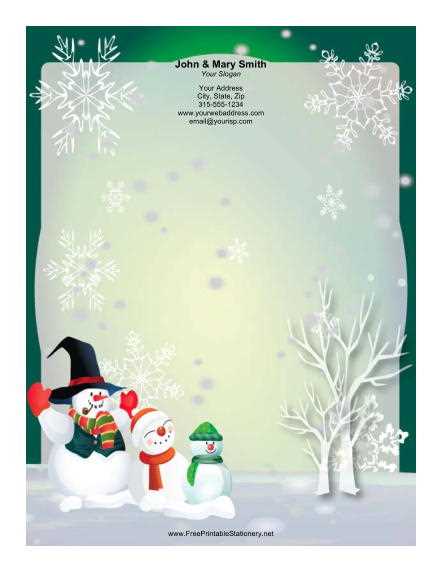
Choose A4 or US Letter layouts with a minimum resolution of 300 DPI to ensure sharp text and clean decorative elements after printing. Select PDF files with embedded fonts to avoid formatting shifts, and prefer designs with 0.25-inch margins for compatibility with most home and office printers. Templates featuring subtle winter motifs–such as pine branches, snowflakes, or minimalist red-and-green borders–preserve writing space while maintaining a festive tone.
For handwritten messages, opt for light background patterns (no more than 15% opacity) to keep ink legible. If you plan to use a laser printer, choose vector-based artwork instead of raster images to prevent pixelation along edges. Cardstock between 120–160 gsm works well for greeting letters, while standard 80–100 gsm paper suits longer correspondence. Envelopes in C6 or #10 formats align with folded A4 or Letter sheets without trimming.
Personalize the layout by editing in programs like Microsoft Word or Adobe Acrobat before printing. Adjust header spacing to 1–1.2 inches from the top edge to balance decorative frames, and test one draft copy to verify color accuracy–especially deep reds and forest greens, which may appear darker on matte paper. Proper alignment, quality paper choice, and clean typography transform a simple seasonal template into polished holiday correspondence.
Free Printable Christmas Stationery: Practical Guide for Personal and Business Use
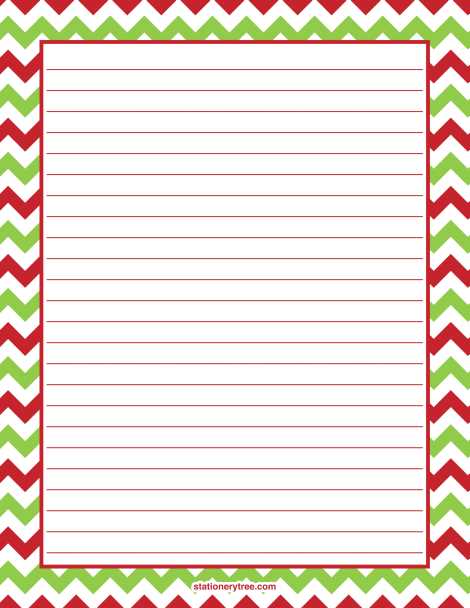
Download themed letterhead sets in high-resolution PDF (300 DPI, CMYK color mode) to avoid blurry borders and dull tones after printing. Choose layouts with 0.25-inch margins and light background graphics (no more than 15% opacity) so text remains readable on home inkjet and laser printers. For personal letters, select designs with subtle holly, pine branches, or snowflake frames that leave at least 70% of the page blank for handwriting.
For household use, match paper weight to purpose:
- 90–100 gsm – suitable for handwritten notes and children’s messages.
- 120–160 gsm – appropriate for formal greetings and inserts inside gift boxes.
- 200+ gsm – better for covers or single-page announcements.
Use matte finish for ballpoint pens and gel ink; glossy sheets often cause smudging. Test one sample page before batch printing to check color balance and alignment.
Small businesses can adapt seasonal letterhead for client communication, invoices, and thank-you inserts. Add a monochrome logo in the header (maximum width 3.5 inches) and keep brand colors consistent with existing guidelines. Retail stores may include limited-time promo codes in the footer, while cafés and local services can attach personalized greeting notes to orders. Save the final layout as a locked PDF to prevent accidental shifts in typography. Serif fonts like Georgia (12 pt) suit formal messages; sans-serif options such as Arial (11 pt) work for short updates and discount announcements.
Control printing costs by using draft mode for internal memos and standard mode for customer-facing documents. A cartridge yielding 200 pages at 5% coverage will produce roughly 120–150 decorated sheets due to border graphics; plan supplies accordingly. Duplex printing reduces paper use for newsletters but avoid it for thick cardstock to prevent jams. Store unused sheets flat in a dry space at 18–22°C to prevent curling.
For distribution, combine physical copies with downloadable templates in A4 and US Letter formats to accommodate international recipients. Include editable versions in DOCX for quick personalization and fixed PDFs for consistent branding. Archive each design with clear file names (e.g., “Winter_Letterhead_A4_2026”) to streamline reuse next season and maintain visual consistency across campaigns and private correspondence.
Where to Find High-Resolution Free Printable Christmas Stationery for Home Printing
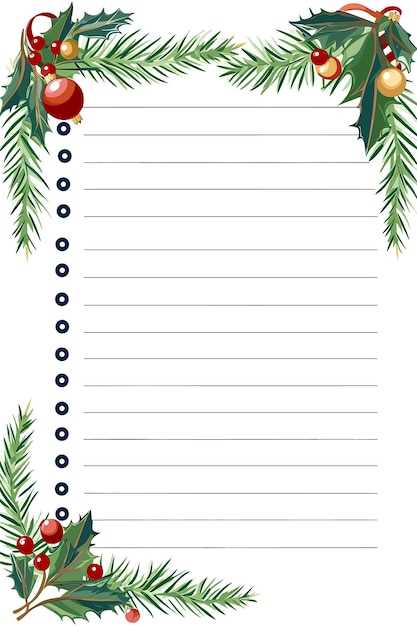
Download 300 DPI letterhead templates from Canva by filtering search results to A4 or US Letter layouts and exporting as PDF for print quality; choose designs with at least 2480×3508 px resolution to avoid pixelation on home inkjet devices.
Creative Fabrica offers seasonal writing sheets in vector formats such as SVG and high-resolution PNG; select files labeled 300 DPI or higher and confirm bleed margins of 0.125 inches if you plan border-to-edge printing. Files are typically provided in 8.5×11 inch format, which matches standard North American paper sizes and reduces scaling errors.
Browse The Graphics Fairy for vintage letter paper backgrounds scanned at archival quality; many assets exceed 4000 px on the long edge, allowing crisp text overlays without loss of clarity.
Use TemplateLab to access holiday-themed correspondence layouts formatted in DOCX and PDF. Choose versions optimized for 600 DPI laser output if you plan to print sharp serif typography. Check that the margin settings are at least 0.5 inches to prevent clipping on standard home printers, especially older HP and Epson models with limited borderless support.
For minimal designs suitable for formal greetings, explore community uploads on Figma Community; search for winter letterhead files shared under open licenses. Download vector PDFs to preserve line sharpness and adjust CMYK color profiles before printing to maintain deep reds and greens without oversaturation.