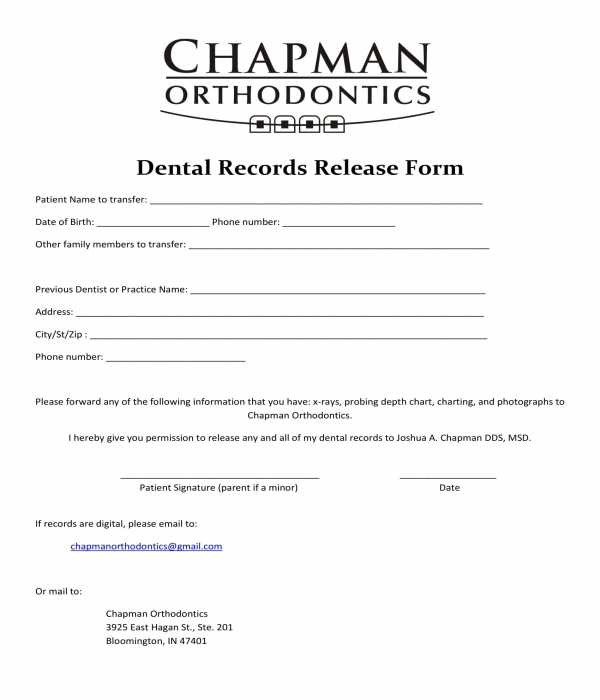
To transfer a patient’s oral health data to another professional, start by obtaining a document that clearly outlines the details of the transfer request. Be sure to include the patient’s full name, date of birth, and contact information to ensure the request is processed accurately.
Make sure that the document includes specifics on which information is being shared. This might include medical history, treatment plans, or previous diagnoses. You should also state the purpose of the transfer, whether for ongoing treatment or a second opinion.
Steps to Complete the Transfer Request
Begin by filling in the personal details of the patient, including contact information. Specify the healthcare provider or facility to which the details are being sent. Ensure that the consent box is checked, as this authorizes the transfer of the information to the third party.
Next, provide a clear description of the records being shared. Indicate whether the entire patient file or specific portions of it are included. Include any special instructions or restrictions on the information being sent, if applicable.
Sign and date the document, confirming that the patient is aware of and agrees to the transfer. If the patient is a minor or unable to sign, ensure that a legal guardian or representative completes the necessary steps.
Where to Submit the Transfer Request
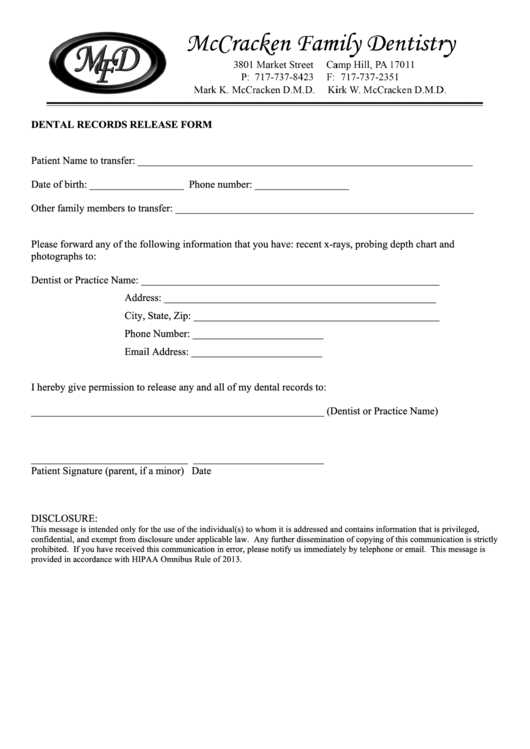
Once completed, the document should be submitted to the receiving healthcare provider or institution. This can usually be done via mail, fax, or electronically through a secure patient portal. Double-check the submission method to ensure it complies with privacy regulations.
If submitting the request electronically, ensure that the portal or email used is secure and HIPAA-compliant. For paper submissions, it’s advisable to send the document using a tracked mail service to ensure it arrives safely.
After submission, follow up with the receiving provider to confirm that the transfer was completed successfully. This ensures that the patient’s information has been received and that the treatment process can continue without delay.
Dental Records Transfer Guide
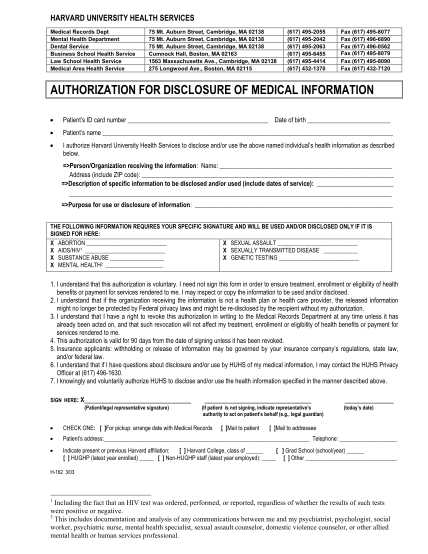
To facilitate the transfer of a patient’s oral health information, begin by gathering the required details such as the patient’s name, date of birth, and contact information. Ensure the document specifies the exact data being shared, whether it’s treatment history, X-rays, or other medical details.
Include the name and contact details of the receiving practitioner or facility. This ensures the requested information is sent to the correct party. Additionally, outline any specific restrictions on the information, if there are any limitations on what can be shared.
Verify that the patient’s consent is clearly indicated. This typically involves a signature and date, confirming that the patient agrees to have their information sent to a third party. In the case of minors or individuals unable to sign, ensure that a guardian or authorized representative provides consent.
Once the document is completed, submit it to the designated recipient. This can be done via secure electronic methods or traditional mail, depending on the preferences of the receiving party. Confirm that the transfer method complies with privacy and security regulations.
After submission, follow up with the recipient to confirm receipt and ensure the patient’s information has been properly transferred. This helps prevent any delays in treatment and guarantees continuity of care.