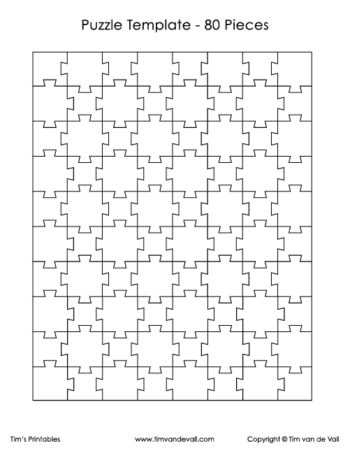
Choose ready-to-use jigsaw layouts with adjustable piece counts if you want fast results without design work. Pre-scaled grids sized for A4 and US Letter paper help avoid alignment errors and reduce paper waste. For children, formats with 6–12 large segments improve hand–eye coordination, while adults benefit from 48–100 smaller segments that support concentration and visual memory.
High-contrast outlines and evenly distributed cut lines deliver clean results on standard office printers. Look for versions that include margin guides and bleed-safe spacing; these details prevent clipped edges after trimming. For classrooms and therapy sessions, sets that offer multiple difficulty levels in one download allow quick adaptation to different skill ranges.
Paper choice matters. Use 200–250 gsm cardstock for durability and smoother cutting, or laminate after printing for repeated use. Pair the layouts with rounded scissors for kids or a craft knife and cutting mat for precise edges. Storage-friendly designs that fit standard folders simplify organization for teachers, parents, and activity coordinators.
Free Printable Puzzle Template: Practical Guide to Downloading, Customizing, and Printing
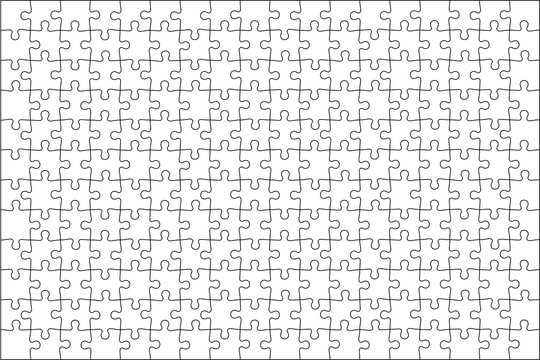
Download layouts in PDF or SVG format with at least 300 DPI resolution and clear cut lines. Choose vector files if you plan to resize elements without quality loss; SVG works best for scaling and editing in tools like Inkscape or Adobe Illustrator. For quick access without registration, use reputable educational portals and worksheet libraries that specify page size (A4 or US Letter) and margin settings. Before saving, check that the file includes bleed margins of 3–5 mm if you plan edge-to-edge trimming.
Adjust the design using layered files where text, grid, and shapes are separated. Replace placeholder words or images, keeping font size between 12–18 pt for readability on standard 80–100 gsm paper. Maintain line thickness at 1–1.5 pt for cut guides; thinner strokes may disappear on home printers. If creating custom shapes, use grid alignment tools and snap-to-guides features to avoid uneven edges. For themed activities, insert high-contrast icons in PNG format with transparent background at 1500 px minimum width. Always export the final version back to PDF with embedded fonts to prevent substitution errors on other devices.
Set printer preferences manually:
- Select “Actual Size” or 100% scale; disable “Fit to Page.”
- Use matte paper 120–160 gsm for durability; laminate with 80–100 micron film if pieces will be reused.
- Activate high-quality or photo mode for detailed graphics.
- Print a single test page before batch output.
After printing, cut with a metal ruler and craft knife on a self-healing mat for straight edges; scissors are suitable only for rounded contours. Store finished sets in labeled zip envelopes to prevent loss of small elements.
Where to Download Free Printable Puzzle Templates in PDF and PNG Formats for Home or Classroom Use
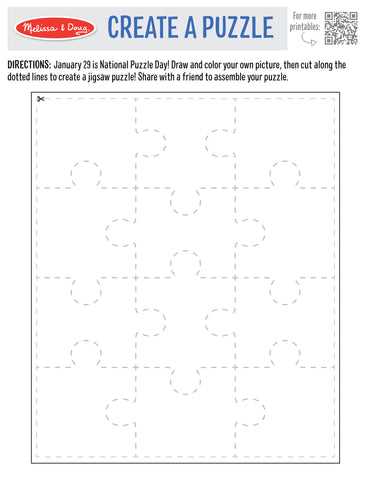
Teachers Pay Teachers offers ready-to-use activity sheets with interlocking-piece layouts that can be saved as PDF files directly from educator-created listings; many entries allow instant download without payment and include answer keys sized for A4 and US Letter. Search filters make it easy to narrow by grade level, subject, and page count, which helps avoid resizing before sending files to a home or school printer. :contentReference[oaicite:0]{index=0}
For classrooms that need consistent visual standards, Twinkl provides classroom-ready worksheet packs in both PDF and PNG, often bundled with black-and-white versions that reduce ink use. File previews show exact margins and piece density, which is useful for laminating or cutting activities for group work. Account registration unlocks access to downloads aligned with curriculum tags and regional paper sizes. :contentReference[oaicite:1]{index=1}
Canva’s resource library includes editable layouts that export cleanly to PDF or PNG with custom dimensions, allowing quick adjustments to piece count or labels before saving. Education.com also hosts teacher-tested activity pages organized by topic, with clear download buttons and consistent formatting for quick distribution. :contentReference[oaicite:2]{index=2} :contentReference[oaicite:3]{index=3}