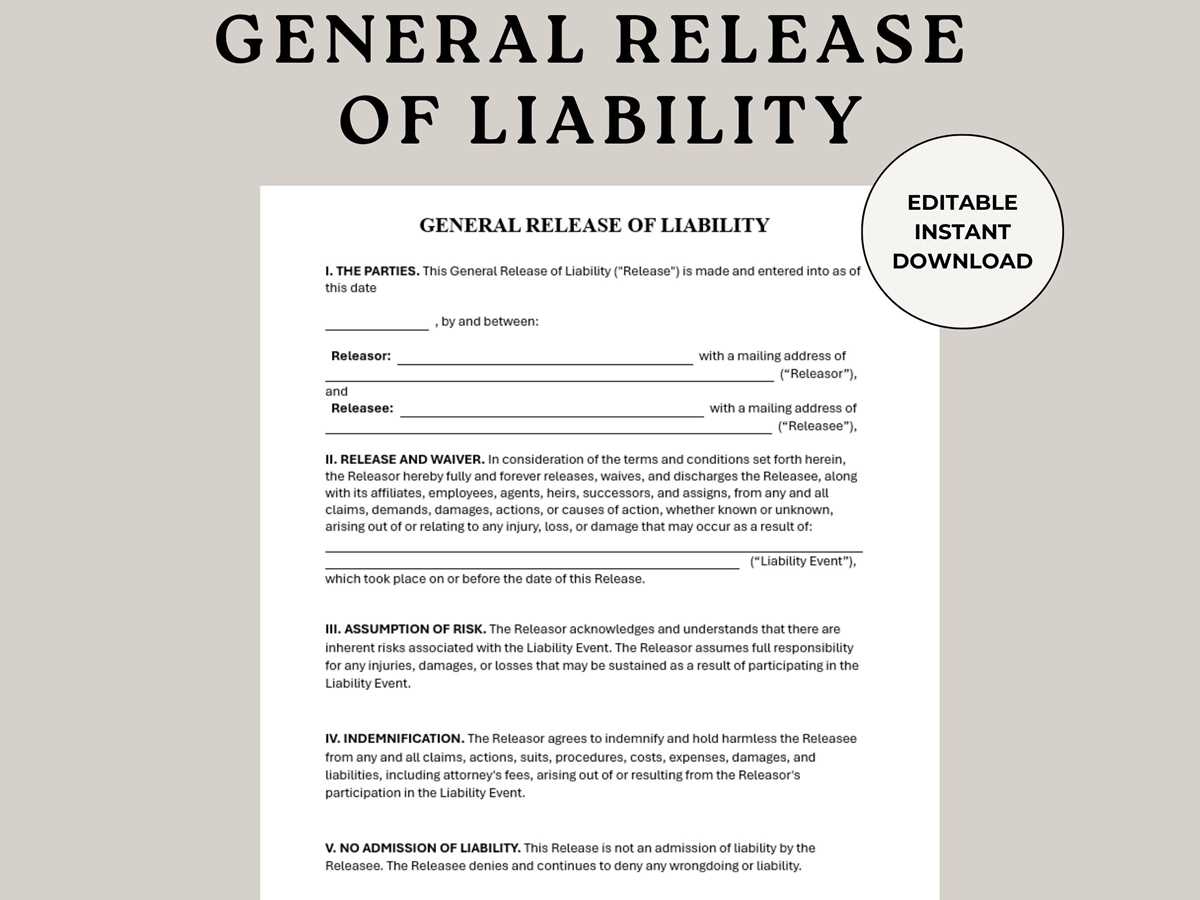
If you’re planning an event, activity, or business venture that involves risk, it’s important to have a document that protects you from legal claims. A liability waiver helps ensure that participants acknowledge and accept any potential risks. You can easily access and download such a document to use whenever necessary.
Once you have the document, ensure that all the details are correct, including the names of the parties involved, the activity in question, and the specific risks being acknowledged. Customizing the document to fit your specific situation is key to ensuring its validity. Always verify the terms before using it for official purposes.
This kind of agreement is often used in activities like sports events, construction projects, or rental agreements. It’s also useful when providing services that may have inherent risks. By having a properly filled-out waiver, you can reduce the likelihood of disputes or legal actions arising from injuries or accidents during the activity.
How to Use a Liability Waiver for Your Activity
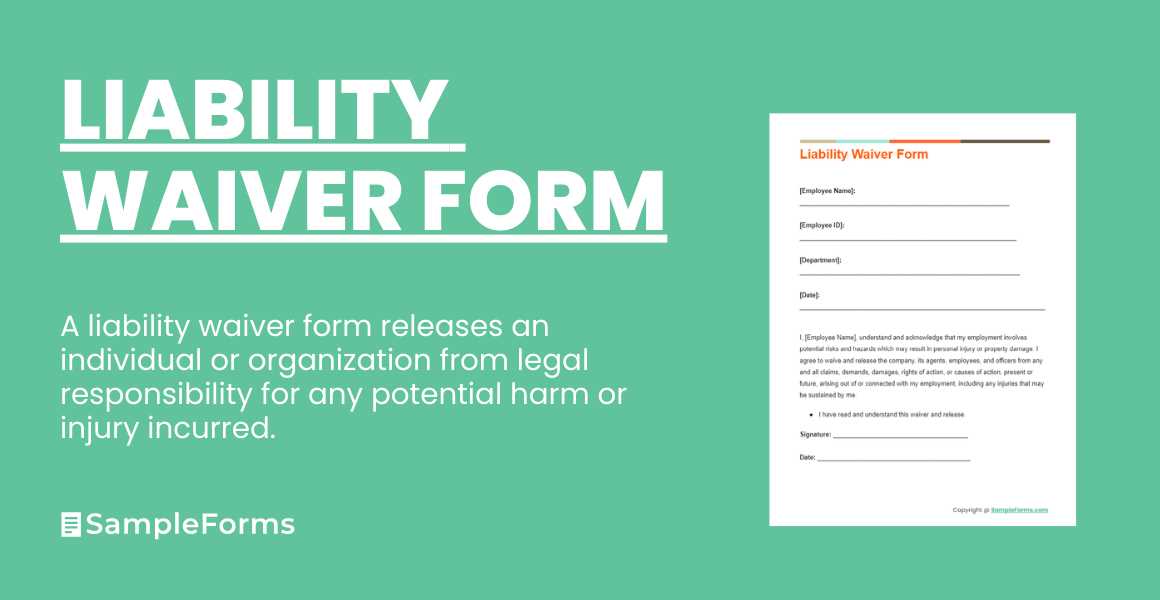
To protect yourself from legal claims, a well-structured waiver can serve as a safety net. You can download a template for such a document and use it for various activities like sports events, rentals, or even informal gatherings. The key is to ensure that it accurately reflects the risks associated with the activity in question.
When filling out the document, clearly identify the parties involved. This includes the person providing the service or hosting the event and the individuals participating. Also, specify the exact activity and the potential risks that participants are acknowledging by signing the document. This clarity will help in case of disputes.
- Be Specific: Mention the exact nature of the activity and any potential hazards. For example, if it’s a hiking trip, outline the risks like uneven terrain or potential for injuries.
- Provide Context: Ensure participants understand what they’re signing by including details about what the document covers and its limitations.
- Keep it Clear: Use plain language. Avoid legal jargon that could confuse participants or make the document difficult to understand.
After customizing the document, make sure it’s signed by the participant and dated. This gives you proof that they were informed and agreed to the terms. If the activity involves minors, a guardian’s signature may also be required.
For extra protection, some people opt to have the document notarized, though this is not always necessary. Notarization adds a layer of formality and can be helpful in legal disputes, but the signed document itself is typically enough for most situations.
Once the document is signed, keep a copy for your records. It’s also a good idea to provide the participant with a copy for their reference. Having this in writing ensures that everyone is on the same page about what is expected and what risks are involved.
Using a well-drafted waiver helps avoid confusion and provides peace of mind for both parties. By clearly outlining the risks and responsibilities, you ensure that participants are aware of what they’re agreeing to and that you’re legally covered in case of an accident or dispute.
How to Download and Access the Liability Waiver
To get a copy of the waiver document, visit a reputable website that offers downloadable templates. Look for the version that fits your needs, typically in PDF format. Once you locate the correct link, click on it to begin the download process.
After downloading, open the file on your device. Most PDFs can be accessed using a free PDF reader, but ensure that the reader is up to date. Review the document to verify that the terms are applicable to your specific activity before proceeding with customization.
If you prefer to have a physical copy, print the document directly from your device. Adjust the settings to fit your printer’s specifications, and make sure to keep a digital version as well for backup purposes. This ensures you always have access to the document, whether at home or on the go.