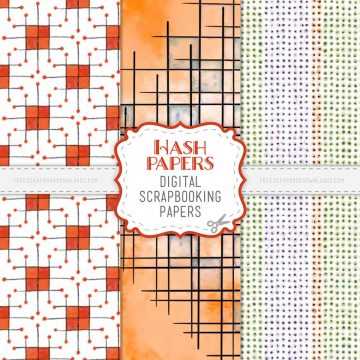
Download high resolution PDF craft sheets at 300 DPI and print them on matte photo paper or 200 gsm cardstock for durable album pages and embellishments. Select borderless printing only if your printer supports full bleed; otherwise leave a 5 mm margin to avoid trimming issues.
Choosing and Printing Decorative Elements
Select themed paper packs such as floral, vintage, travel, or baby designs. Keep color profiles in RGB for home printers and switch to CMYK only for professional press output.
- 12×12 inch patterned backgrounds for full pages
- 3×4 inch journaling cards for pocket albums
- 2 inch circular tags for labels and accents
- Alphabet tiles for custom titles
Print a single test page before producing an entire set to confirm color balance and scaling accuracy.
Paper and Ink Recommendations
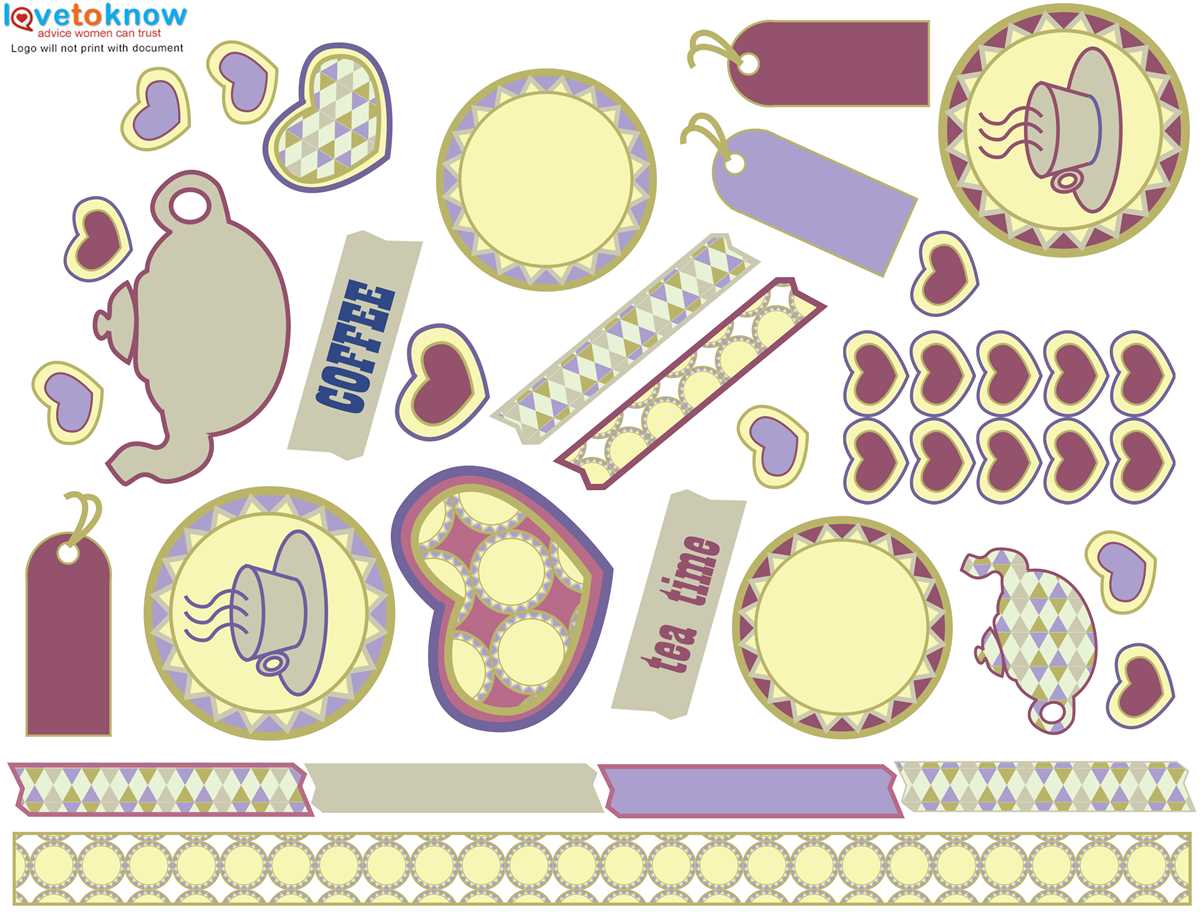
Use pigment based ink for fade resistance in albums stored long term. Textured cardstock between 180 and 220 gsm prevents warping when glue is applied. For stickers, choose full sheet adhesive paper and cut shapes with a precision knife or craft cutter.
Organizing Digital Craft Files
Create folders by theme and year, then rename files with size indicators such as “Floral_Background_12x12” or “Travel_Card_3x4.” Store editable formats like PNG and layered PSD separately from flattened PDFs to avoid accidental overwriting.
Assembly Tips for Albums and Cards
- Trim edges with a metal ruler and rotary cutter for straight lines
- Layer contrasting patterns with 3–5 mm spacing for depth
- Add foam adhesive squares under focal elements for dimension
- Seal finished pages in archival protectors to prevent dust and fading
Keep leftover cut pieces in labeled envelopes sorted by color to speed up future craft sessions.
Free Scrapbooking Printables
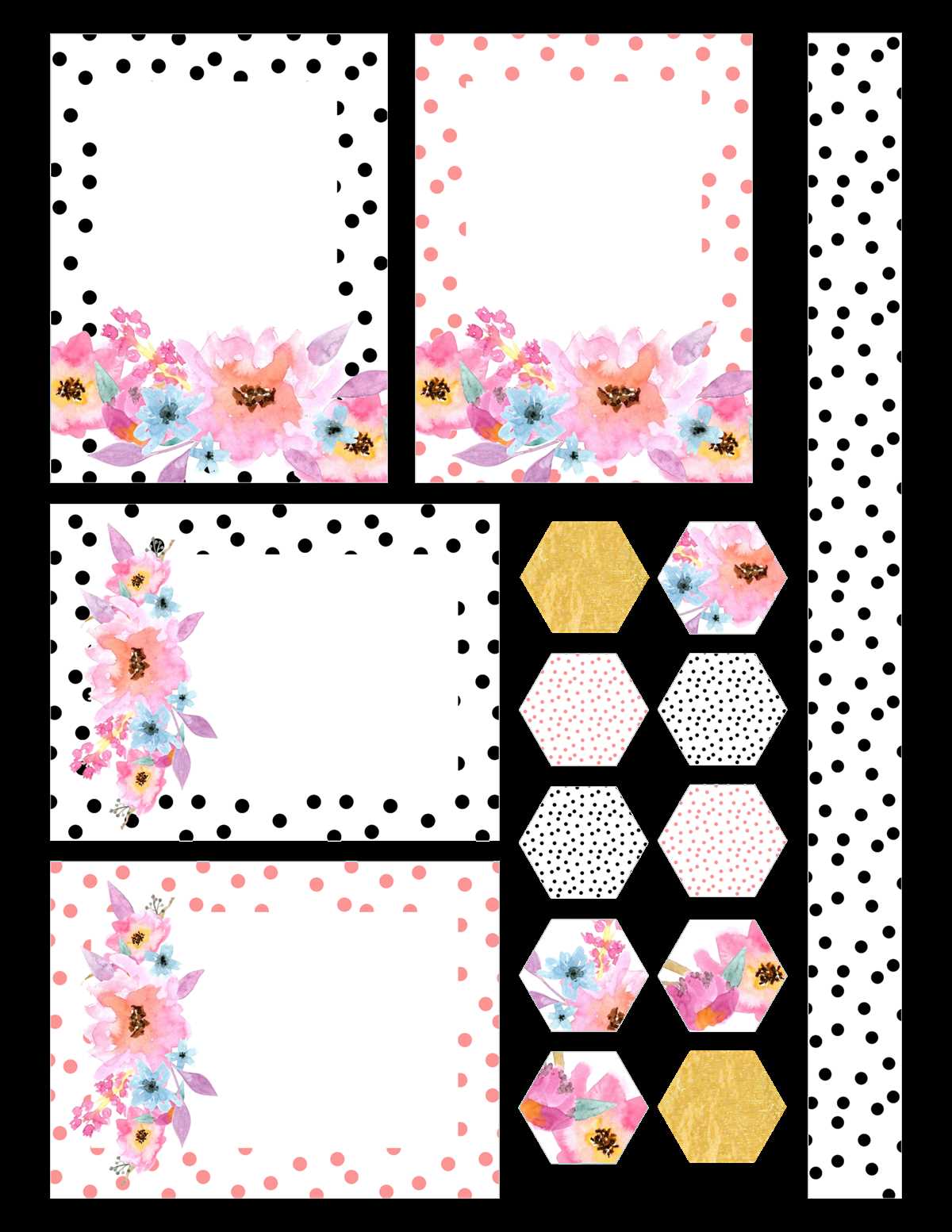
Download high resolution decorative paper packs in PDF format at 300 DPI and print them on 200–250 gsm cardstock for durable album layouts. Keep printer scaling at 100 percent to preserve original dimensions such as 12×12 inch backgrounds or 3×4 inch journaling cards.
Select matte paper for writing surfaces and glossy stock for photo frames or bold patterns. Pigment based ink reduces fading when albums are stored for long periods on shelves exposed to light.
Organize digital craft sheets into folders by theme, color palette, or season. Rename files with size labels to avoid resizing mistakes, for example “Botanical_12x12_Background” or “Travel_Tag_2in_Circle.”
Test color accuracy by printing a small sample before producing an entire set. Adjust printer settings to high quality mode and disable automatic color correction if tones appear oversaturated.
Cut elements using a rotary trimmer and metal ruler for straight edges. For curved shapes, use precision scissors or a craft knife with a cutting mat to prevent paper tearing.
Layer patterned backgrounds with contrasting borders spaced 3–5 mm apart to create depth. Apply foam adhesive squares under focal accents such as frames or titles to add dimension without bulk.
Store leftover cut pieces in labeled envelopes sorted by color or theme so future album pages can be assembled faster without reprinting decorative materials.